Samomes is a comprehensive platform for aquarists that helps create precise fertilizer recipes, calculate remineralizers, and plan dosing schedules. Follow this guide to get everything set up in just a few minutes.
Step 1: Sign in or Create account
Create your personal Samomes account in seconds. If you already have an existing account, sign in using your email and password.
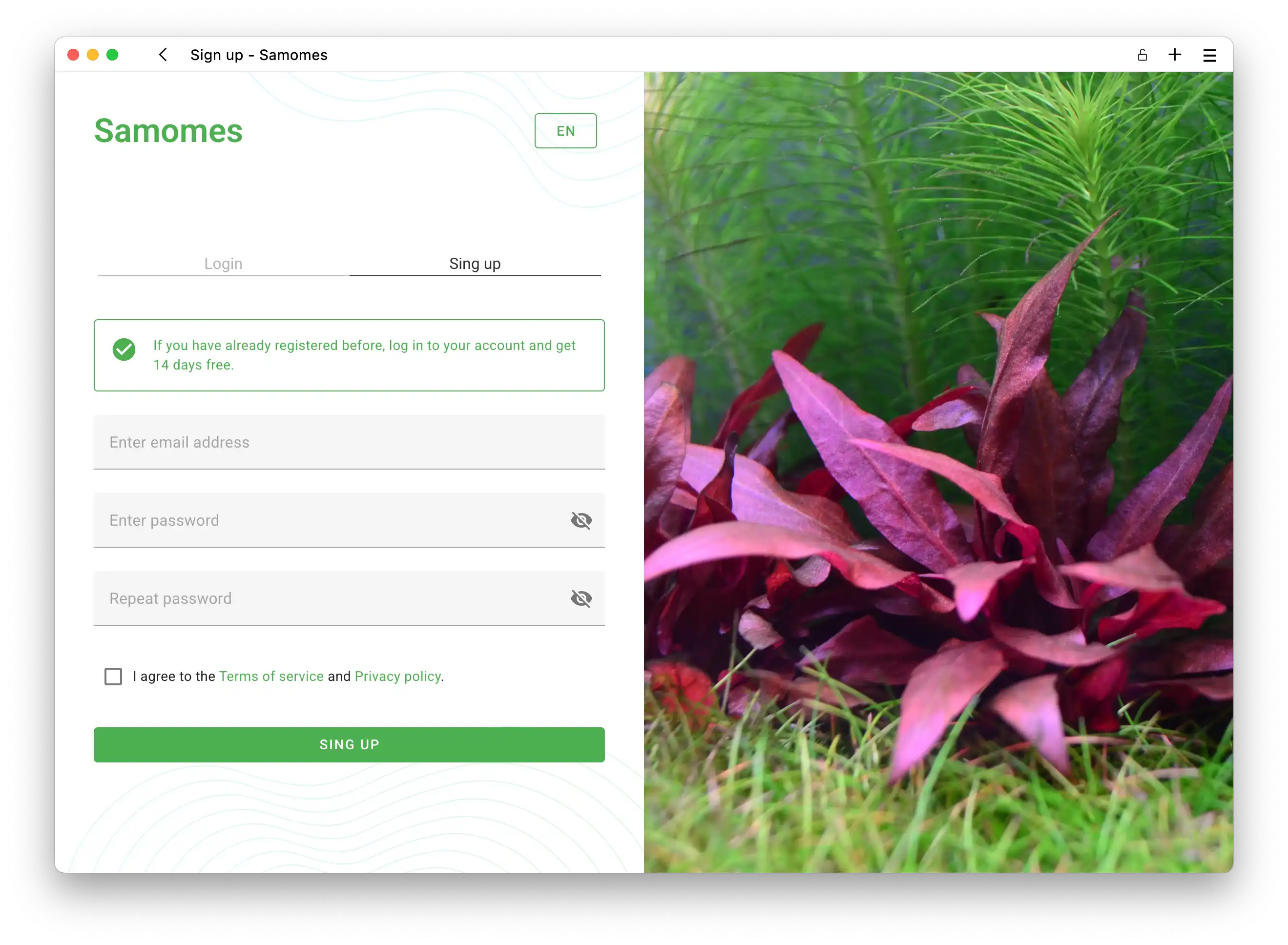
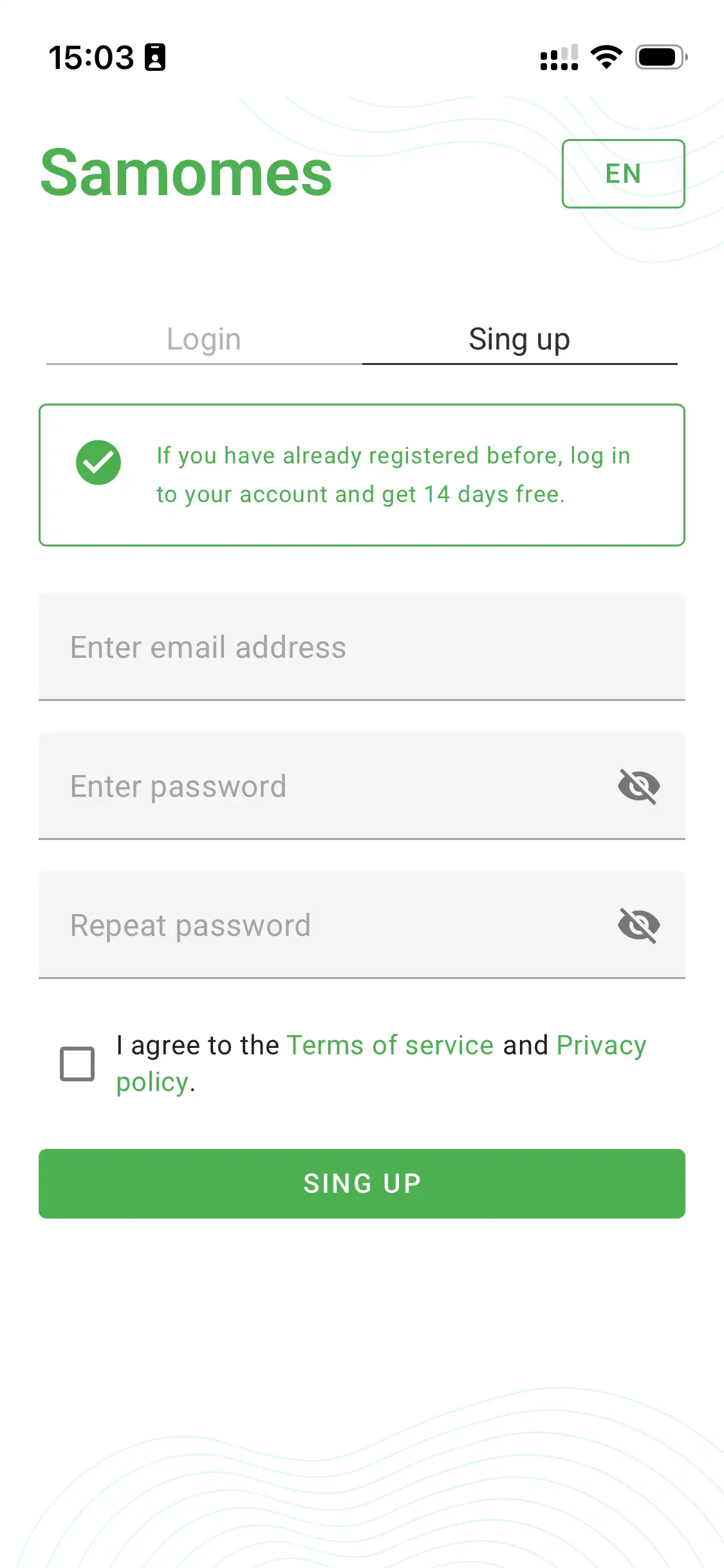
- Go to the homepage and click "Sign In" or "Try for free". Or navigate directly to signup page.
- Enter your email and create a strong password.
- Confirm your email through the link sent to your registered email address.
- If you don't receive the email within a few hours, check your Spam folder.
- If you don't receive the email within 24 hours, contact us at support@samomes.com.
Step 2: Create your tank profile
After signing in, create your first aquarium. Enter the basic parameters—the system will use them for all calculations.
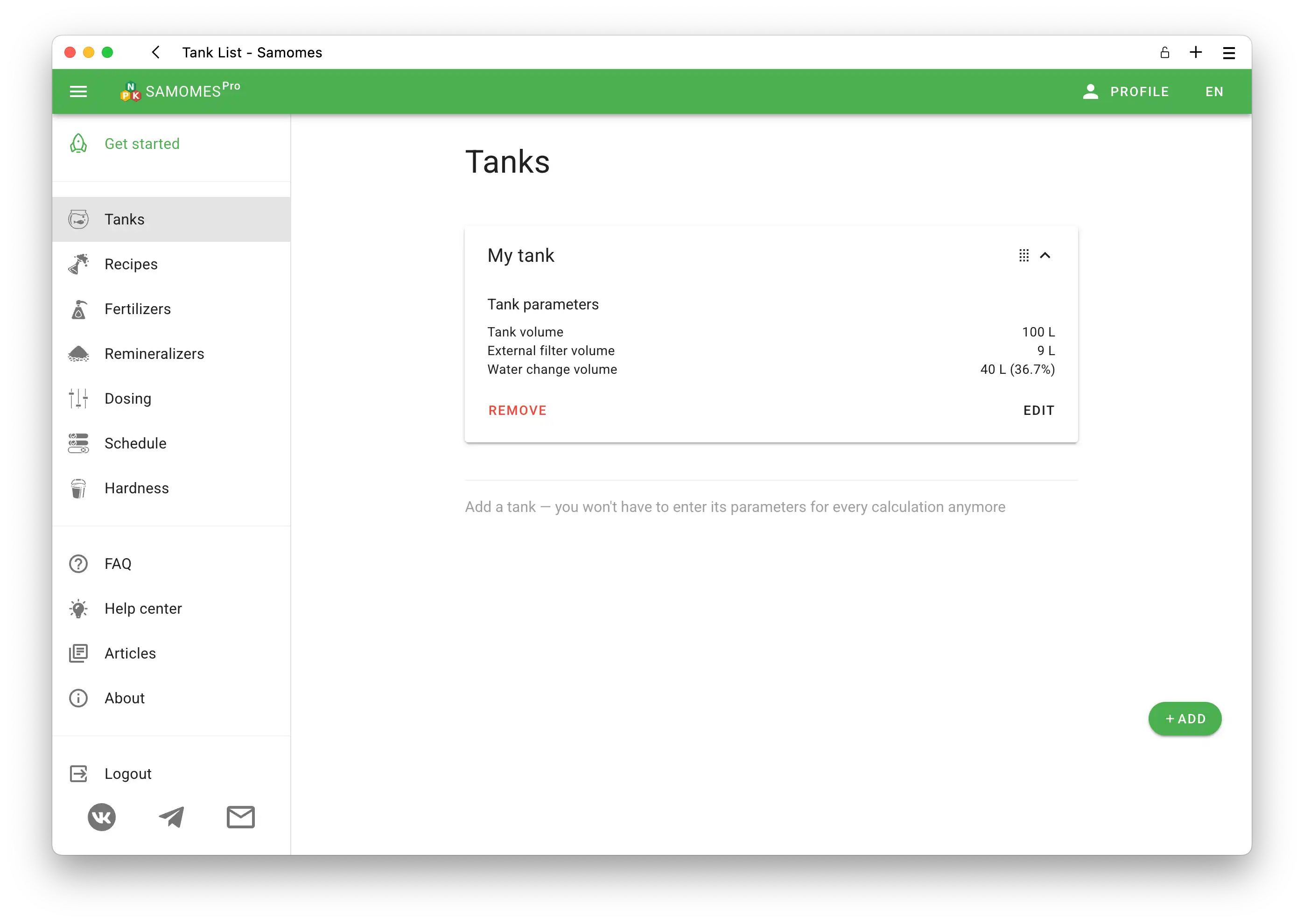
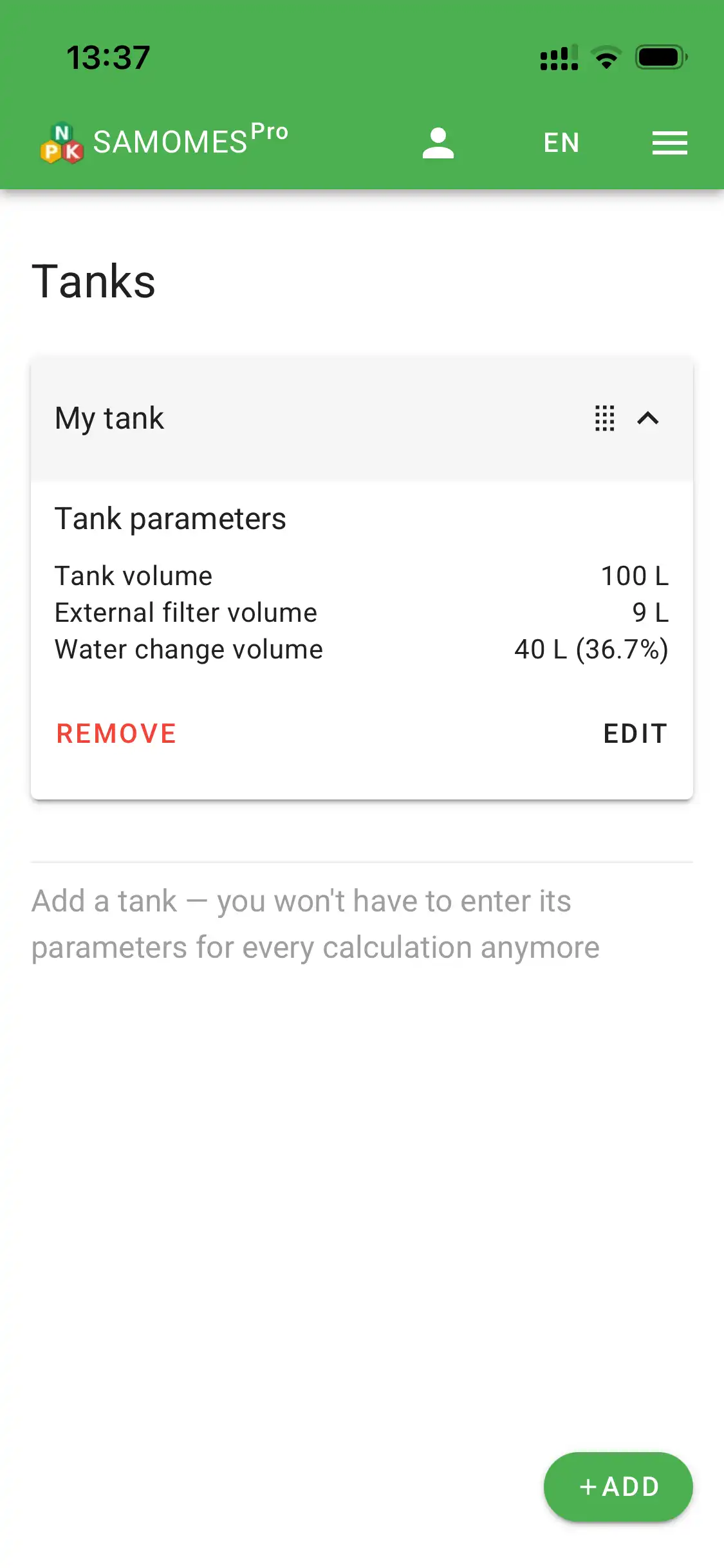
- In the sidebar, select the Tanks section and click "Add".
- Fill out all fields in the form with your tank's specifications.
- Need more details? Check out the guide "How to create a new tank in Samomes?"
Step 3: Add your fertilizers
Now you need to choose which fertilizers you'll be using. You have two options:
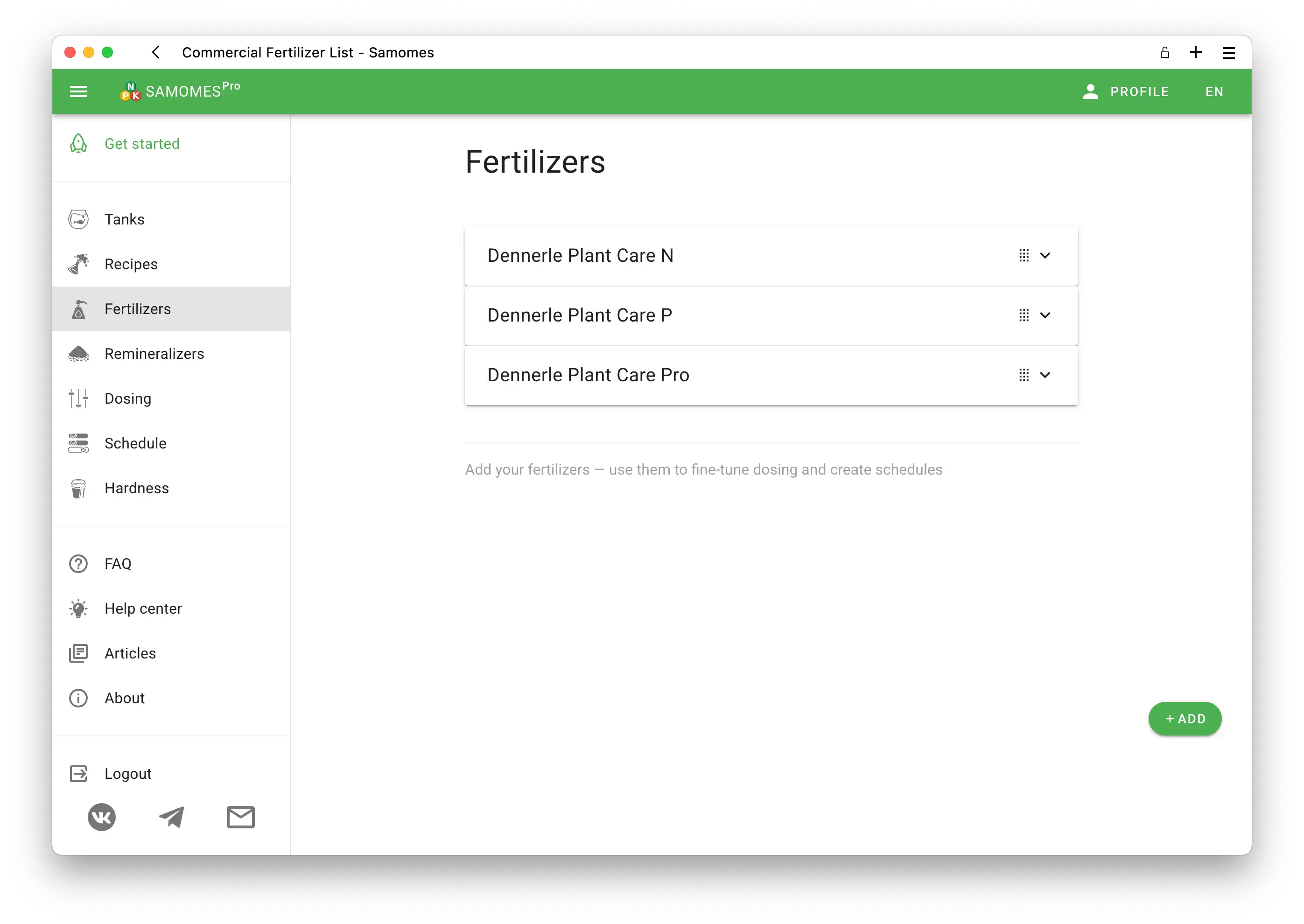
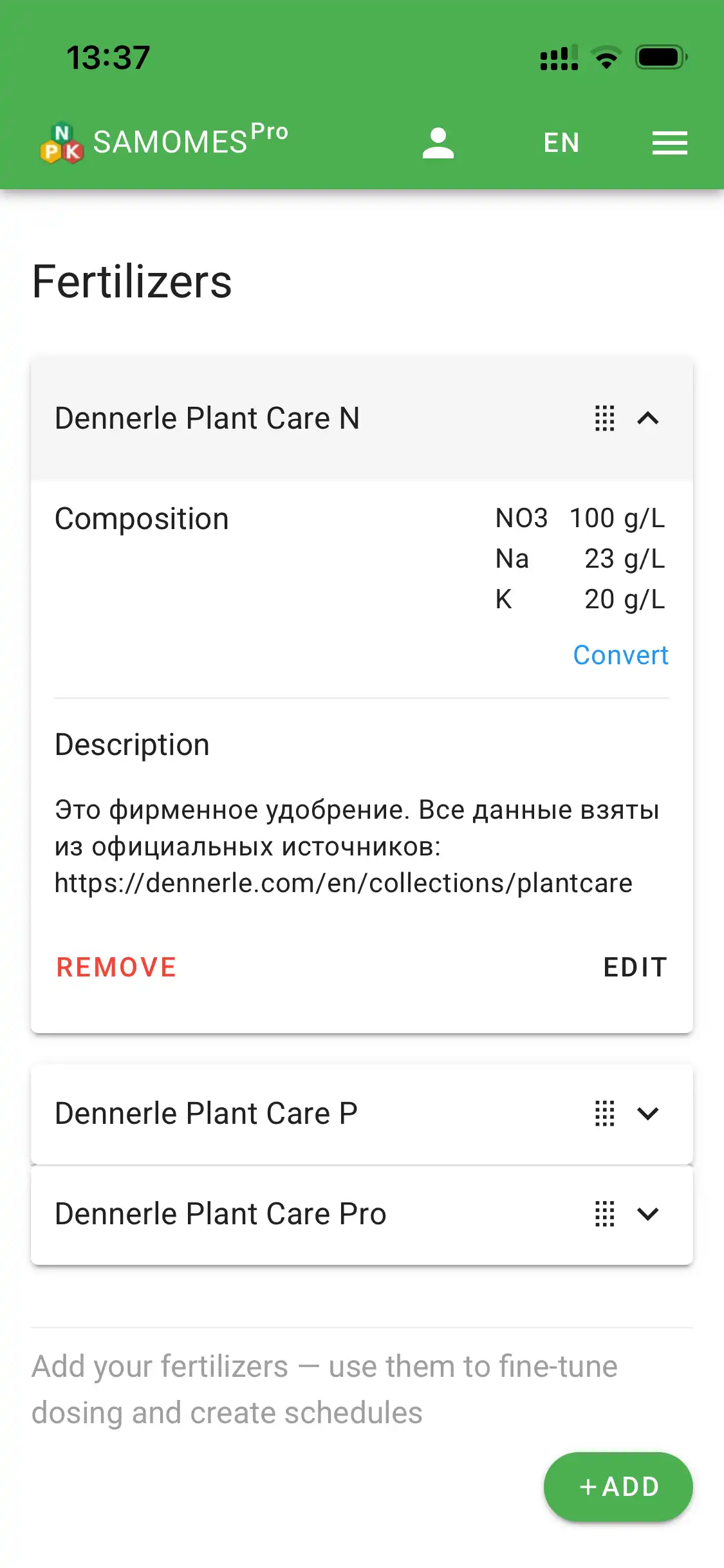
Option A: Use a commercial fertilizer.
- Go to the Fertilizers section.
- Select your fertilizer from the commercial fertilizers database.
- Save it to your fertilizer list.
- Need more details? Check out the guide "How to save a branded fertilizer in Samomes?"
- Want to add a fertilizer that's not in the database? See the "Fertilizers" section for more information.
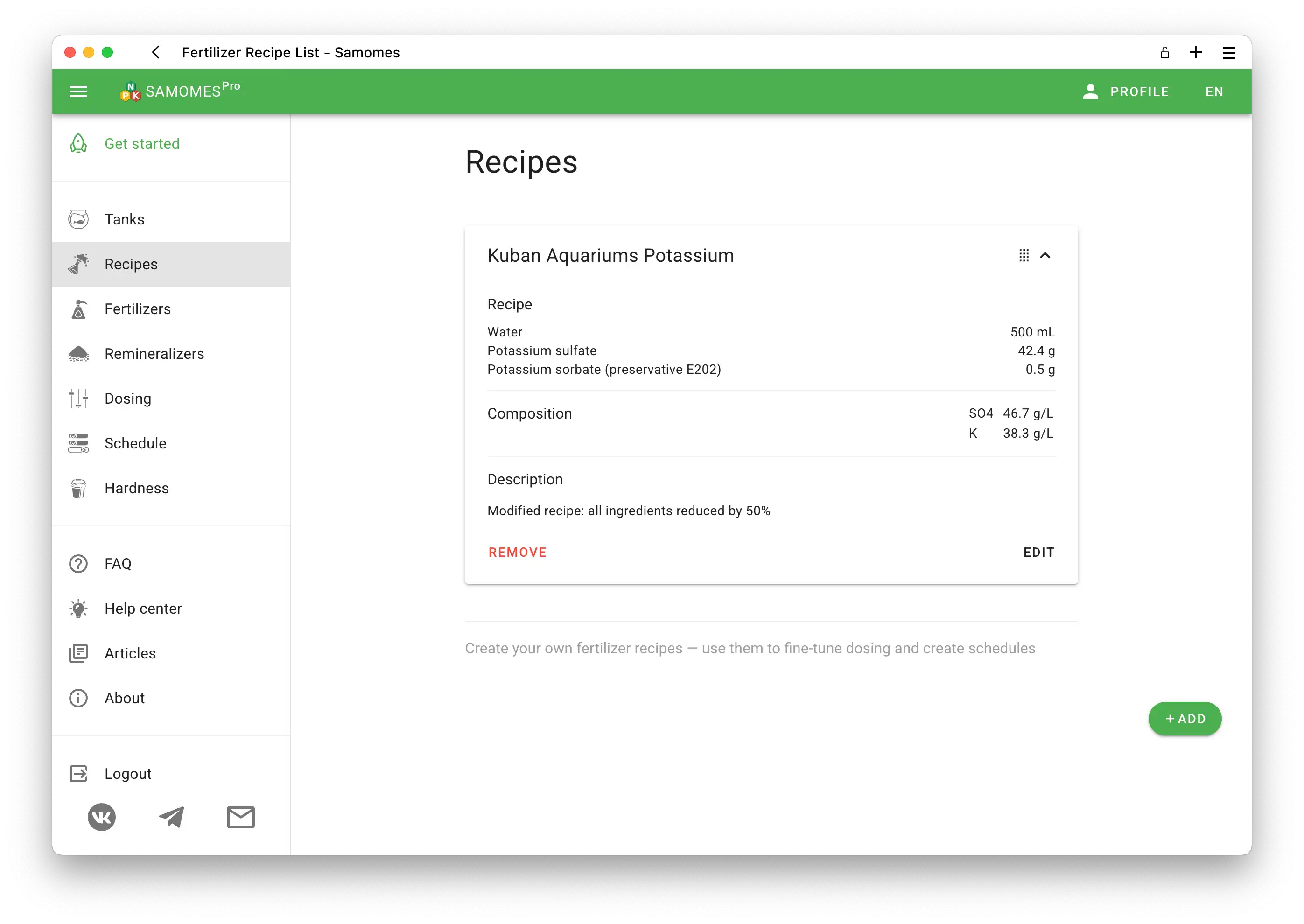
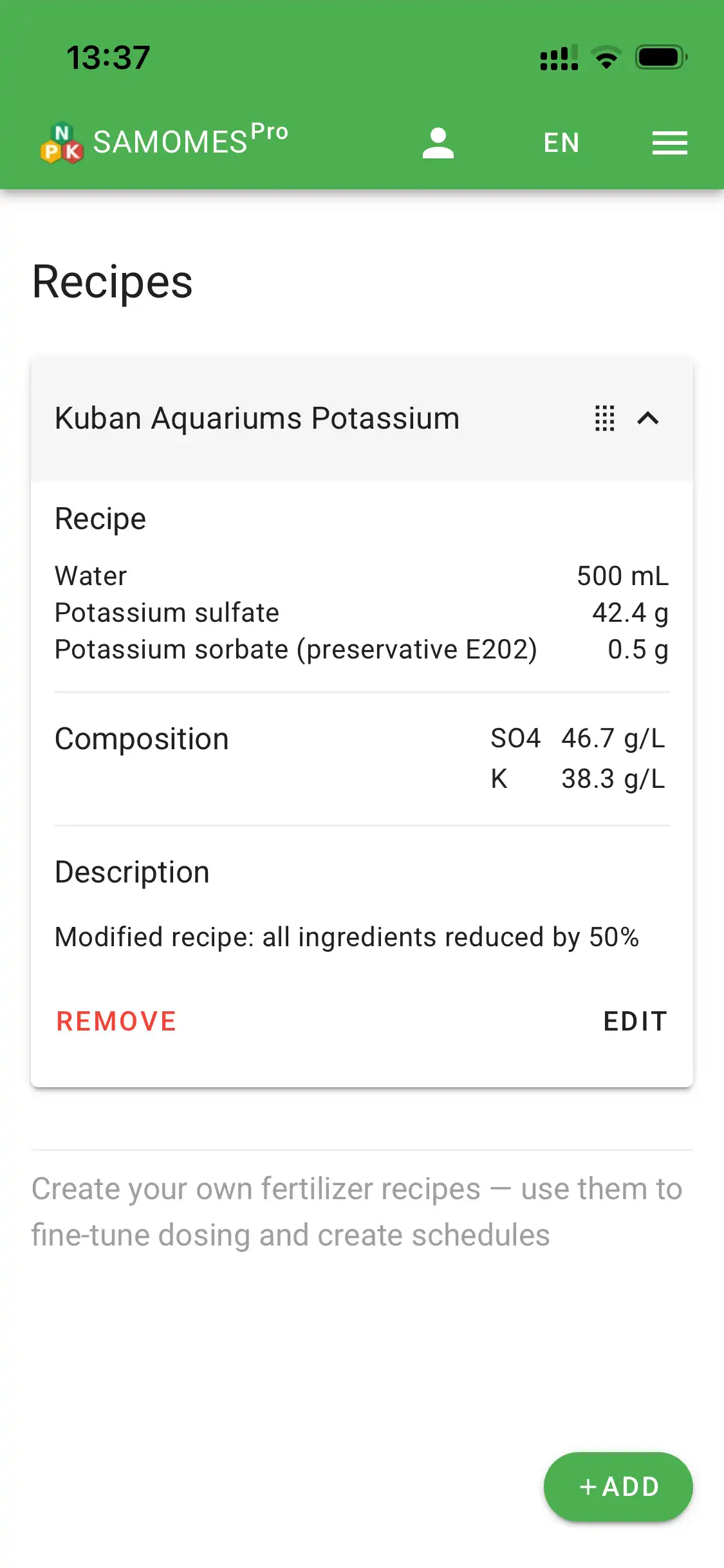
Option B: Create your own recipe.
- Go to the Recipes section.
- Create a fertilizer recipe from reagents or adapt a ready-made recipe for your tank.
- Save the recipe to your fertilizers list.
- Need detailed instructions? Follow the step-by-step guide "How to adapt ready-made recipes" .
- Want to learn more about creating custom recipes? Check out the "Recipes" section for information on creating your own fertilizer recipes and adapting classic formulas.
Step 4: Calculate your dosages
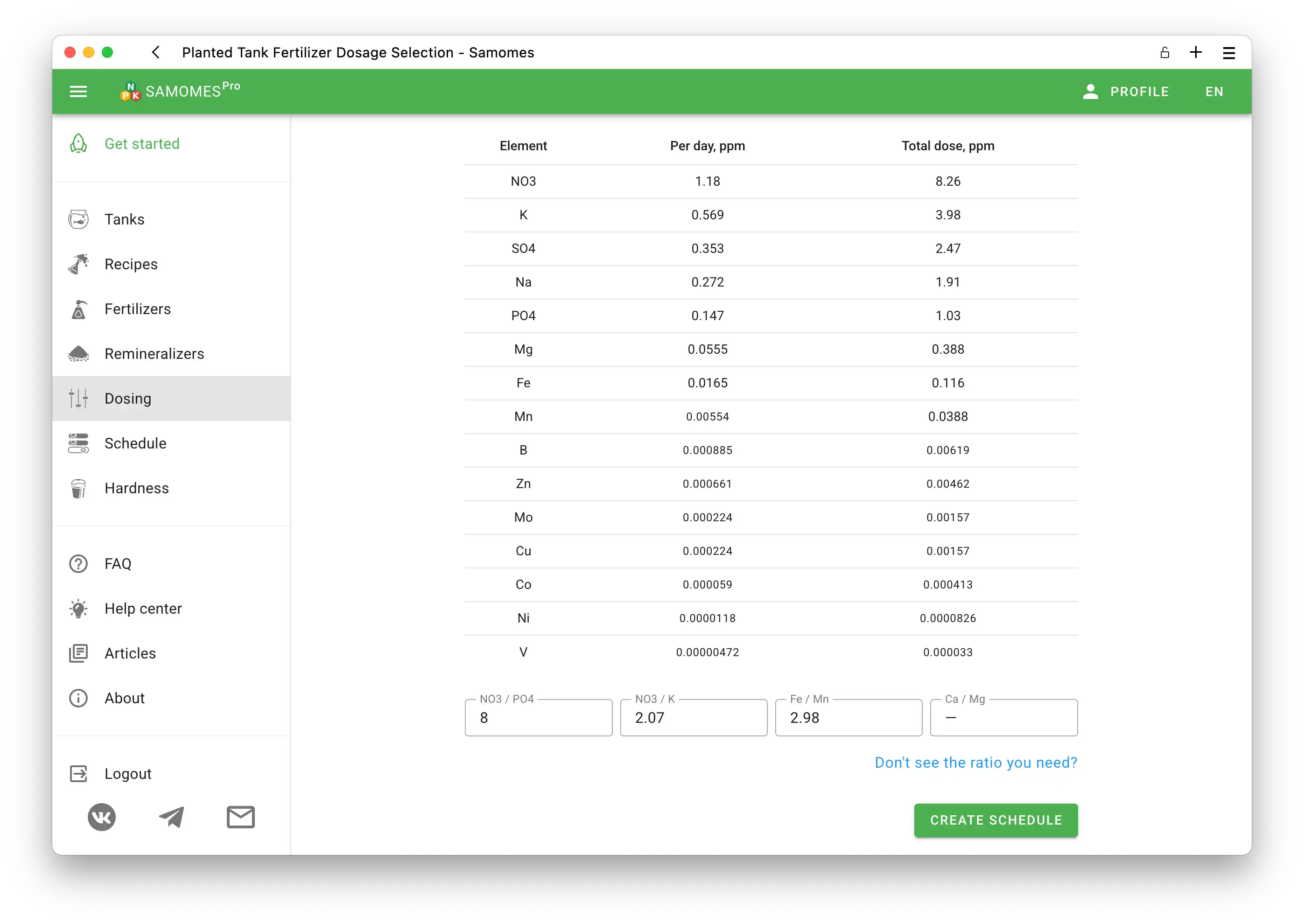
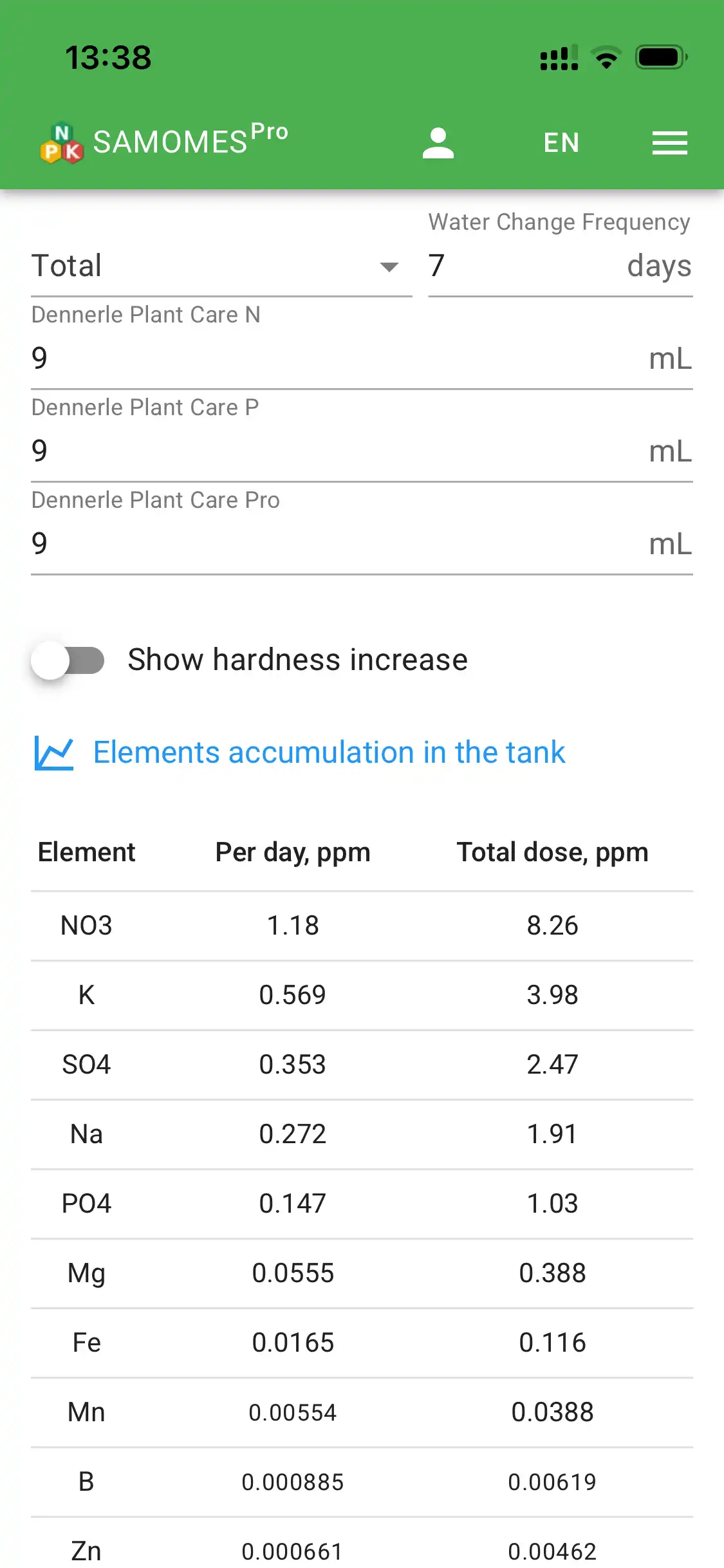
After adding fertilizers, specify the amount of each fertilizer you're adding—this gives you an accurate calculation of all elements entering your aquarium.
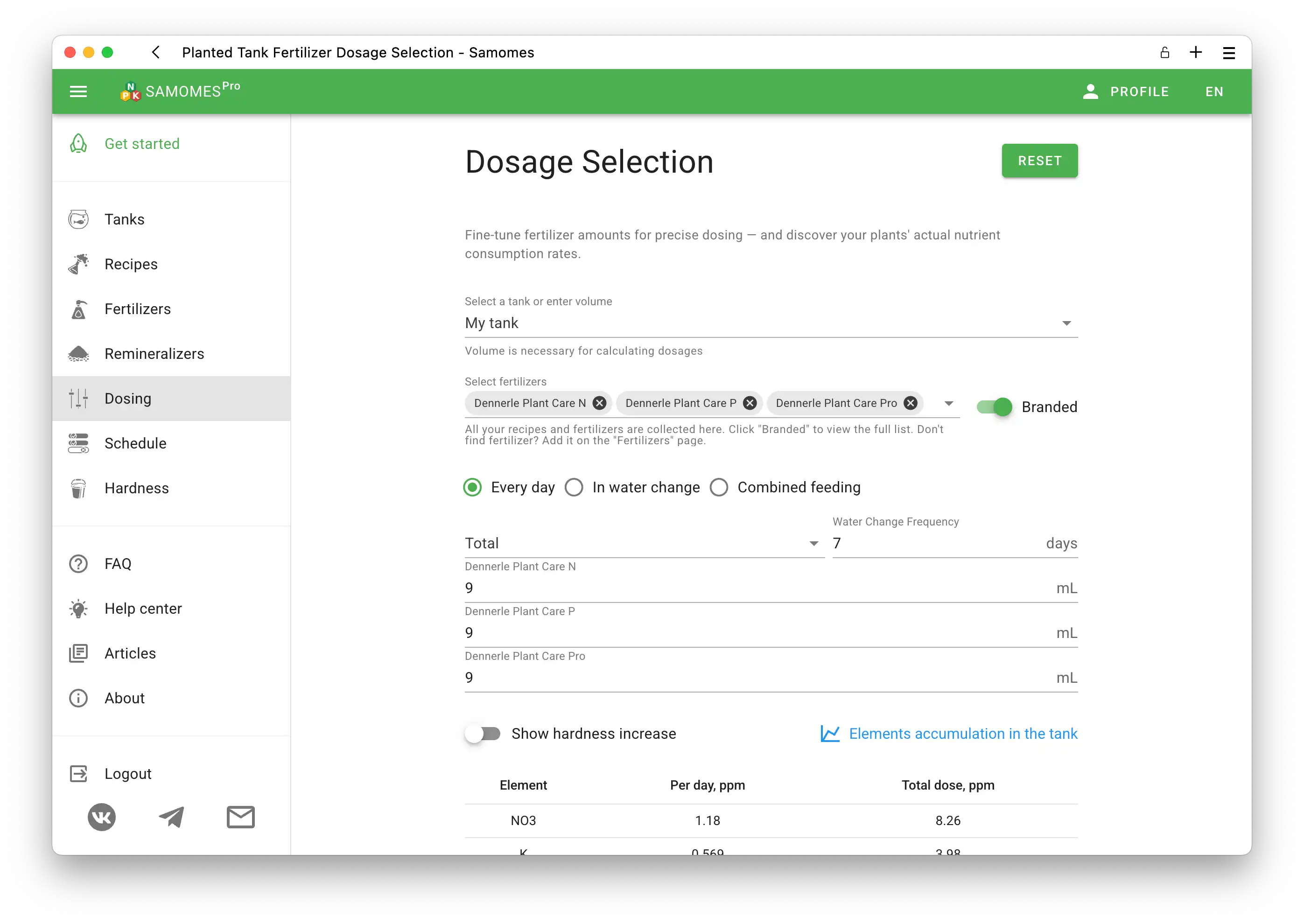
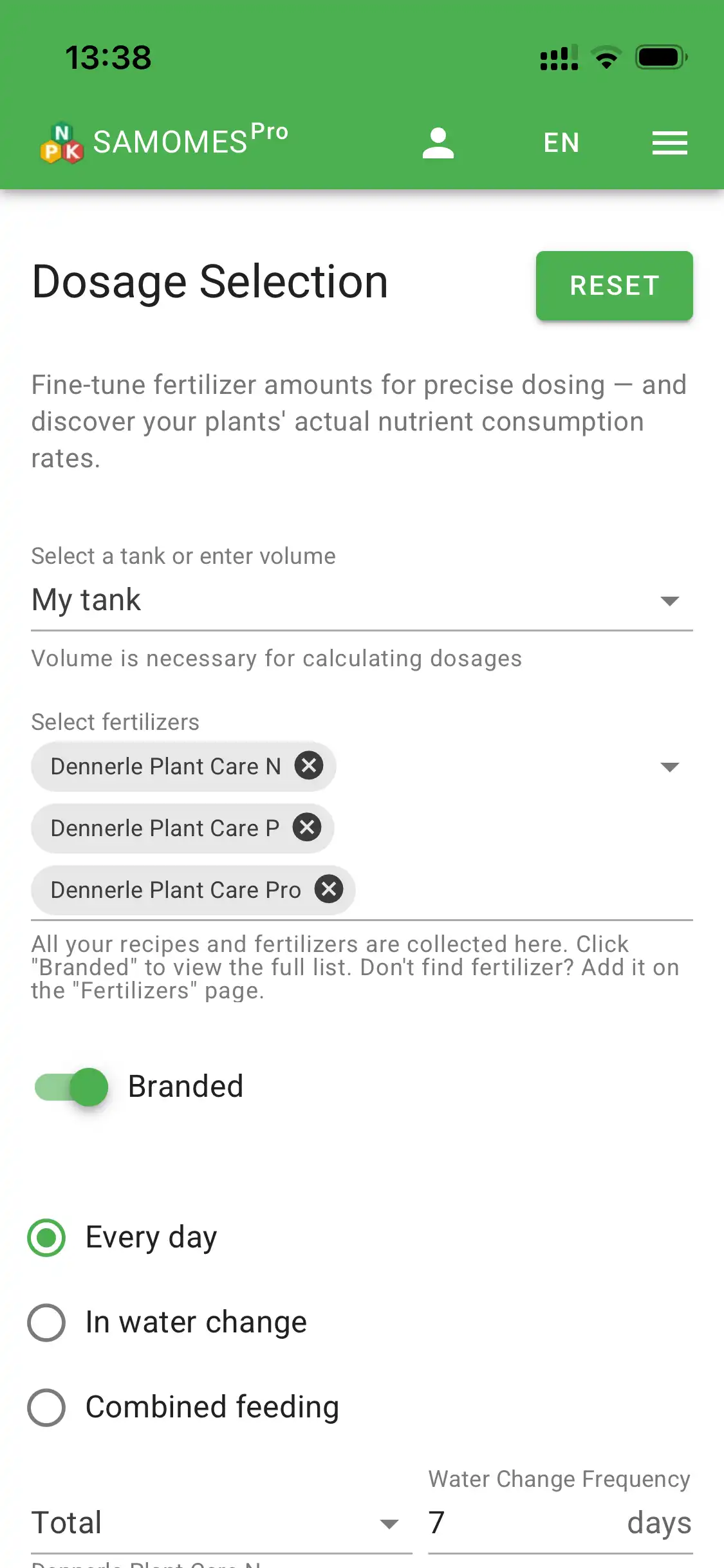
- Go to the Dosing section.
- Select your tank and the fertilizers you've added.
- Specify your water change frequency.
- Enter the amount of each fertilizer you're adding.
- Samomes calculates how much of each element enters your tank.
- Need more details? Check out the guide "How to fine-tune dosing in Samomes?"
- Want to learn more about working with dosages? See the "Dosing" section for detailed information.
Step 5: Create your schedule
After calculating dosages, the system creates a personalized fertilizer dosing schedule.
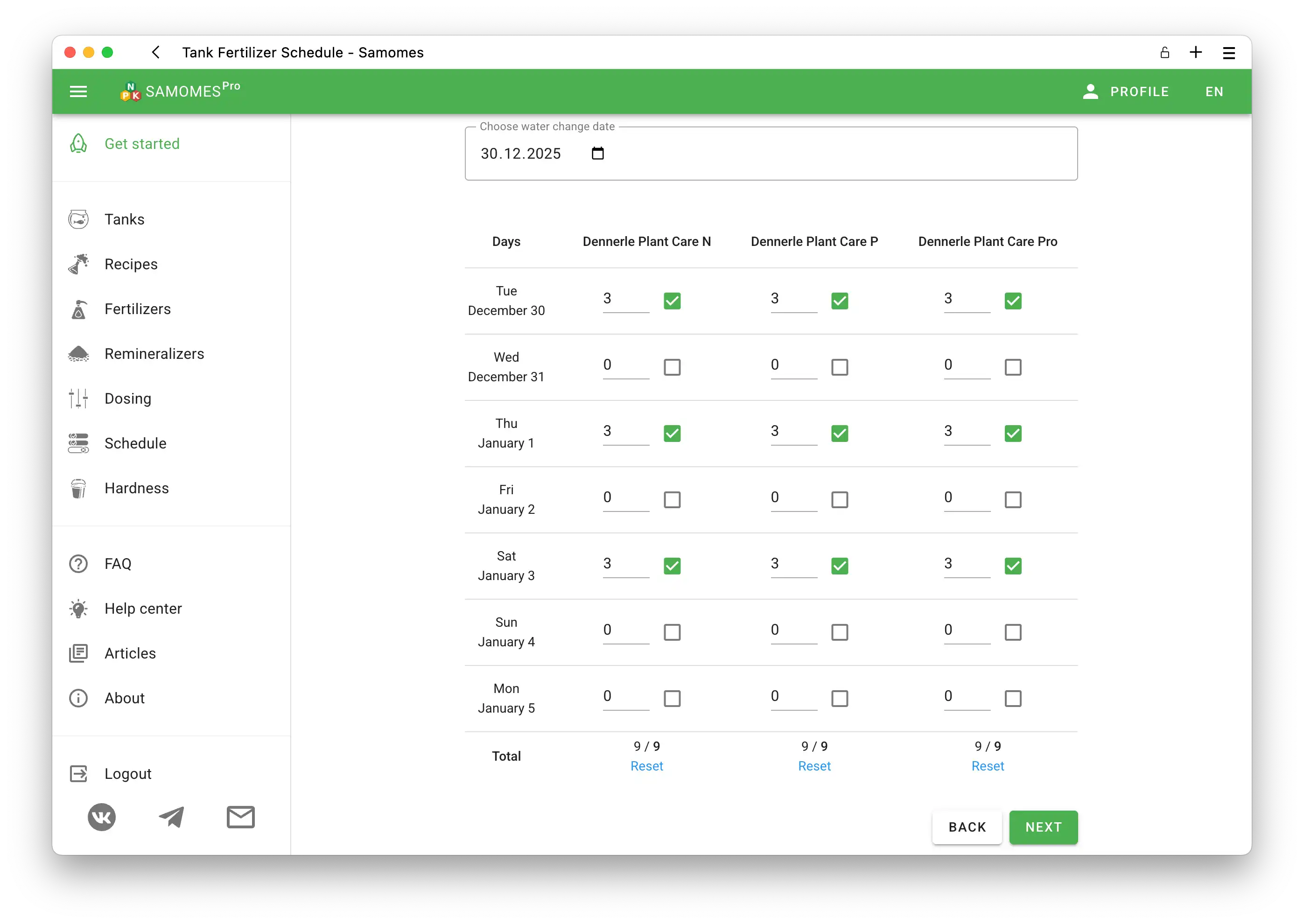
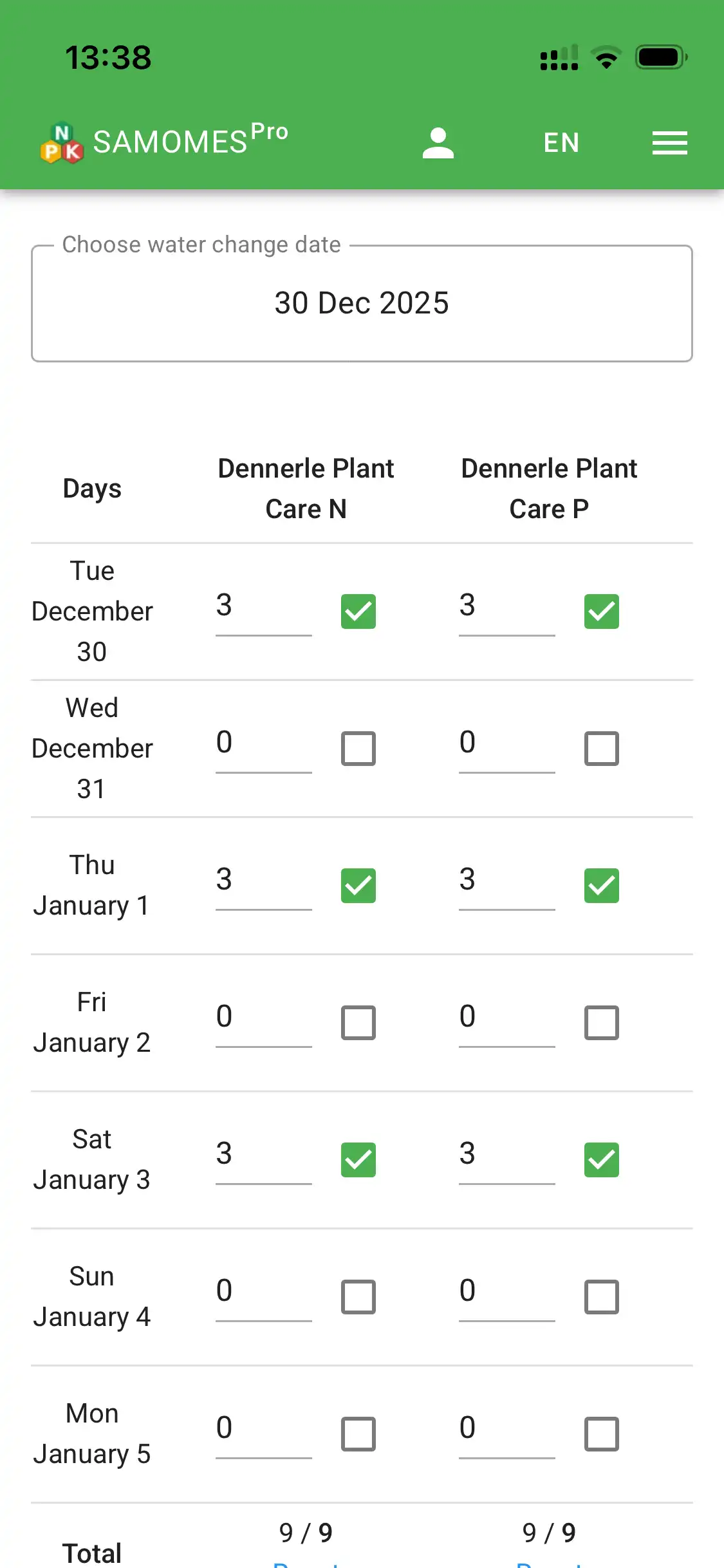
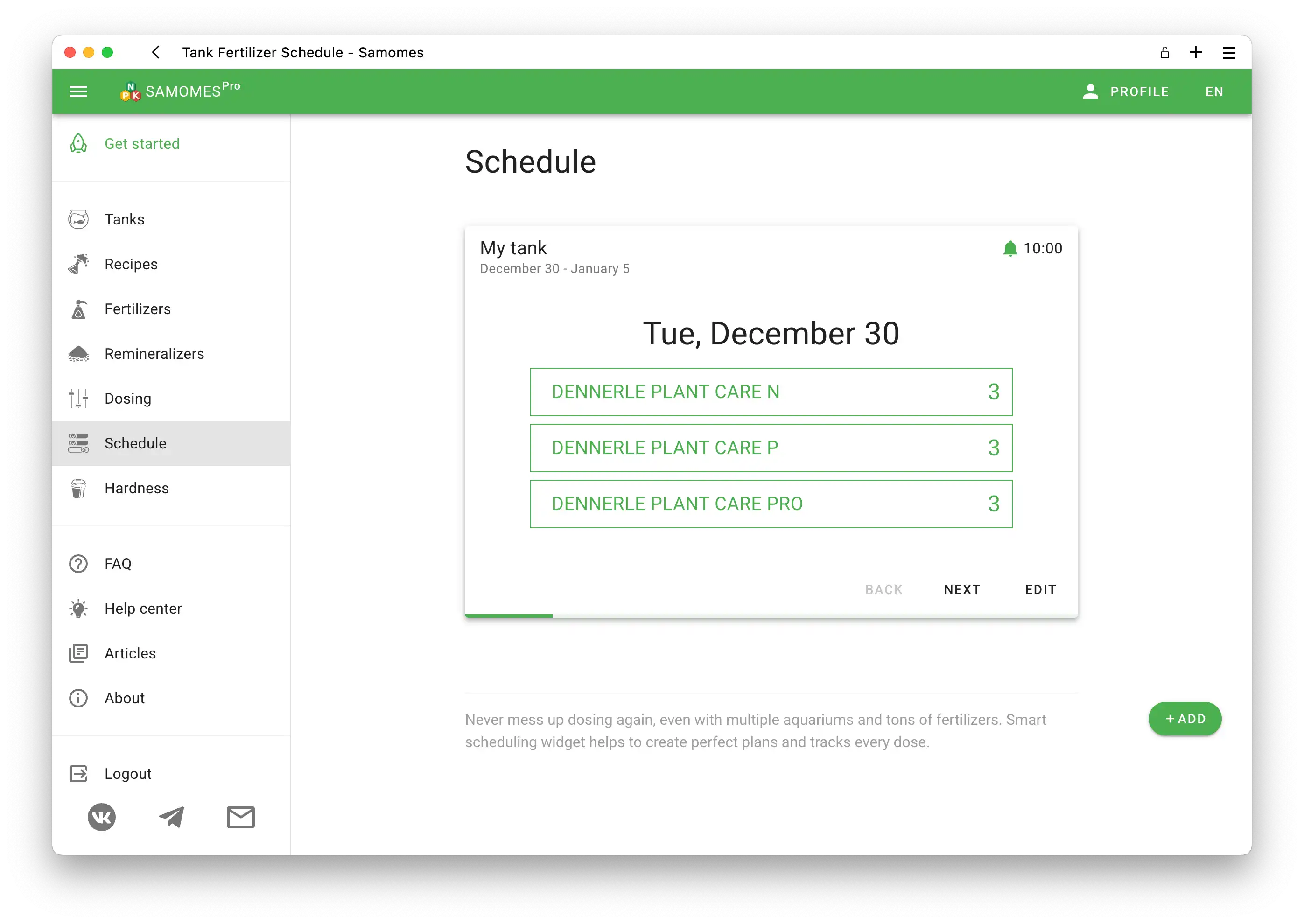
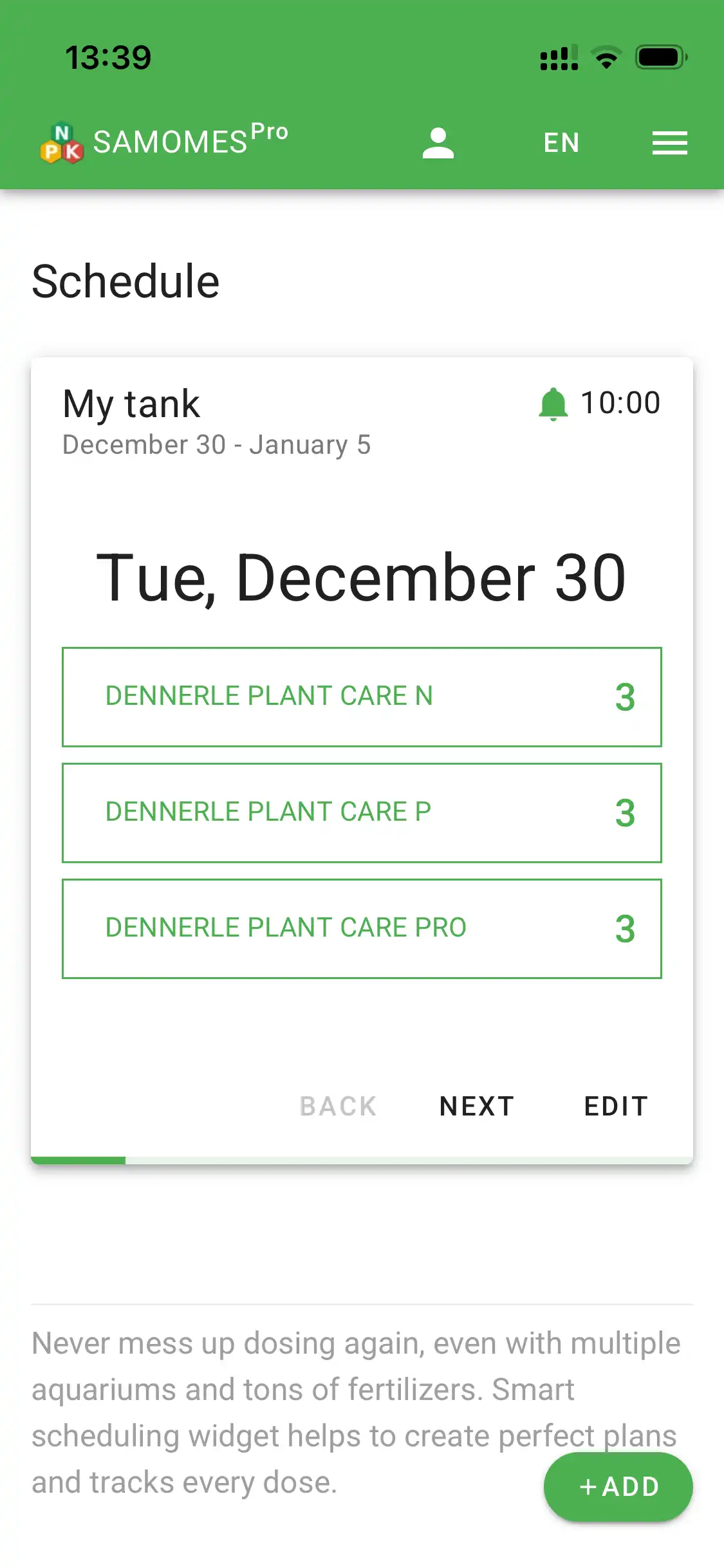
- Click Create Schedule.
- Select the days you'll add fertilizers.
- Set your timezone and dosing time.
- Samomes will send smart reminders according to your schedule.
- Need to change your schedule? Check out the guide "How to modify the fertilizer dosing schedule in Samomes?".
- Want to learn more about schedules and notifications? See the "Schedule" section for detailed information.
Step 6: Monitor and maintain your balance
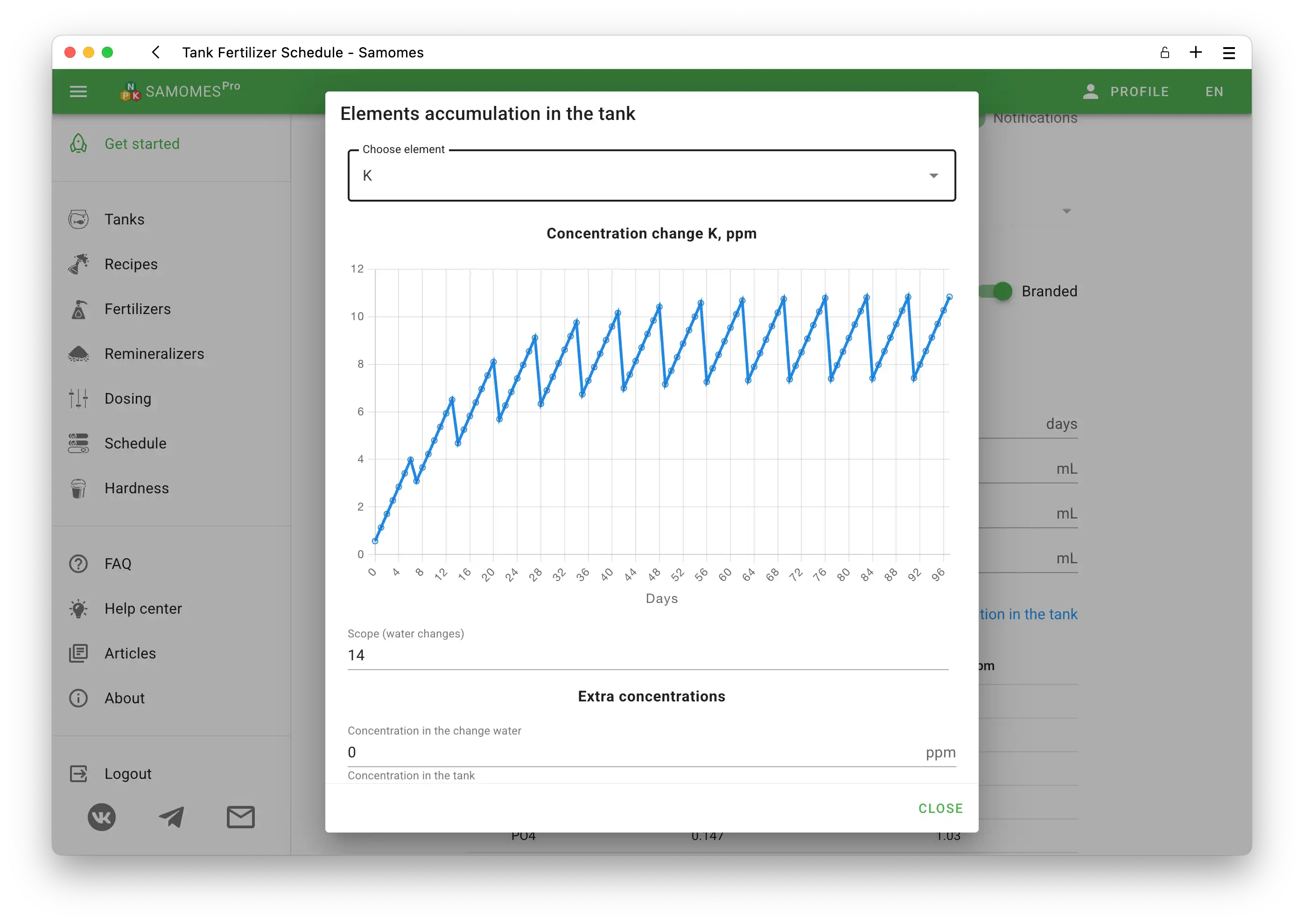
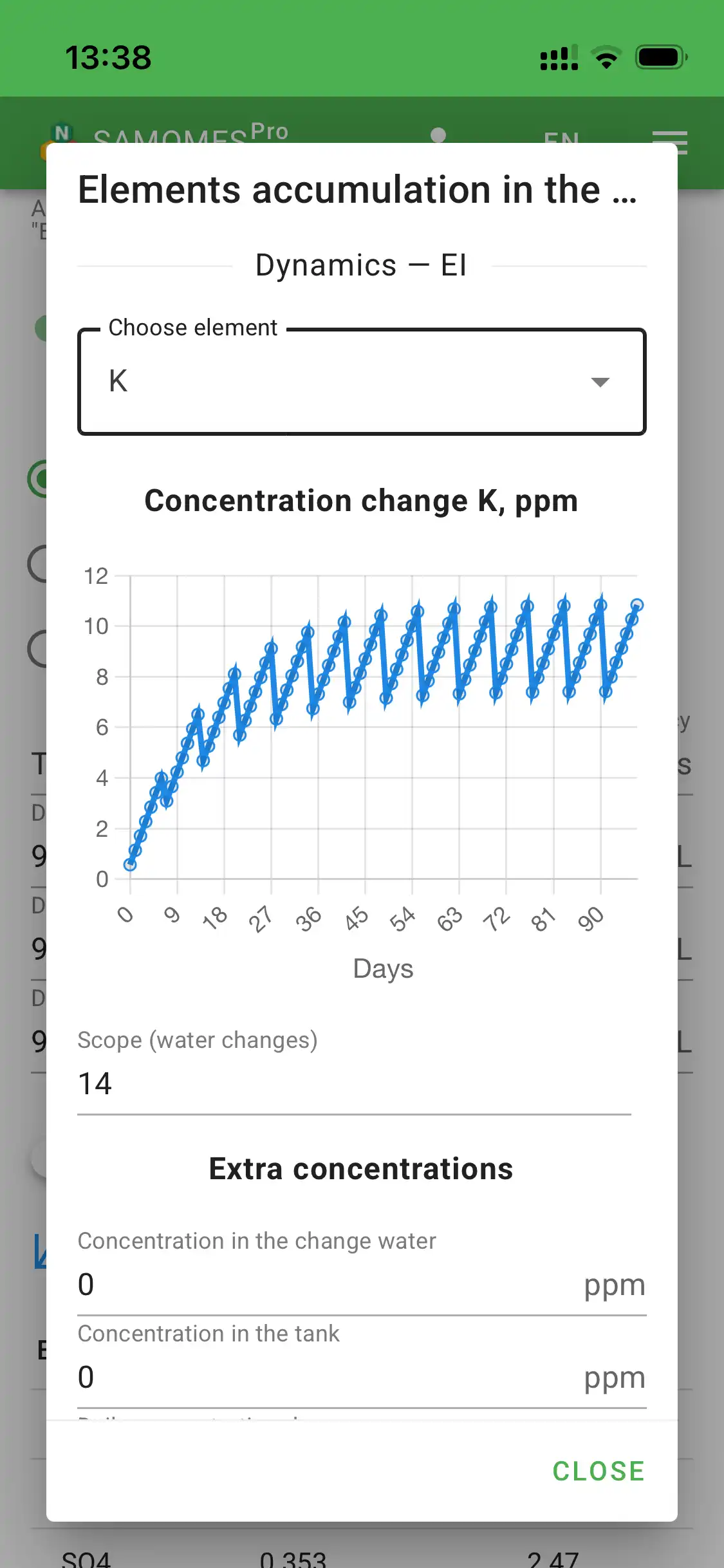
Samomes shows how elements accumulate in your tank after each fertilizer addition and water change. In the graphs, you can see how your tank gradually reaches equilibrium.
- In the Dosing section, click Nutrient accumulation in tank.
- Enter your weekly water change volume.
- Select the element you're interested in (NO3, PO4, K, Mg).
- Study the graph—rises show accumulation, drops show water changes.
- Maintain optimal balance of micro and macro elements.
- Want to learn how to work with accumulation graphs? Check out the guide "How to monitor element accumulation in the tank?".