How to Add New Element Ratios in Samomes?
If standard ratios don't cover your needs, Samomes allows you to create your own.
Step-by-Step Guide for Creating New Ratios
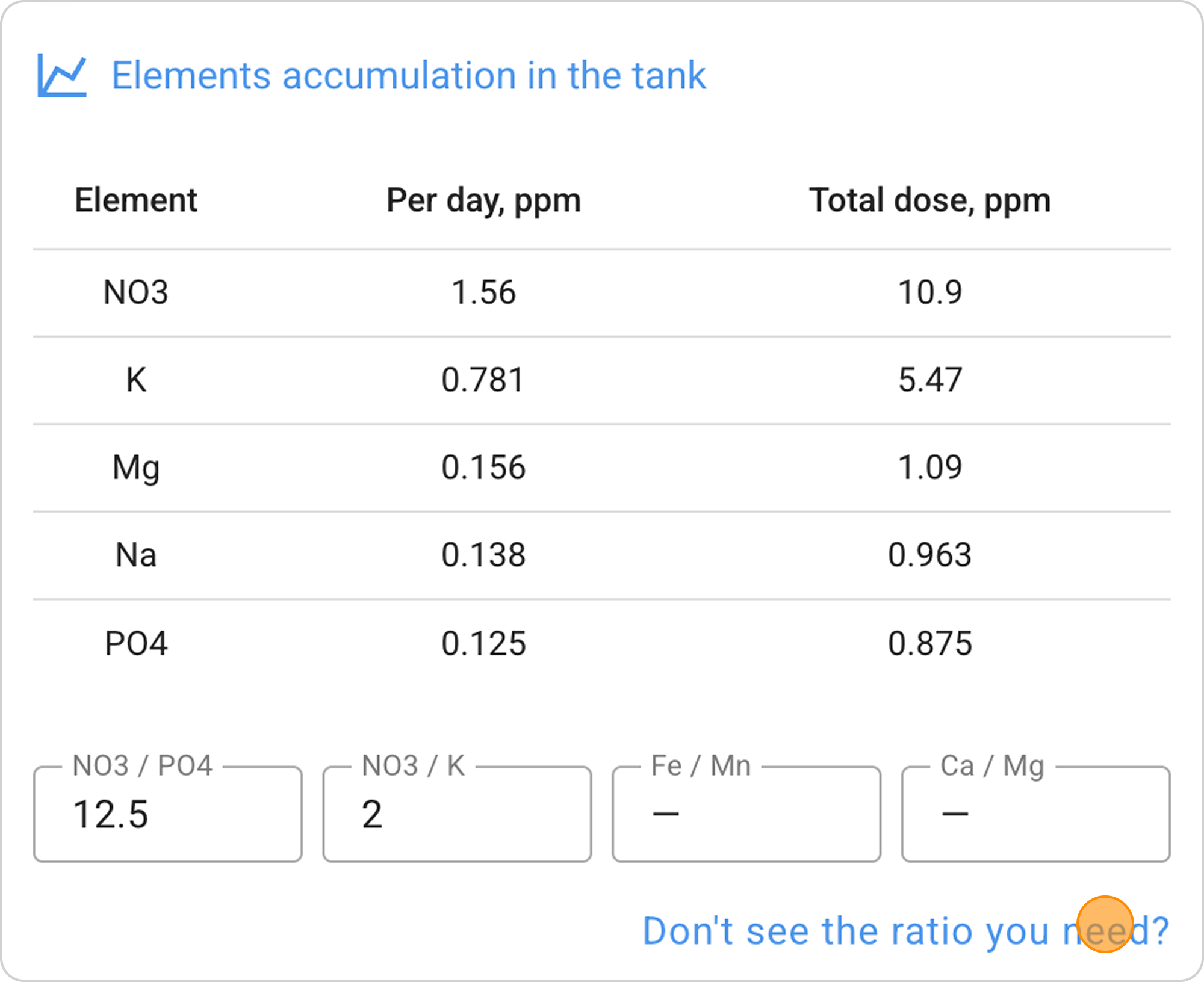
Step 1. Click on the "Don't see the ratio you need?" link under the ratios block
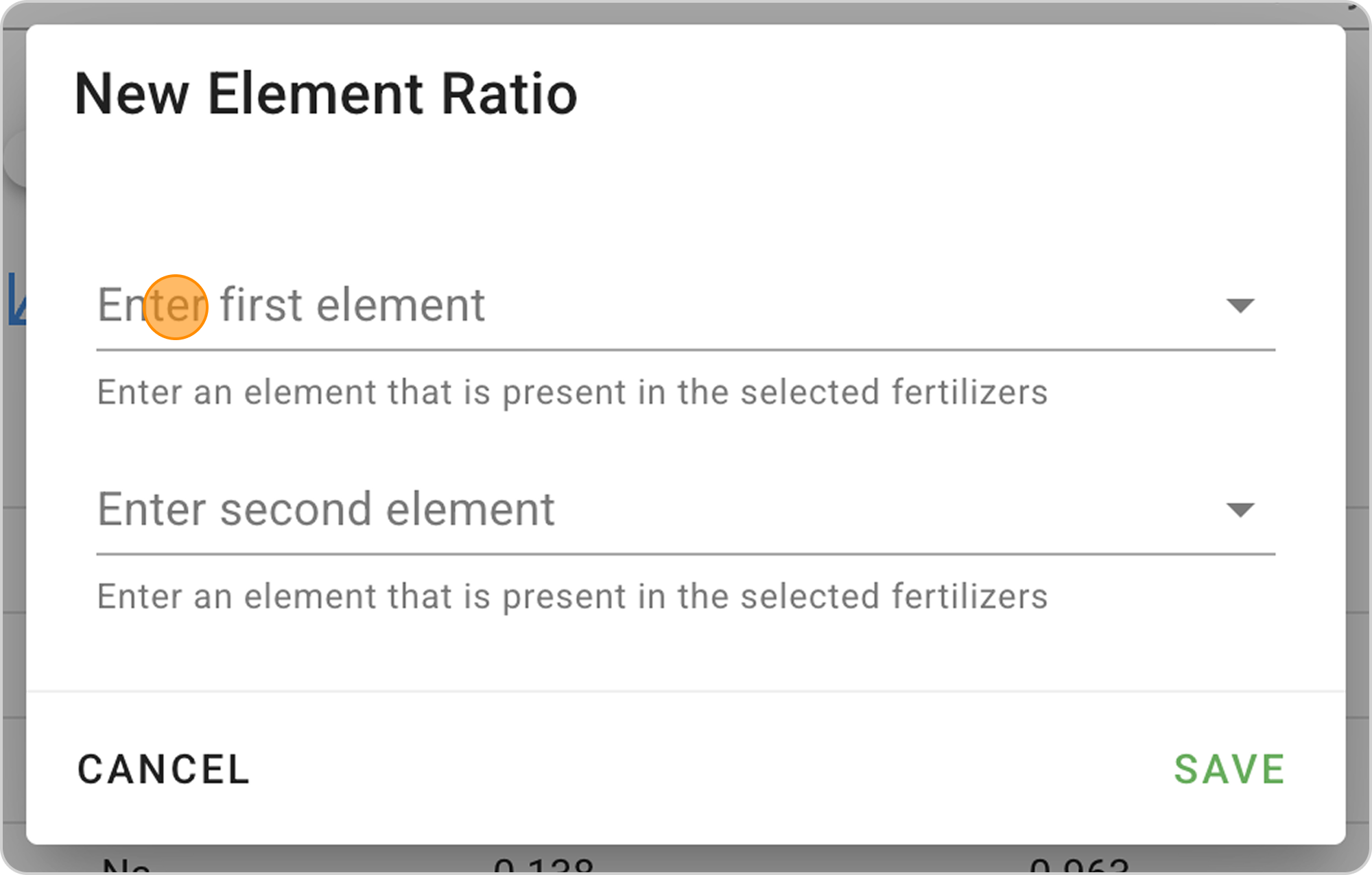
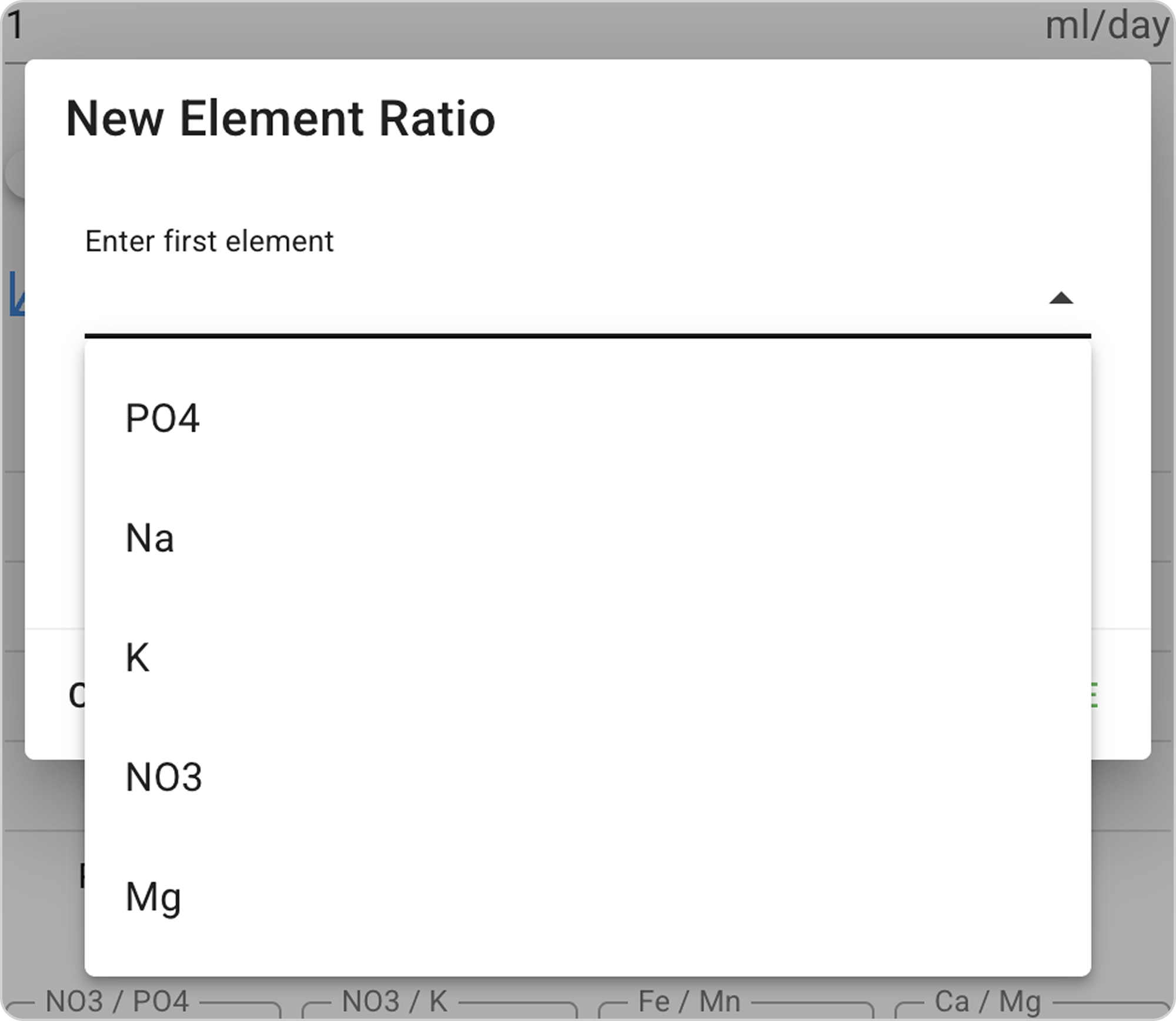
Step 2: In the opened "New element ratio" window, select:
- First element (for example, K - potassium)
- Second element (for example, Mg - magnesium)
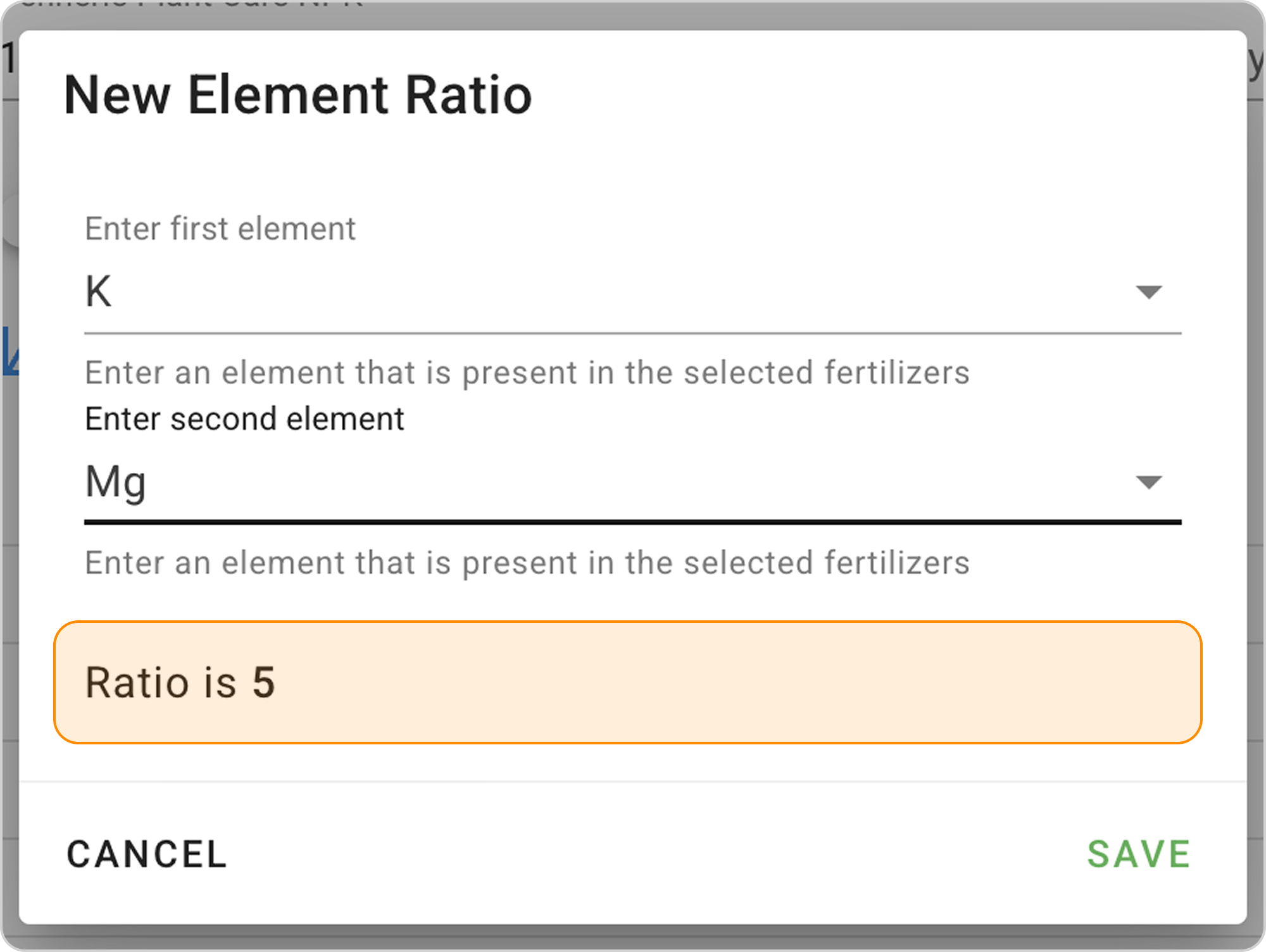
Step 3: The system will automatically calculate the ratio and display the result
💡 Practical examples of custom ratios:
- K/Mg: 5 — controlling the balance of potassium and magnesium to prevent radiculitis in new growth
- Ca/Mg: 3-4 — optimal ratio of calcium to magnesium
- Fe/Mn: 3-10 — balance of iron and manganese in micronutrient fertilizers
⚠️ Important: The new ratio is saved only for the current page.