How to Create a Single-Reagent Fertilizer Recipe in Samomes?
This guide will show you how to create your own single-component nitrate fertilizer recipe. The fertilizer volume will be 500 ml for a 120 L aquarium.
Unlike ready-made recipes, we will form the composition ourselves, selecting the necessary reagents and calculating their dosages to obtain optimal nitrate concentration in the finished fertilizer.
Step-by-Step Guide
Step 1: Open the Recipe Creation Form
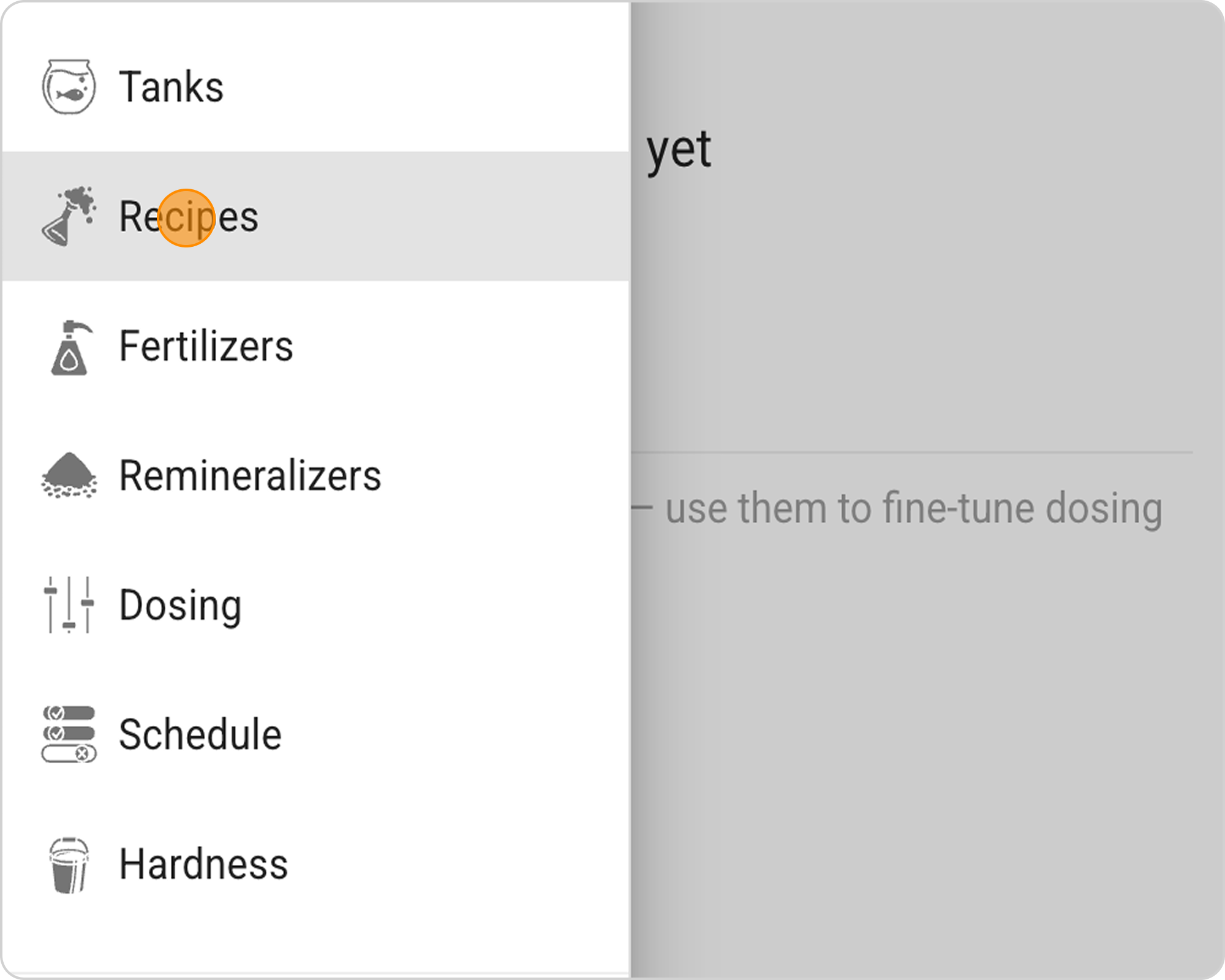
- In the Samomes main menu, select the "Recipes" section.
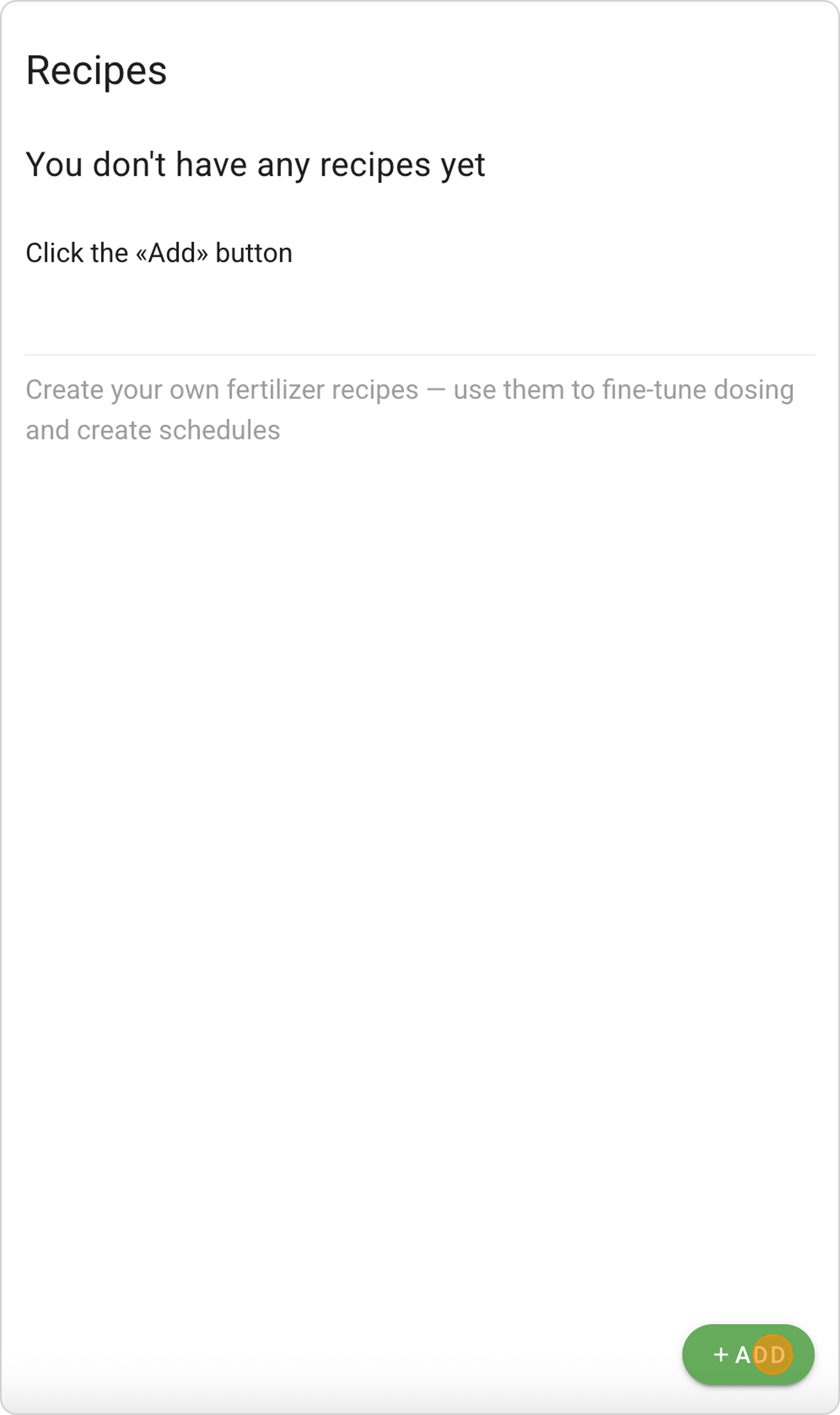
- Click the "ADD" button and the New Recipe creation form will open.
Step 2: Select Reagents
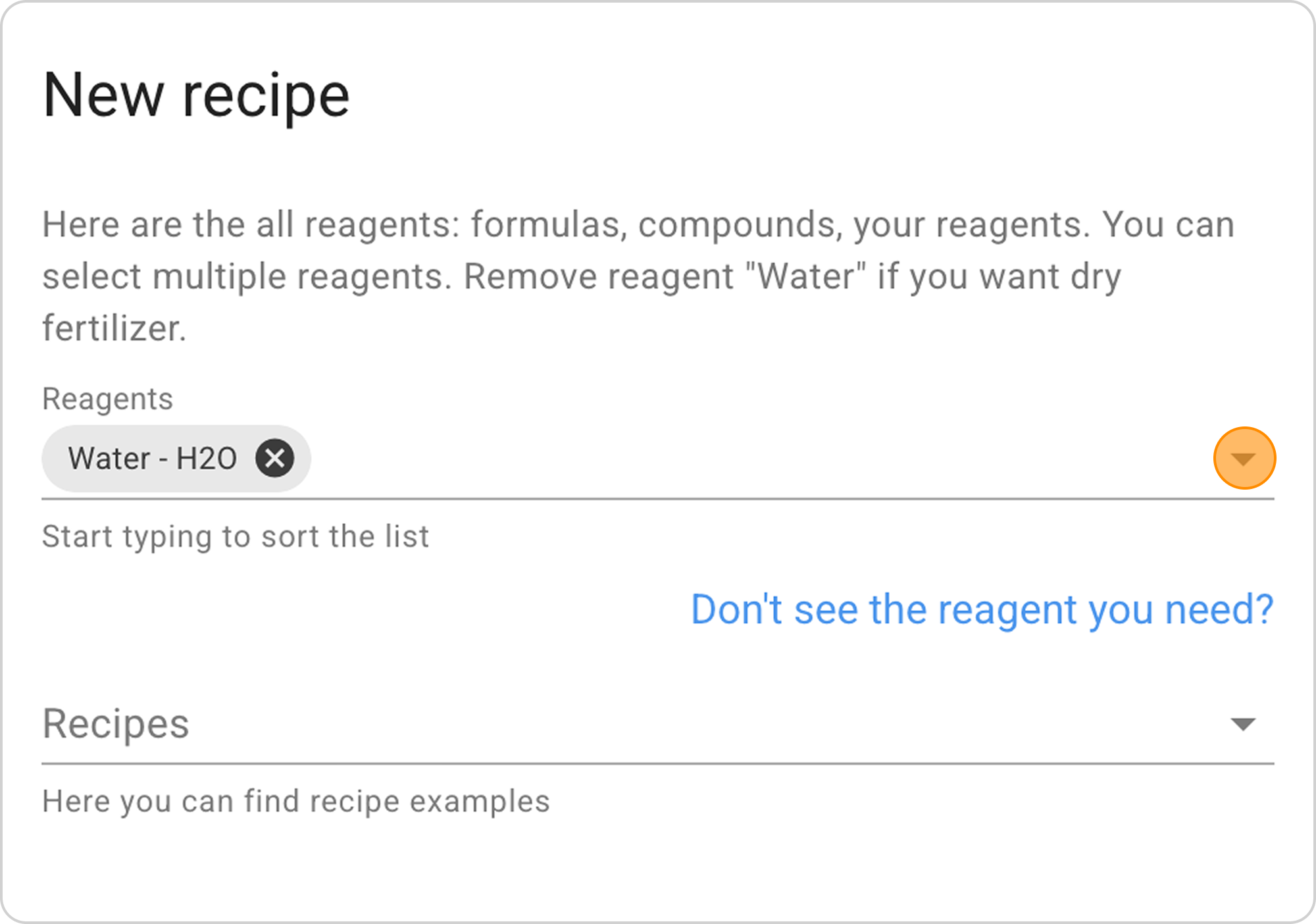
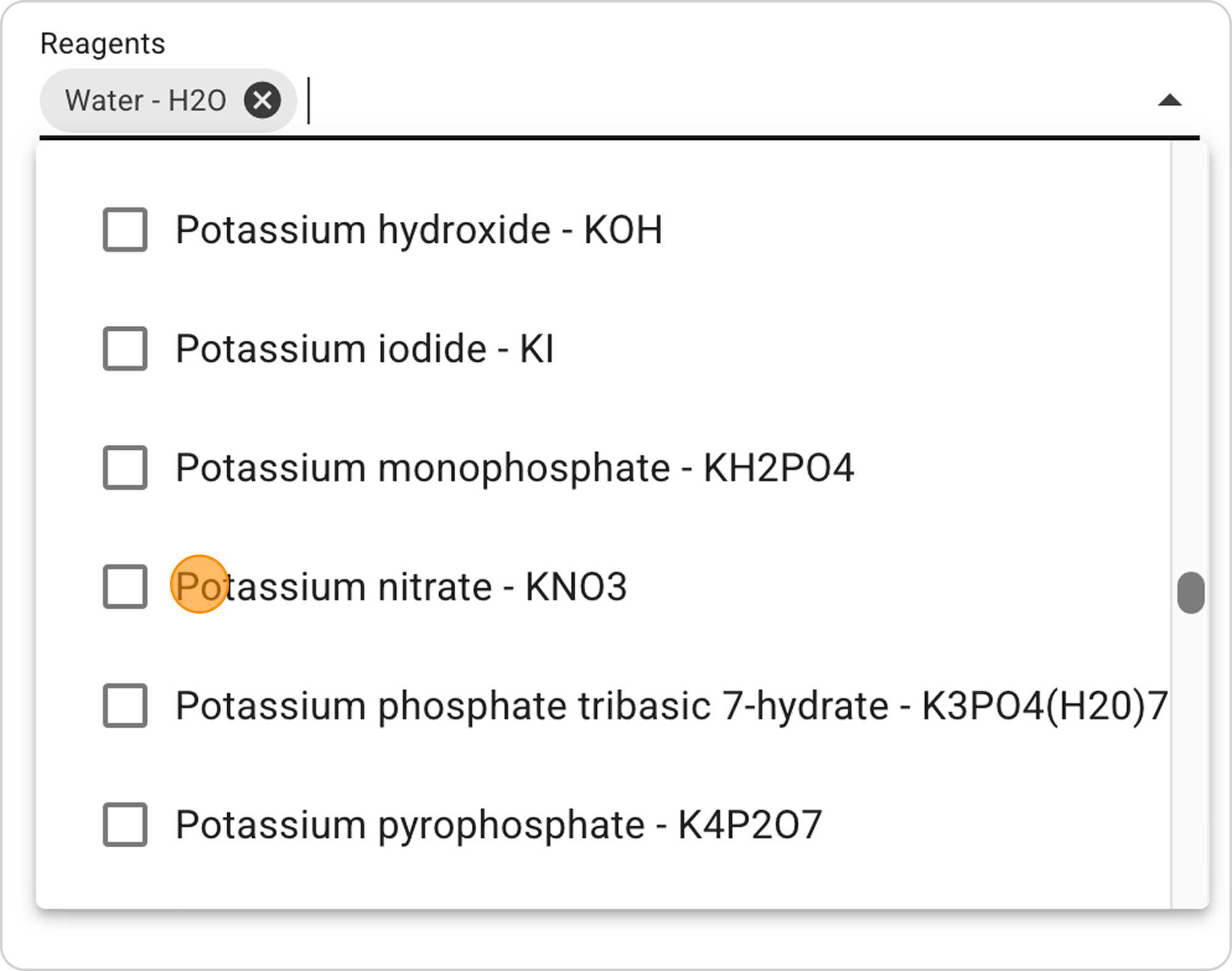
- In the "Reagents" field in the dropdown list, select the main reagent "Potassium nitrate" (potassium saltpeter).
- Water - H2O is automatically selected as the solvent, since most fertilizers are made in liquid form.
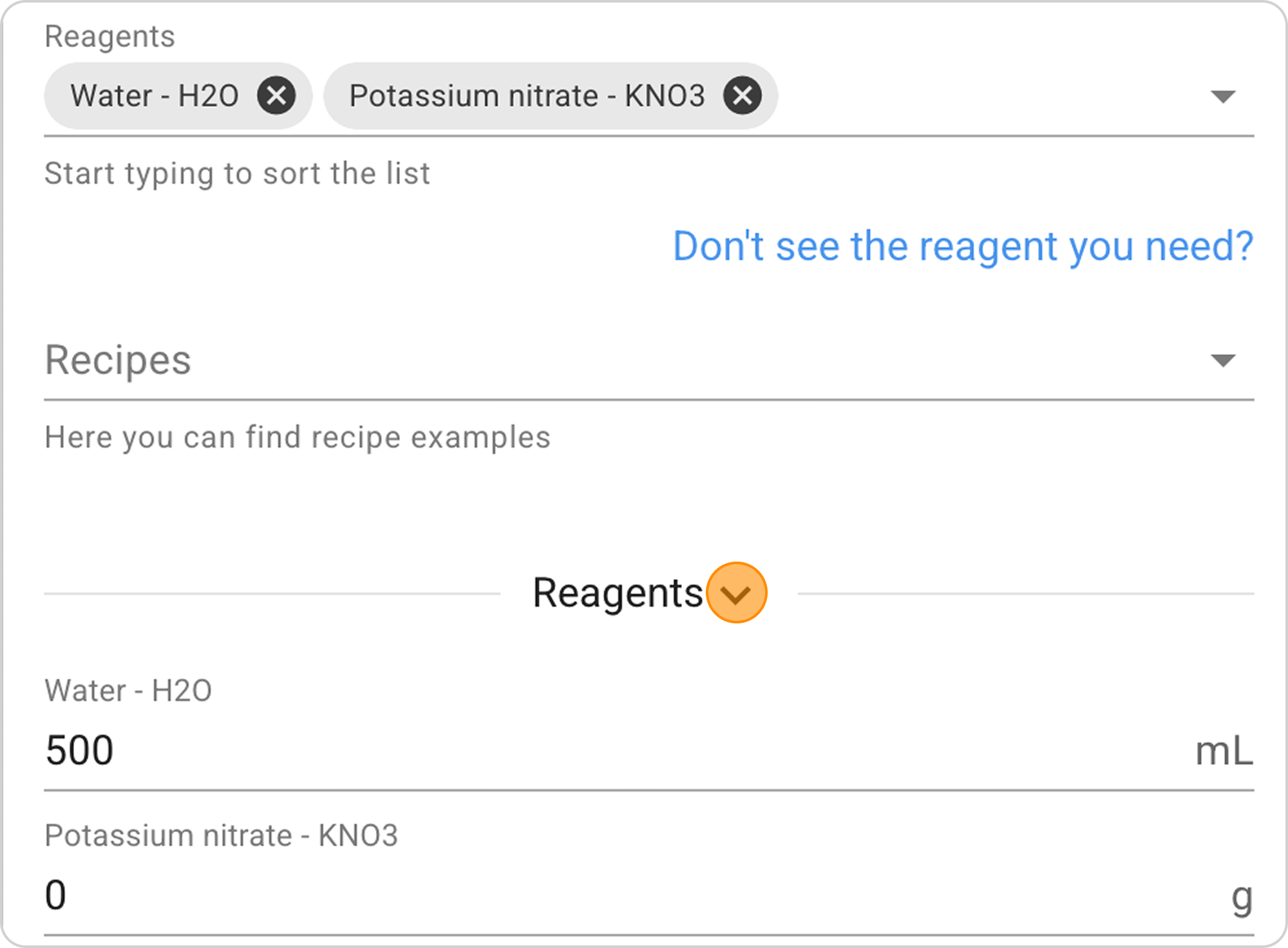
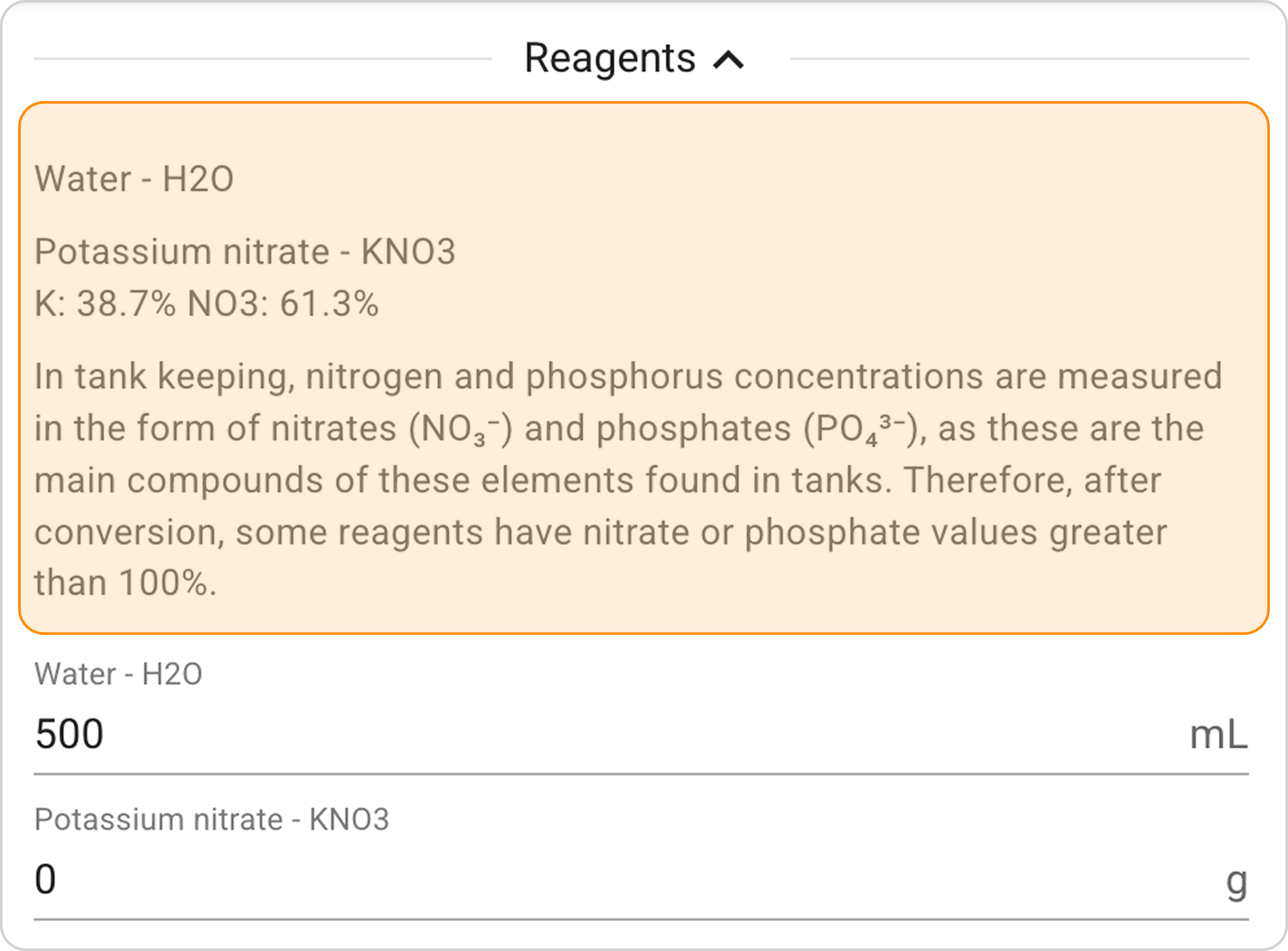
- Click on the information icon next to the reagent to view its composition. Make sure the selected reagent contains the elements you need.
Step 3: Configure Proportions
You can set reagent masses manually or calculate them using the calculator.
Method A: Setting Reagent Mass Manually
- Water volume: Default is 500 ml, leave unchanged
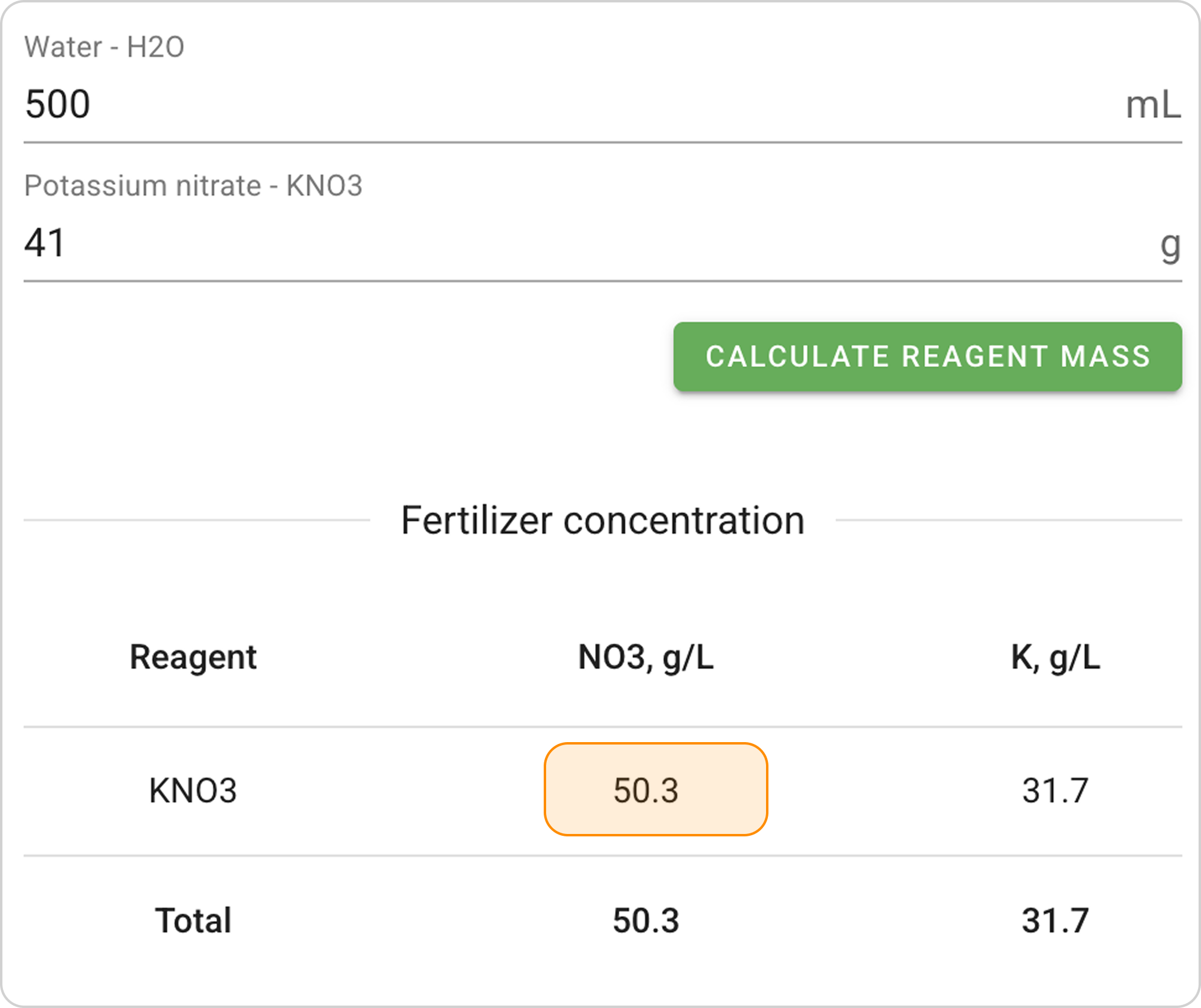
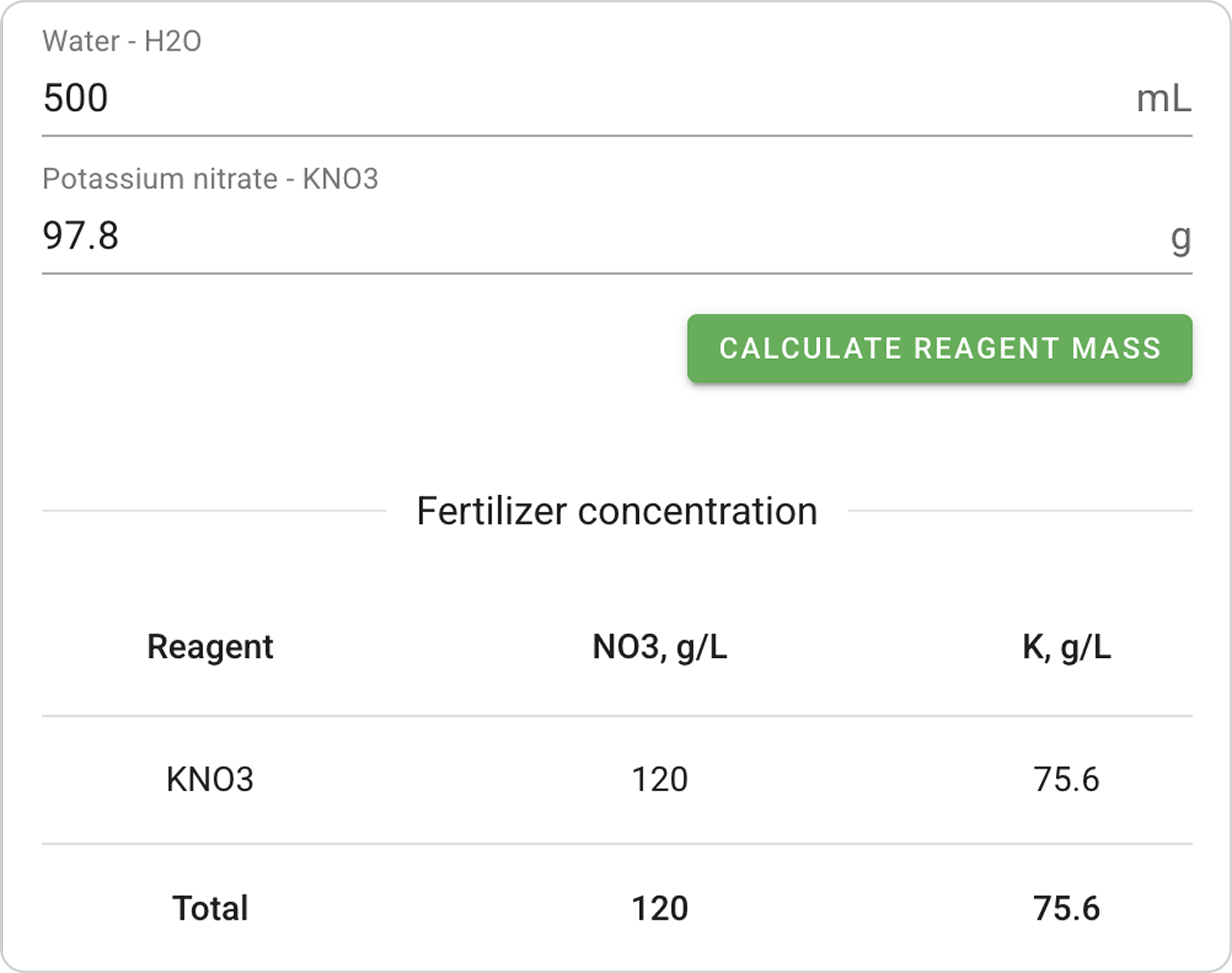
- Reagent mass: In the Potassium Nitrate field, enter "41" g to obtain a nitrate concentration of "50.3" g/L.
- View result: The Concentration Table immediately displays the resulting element concentrations.
Method B: Calculation Through Specified Composition (Recommended)
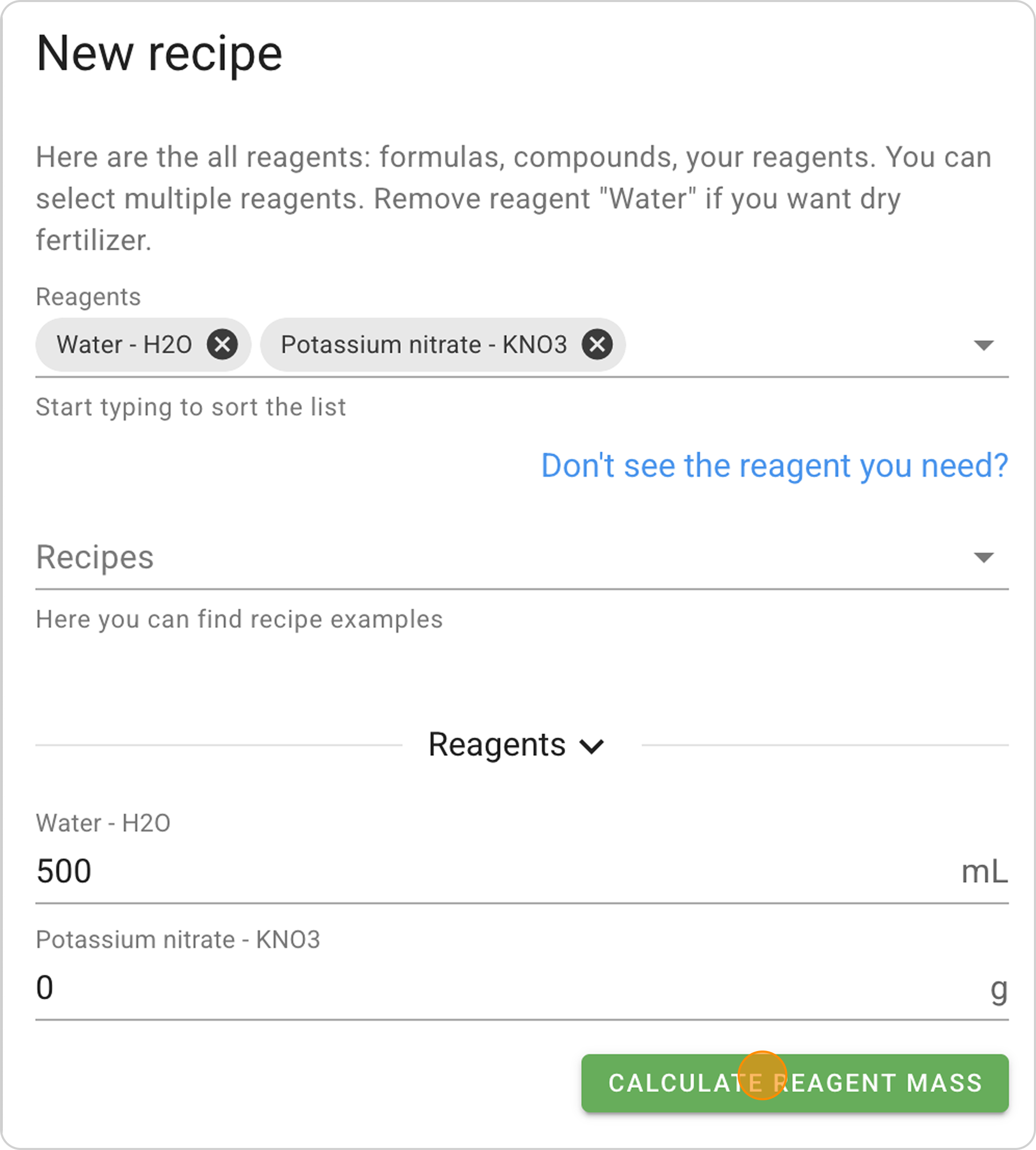
- Select aquarium:
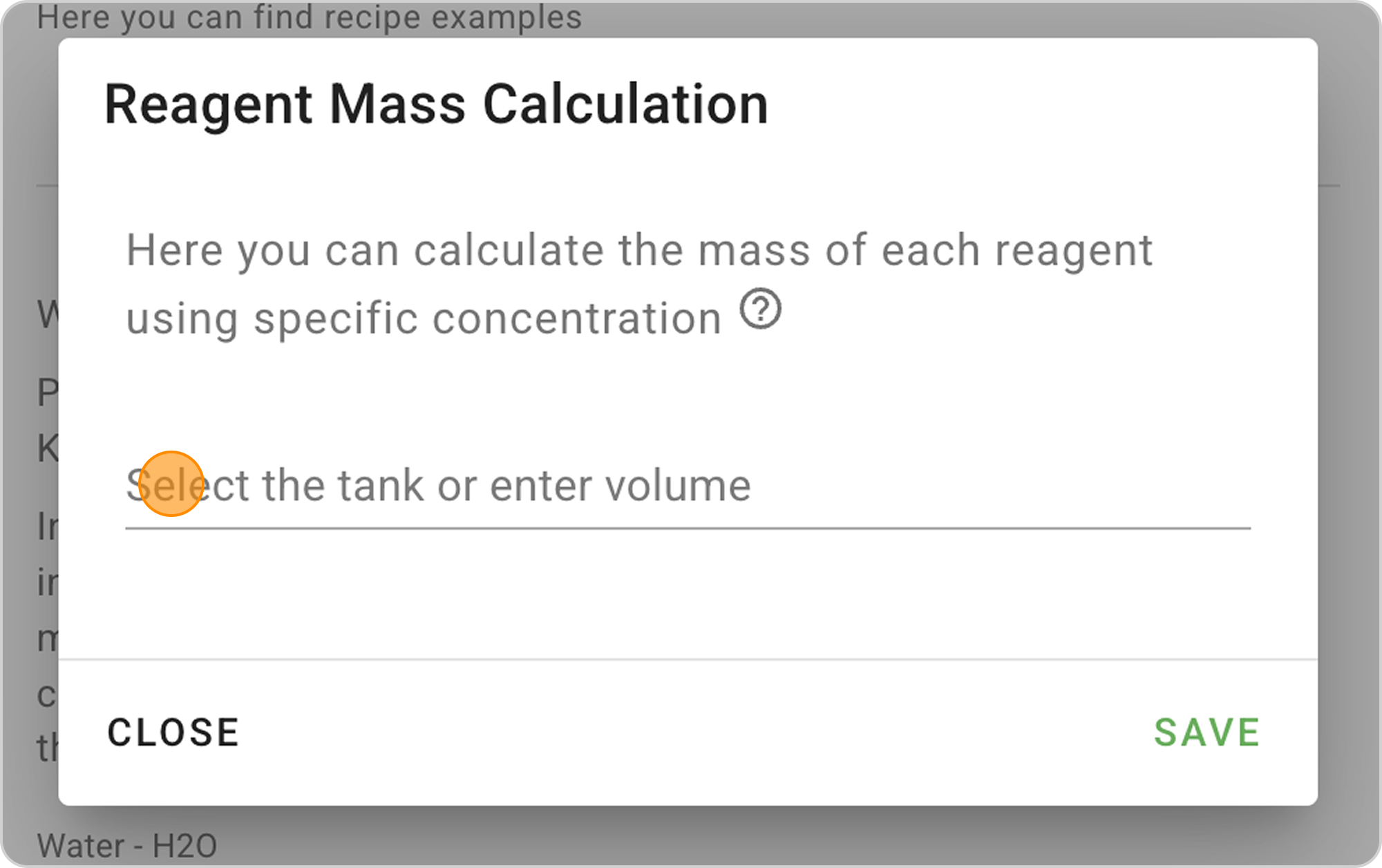
- If you've already created an aquarium in the system, select it from the list
- If not, enter the water volume manually - 120 L.
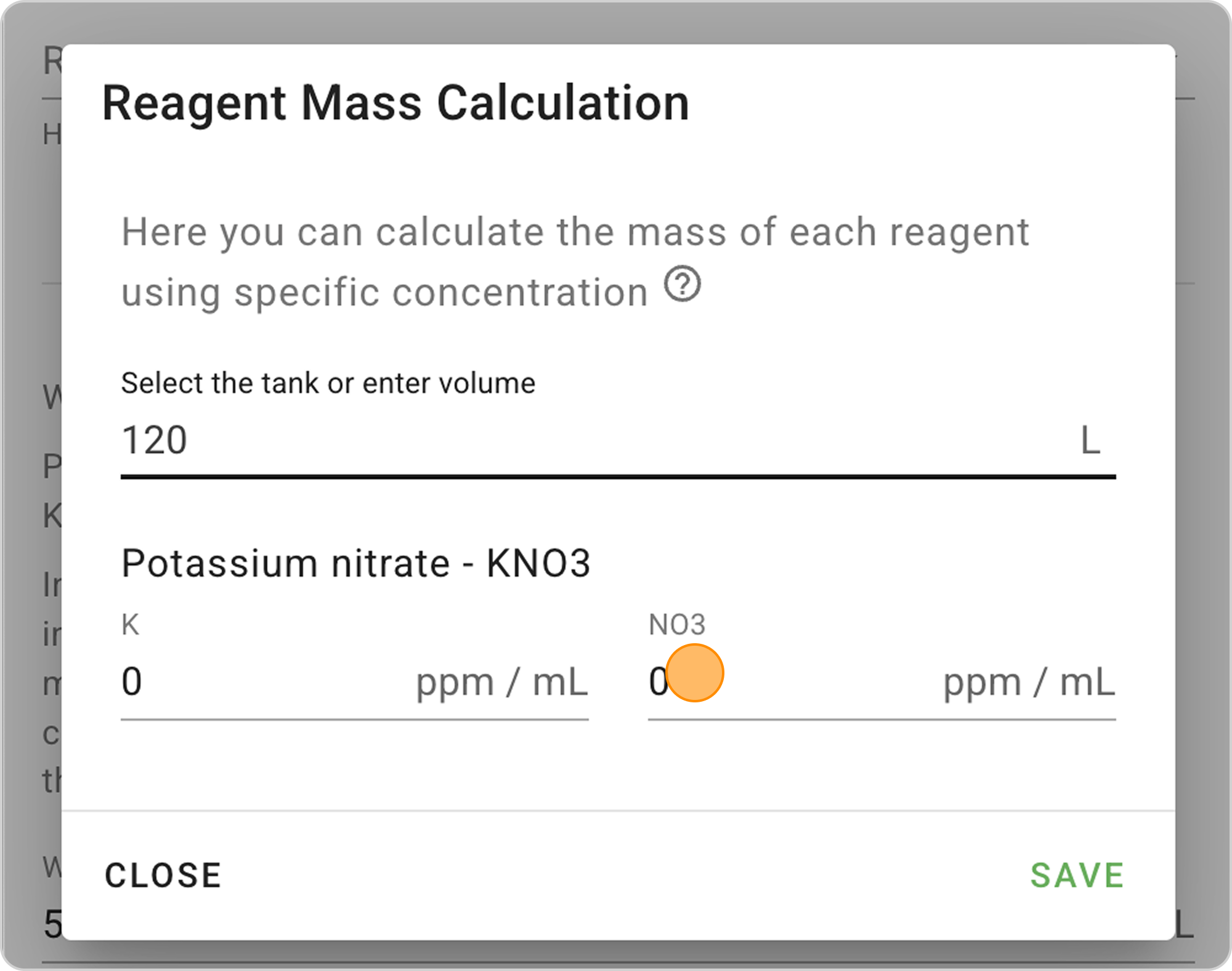
- Enter specific concentration:
- In the NO3 field, enter "1" so that 1 ml of fertilizer increases nitrate concentration by 1 mg/L in a 120L aquarium.
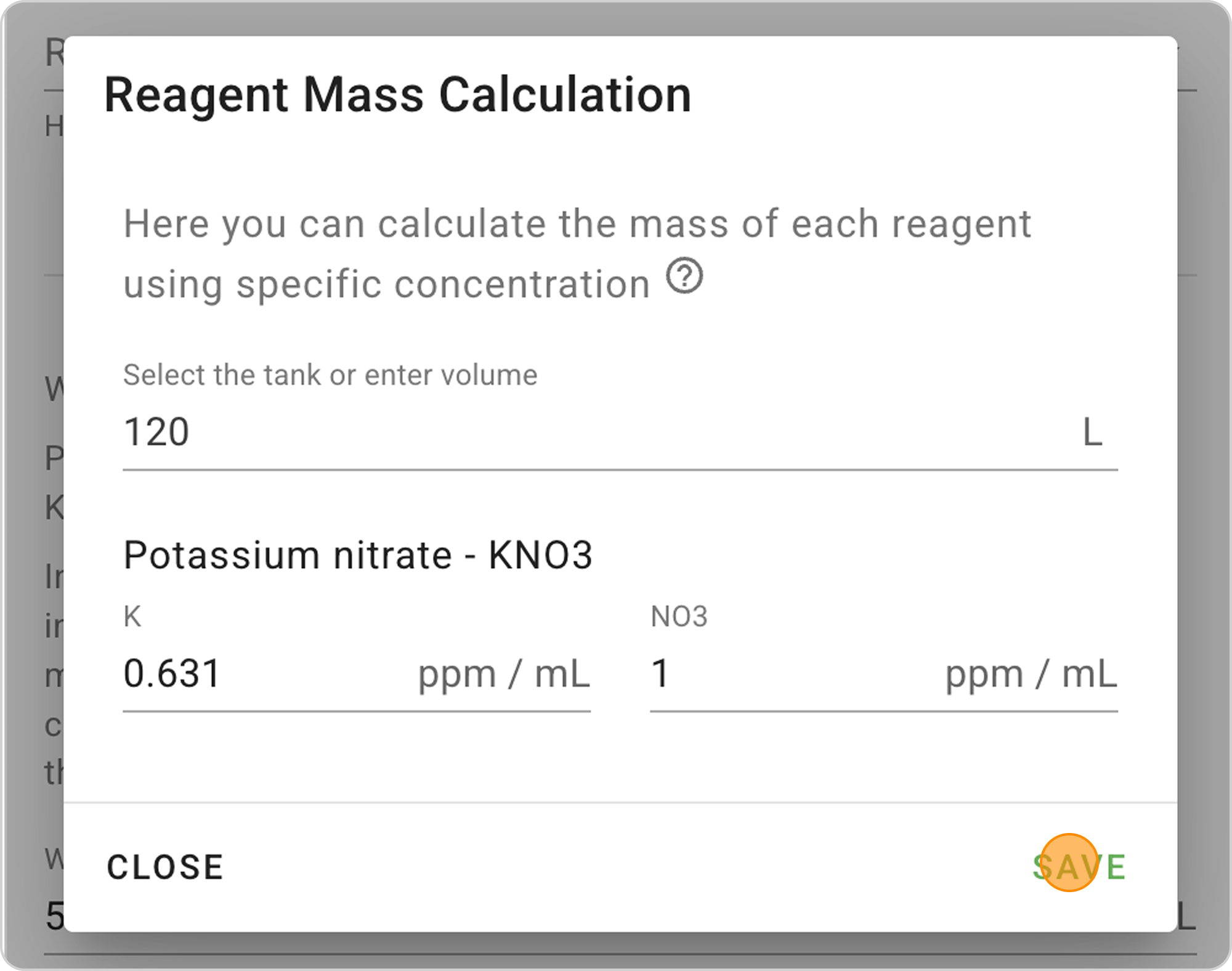
- Automatic calculation: The system will automatically calculate the required reagent mass
Step 4: Save the Recipe
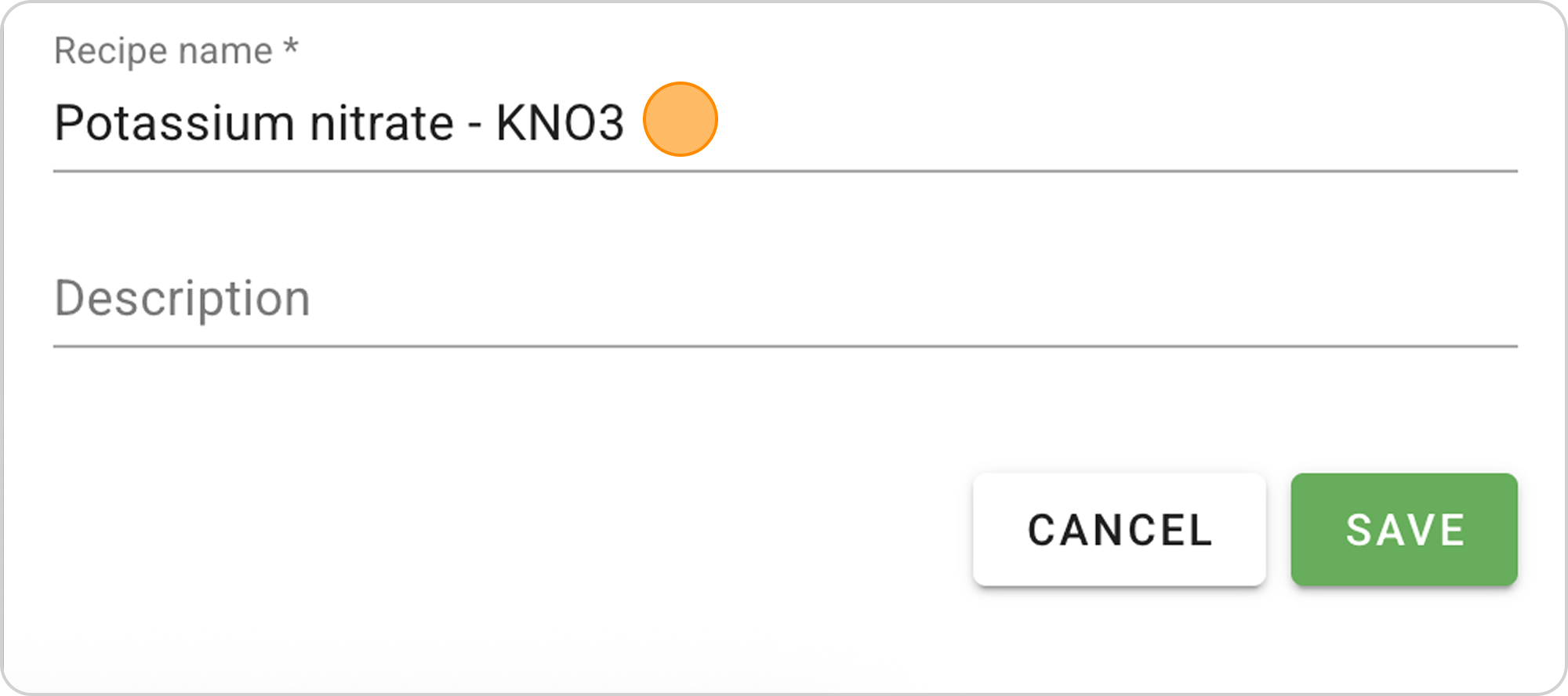
- Optionally, you can change the name and add a description. For example, enter "Nitrate" in the Name field.
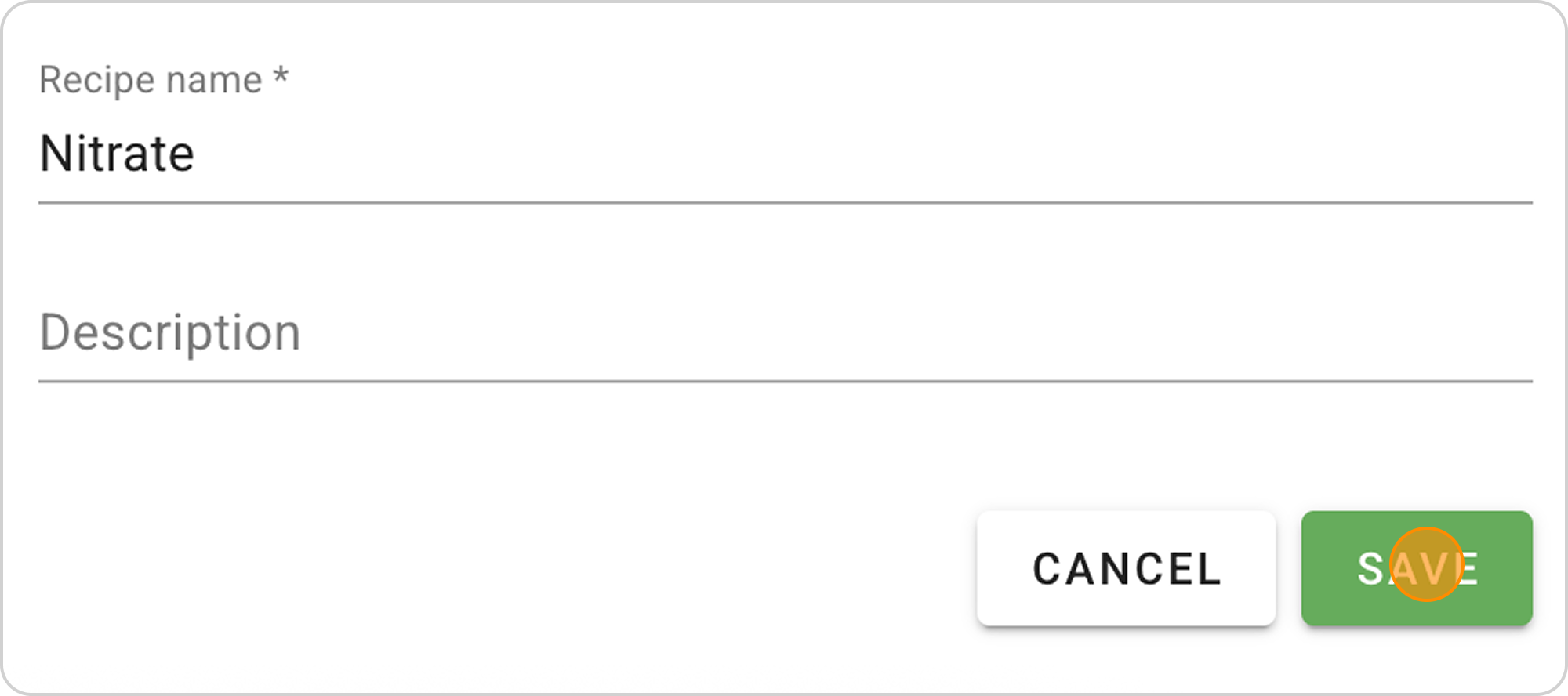
- Click the "SAVE" button. Your Recipe will appear in the Recipes list and in the Dosing section.
Managing the Saved Recipe
After saving the finished recipe, you can:
View parameters:
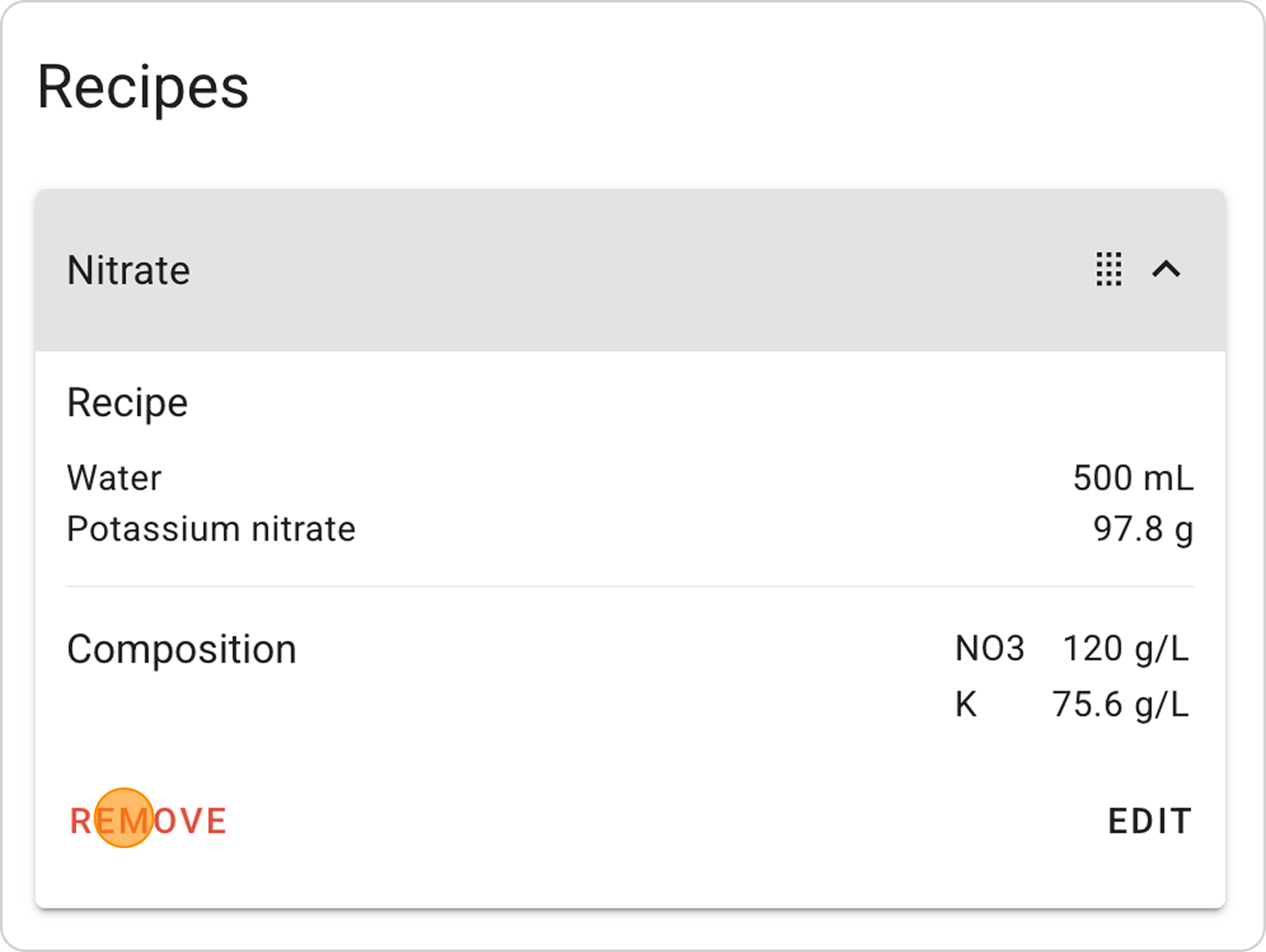
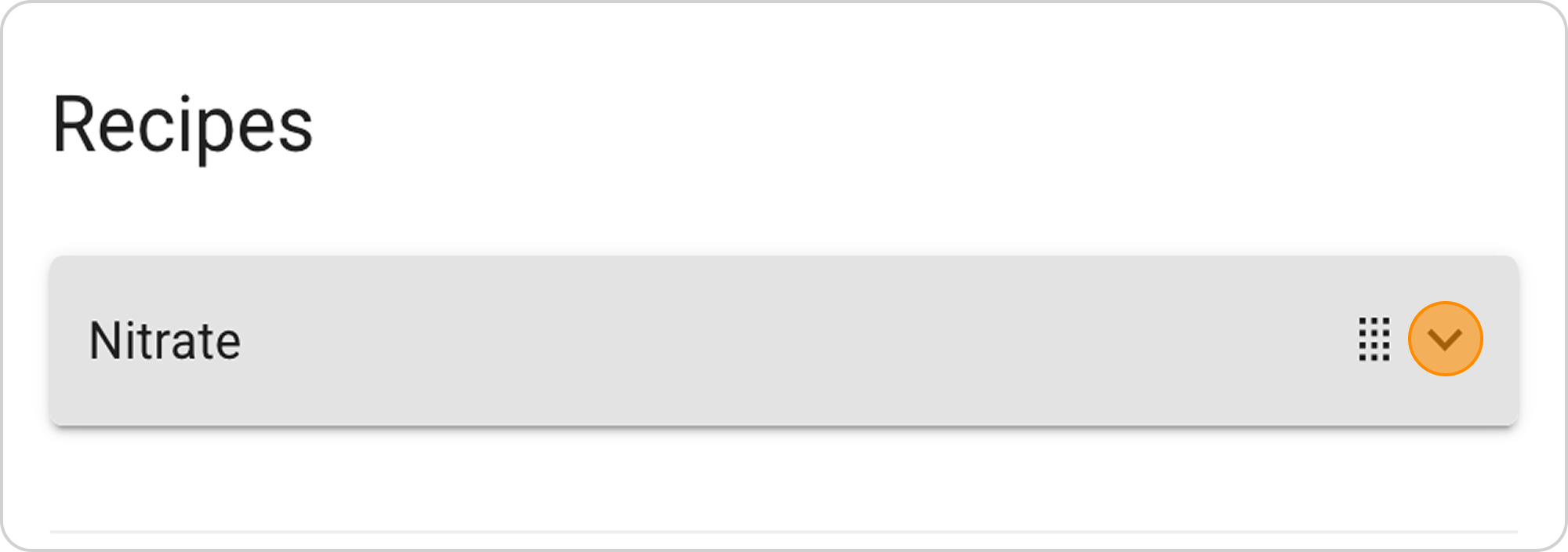
- Click on the arrow to the right of "Nitrate"
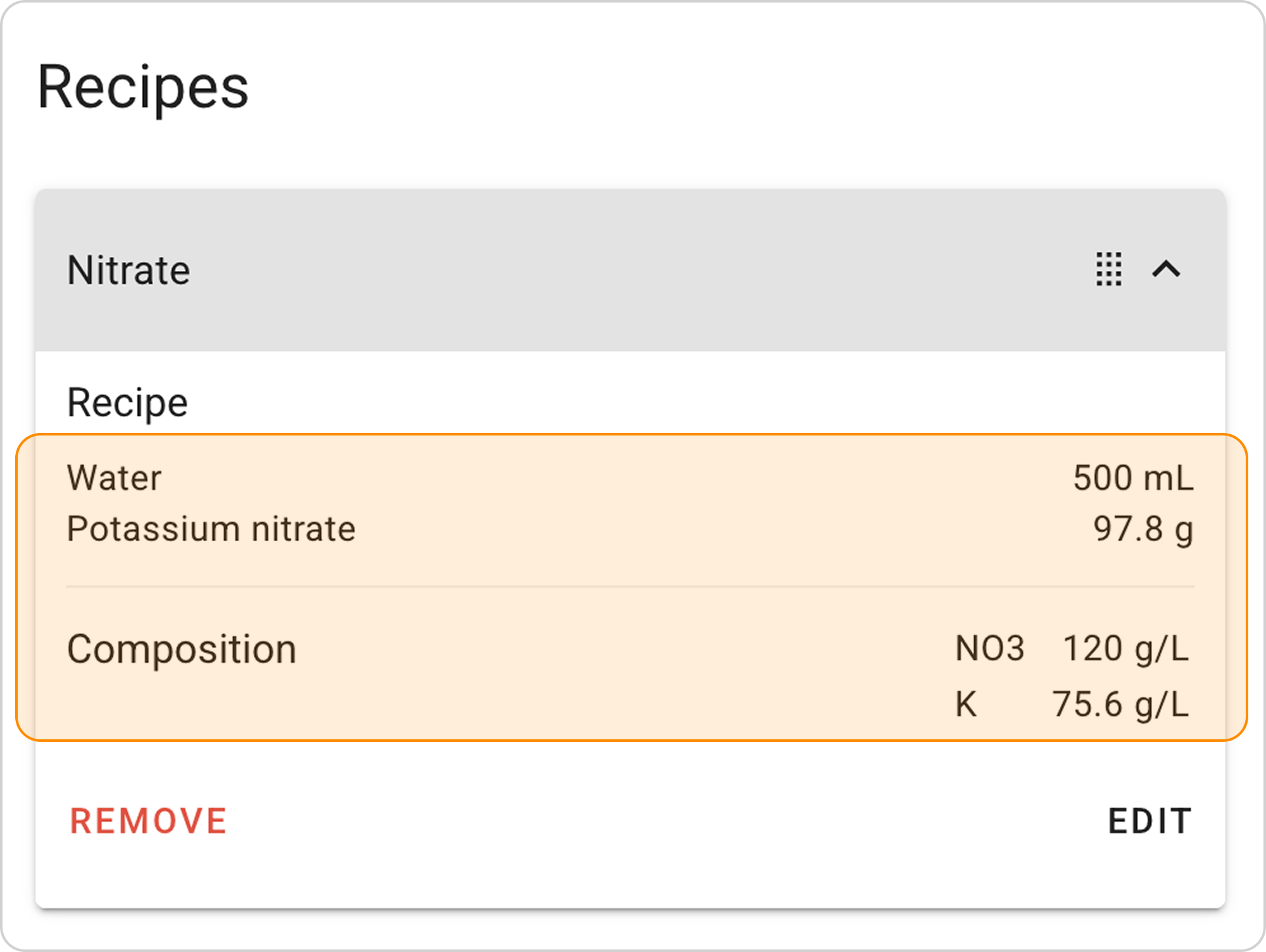
Change parameters:
- Click the "EDIT" button in the expanded list
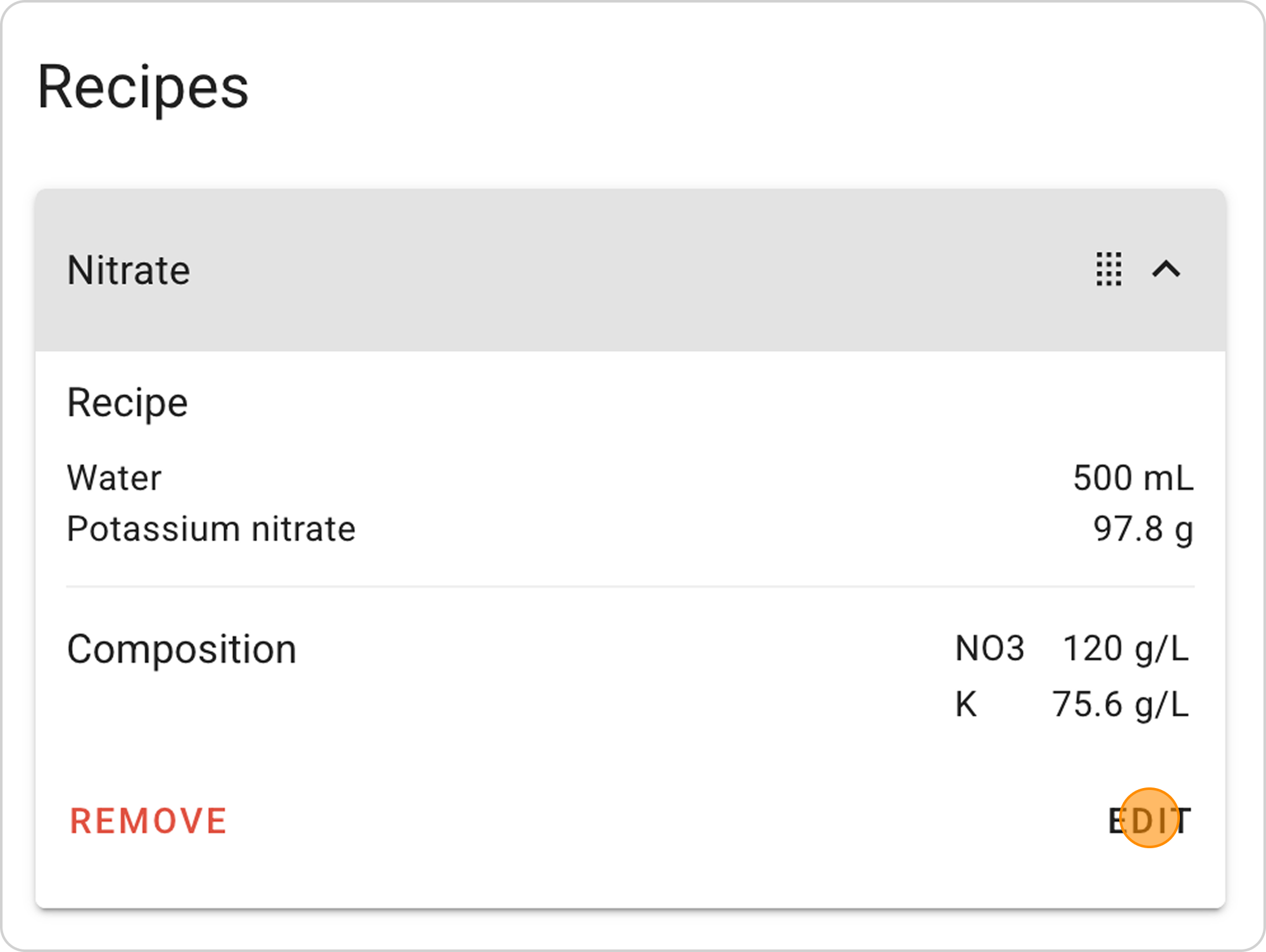
Delete recipe:
- Click the "REMOVE" button in the expanded list