How to Use Ready-Made Recipes?
With ready-made recipes in Samomes, you can work in two ways. The first way — use the recipe without changes, simply saving it to your recipes. The second — adapt the recipe to your aquarium's conditions.
When to use ready-made recipes without changes:
- You're a beginner in aquarium keeping
- Need a proven solution
- Want to save time on calculations
- Trust the recipe creator's experience
Step-by-Step Guide for Using a Ready-Made Recipe Without Changes
Determine your plants' nutritional element needs and the type of fertilizer that's more convenient for you to use.
Step 1. Find a Suitable Recipe
- In the Recipes field in the dropdown list, browse ready-made recipes
- Select a recipe suitable for your goals.
Step 2. Check the Recipe Composition
- Make sure all reagents are available to you
- Study the element concentration table
- Check the preparation volume and reagent masses
Step 3. Save the Recipe
- If necessary, change the recipe name and description
- Save the selected recipe
- The recipe will appear in your recipe list, as well as in the "Dosing" section
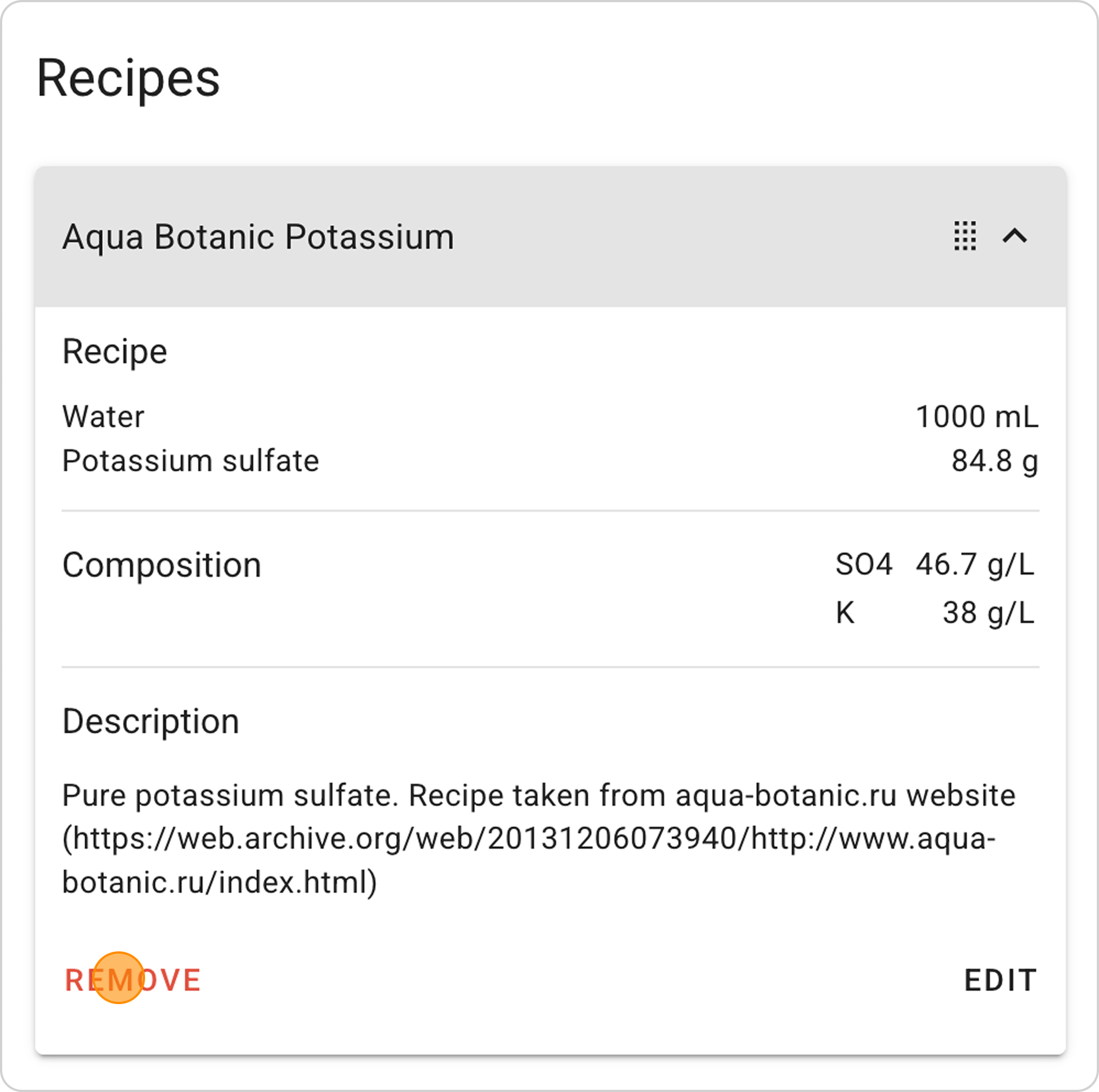
Example of Using the Ready-Made Recipe "Aqua Botanic Potassium"
This fertilizer recipe is used to increase potassium content in the aquarium.
Step-by-Step Guide
Step 1: Open the Recipe Form
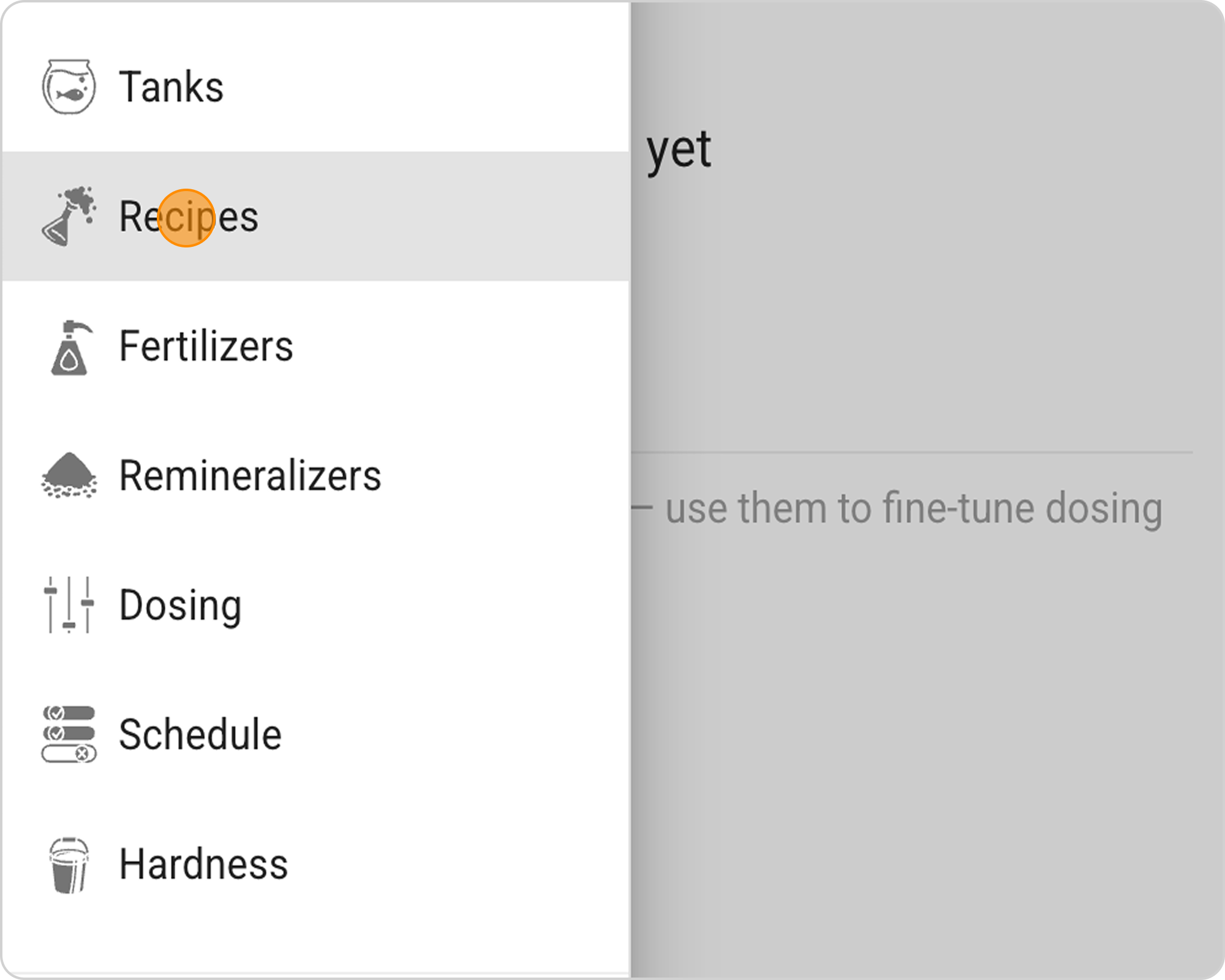
- In the Samomes main menu, select the "Recipes" section
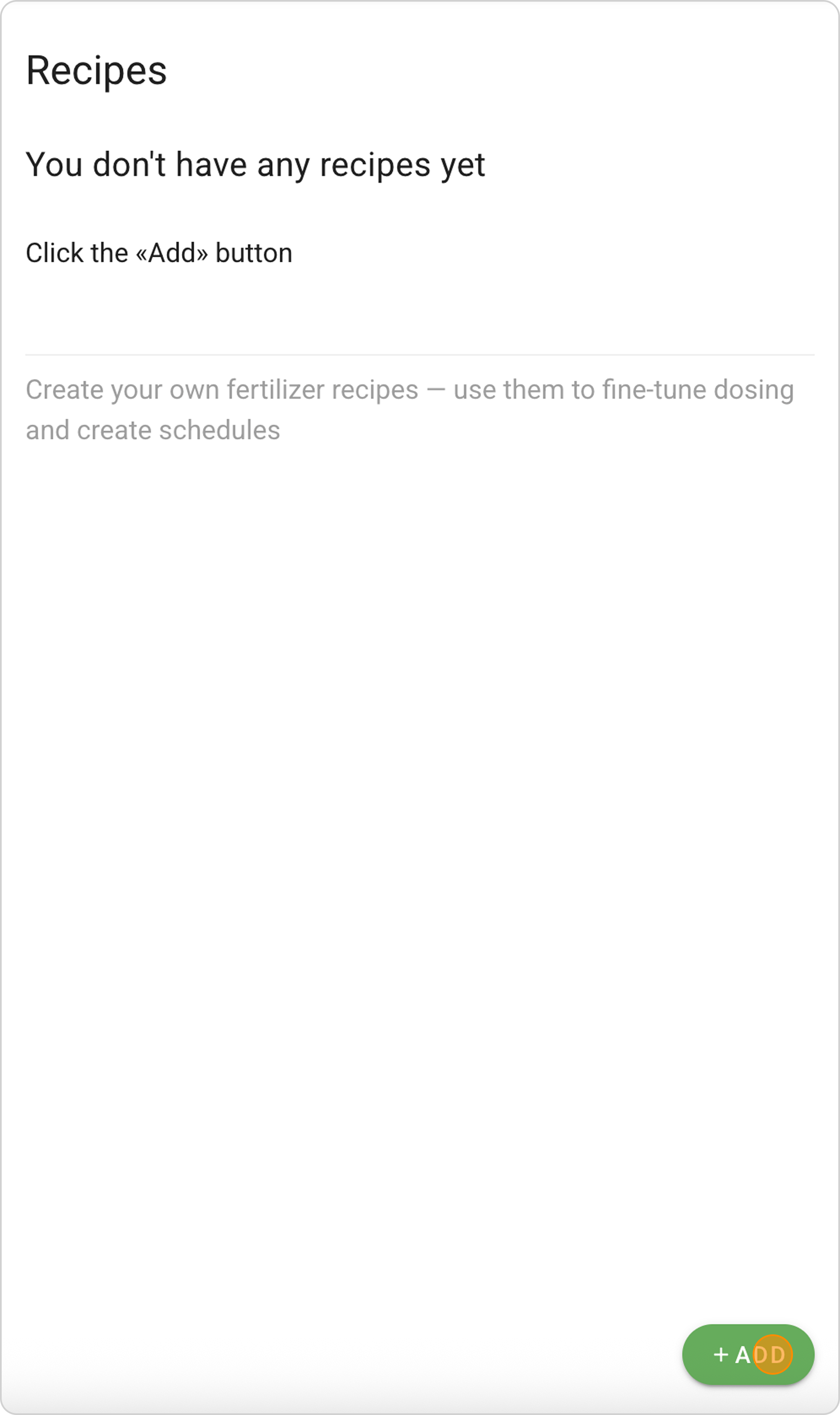
- Click the "+ ADD" button in the lower right corner
Step 2: Select a Recipe
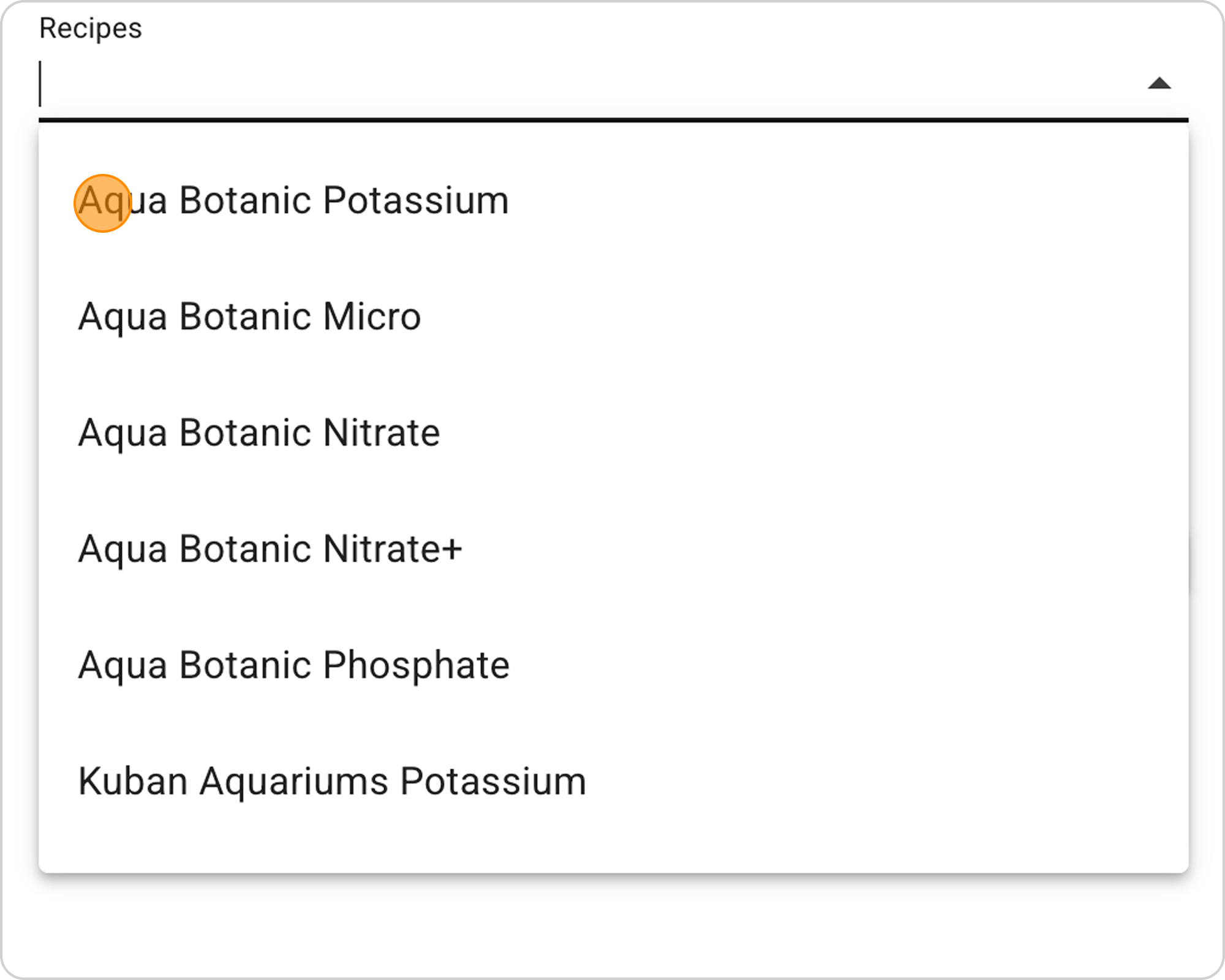
- Click on the arrow to the right in the "Recipes" field
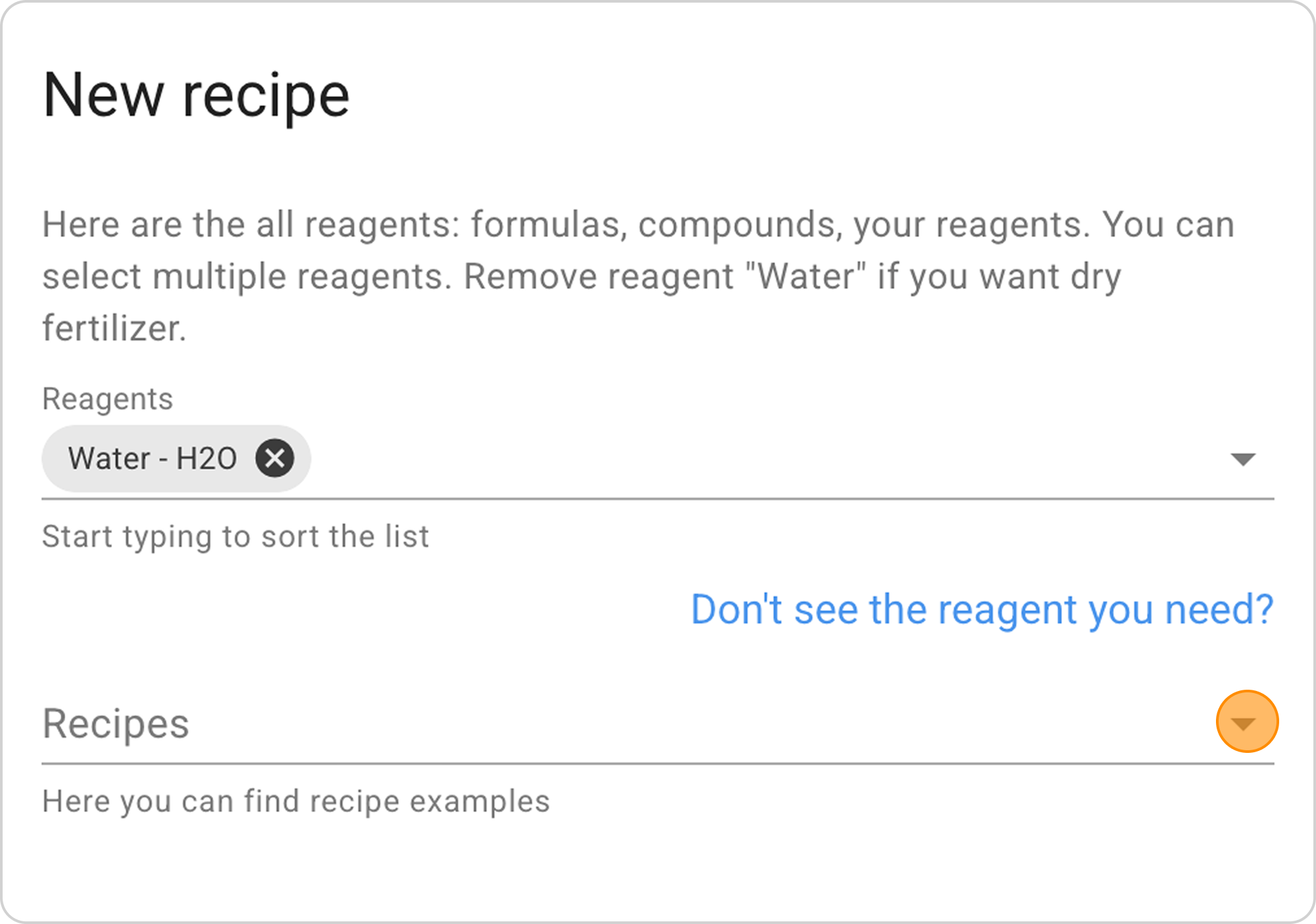
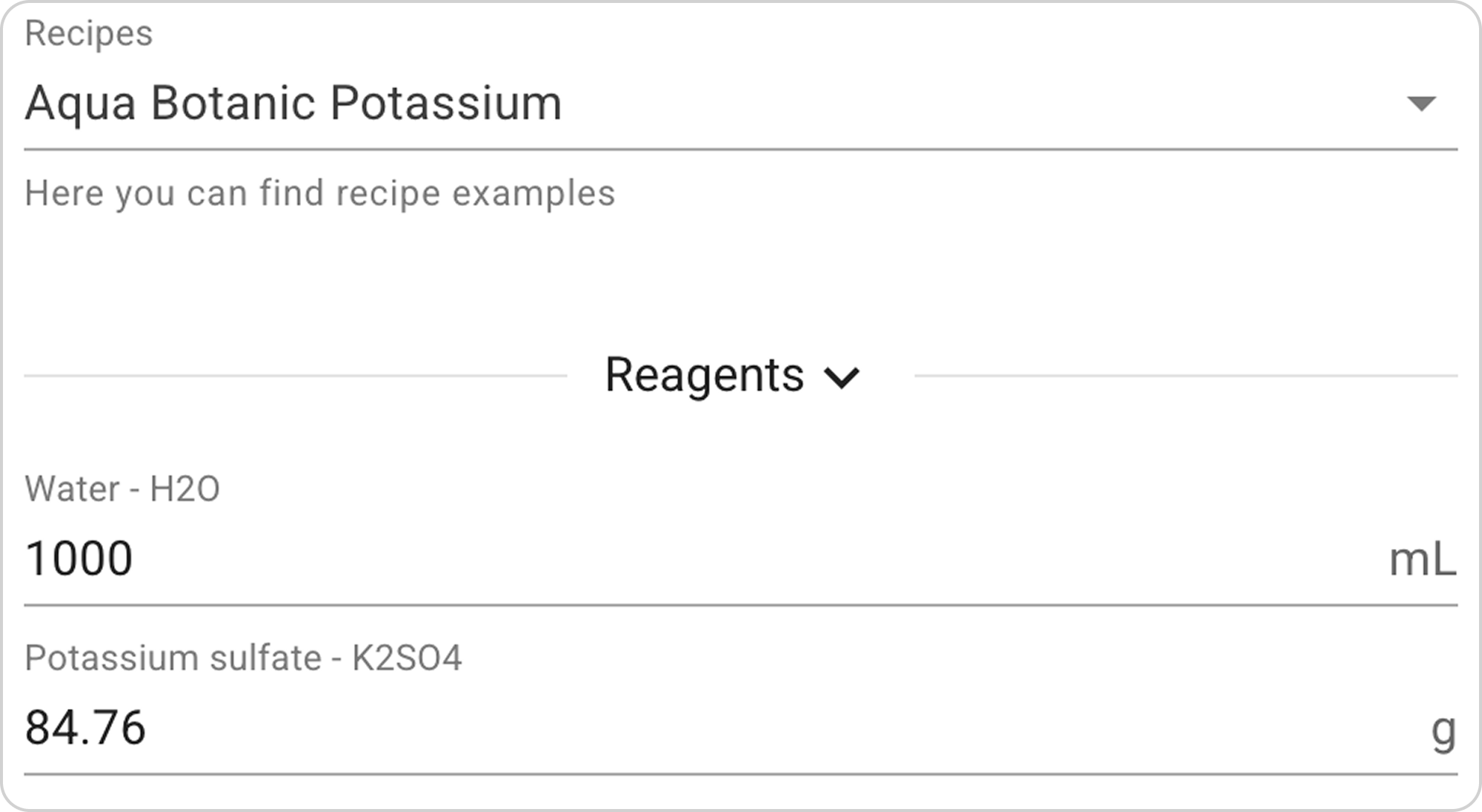
- From the dropdown list select Aqua Botanic Potassium
Step 3: Study the Recipe Composition
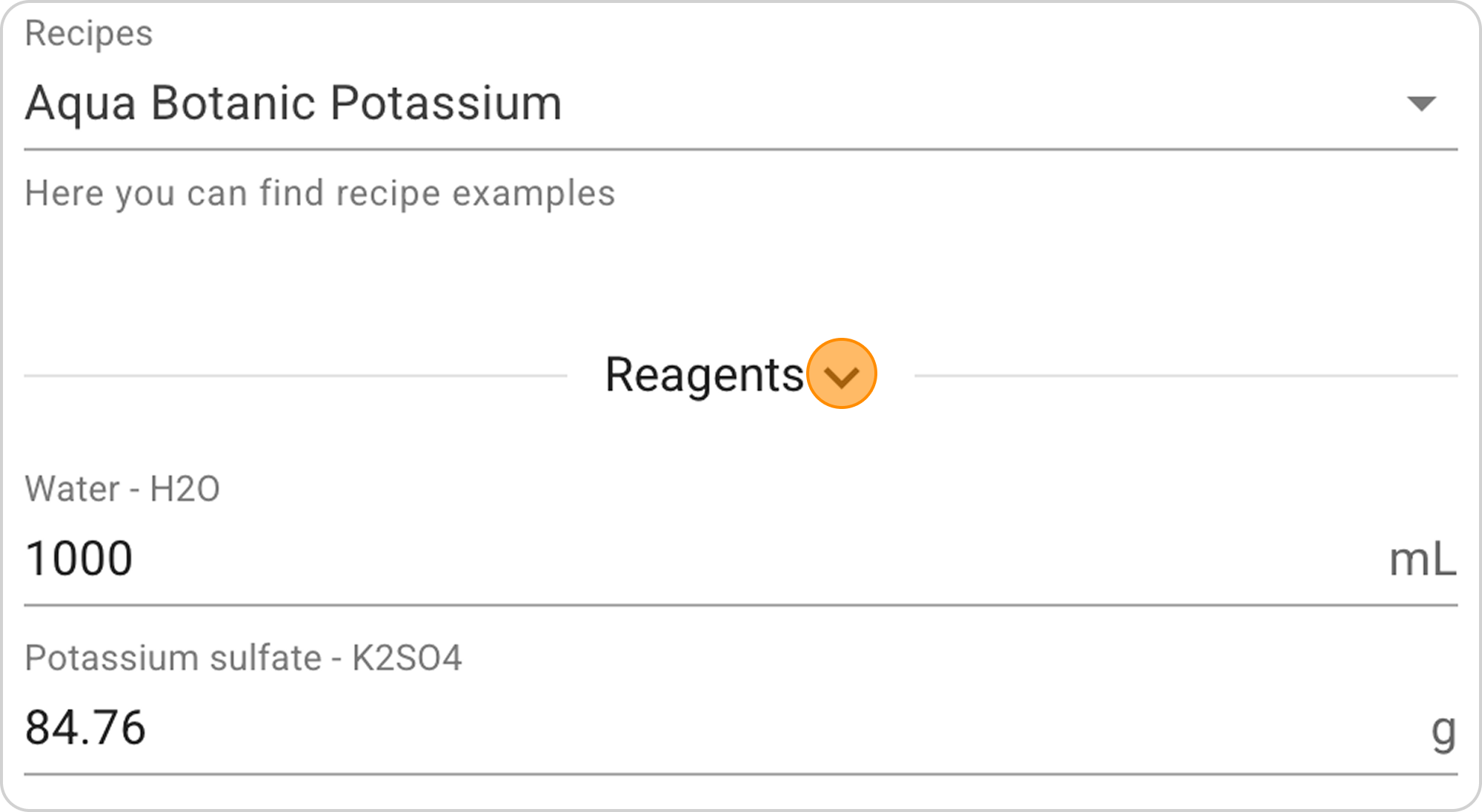
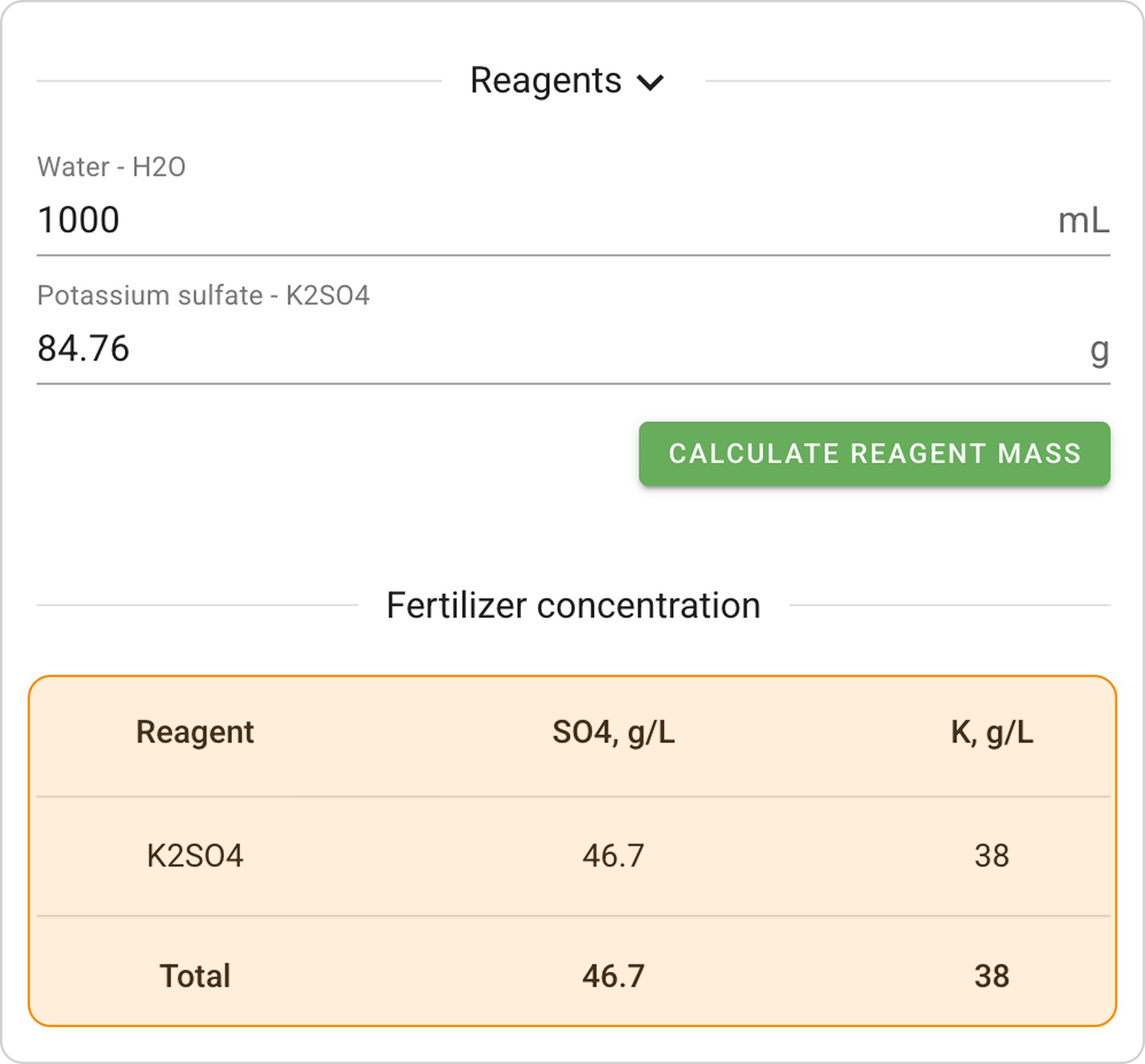
- Click on the arrow to the right of "Reagents" to study the list of reagents with precise masses.
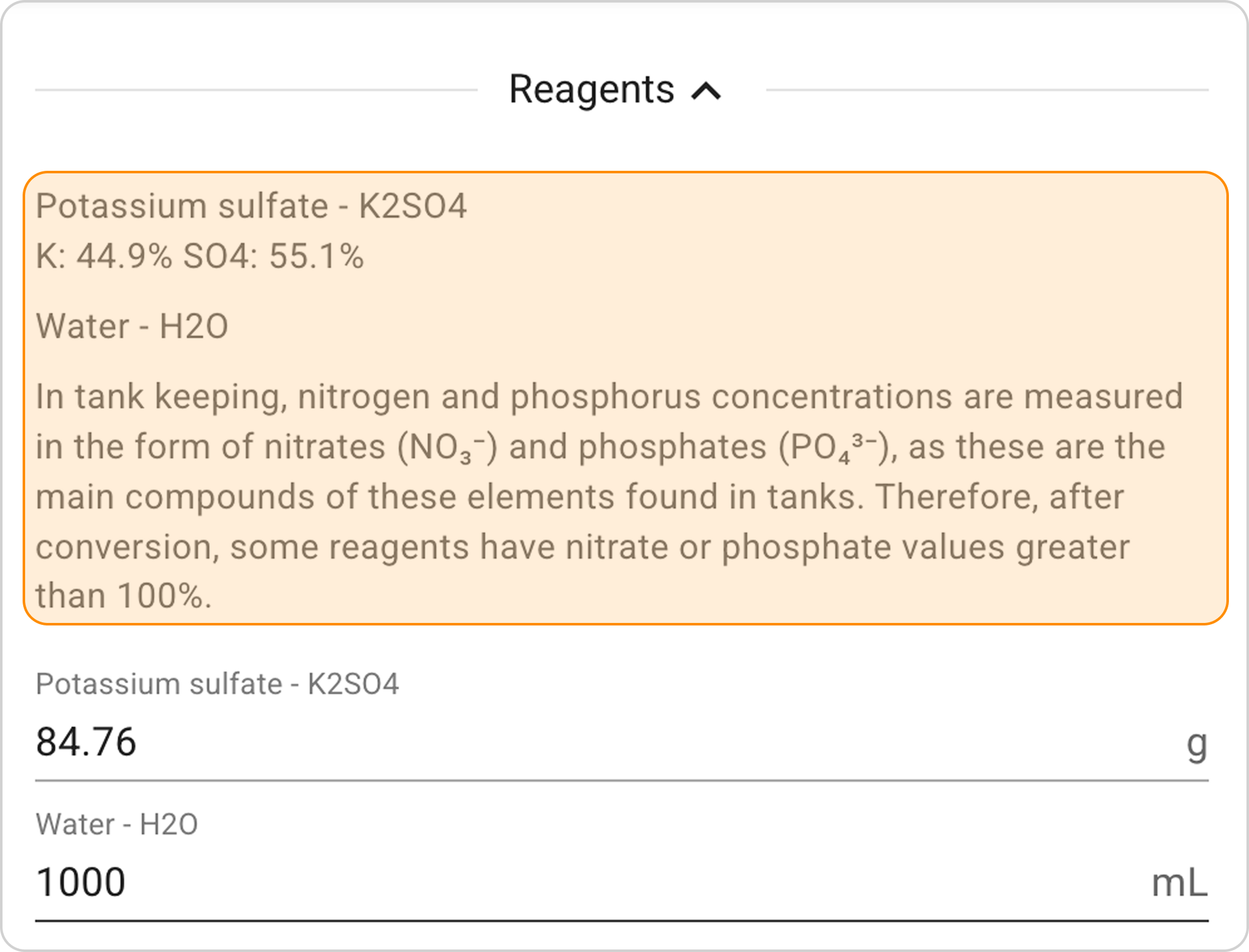
- Study the table with concentrations of all elements
Step 4. Save the Recipe
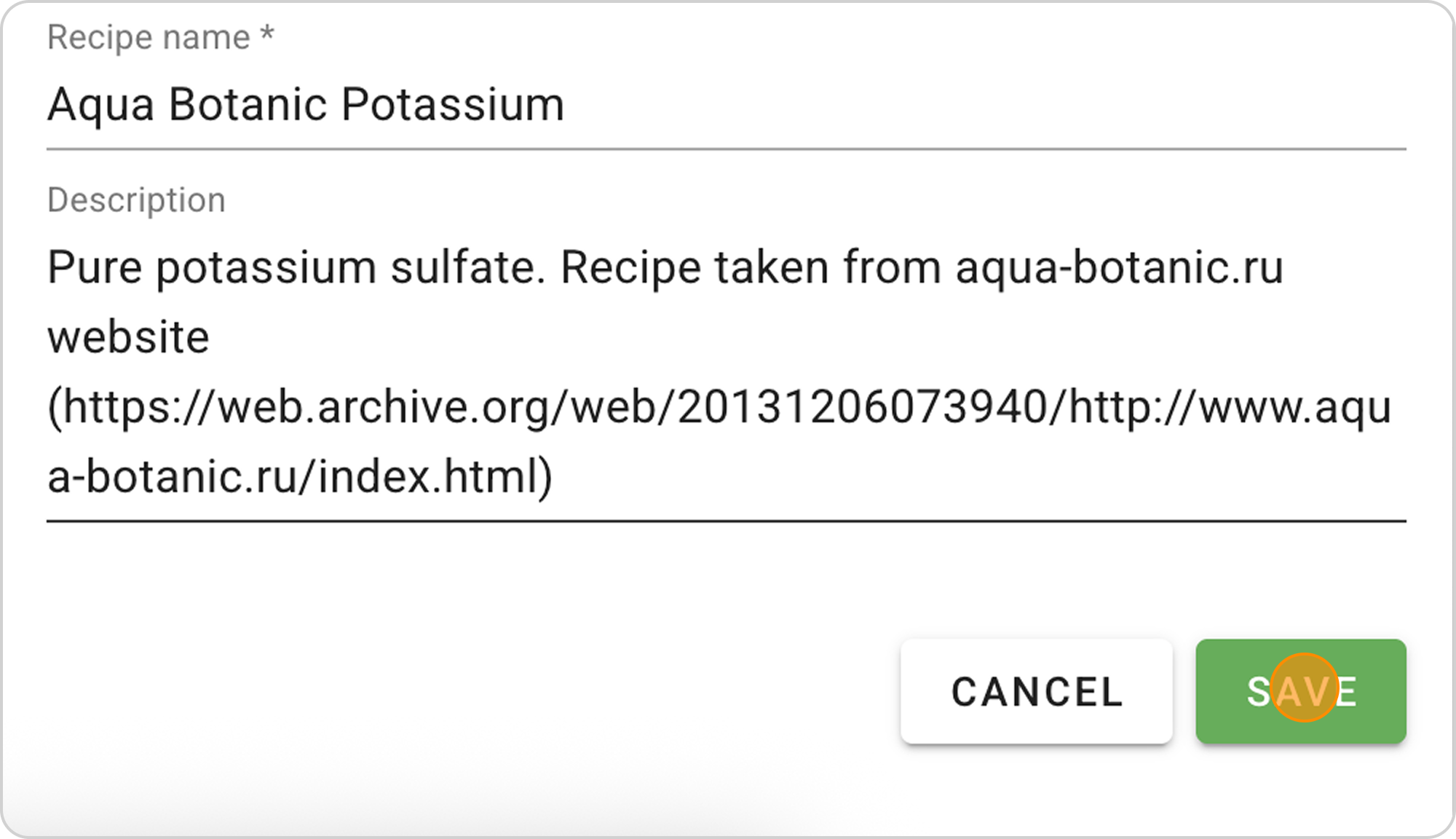
- You can change the recipe name and description
- Click the "SAVE" button in the lower right corner
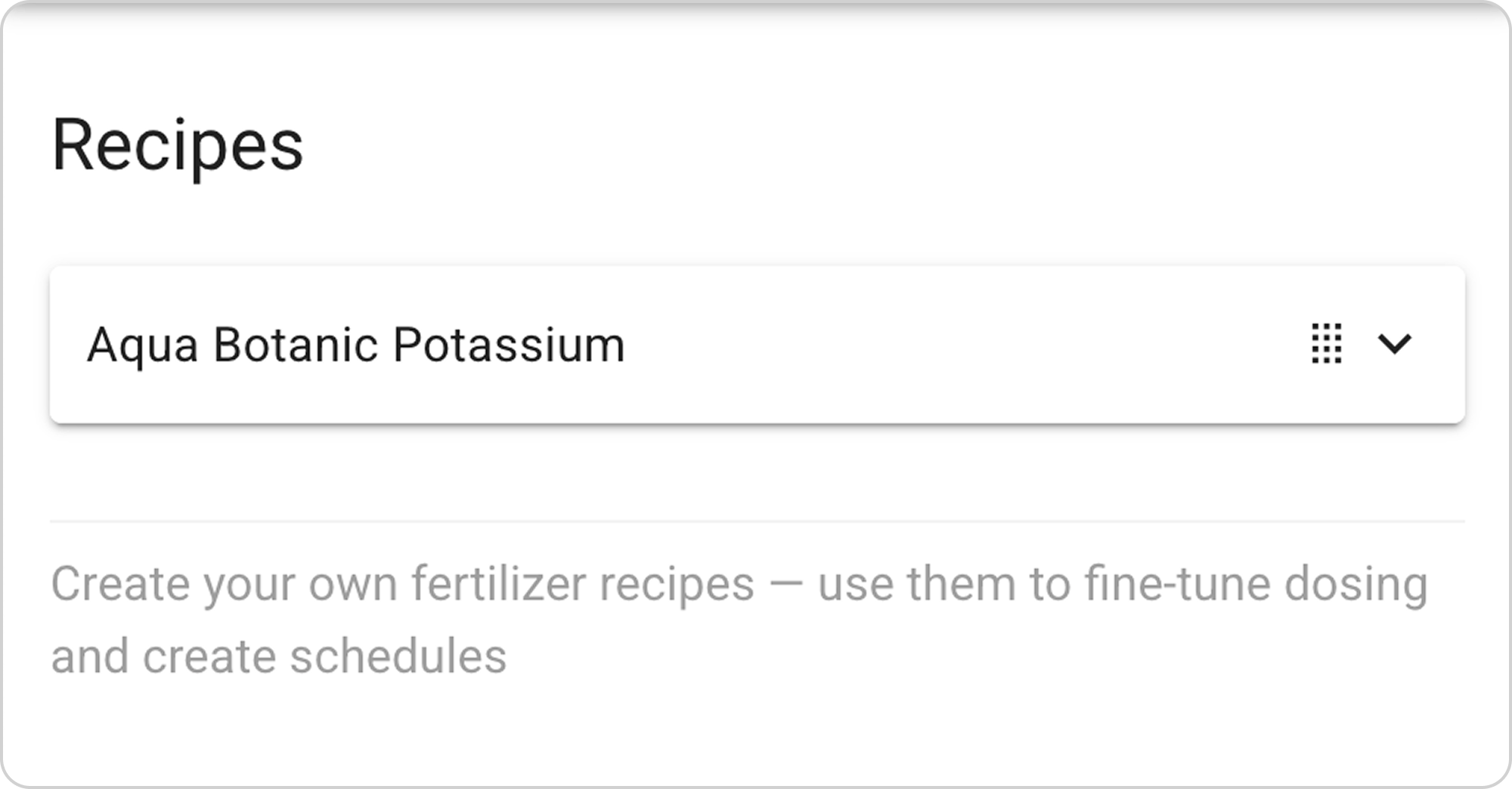
- The recipe will be saved in the "Recipes" section, and will also be automatically available in the "Dosing" section
Managing the Saved Recipe
After saving the ready-made recipe, you can:
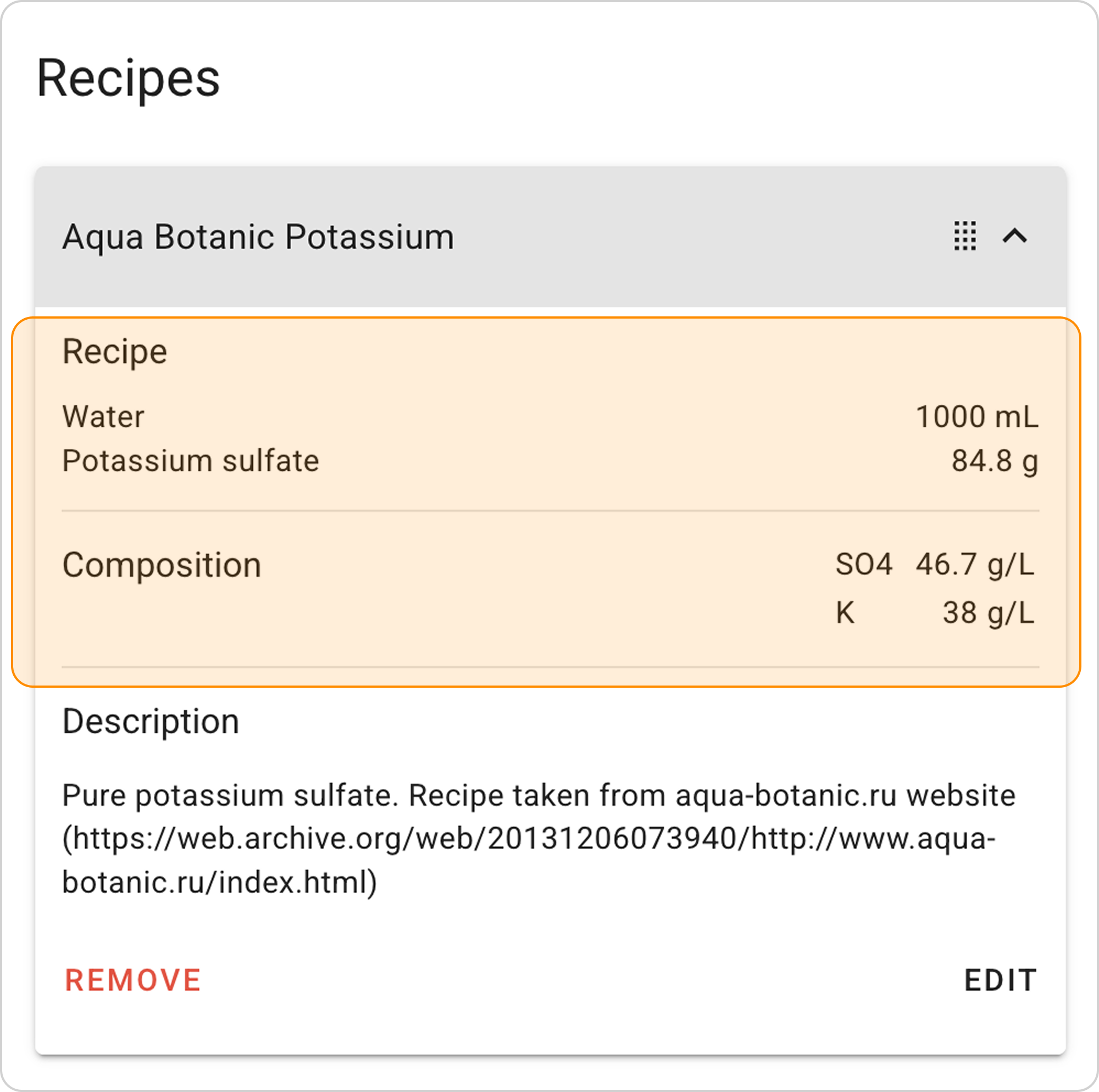
View parameters:
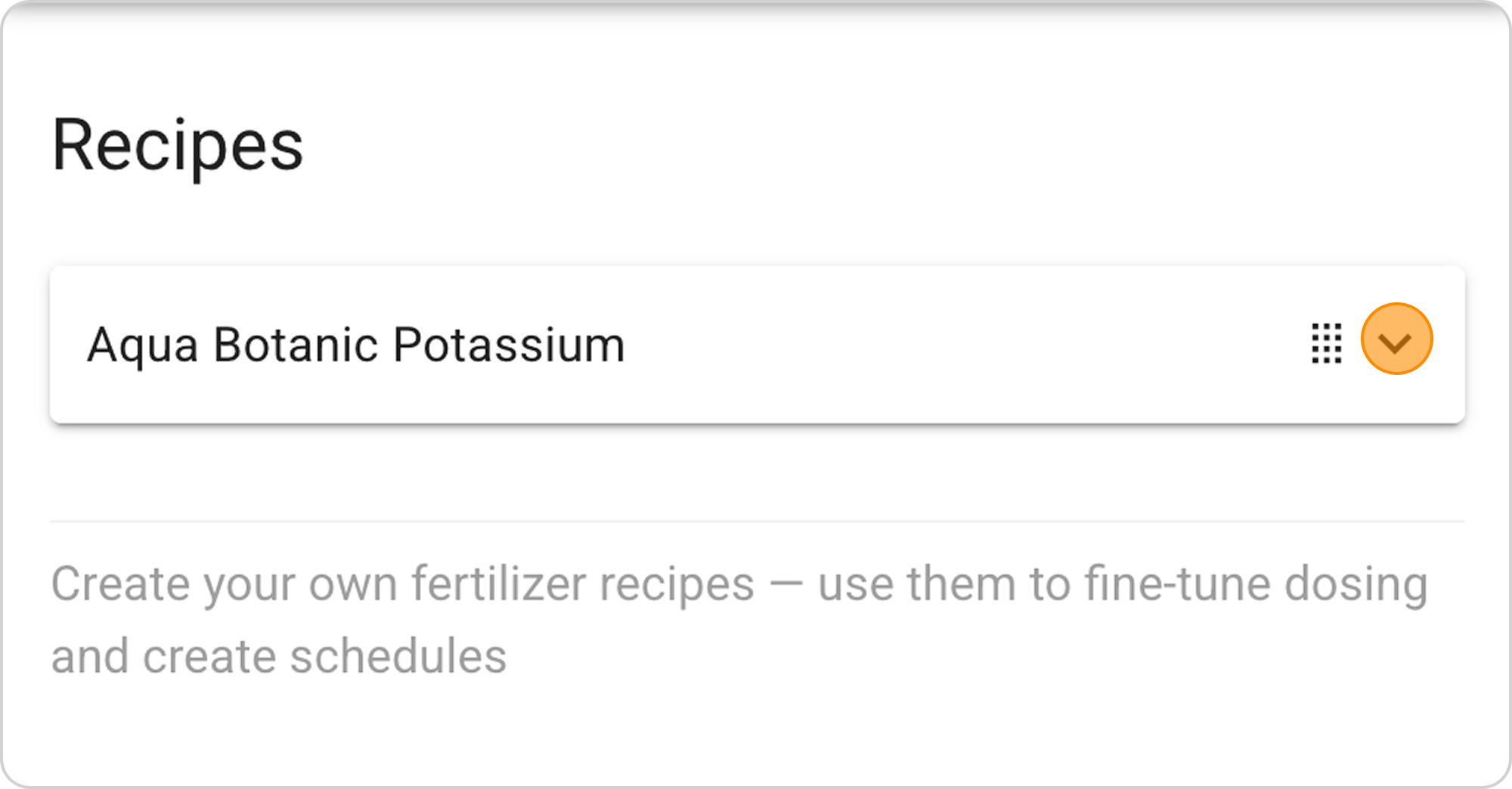
- Click on the arrow to the right of "Recipe"
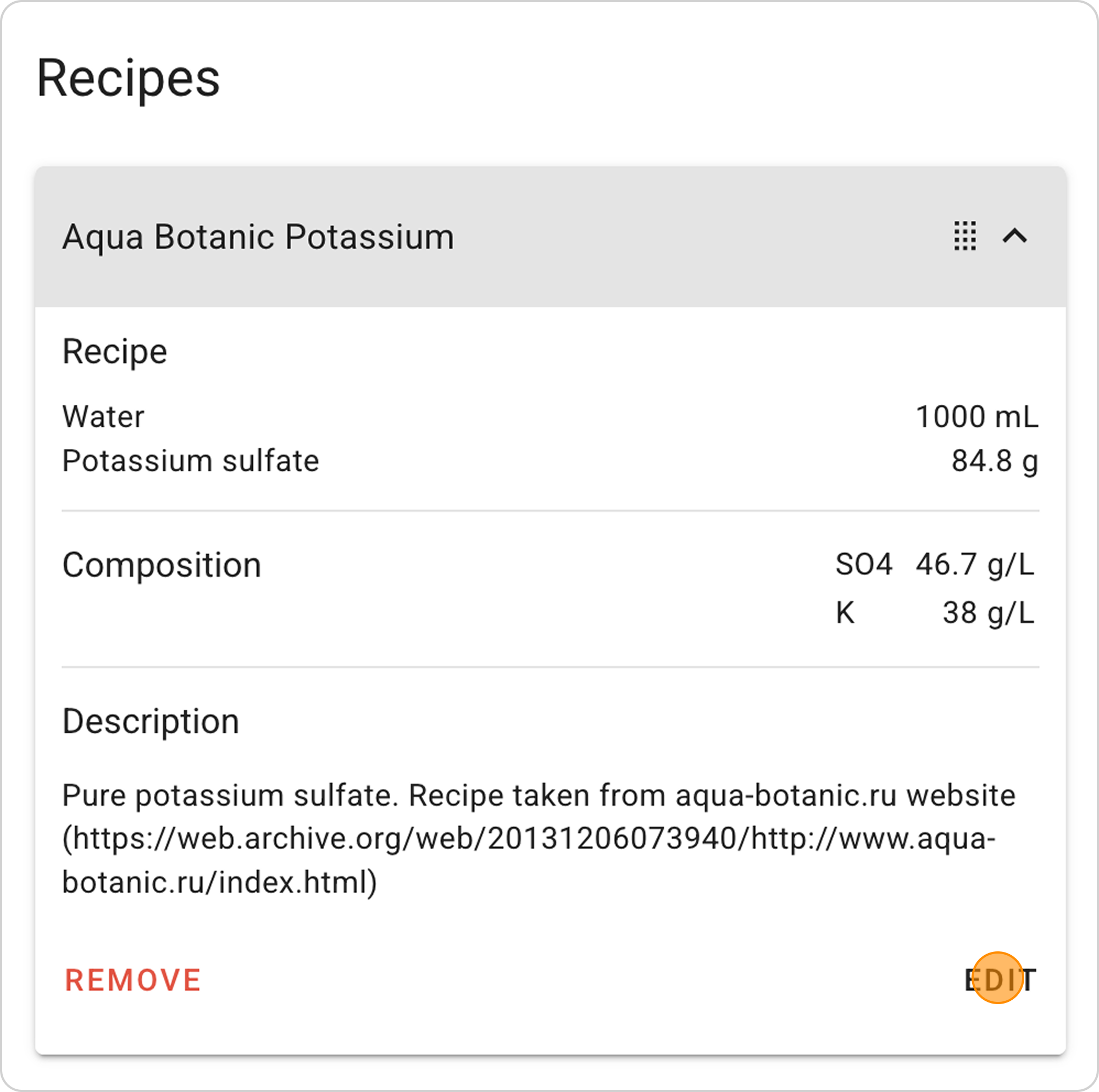
Change parameters:
- Click the "EDIT" button in the expanded list
Delete recipe:
- Click the "REMOVE" button in the expanded list