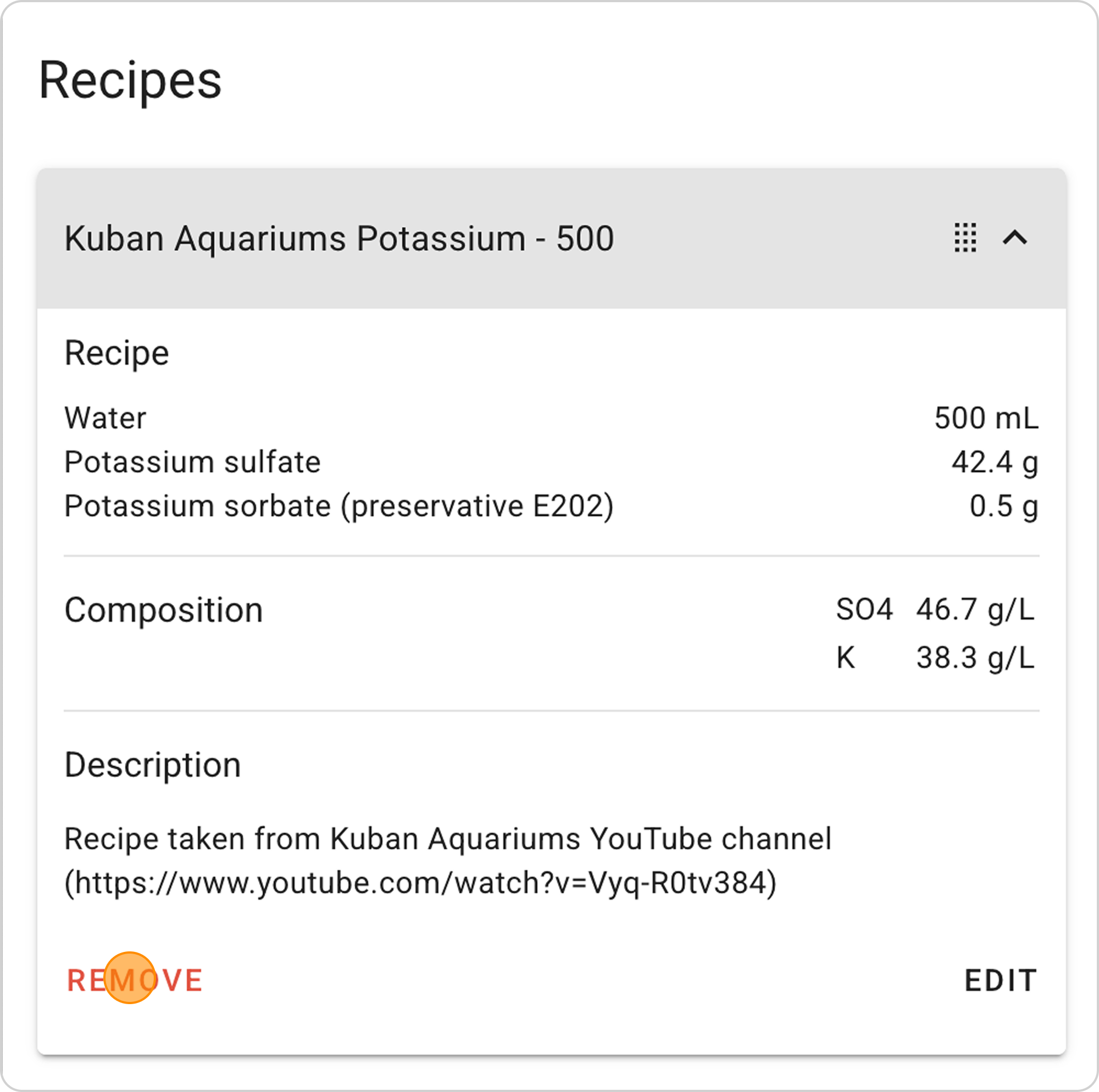
Example of Modifying the Ready-Made Recipe Kuban Aquariums Potassium
Most recipes are calculated for preparing 1000 ml of fertilizer. However, such volume for a 100 L aquarium may last more than a year, which can lead to loss of fertilizer properties. In this recipe, we use a more practical volume — 500 ml. To do this, we'll reduce all recipe components by half, while maintaining the concentrations of all elements.
Step-by-Step Guide
Step 1: Open the Recipe Creation Form
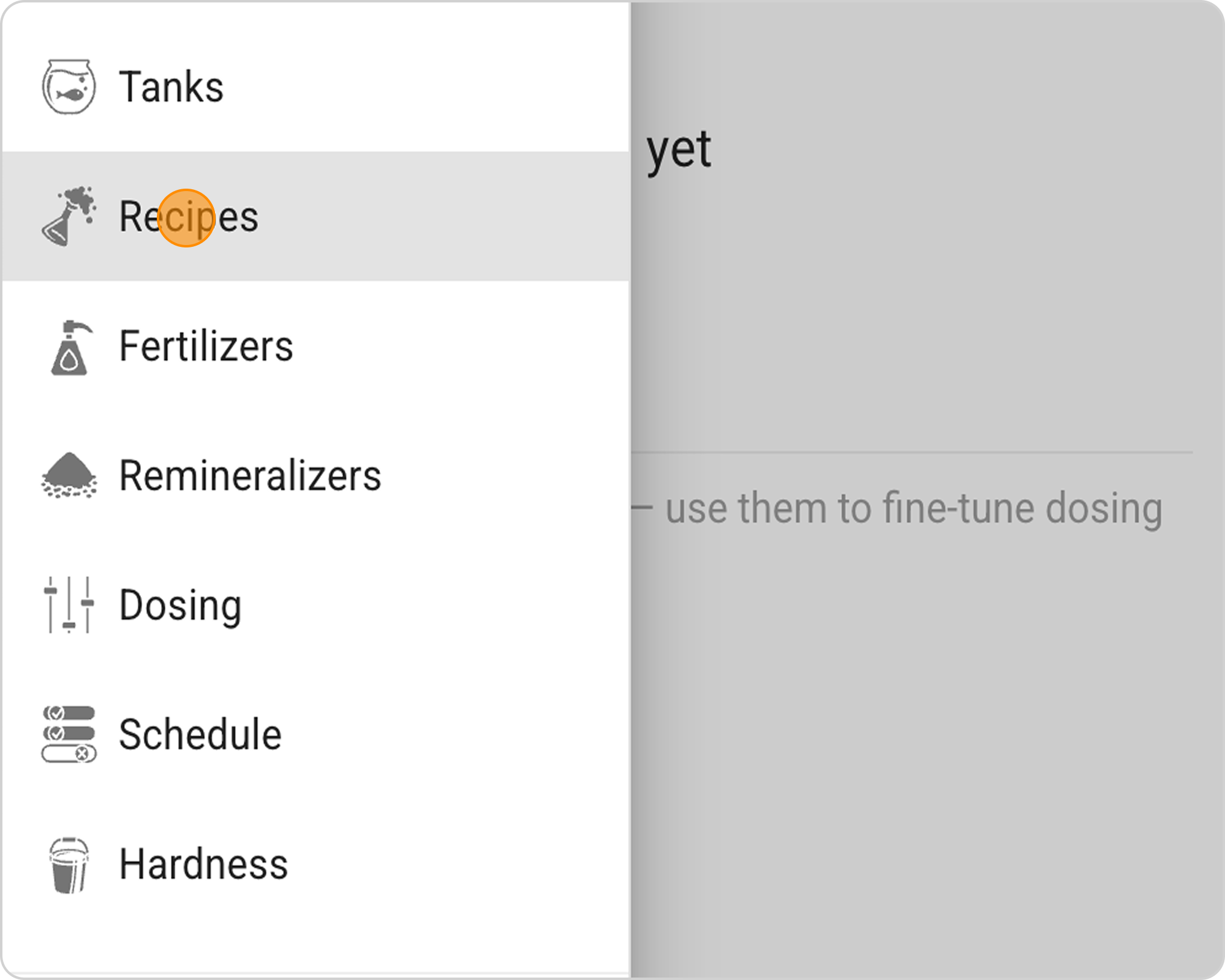
- In the Samomes main menu, select the "Recipes" section.
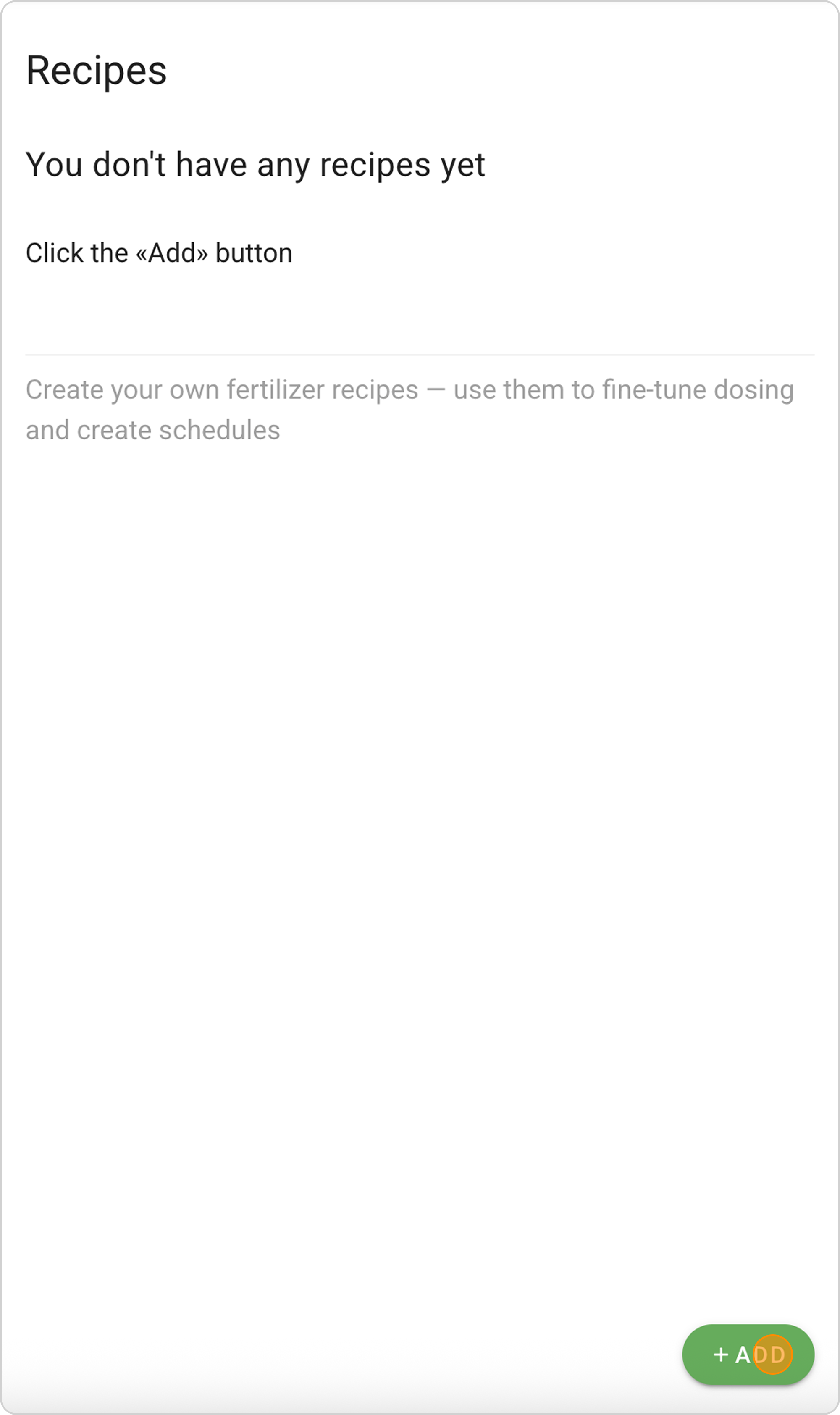
- Click the "ADD" button and the New Recipe creation form will open.
Step 2: Select a Recipe
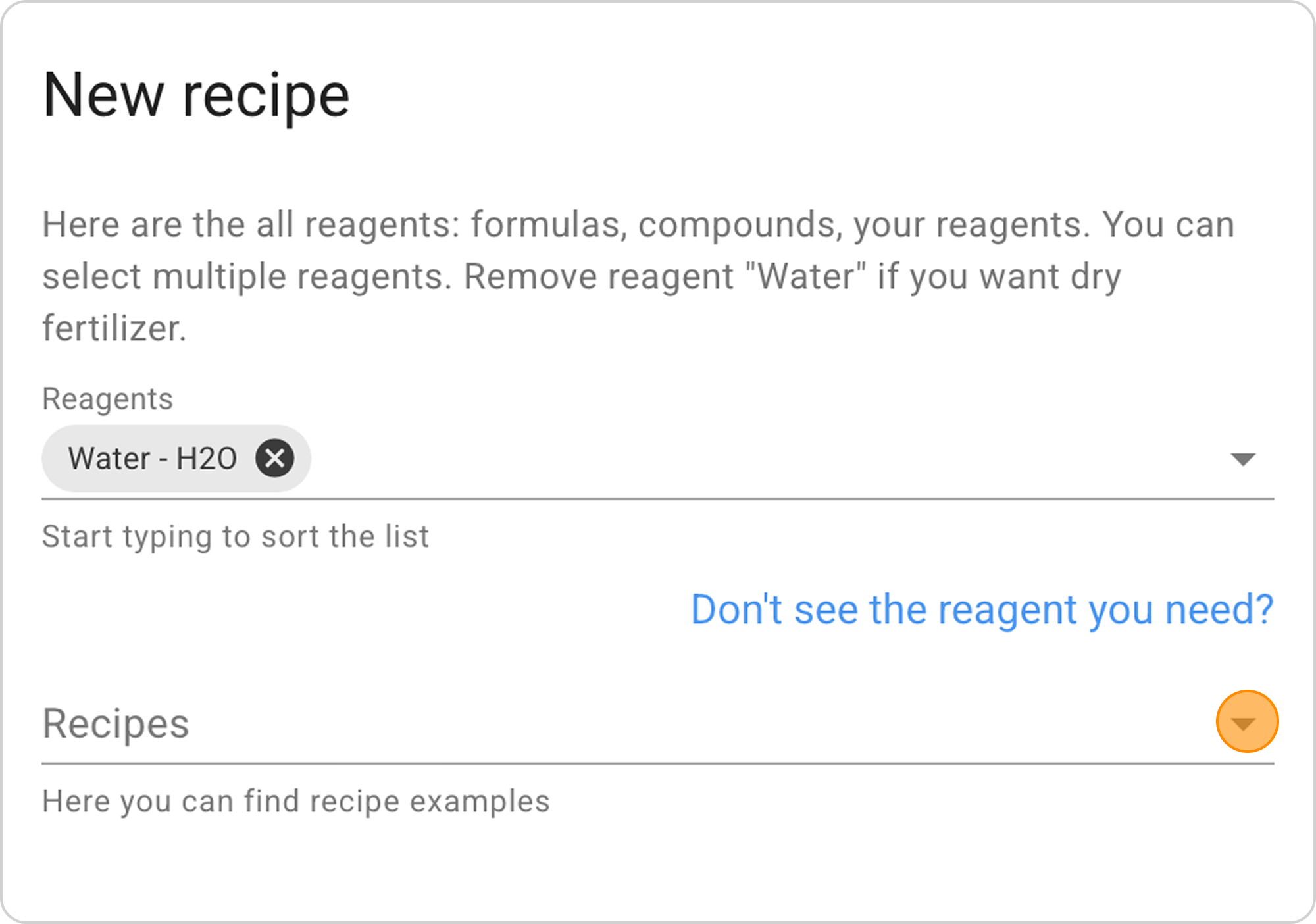
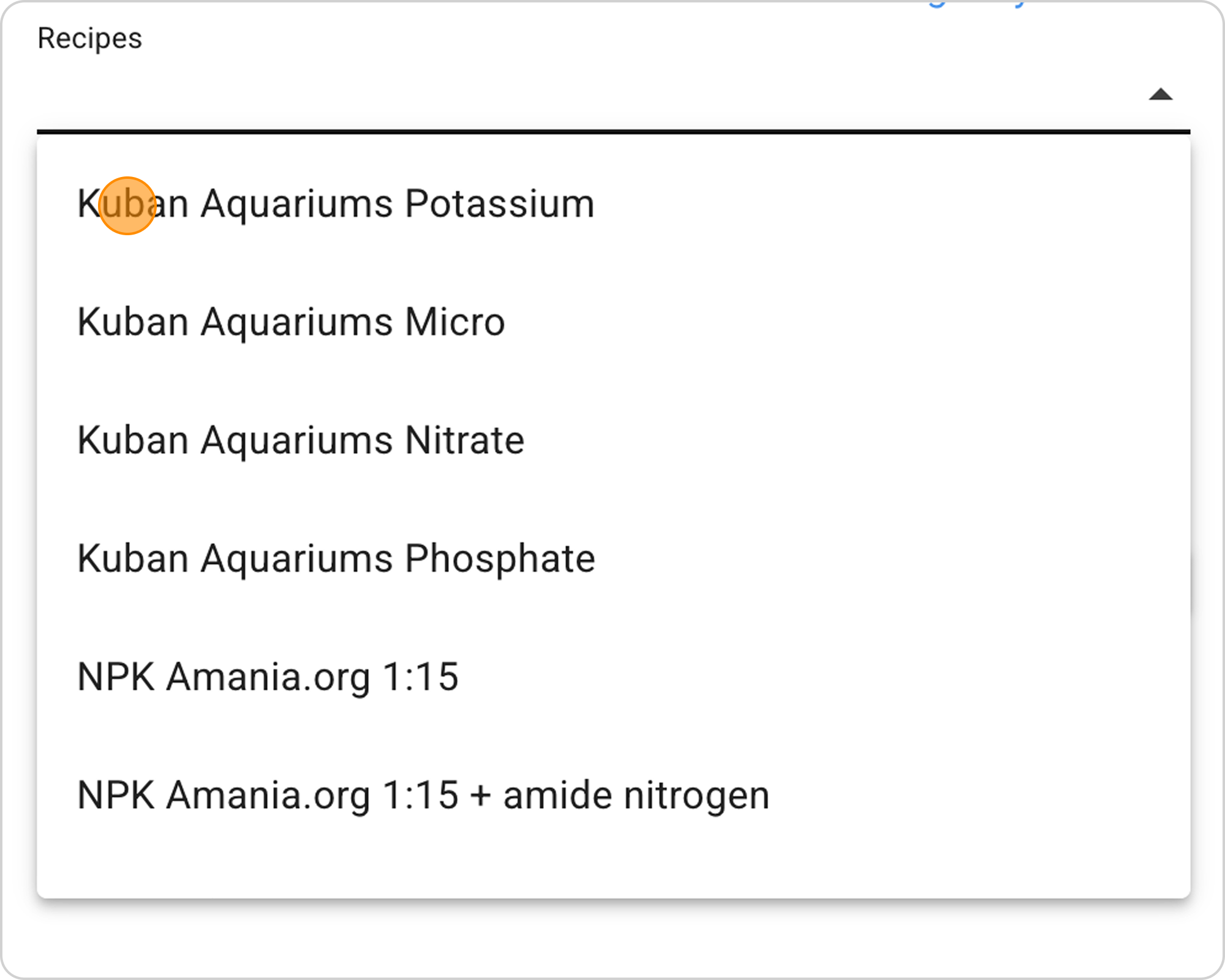
- Click on the arrow to the right in the "Recipes" field
- From the dropdown recipe list select Kuban Aquariums Potassium
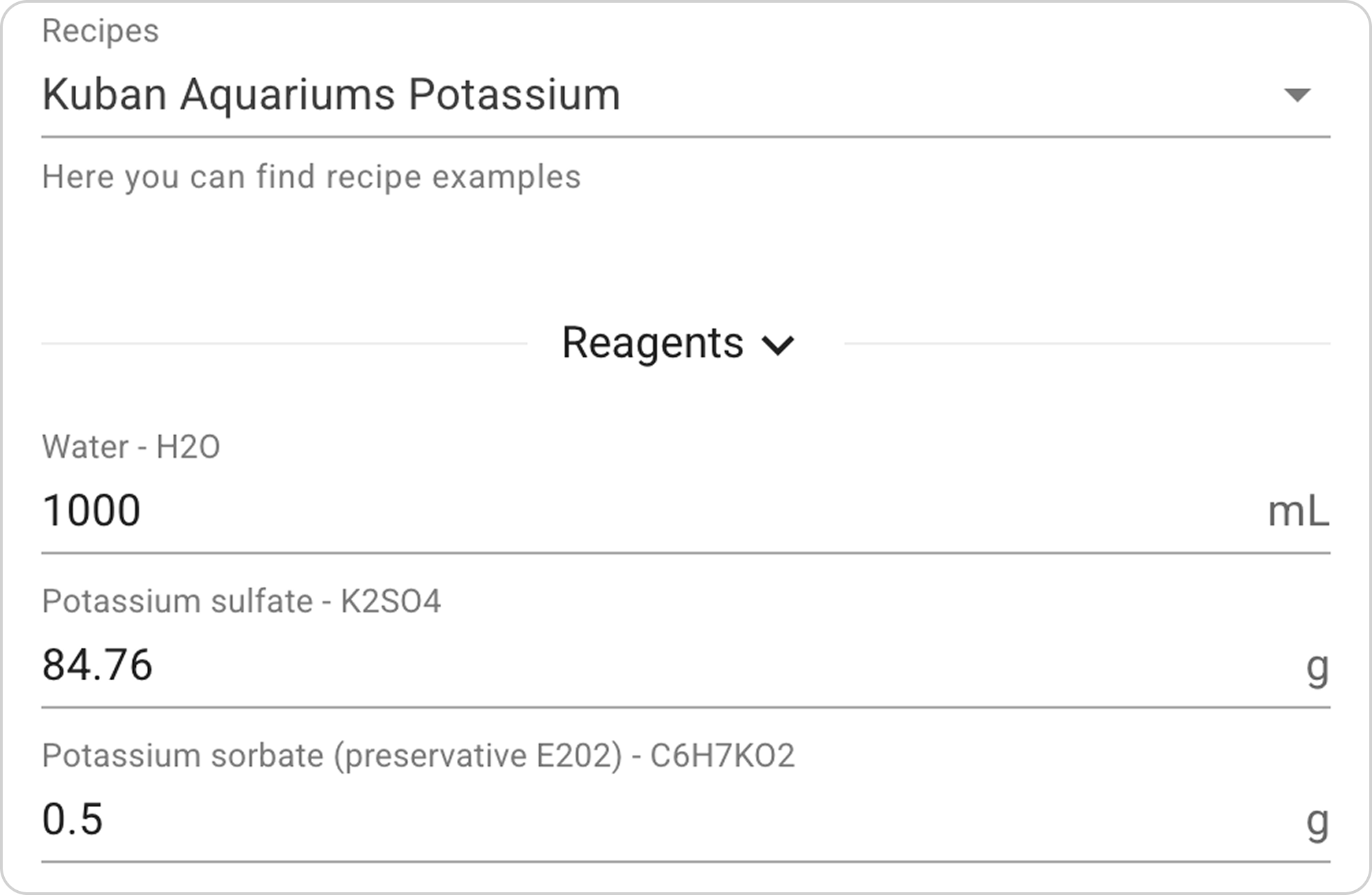
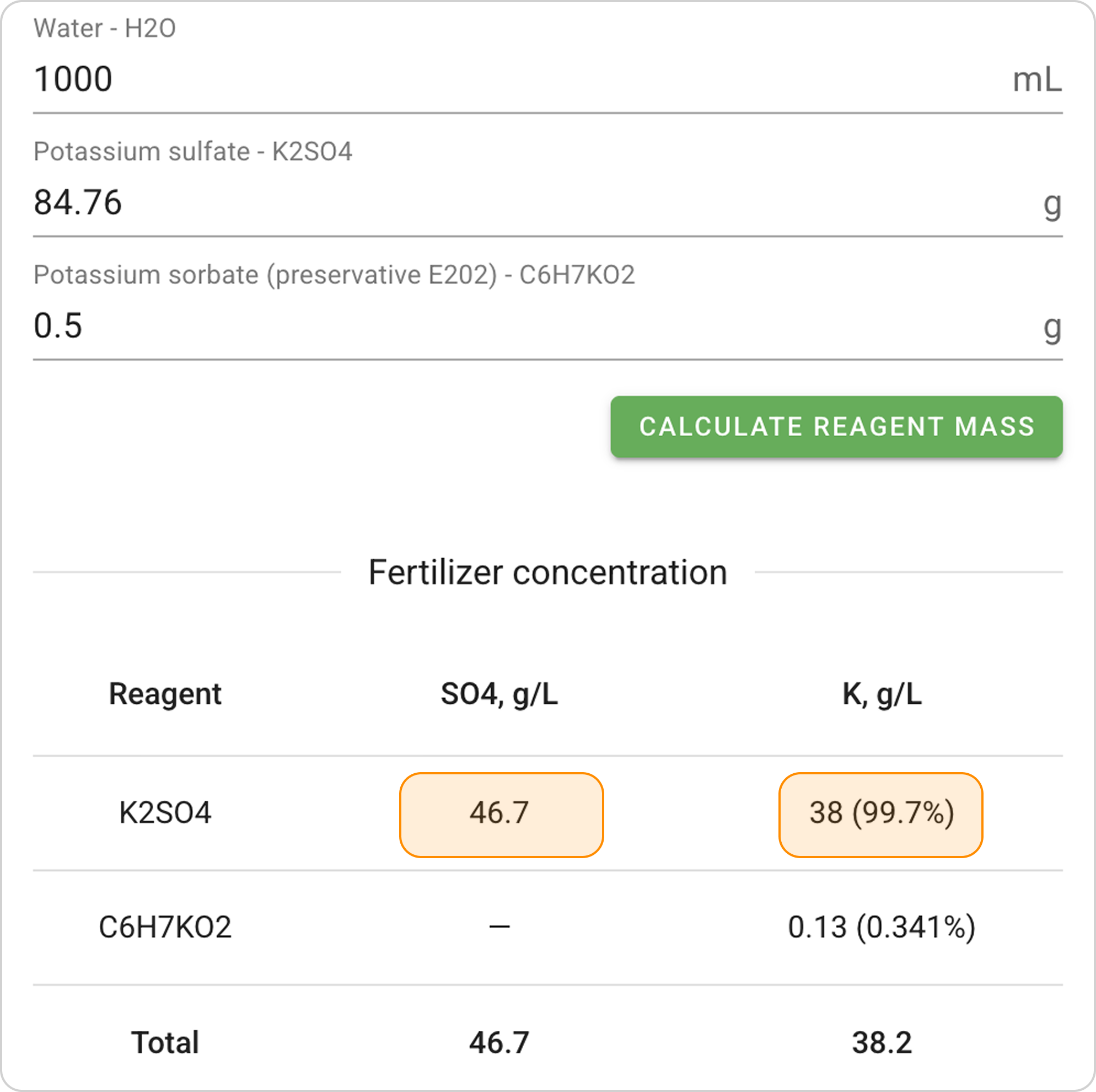
- Study the table "Fertilizer concentration".
Step 3: Set the Required Volume
- In the "Reagents" field for the "Water - H2O" reagent, specify the desired fertilizer volume. In this case, enter the value "500" ml.
- The finished fertilizer volume is determined by the amount of water in the recipe.
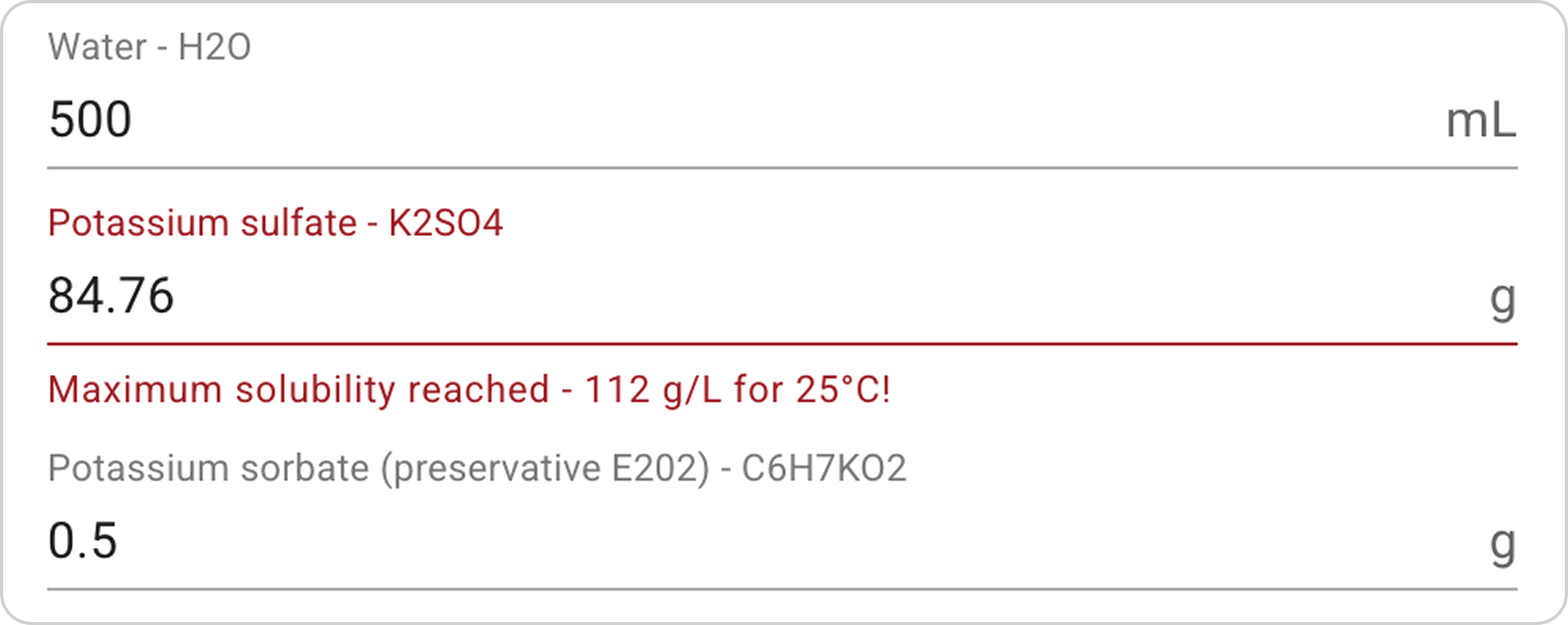
⚠️ Attention: The system will warn you if you exceed the maximum reagent solubility (for potassium sulfate this is 112 g/L at 25°C).
Step 4. Change Reagent Masses
- In the "Reagents" field, change the mass of the Potassium sulfate reagent proportionally to the water volume change, that is, reduce by half. Enter the value "42.38" g.
- Leave the Potassium sorbate (preservative) mass unchanged.
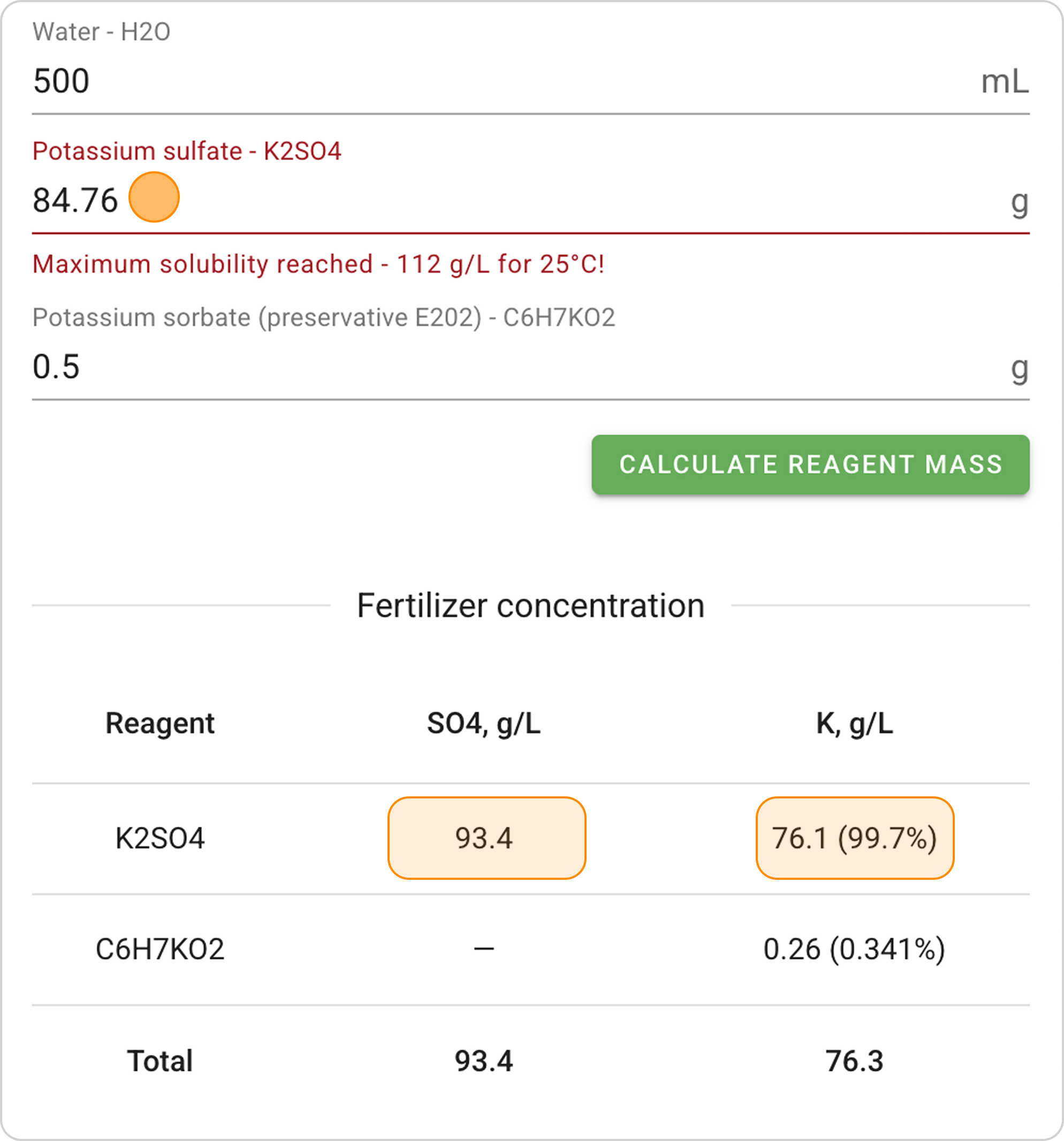
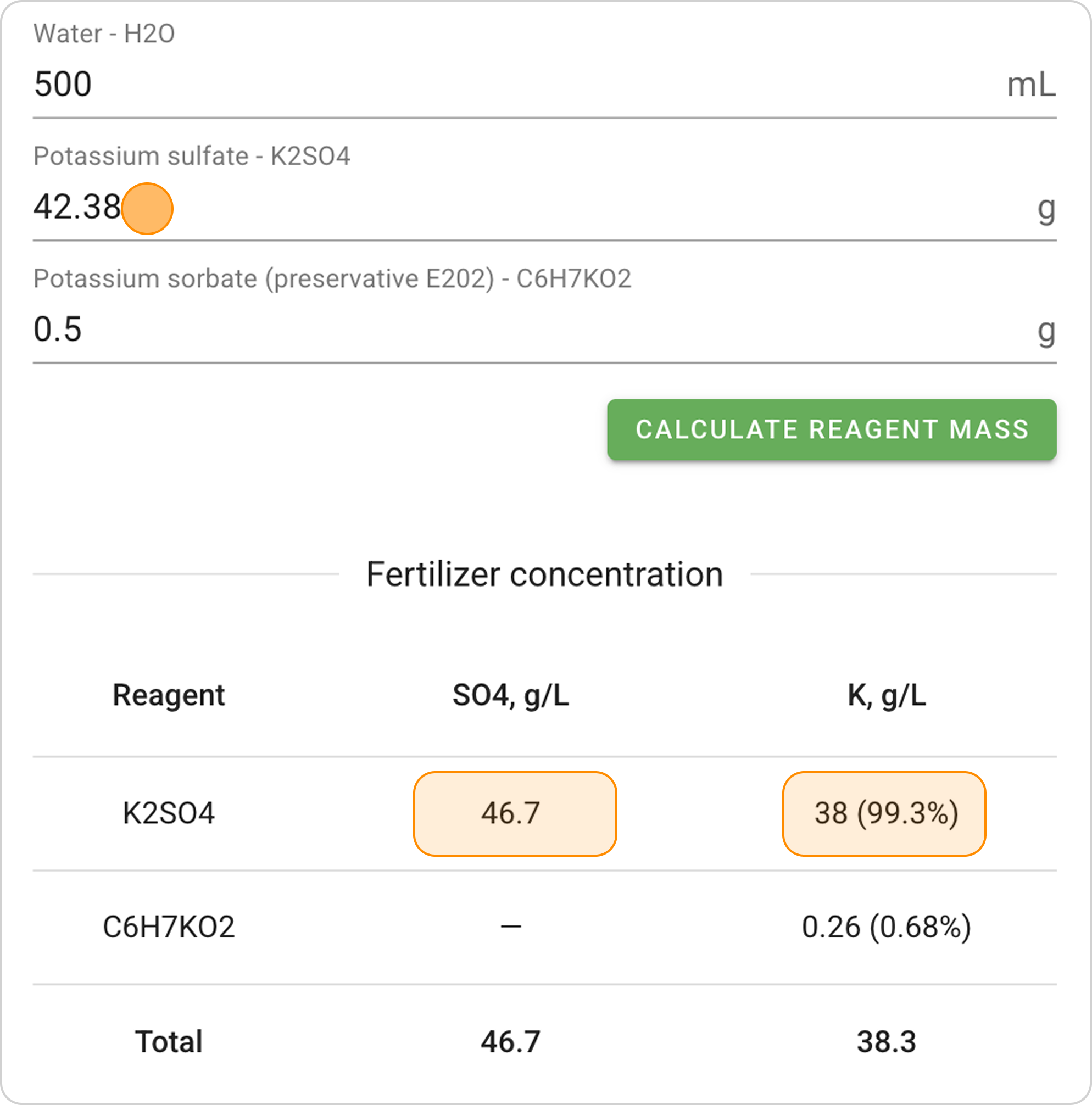
- Monitor element concentration changes in the "Fertilizer concentration" table.
- Element concentrations in the base and modified recipe should remain the same.
- Achieve the desired element concentrations in the finished fertilizer.
Step 5. Save the Recipe
- You can change the recipe name and description. For example, you can add an indication of the new volume, "Kuban Aquariums Potassium - 500".
- Click the "SAVE" button in the lower right corner
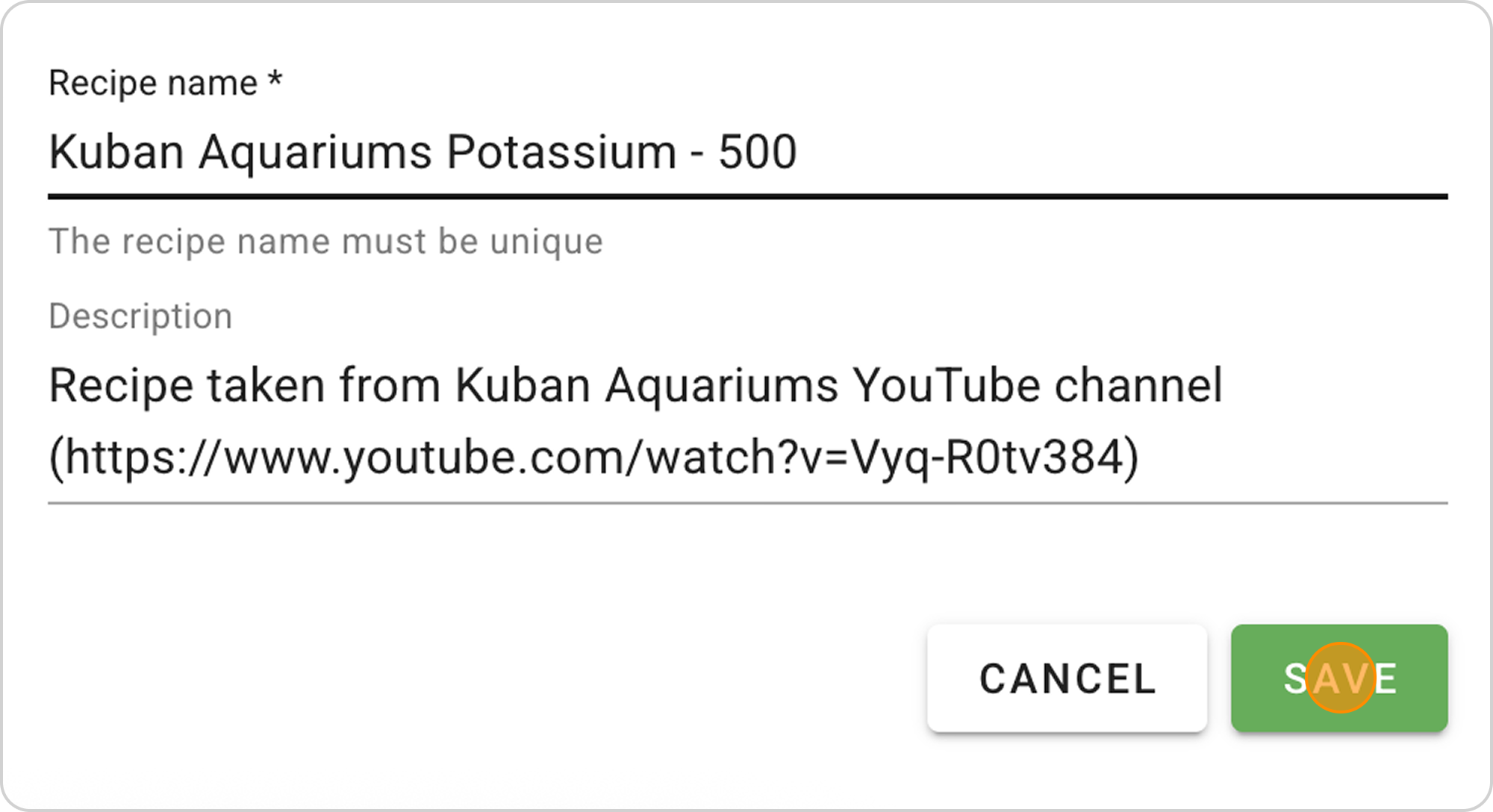
- The recipe will be saved in the "Recipes" section, and will also be automatically available in the "Dosing" section.
Managing the Saved Recipe
After saving the ready-made recipe, you can:
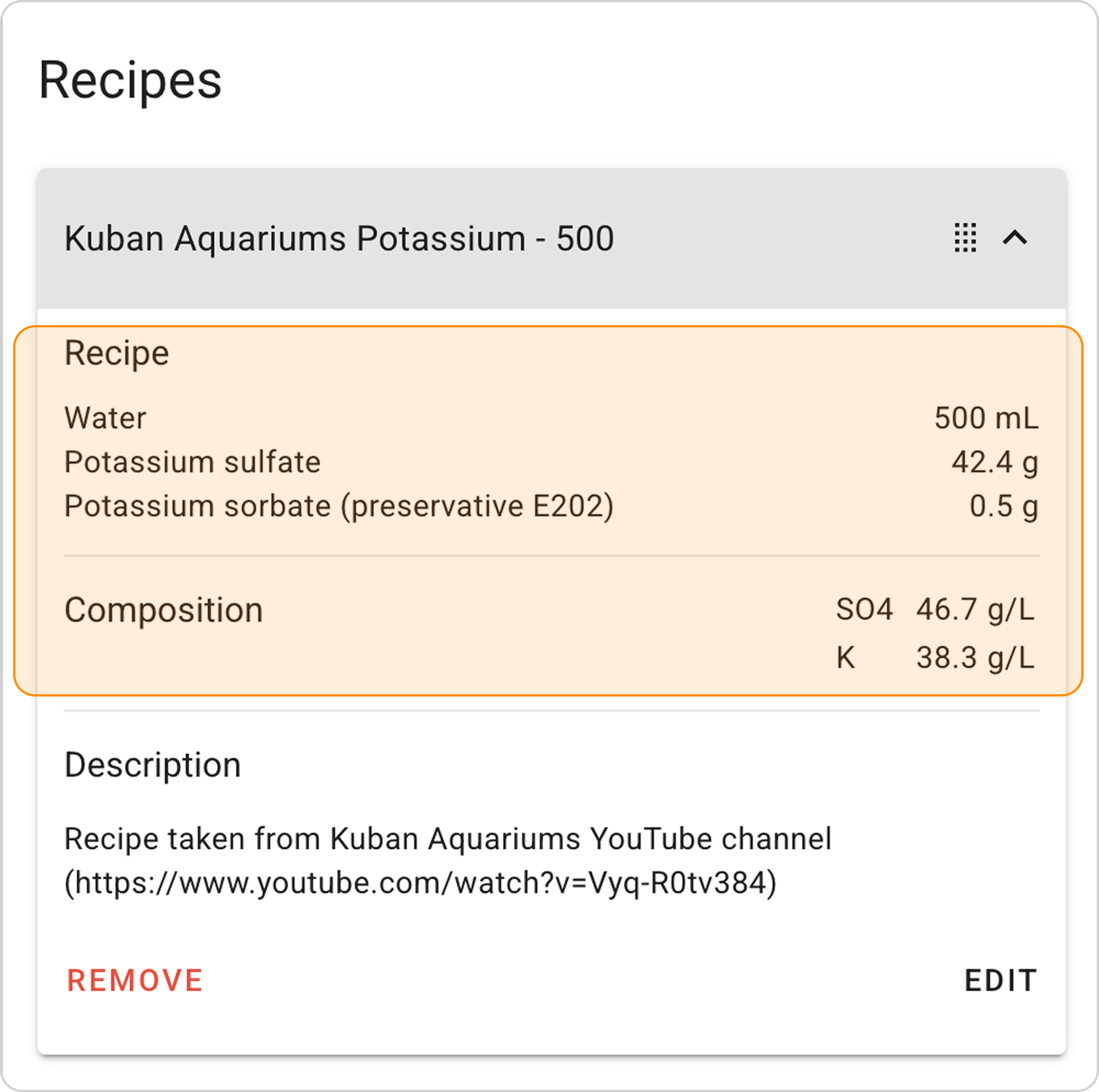
View parameters:
- Click on the arrow to the right of "Kuban Aquariums Potassium - 500"
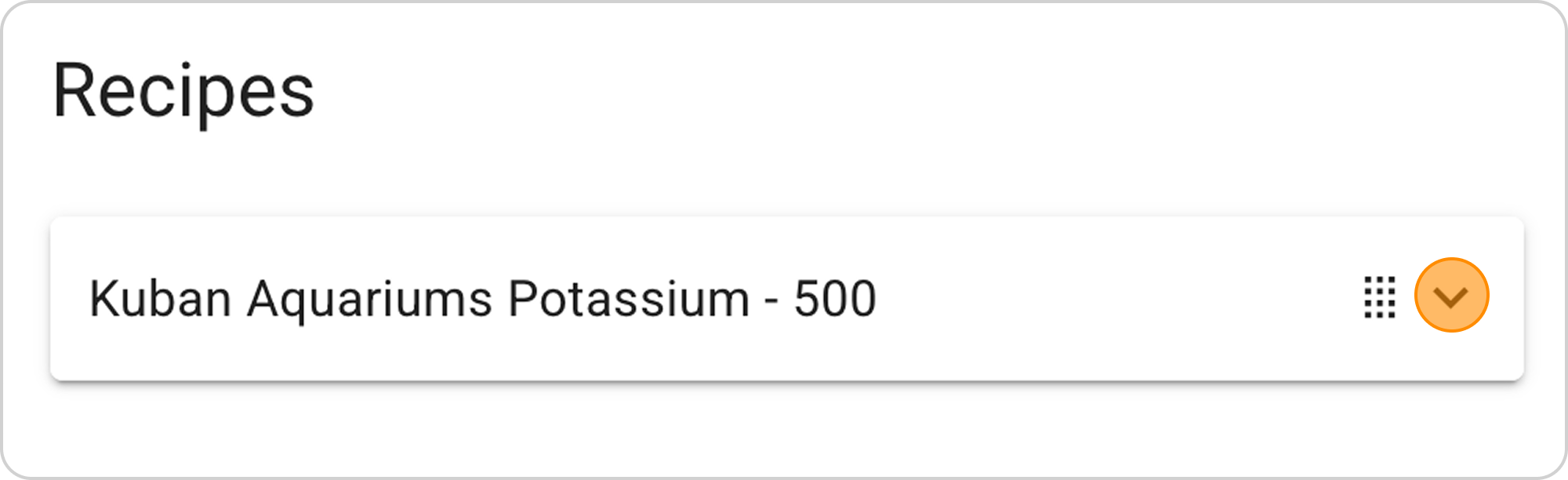
Change parameters:
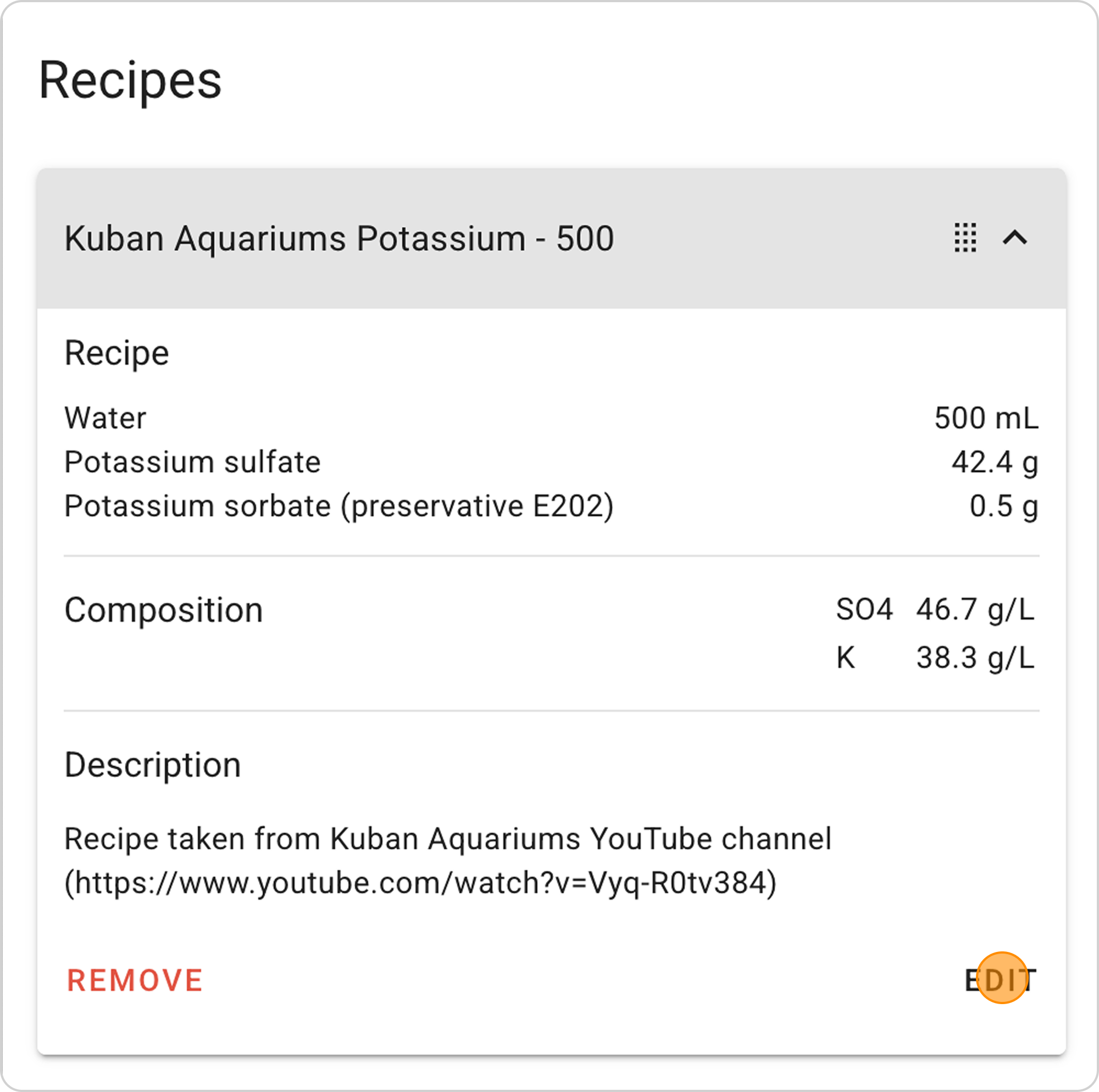
- Click the "EDIT" button in the expanded list
Delete recipe:
- Click the "REMOVE" button in the expanded list