How to Create a Remineralizer for Regulating General Hardness Gh and Carbonate Hardness Kh?
Three-component remineralizers allow precise tuning of the ratio between general (Gh) and carbonate (Kh) water hardness. In this guide, we'll create a remineralizer that increases both Gh and Kh.
Step-by-Step Guide
Step 1: Open the Remineralizer Creation Form
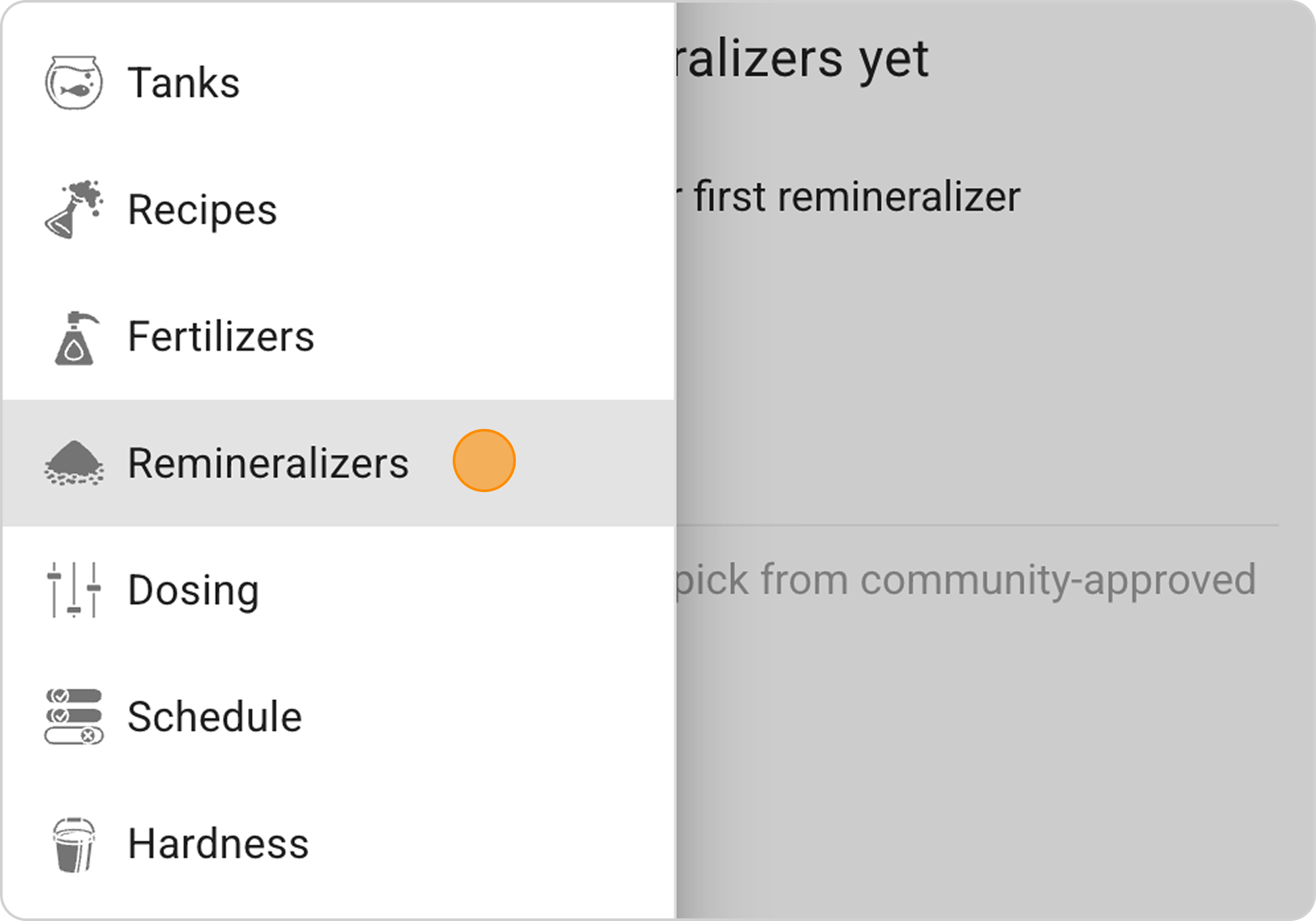
- Go to the "Remineralizers" section
- Click "+ ADD"

Step 2: Select Reagents
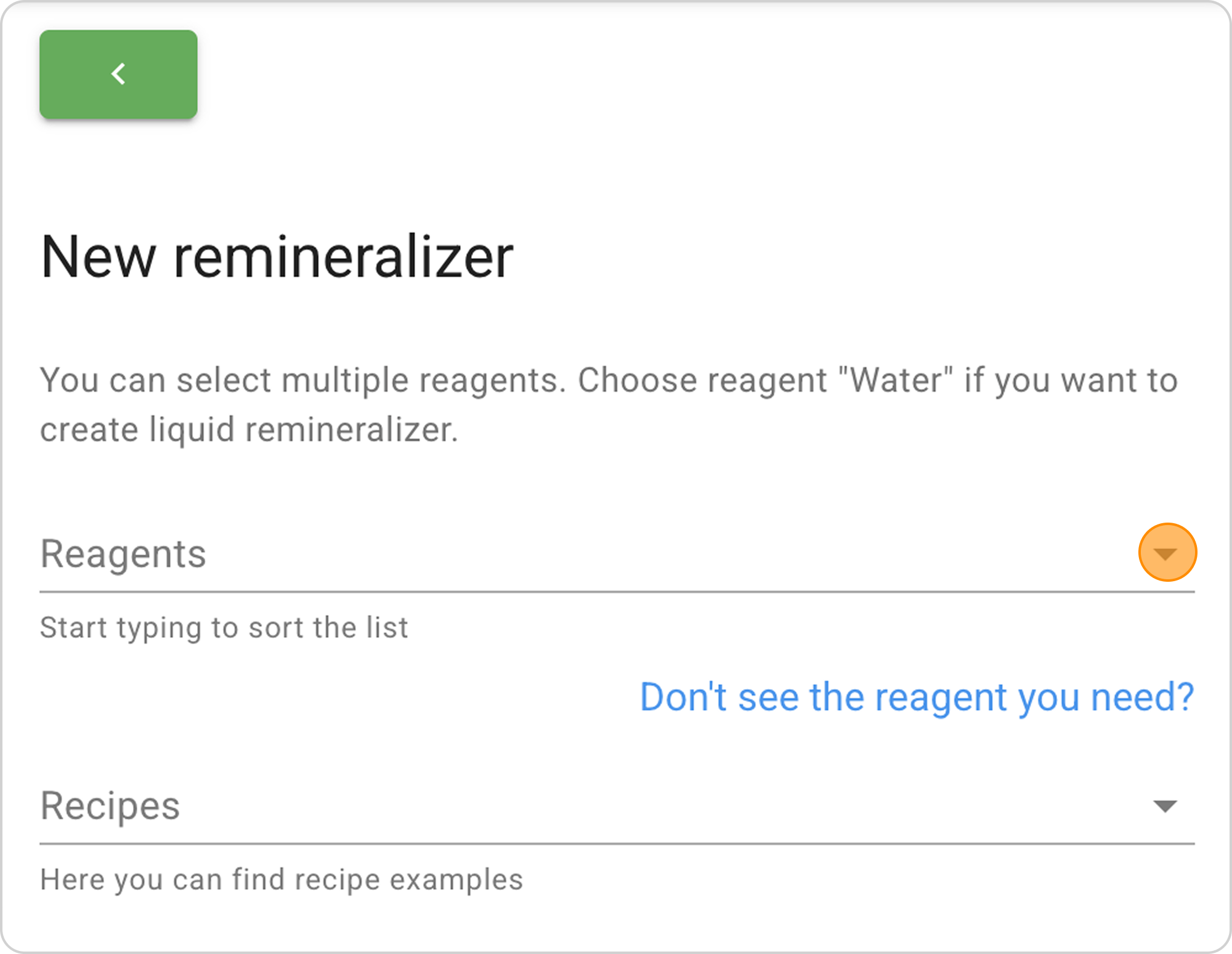
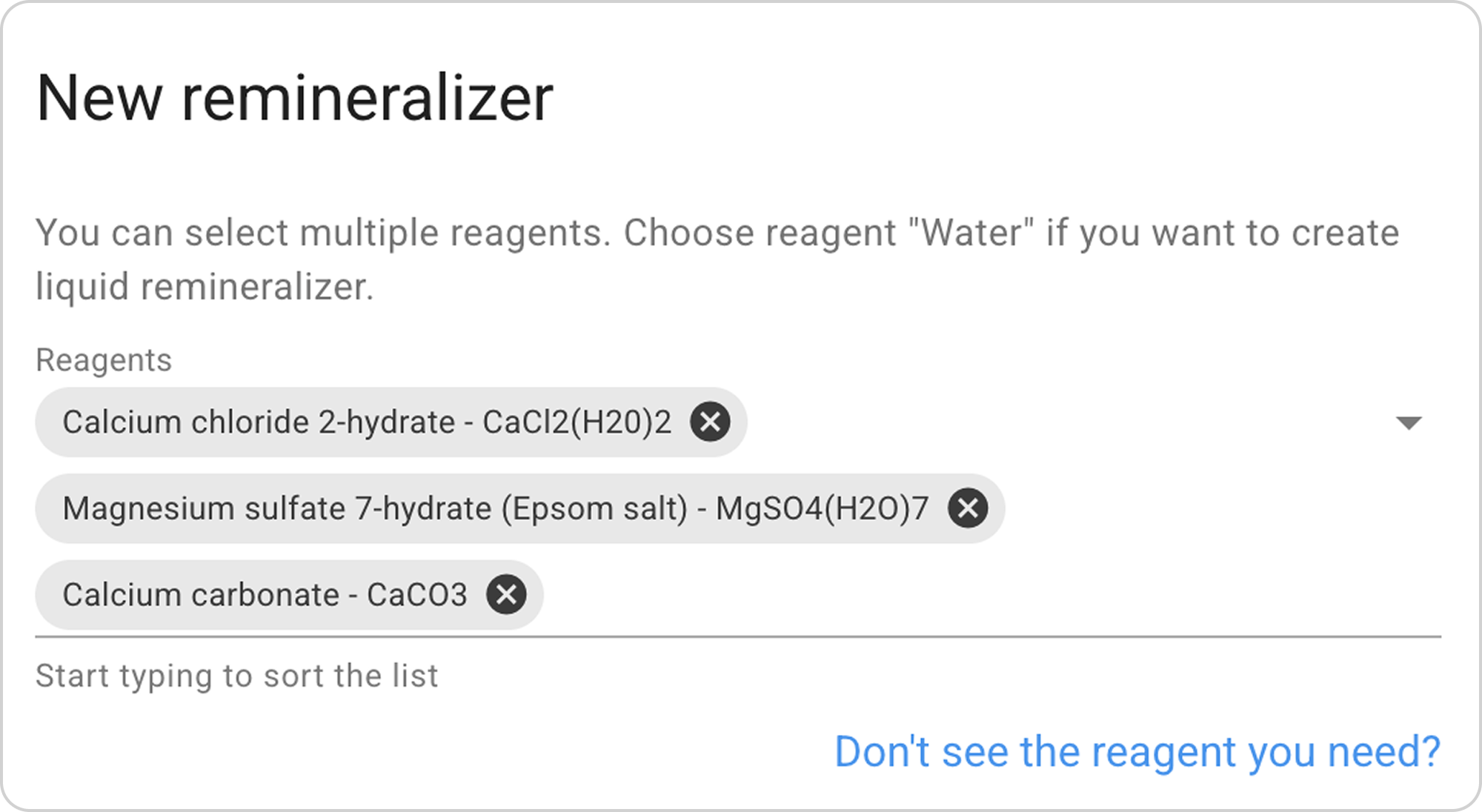
In the dropdown list, select the following components:
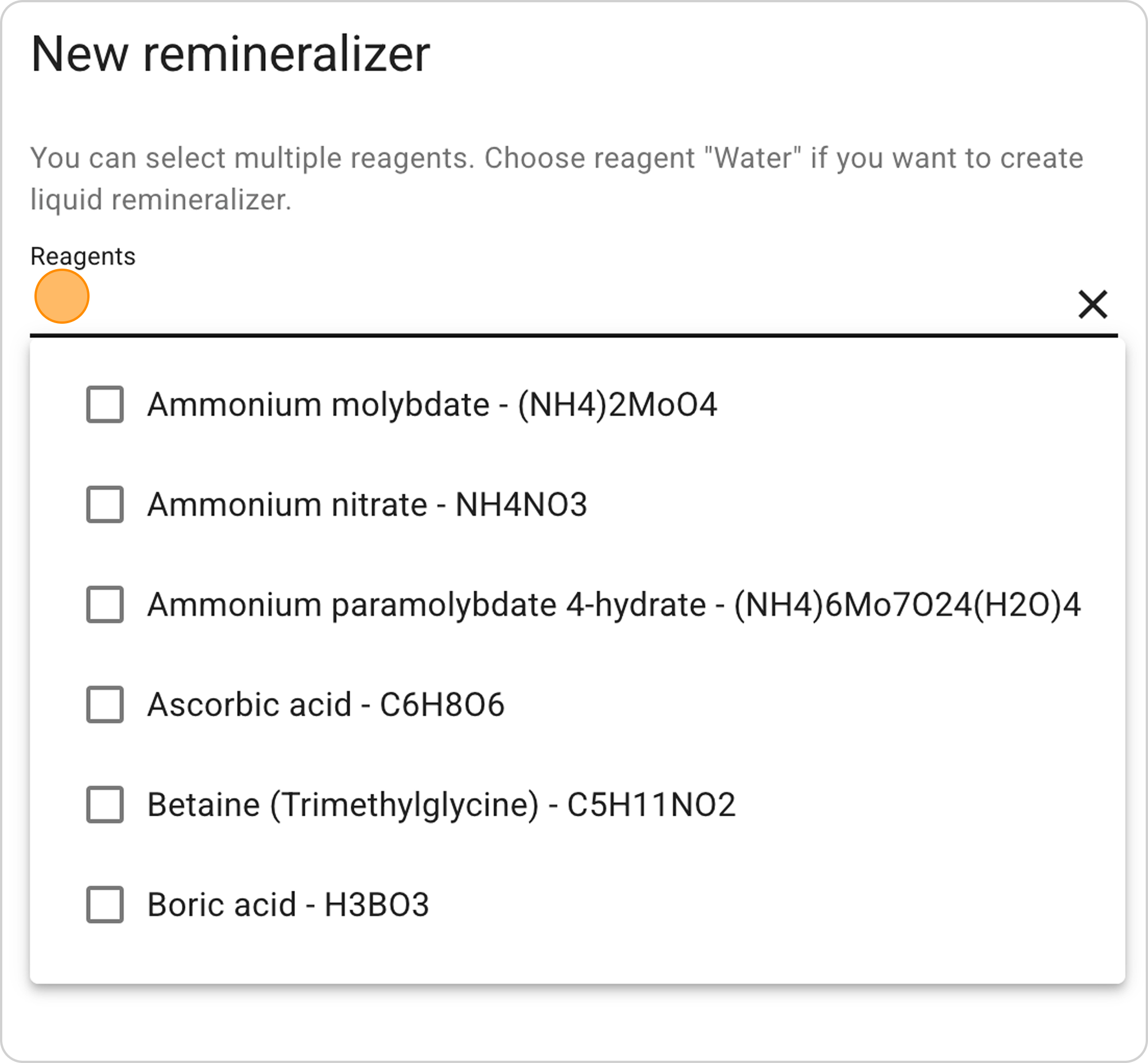
- Calcium chloride dihydrate - CaCl2(H2O)2 (for Gh)
- Magnesium sulfate heptahydrate (Epsom salt) - MgSO4(H2O)7 (for Gh)
- Calcium carbonate - CaCO3 (for Gh and Kh).
Step 3: Configure Basic Parameters
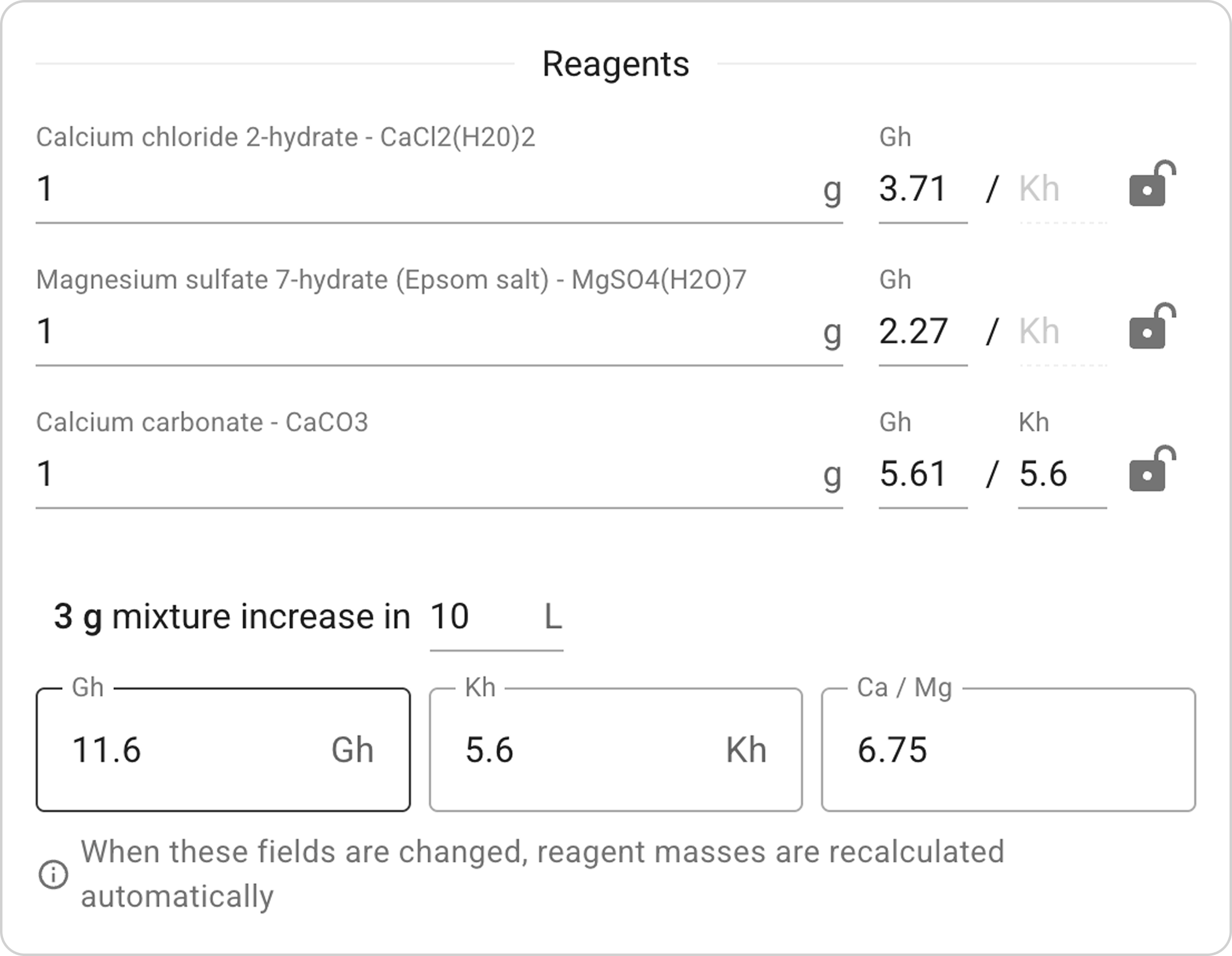
- In the total Kh field, set the value for calcium carbonate: "2" Kh.
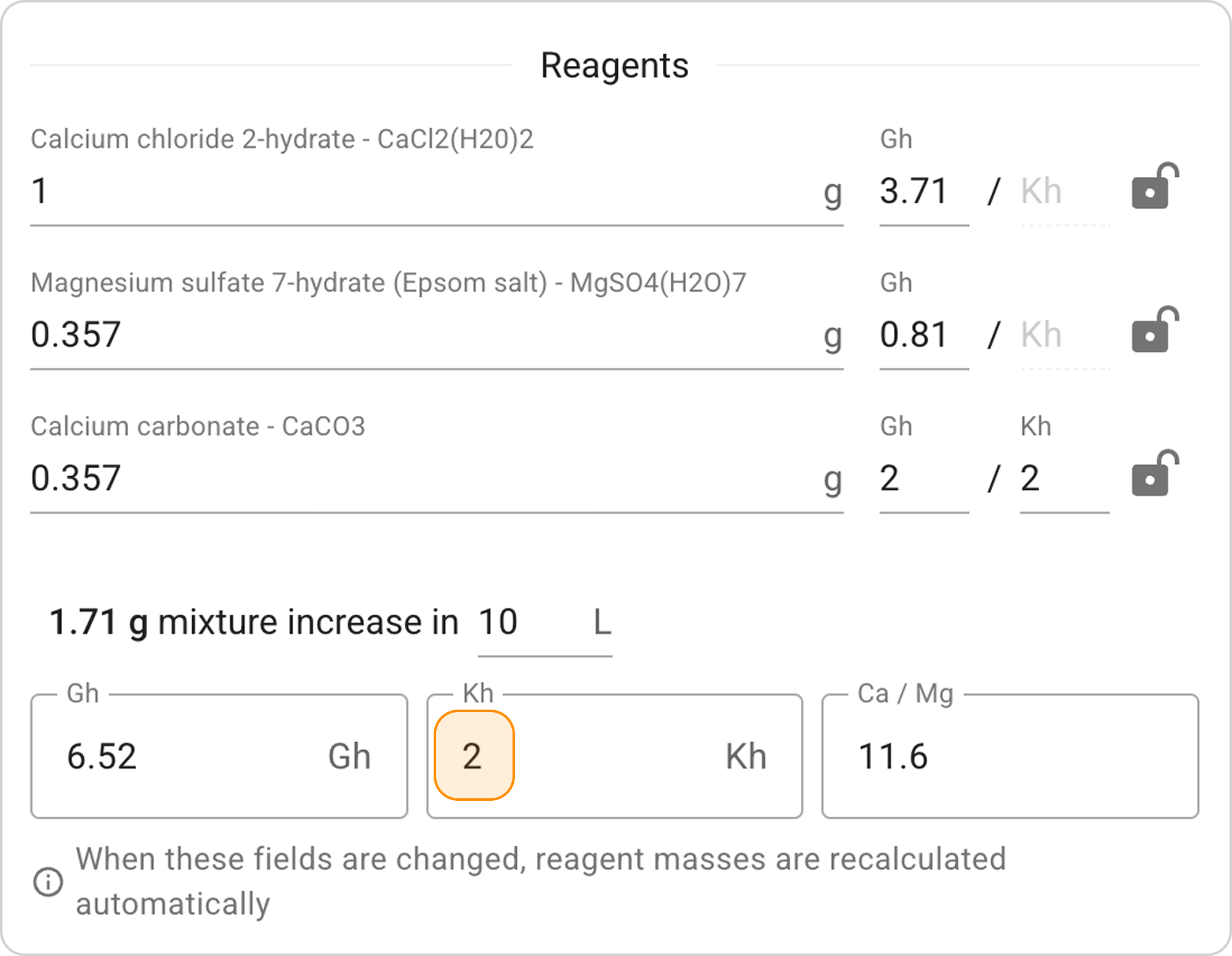
- Lock this value using the "lock" icon. The system will block changes to this parameter for further calculations (the color will change to pale gray).
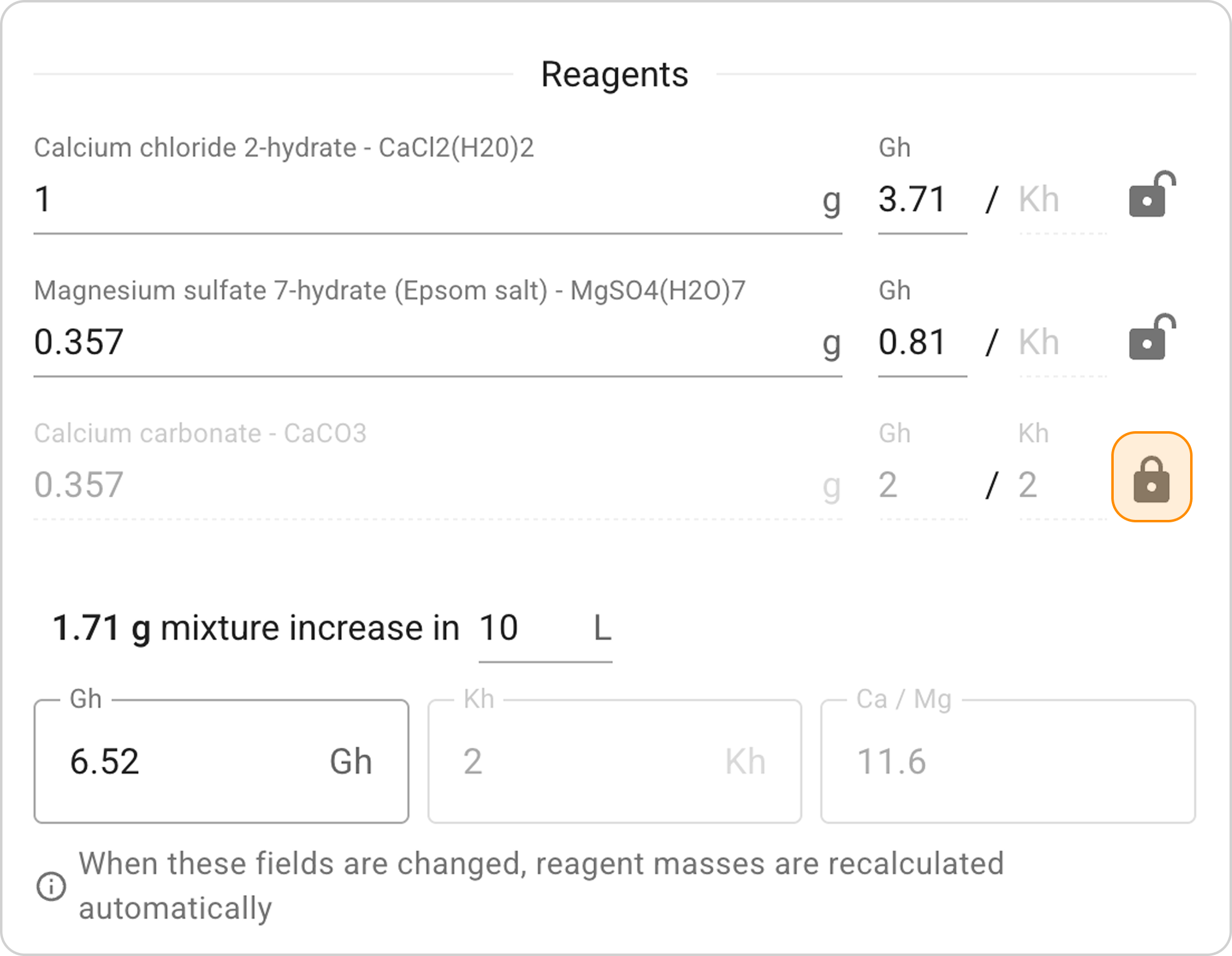
⚠️ Attention: After locking one of the components, the Ca/Mg ratio field becomes unavailable for direct modification.
Step 4: Achieve Target Gh
- In the total target Gh field, set the value "6".
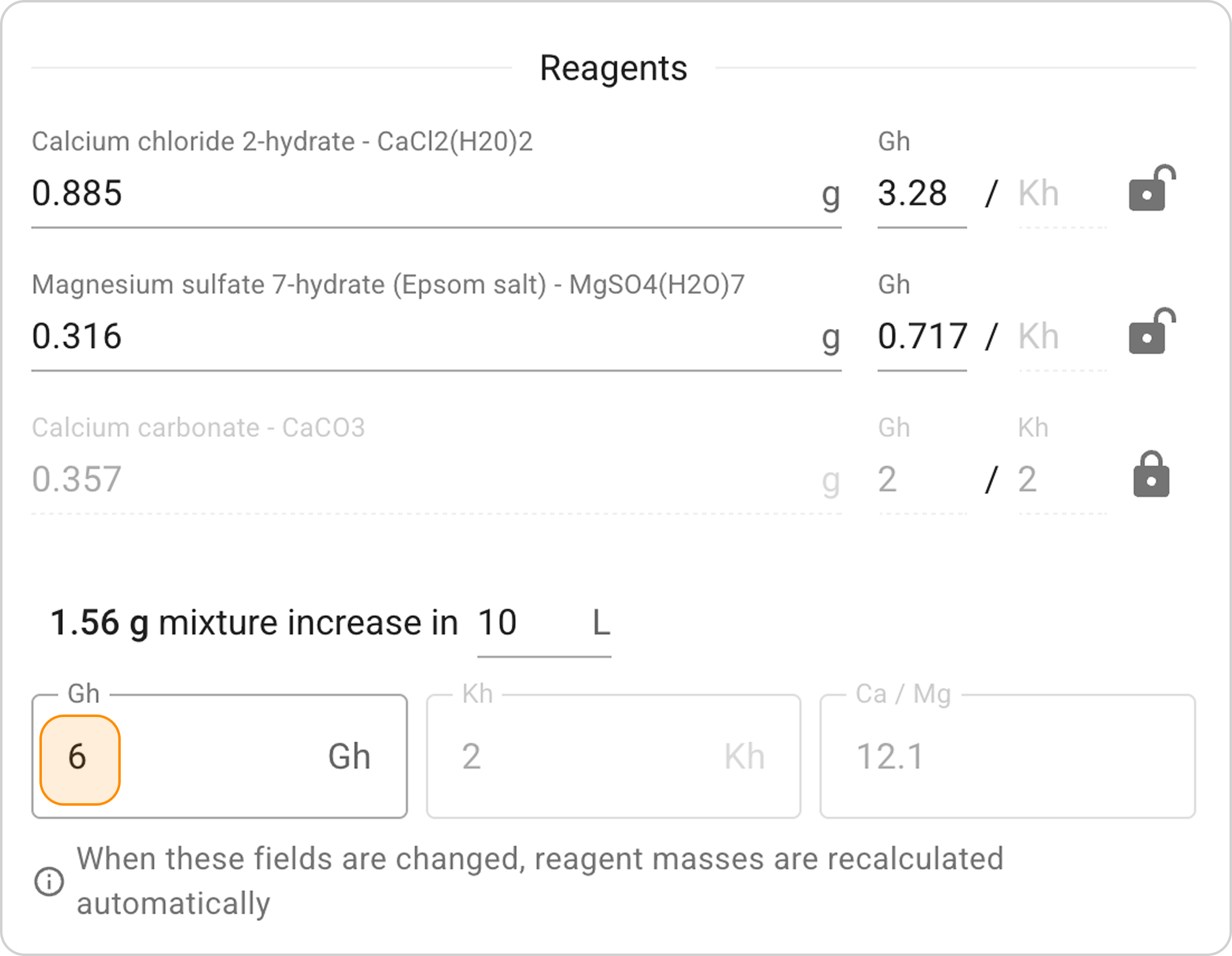
- The system will automatically distribute the remaining 4 Gh between calcium chloride and Epsom salt: 3.28 Gh and 0.717 Gh respectively.
- Check the resulting ratio Ca/Mg=12.1.
Step 5: Optimize Ca/Mg Ratio
If the Ca/Mg=12.1 value seems high:
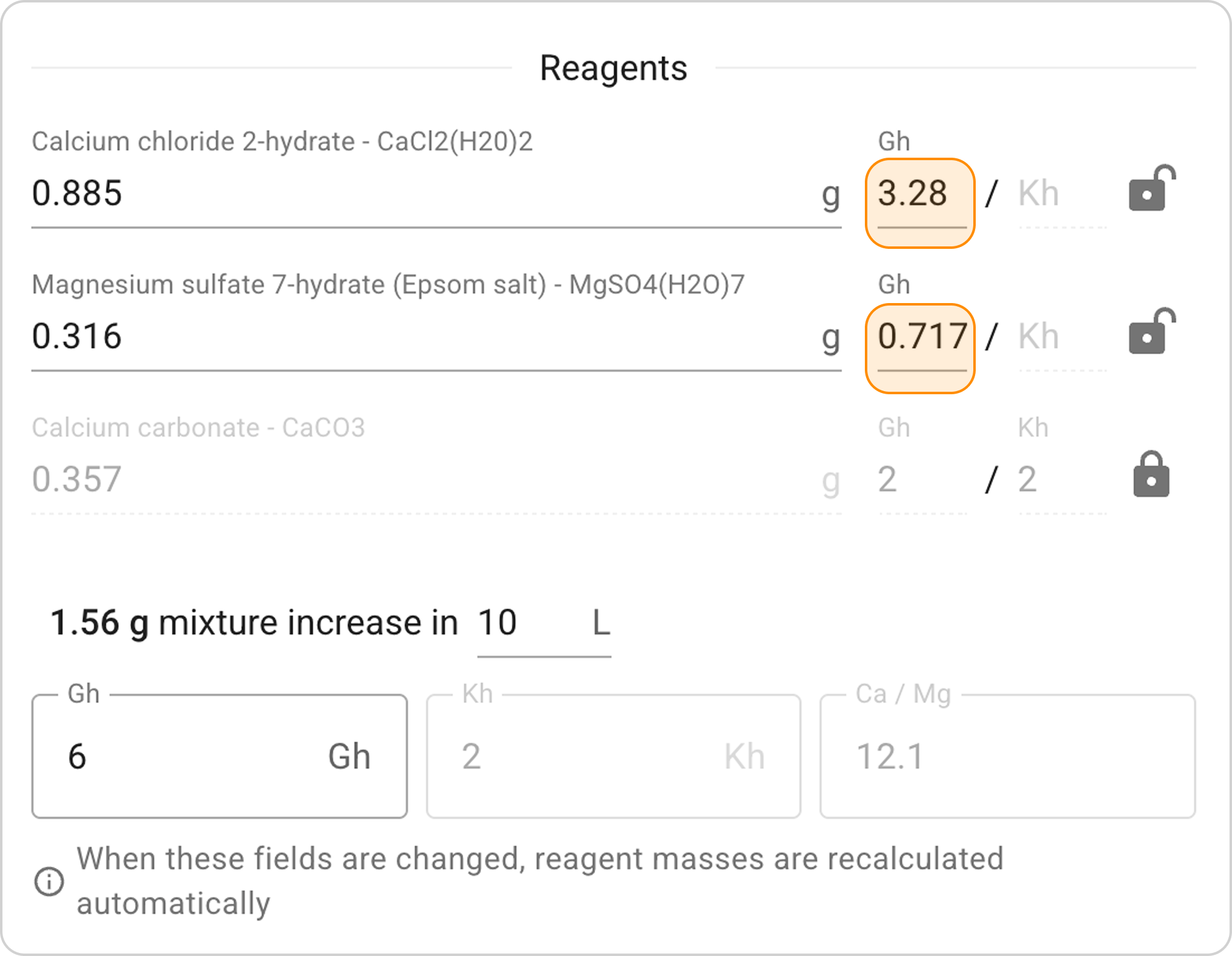
- Decrease the calcium component share (calcium chloride). In our example, enter the value "2.25" Gh.
- Increase the magnesium component share (Epsom salt). In our example, enter the value "1.747" Gh.
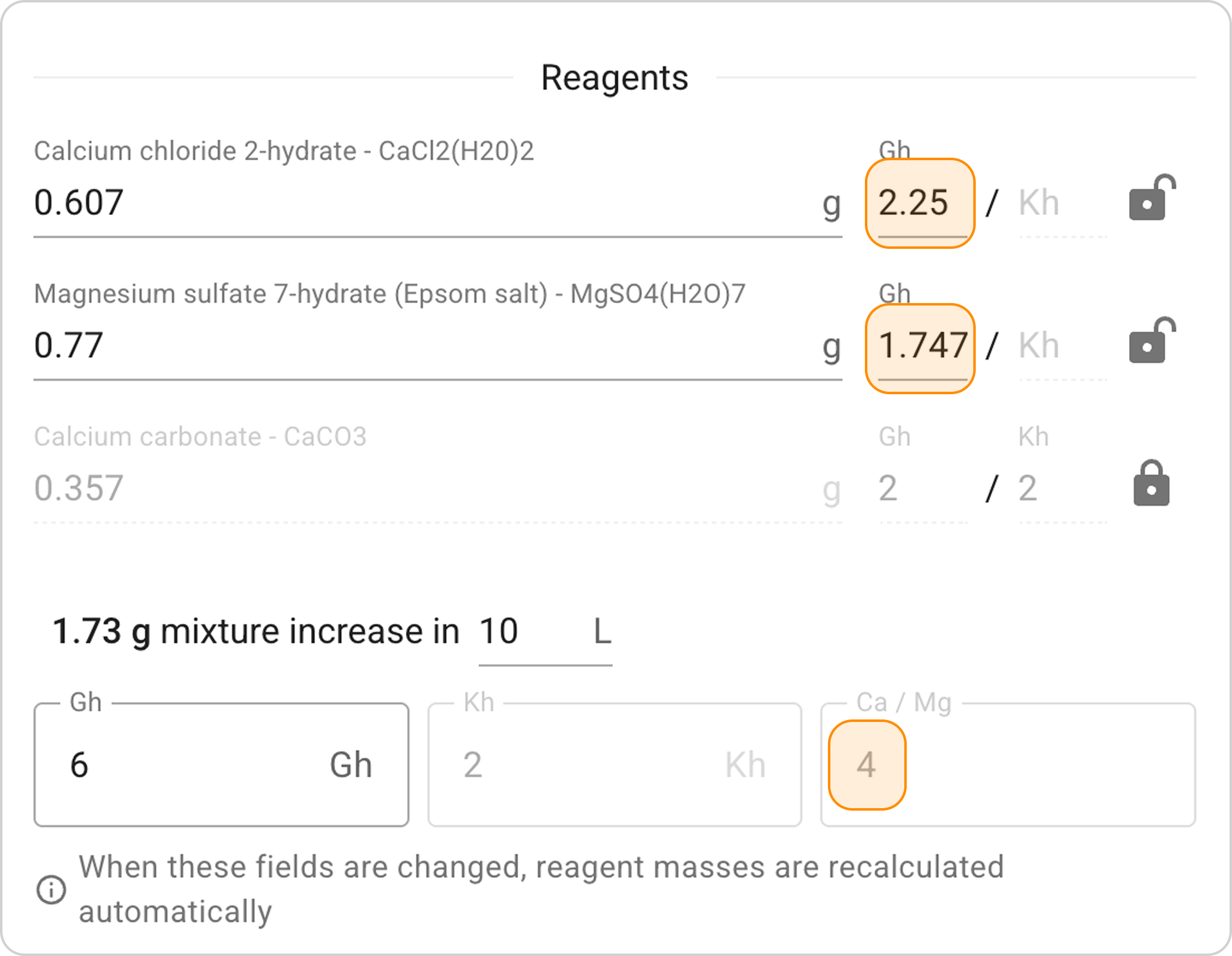
- Monitor maintaining total Gh = 6.
- As a result of hardness changes for each component, we obtained the value Ca/Mg=4.
Adjustment example:
- Was: Ca/Mg = 12.1
- Redistributed: Ca/Mg = 4
Step 6: Analyze and Optimize Composition
- In the "Water change concentration" section, check the anion distribution:
- Chlorides (Cl): ~28%
- Sulfates (SO4): ~30%
- Bicarbonates (HCO3): ~43%
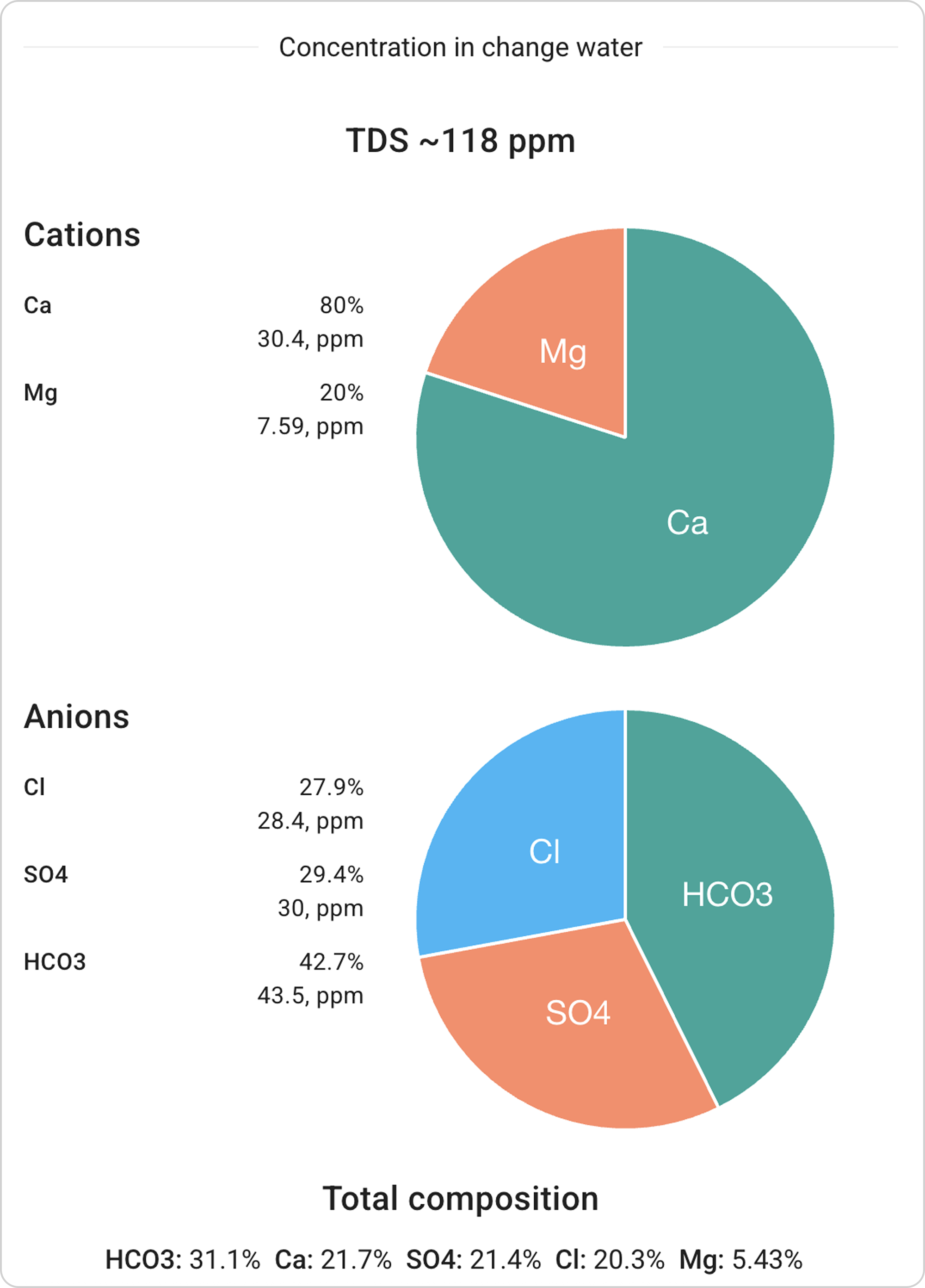
This anion distribution ensures balanced mineral composition of water.
Step 7: Unlock and Get Final Recipe
- Remove the lock from calcium carbonate by clicking the "lock" icon.
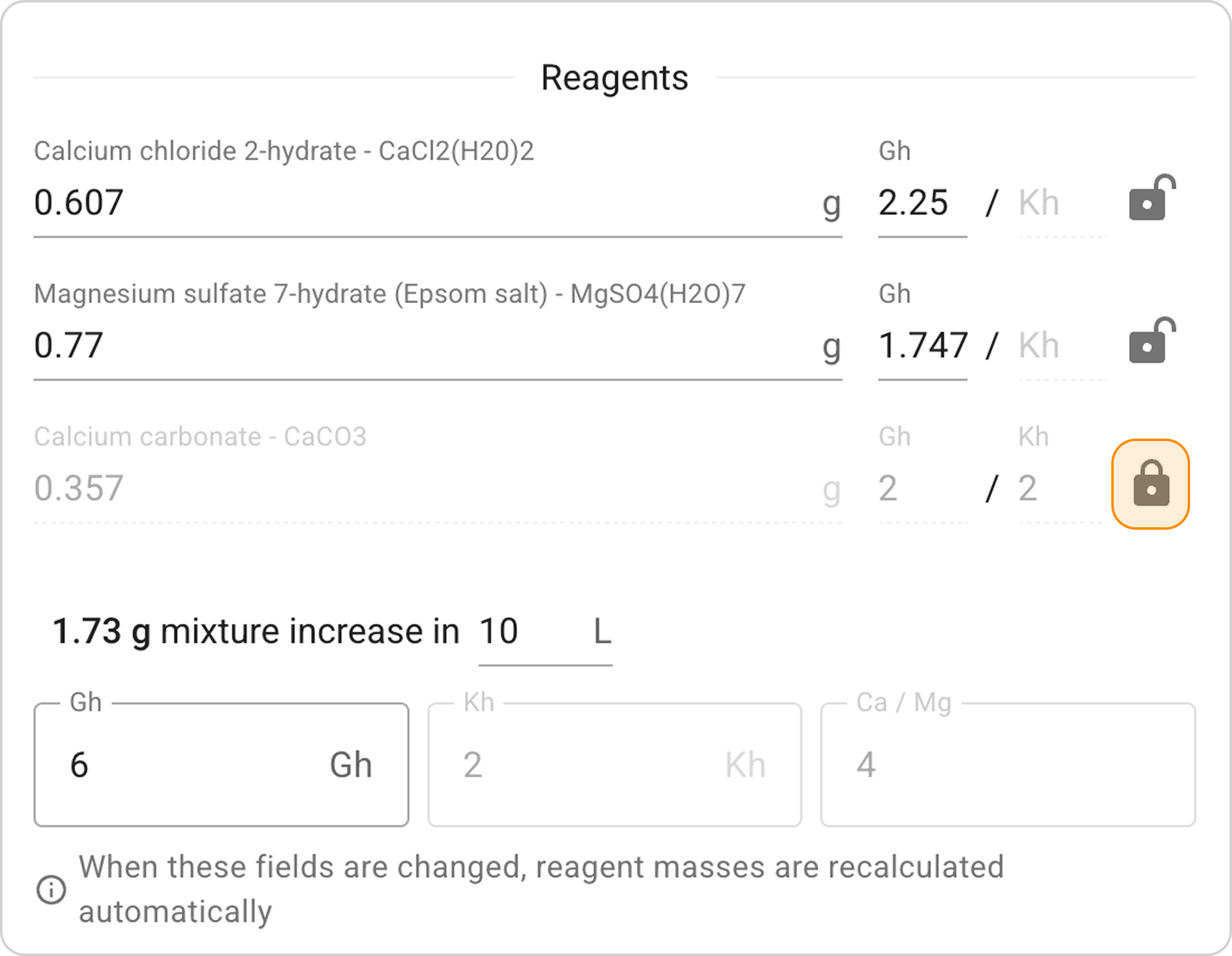
- The system will recalculate all parameters in optimal proportions.
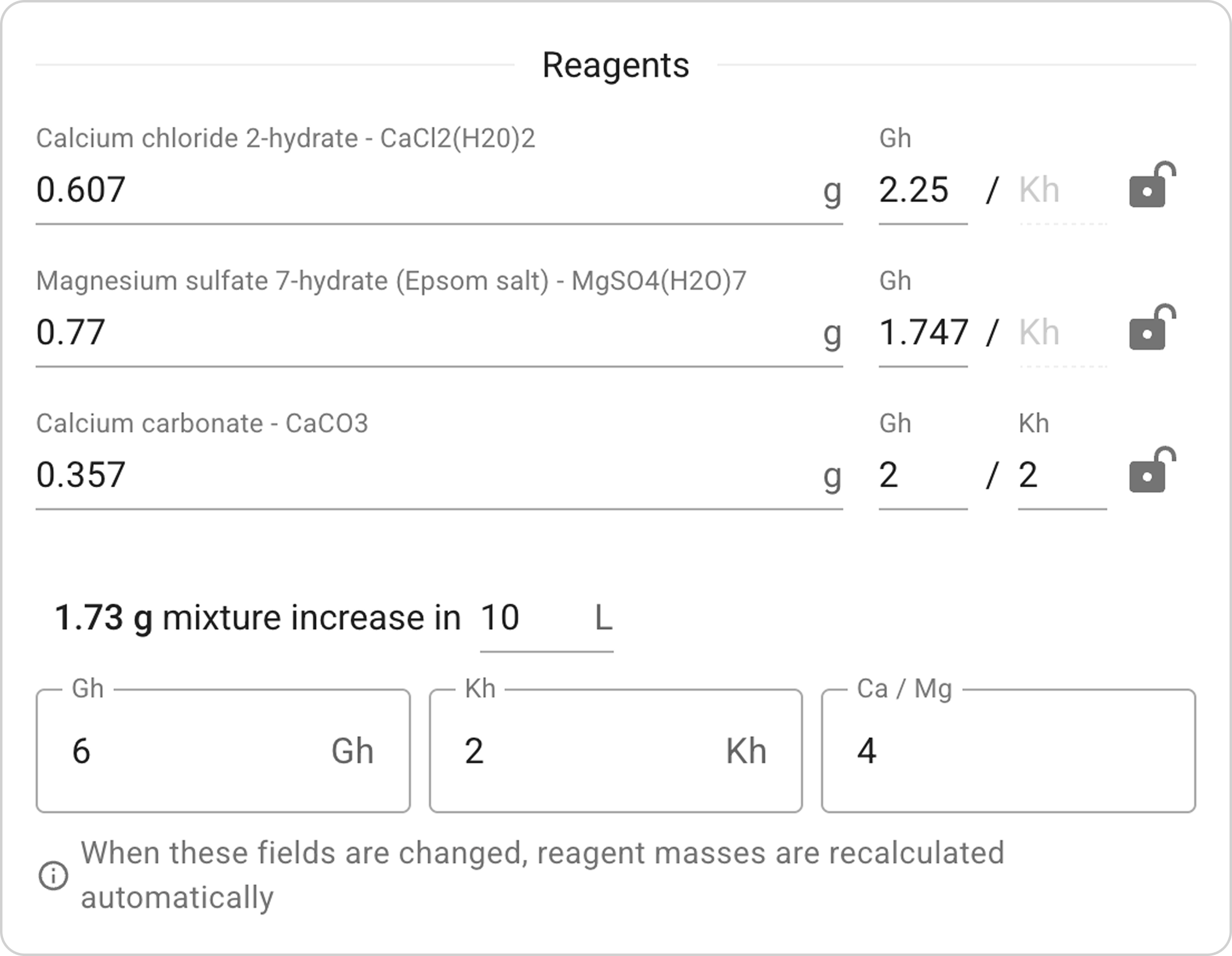
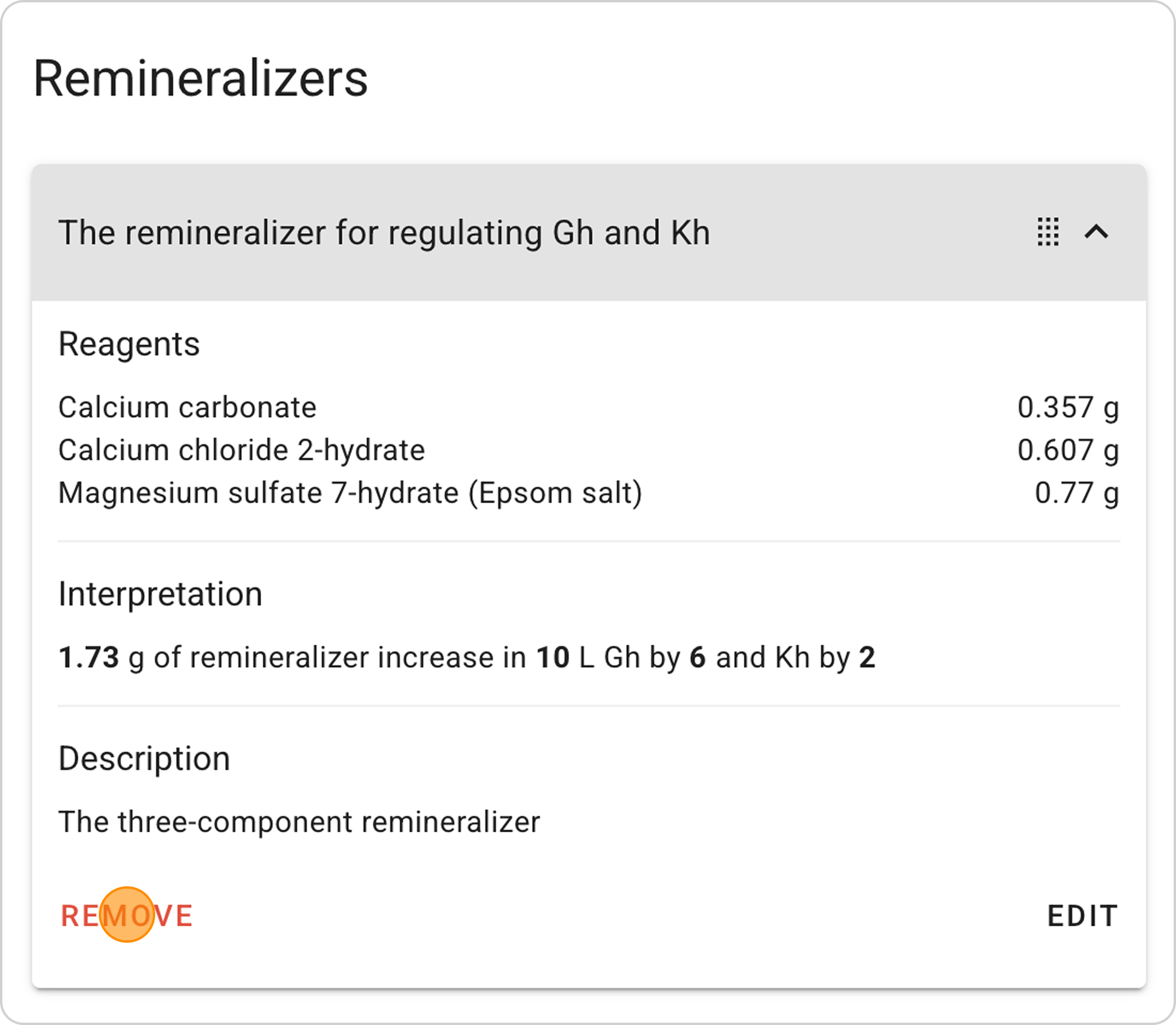
- Get the final composition:
- Calcium chloride: 0.607 g (2.25 Gh)
- Epsom salt: 0.77 g (1.747 Gh)
- Calcium carbonate: 0.357 g (2 Gh and 2 Kh)
- Total result: 1.73 g of mixture increases 10 L of water by 6 Gh and 2 Kh
- Ca/Mg ratio: 4 (optimal)
Step 8: Save Recipe with Description
- In the Name field, enter "Remineralizer for Gh and Kh adjustment".
- In the Description field, enter "The three-component remineralizer".
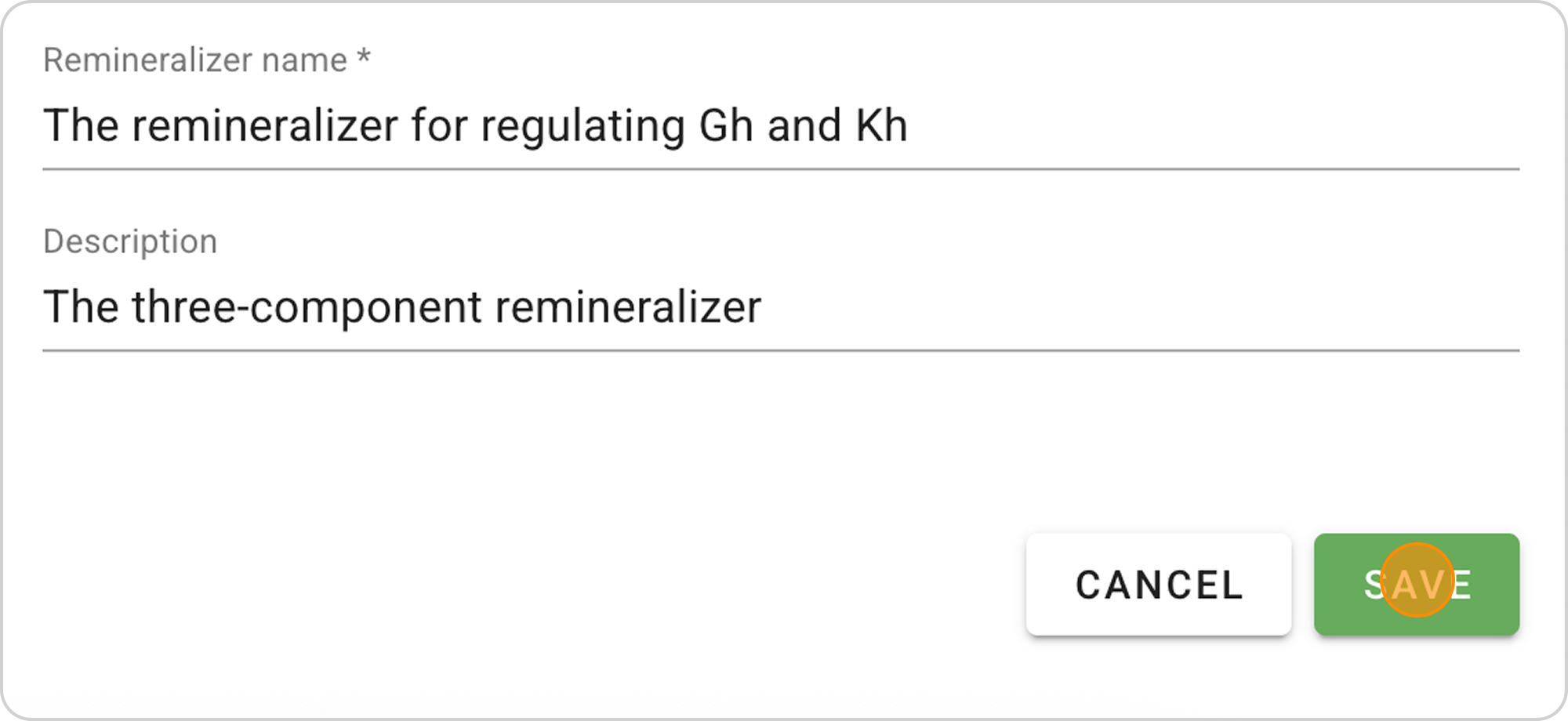
- Save as a new remineralizer, the recipe will automatically appear in your remineralizers list.

Managing the Saved Recipe
After saving the remineralizer recipe, you can:
View parameters:
- Click on the arrow to the right of "Remineralizer for Gh and Kh adjustment"

Change parameters:
- Click the "EDIT" button in the expanded list
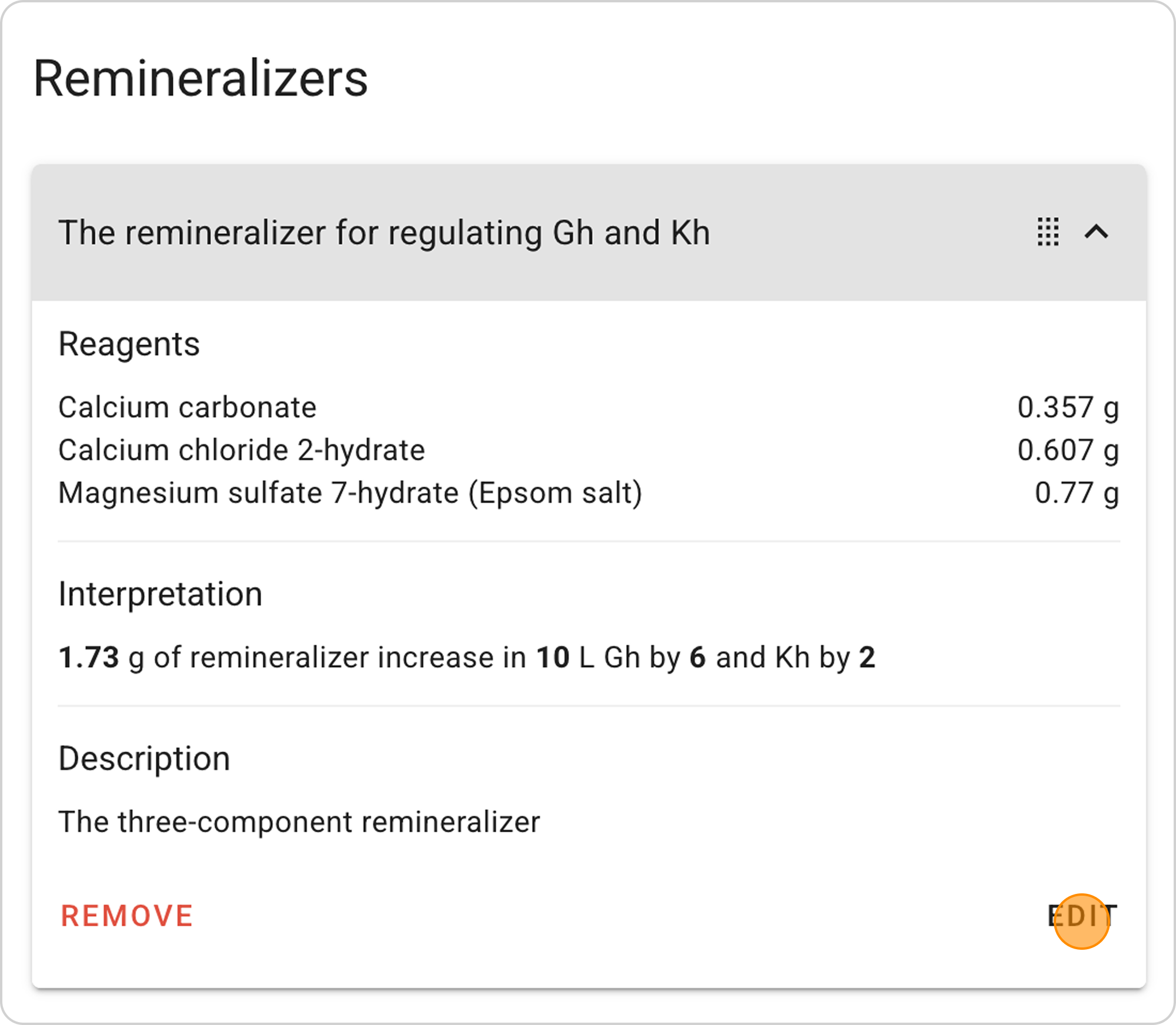
Delete recipe:
- Click the "REMOVE" button in the expanded list