How to Adapt a Ready-Made Remineralizer Recipe?
Ready-made remineralizers don't always meet the individual needs of your aquarium. The Samomes system allows you to take any ready-made recipe as a base and adapt it to your specific requirements for hardness, mineral ratios, or tank volume.
Step-by-Step Guide
Step 1: Select a Base Remineralizer
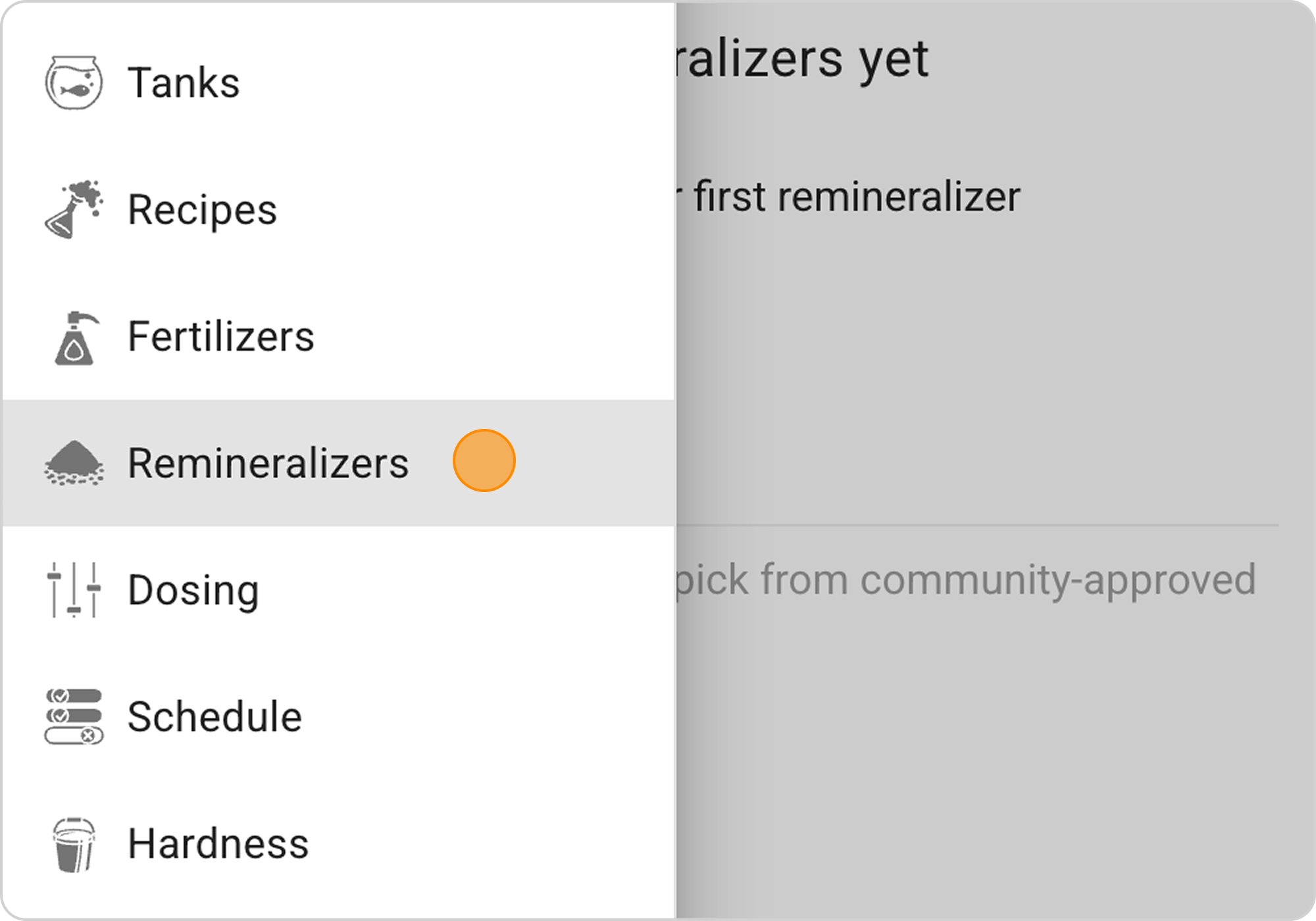
- Open the "Remineralizers" section
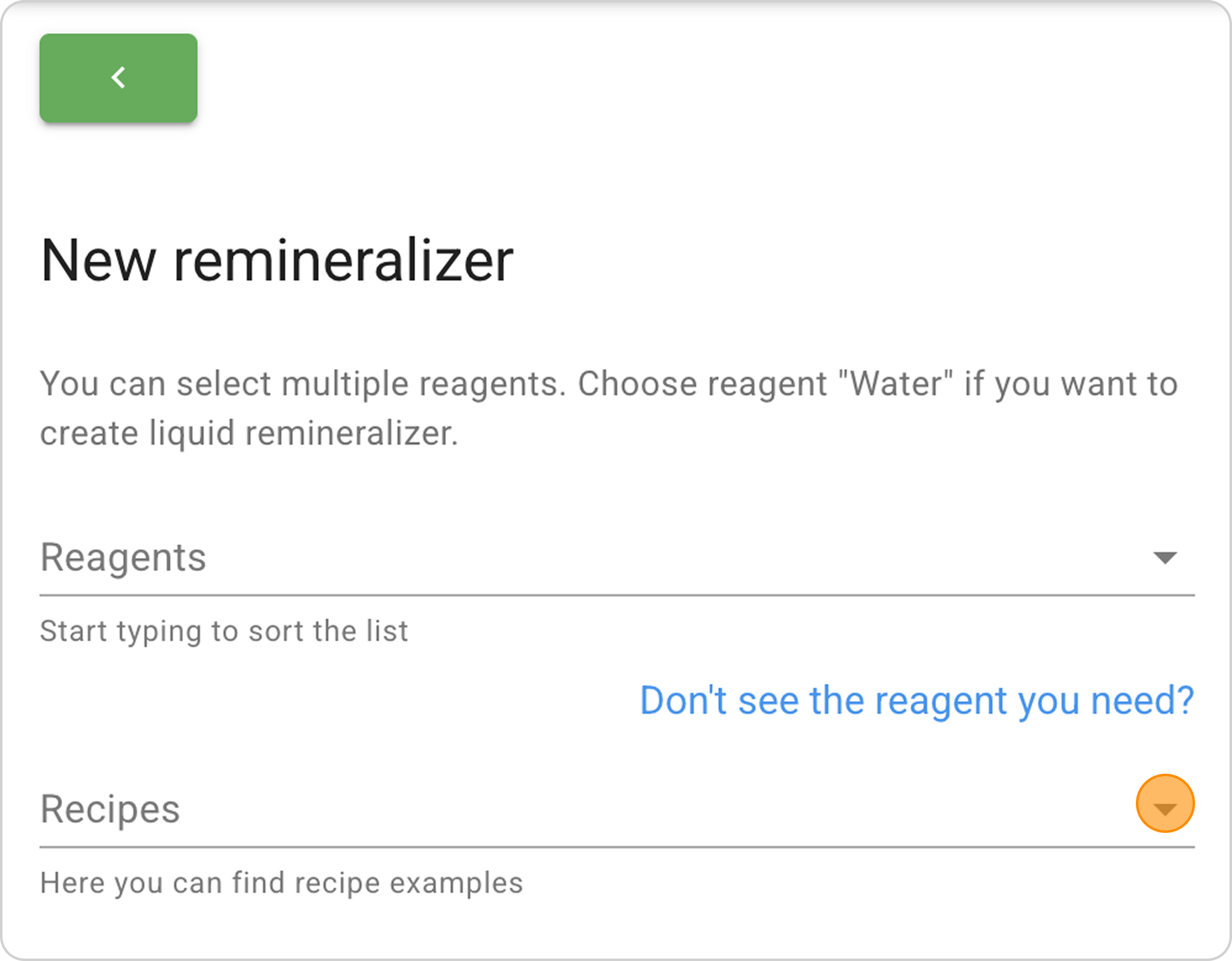
- Click "+ ADD"

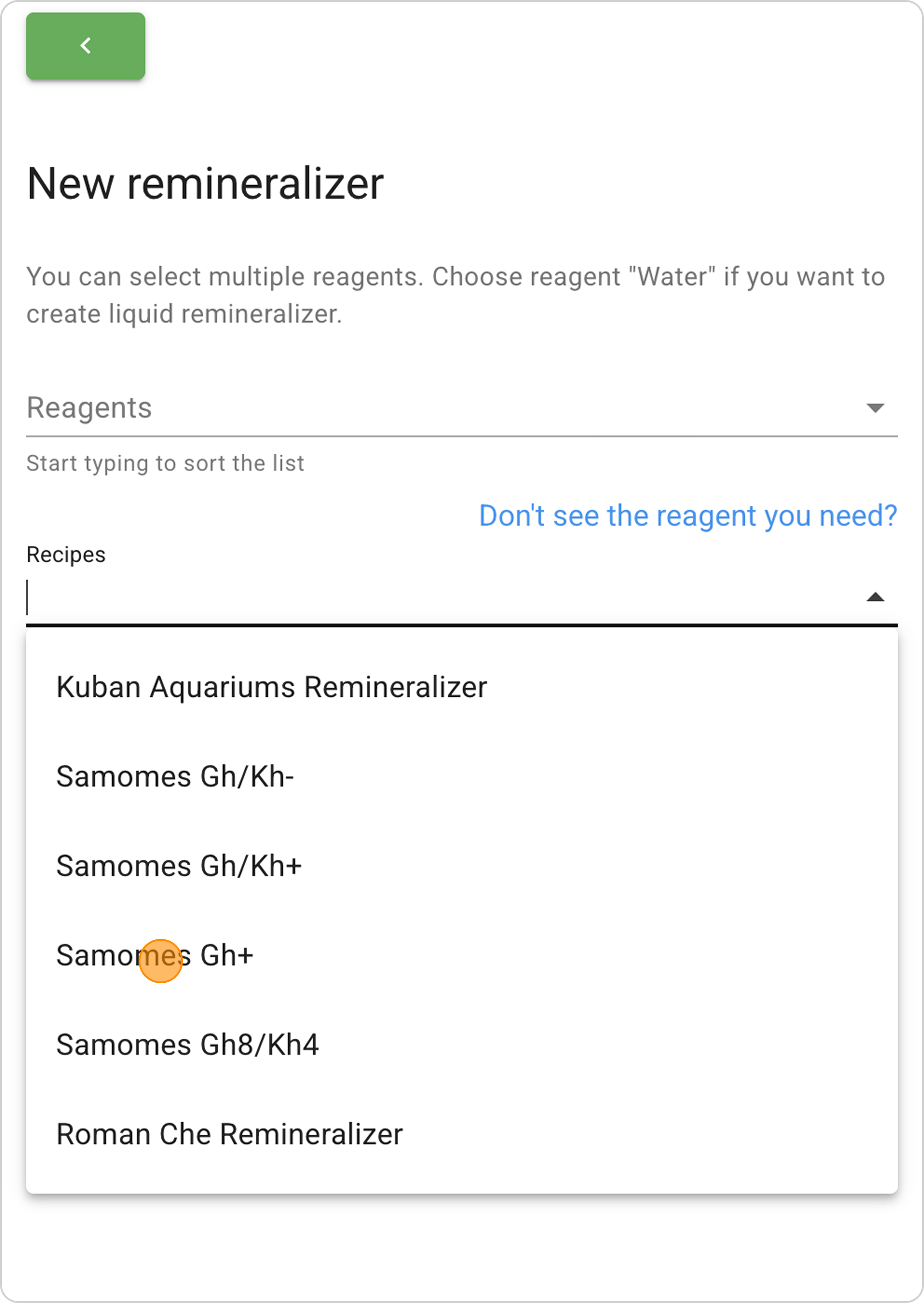
- In the "Recipes" dropdown list, select a ready-made remineralizer, for example: "Samomes Gh+ (sulfates)".
Step 2: Study Initial Parameters
After selecting the recipe, study:
- Reagent composition and their masses
- Target parameters (Gh, Kh, ratios)
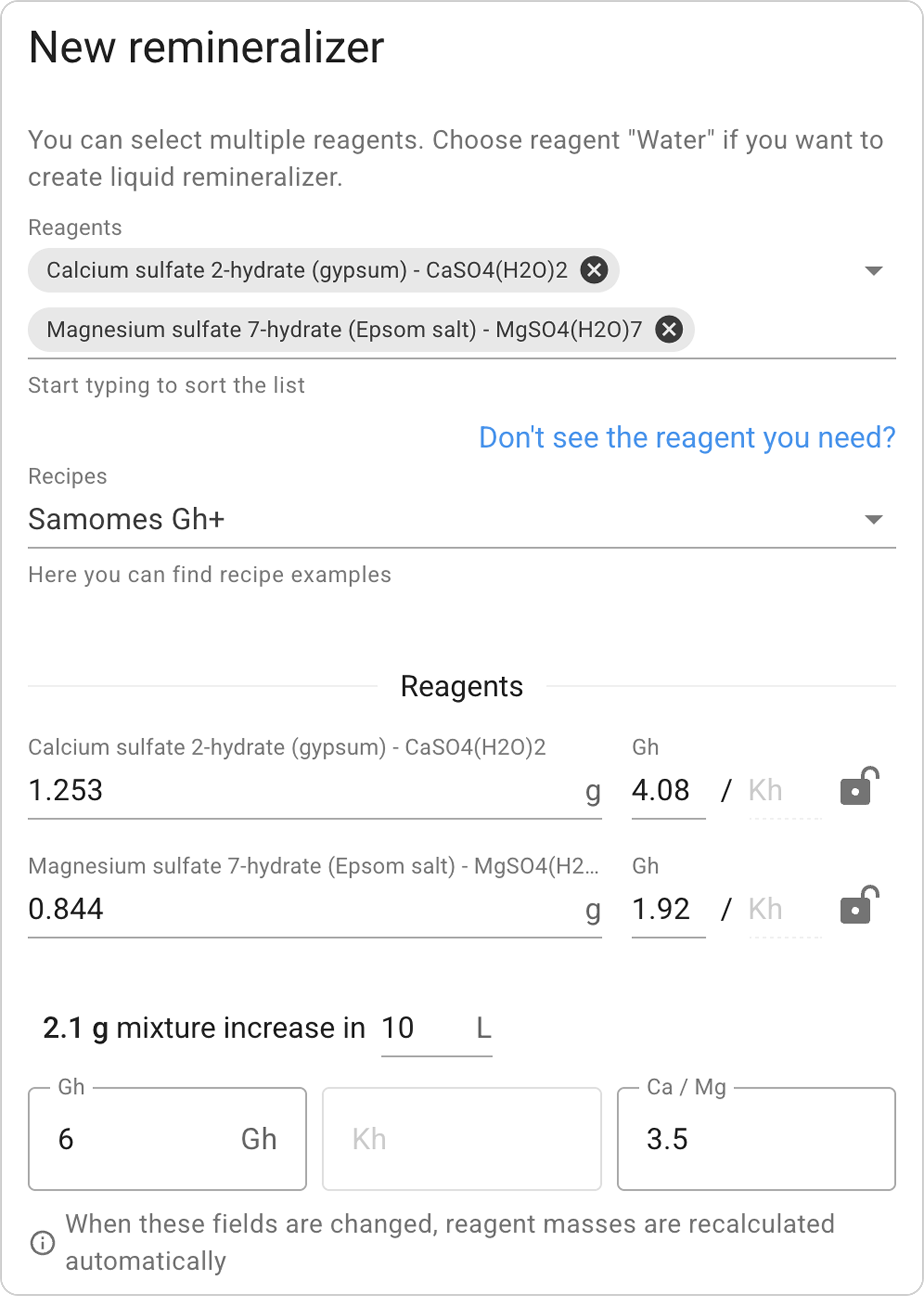
- Element concentrations in finished water
- TDS and ion distribution
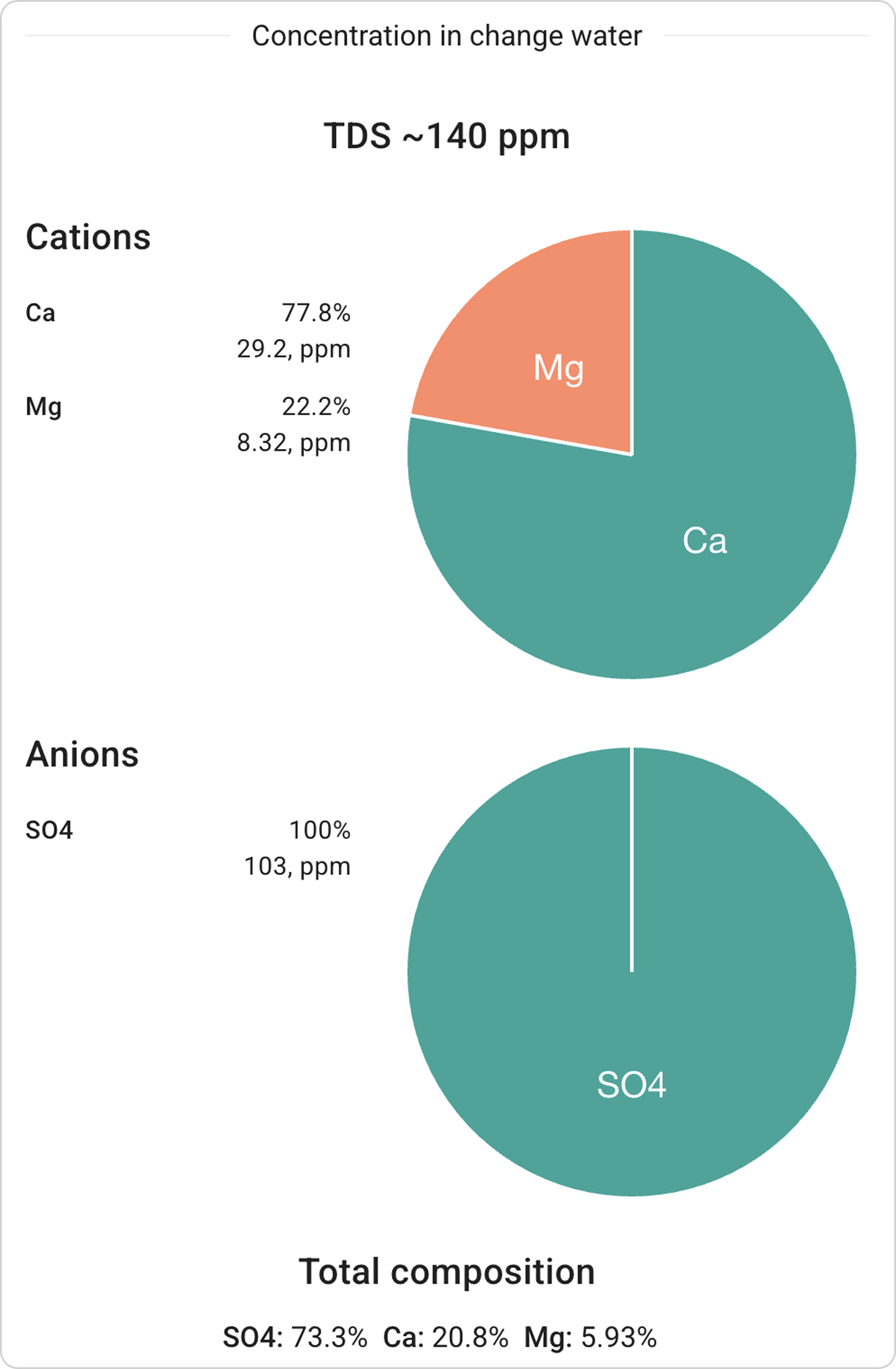
Step 3: Adapting Reagent Masses, Gh Components, or Total Gh
Method 1: Direct Mass Changes
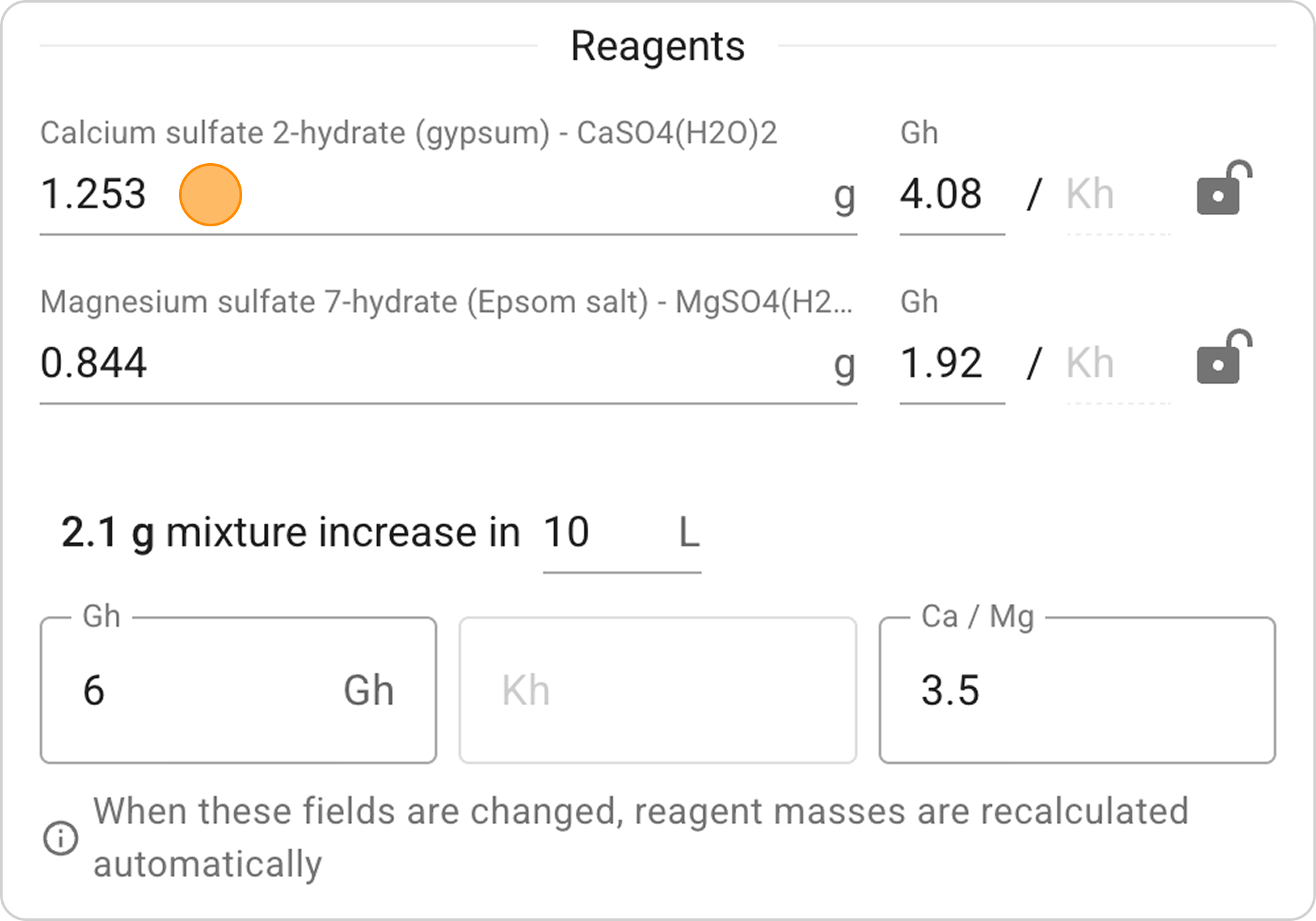
- In the reagent mass fields, enter new values:
- Calcium sulfate dihydrate: "1.5"g
- Magnesium sulfate heptahydrate: "0.6"g
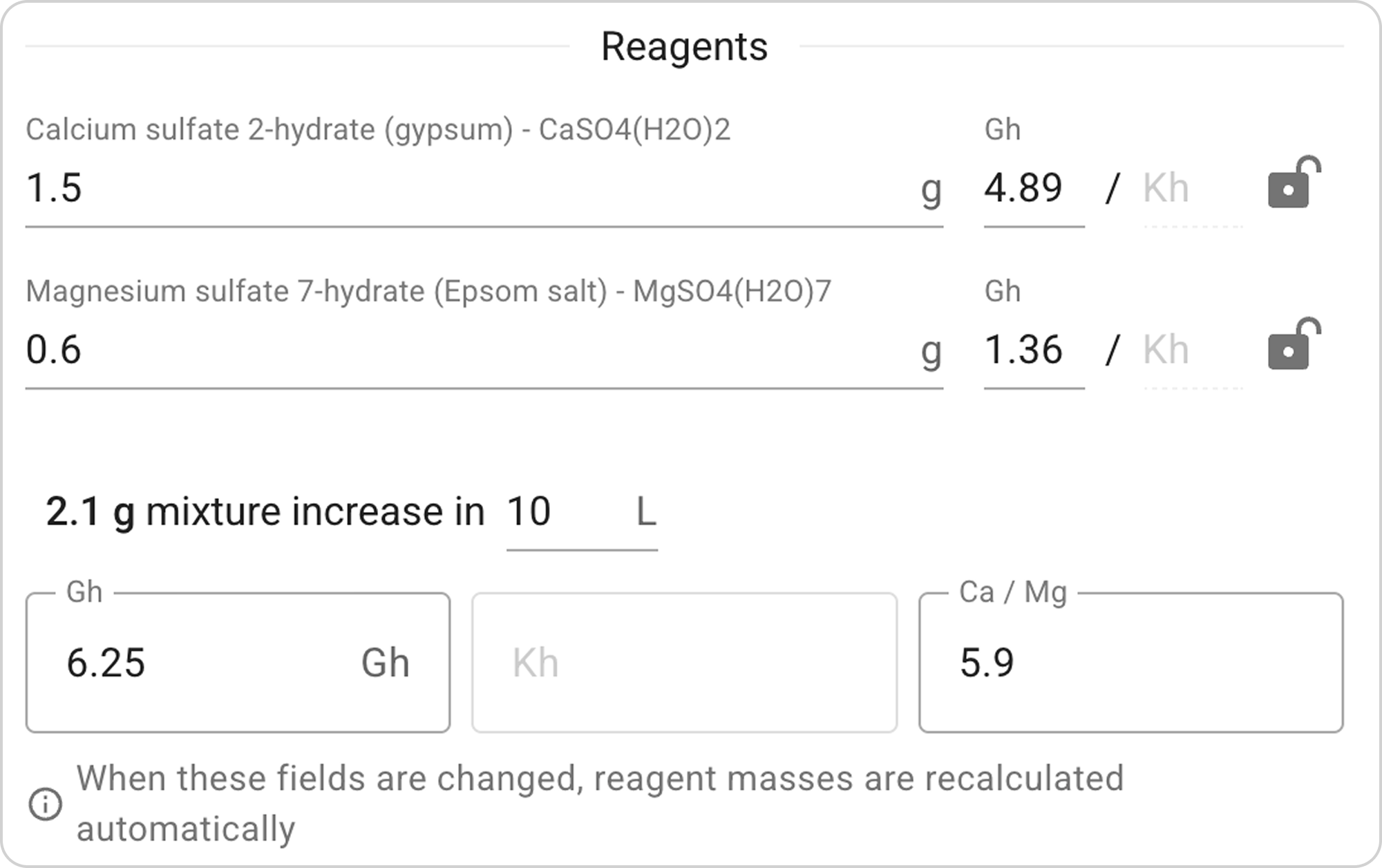
The system will automatically recalculate all parameters.
- Observe changes in Gh, ratios, and TDS. In this example:
- Gh value changed from "6" to "6.25",
- TDS value from "140ppm" to "148ppm".
Drawback: This is the least convenient method, requiring multiple iterations.
Method 2: Changing Gh Components
- Change Gh values for individual reagents:
- calcium component = 4 Gh,
- magnesium = 2 Gh.
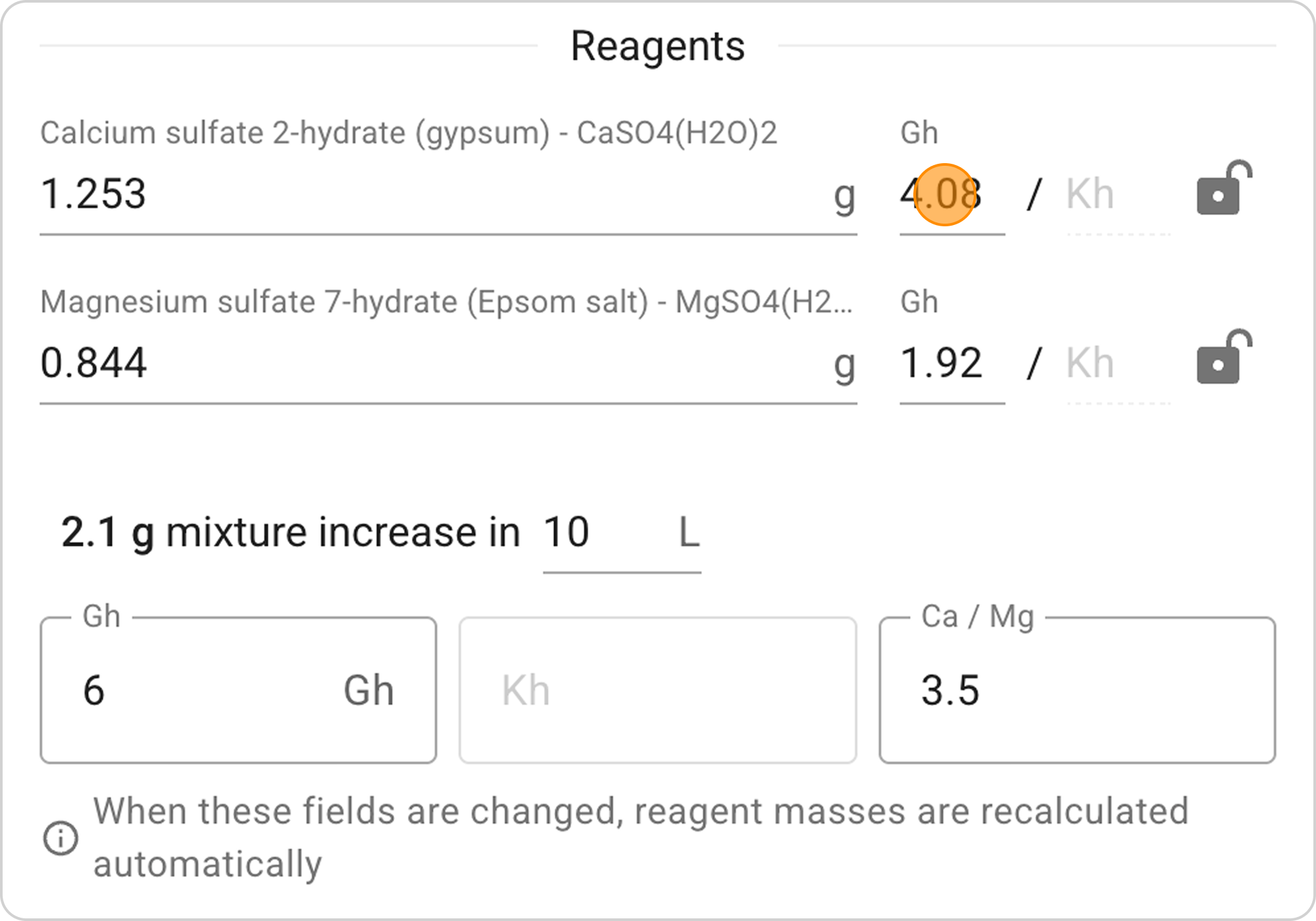
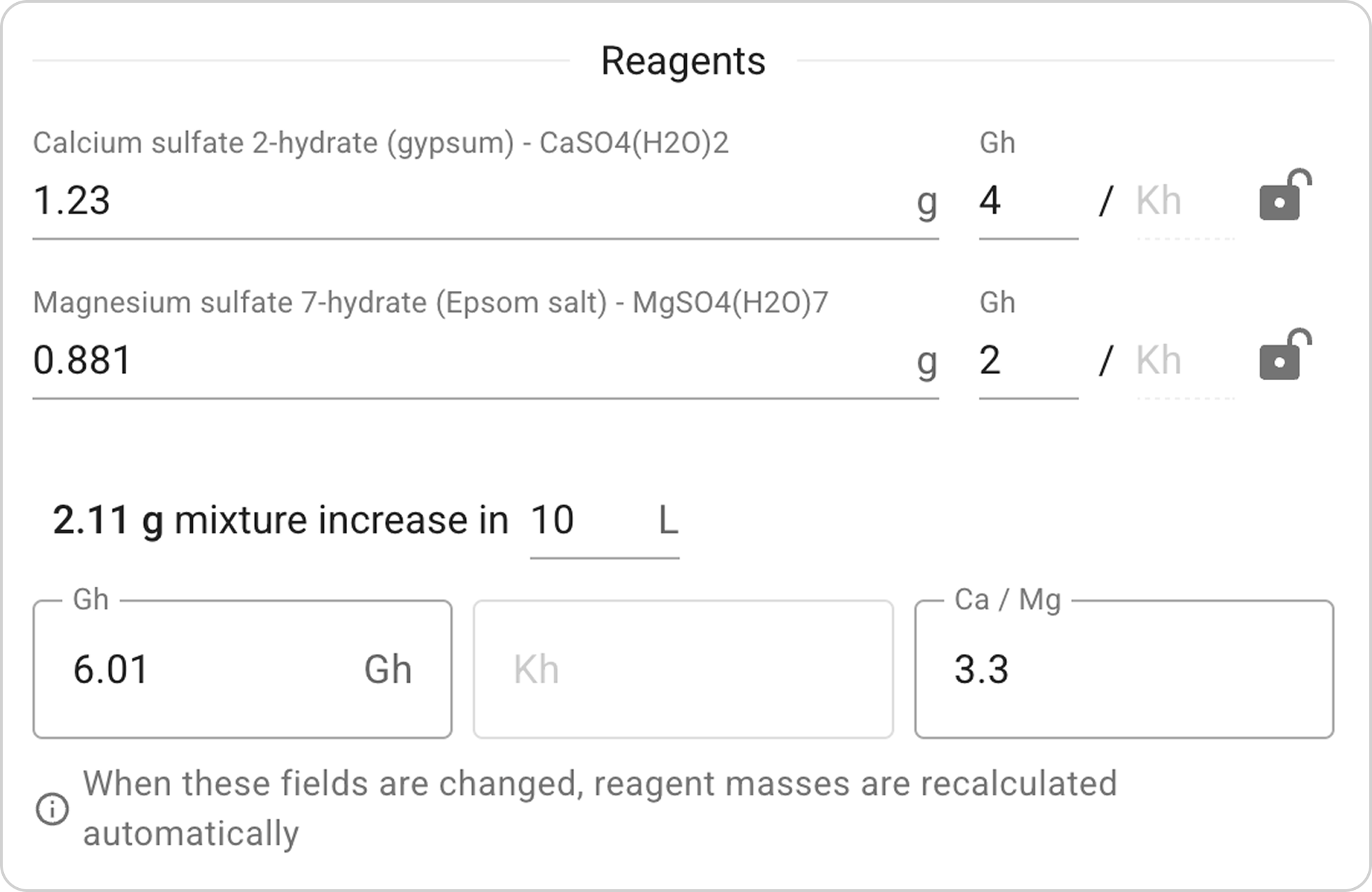
The system will automatically recalculate reagent masses.
- Check the final Ca/Mg ratio for optimal value compliance.
Method 3: Changing Total Gh
- Change the "Total Gh" value from 6 to 5.


- The system will recalculate all masses automatically, preserving proportions between reagents.
- The Ca/Mg ratio will remain unchanged.
Step 4: Adjusting Ca/Mg Ratio
If you need to change the calcium to magnesium ratio:
- Change the value in the "Ca/Mg" field from "3.5" to "4.0".
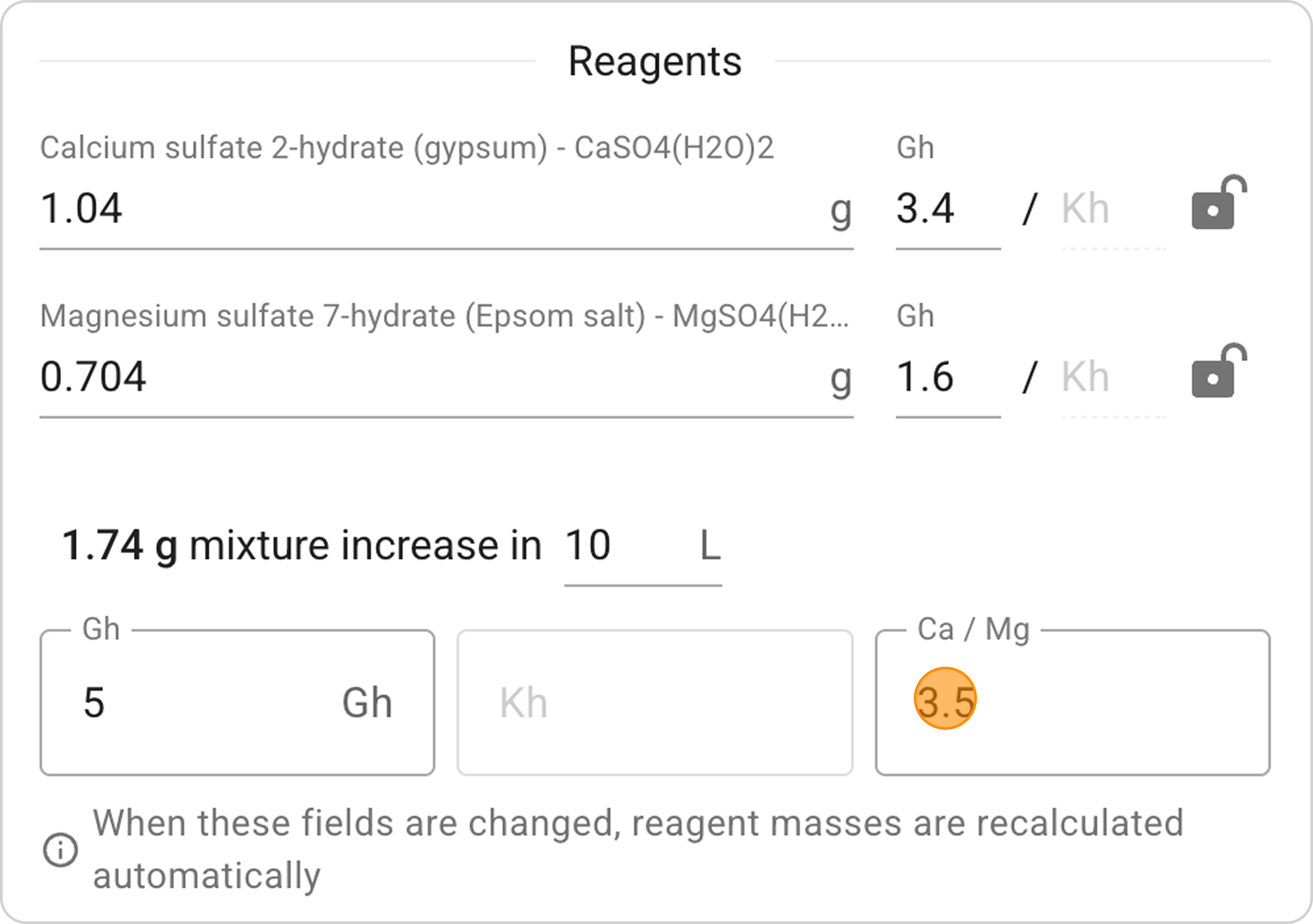
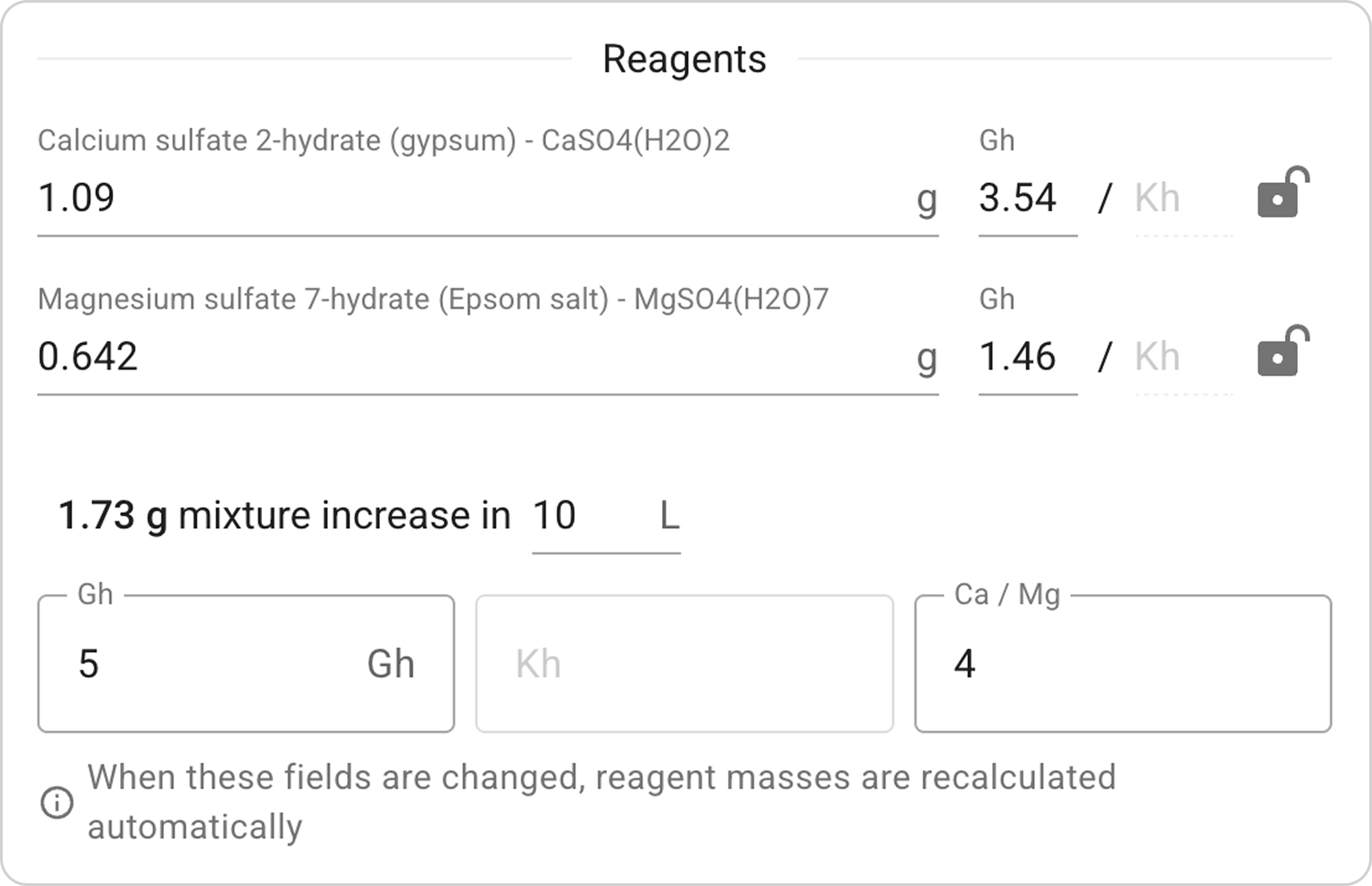
- The system will recalculate masses while maintaining the total Gh value.
- Check how the anion composition changed on the Water change concentration chart.
Step 5: Saving the Adapted Version
- Give it a new name: "Samomes Gh+ (adapted)"
- Specify in the description: "Adapted version of Samomes Gh+ with target Gh=5"
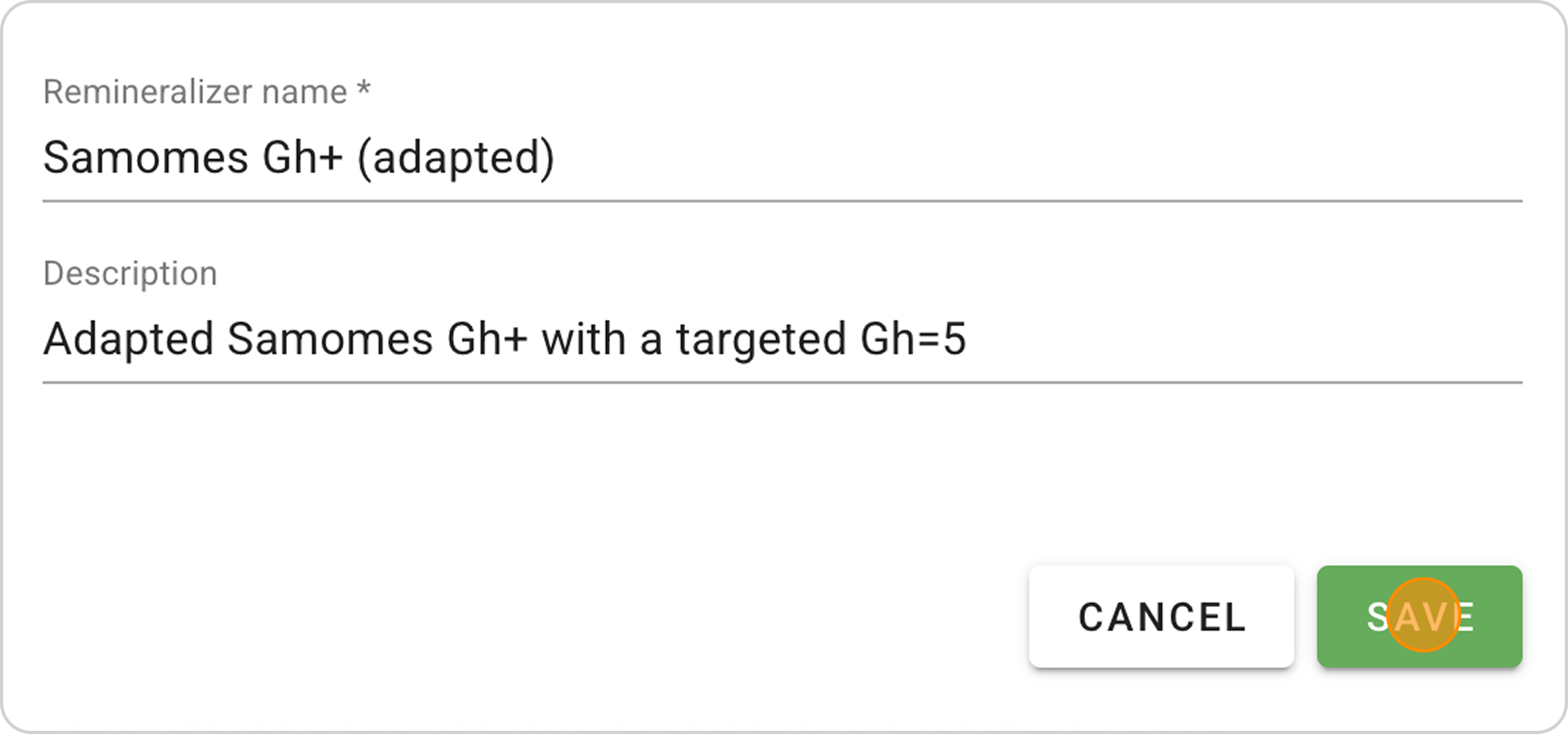
- Save as a new remineralizer, the recipe will automatically appear in your remineralizer list.

Managing the Saved Recipe
After saving the remineralizer recipe, you can:
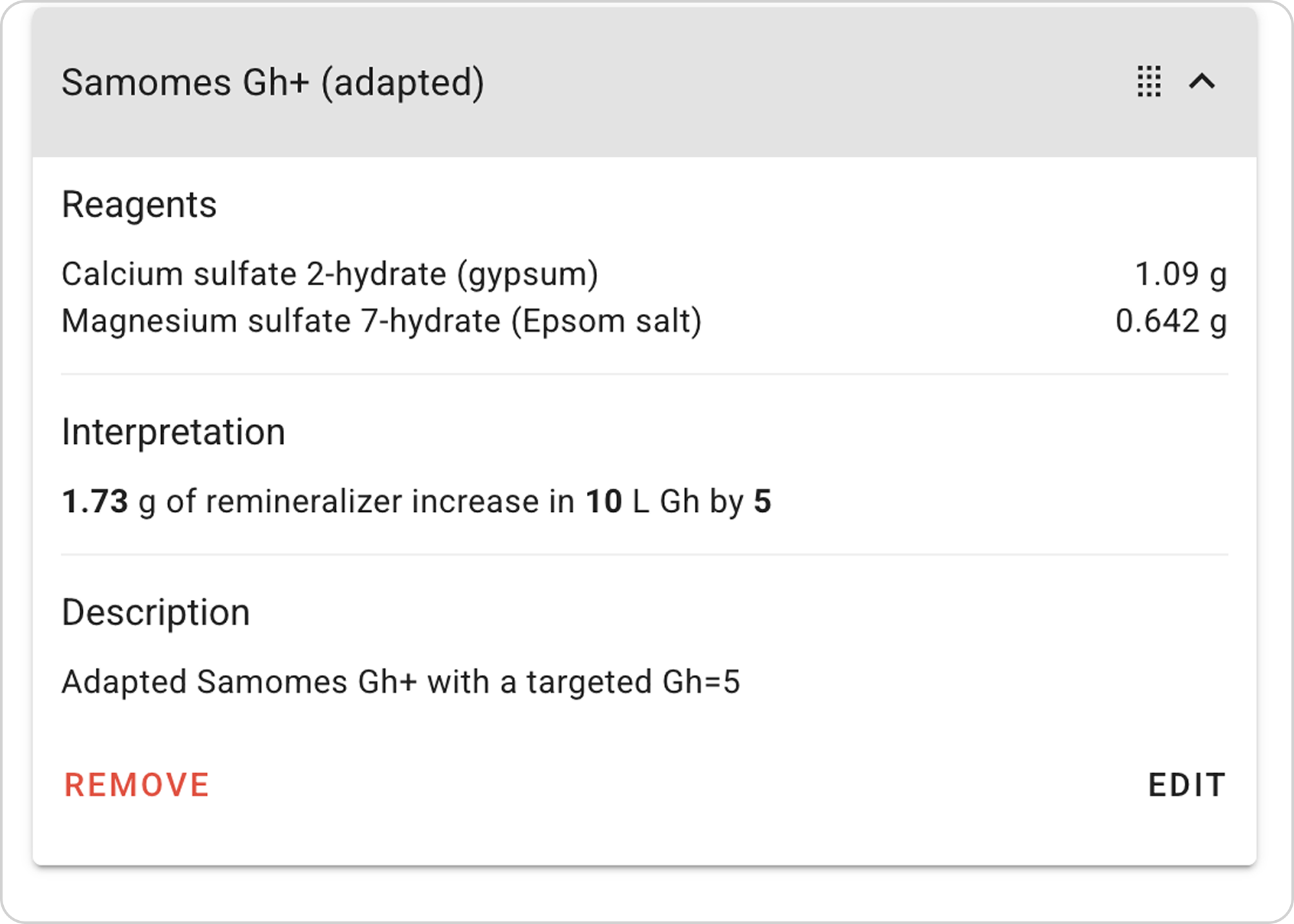
View parameters:
- Click on the arrow to the right of "Samomes Gh+ (adapted)"

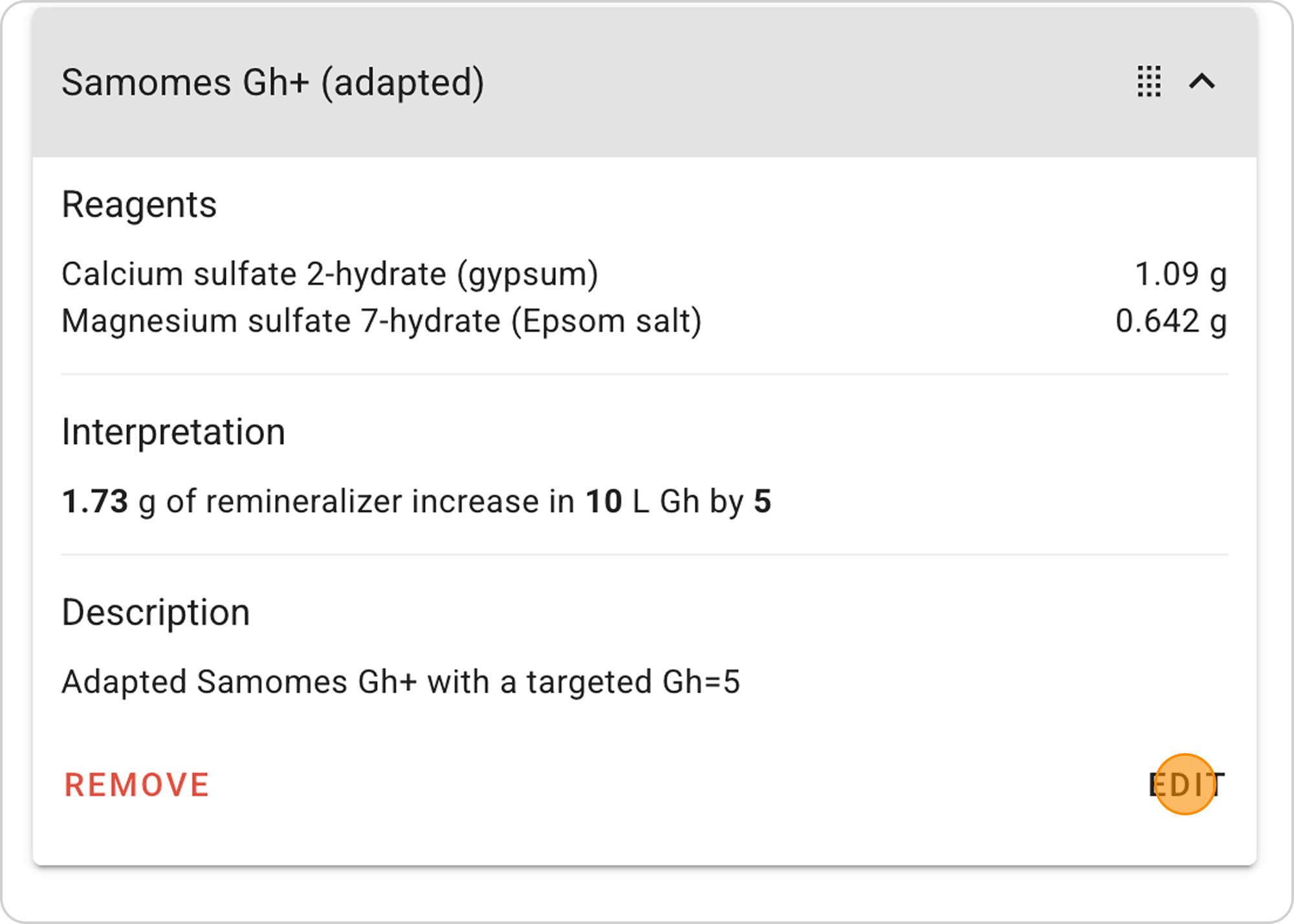
Change parameters:
- Click the "EDIT" button in the expanded list
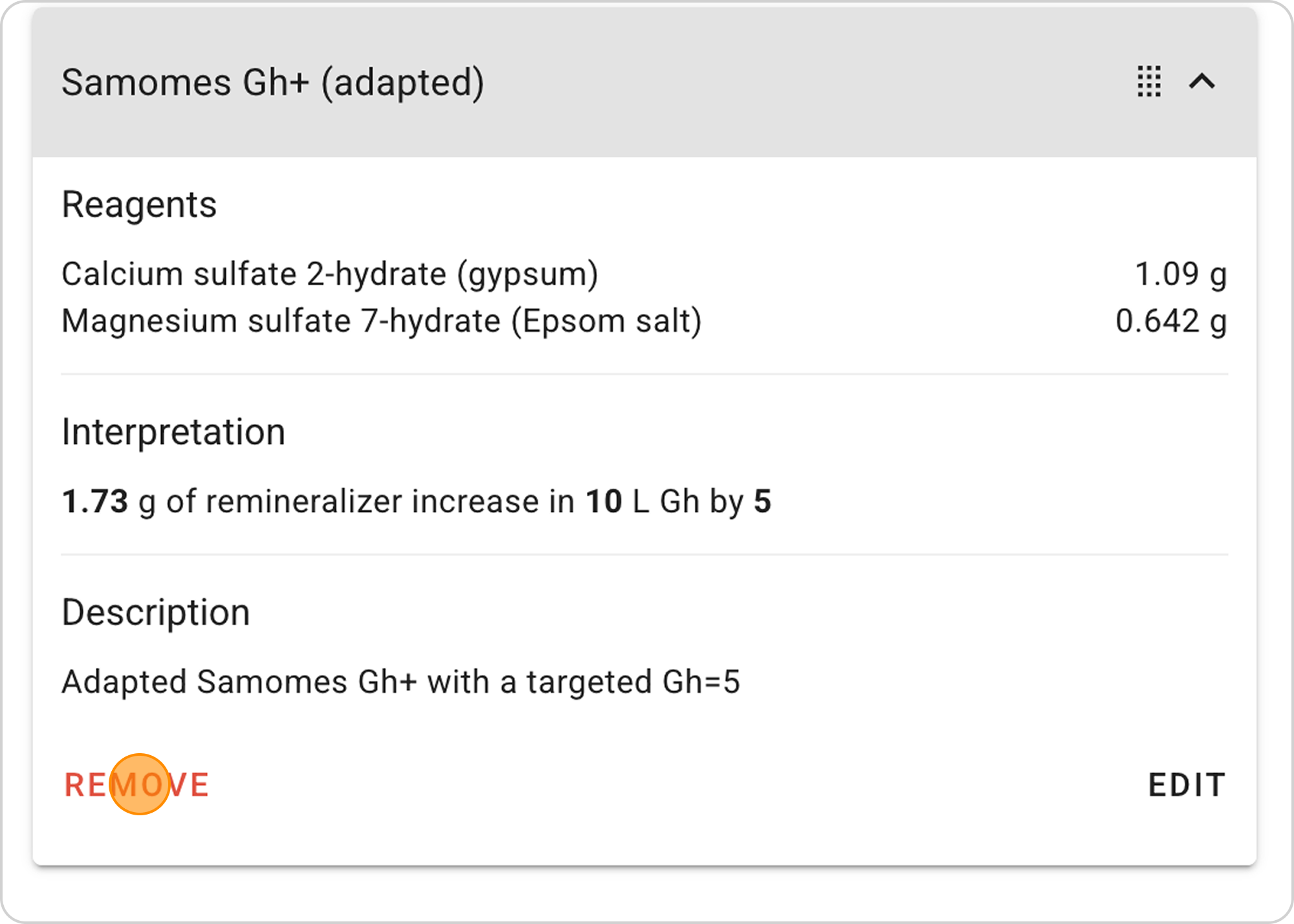
Delete recipe:
- Click the "REMOVE" button in the expanded list
Practical Adaptation Tips
- Reduce total Gh to 3-4 if you're using very soft tap water
- Set Ca/Mg ratio around 4 to 1 if your fertilizer contains high magnesium