How to Use Ready-Made Remineralizer Recipes?
Let's look at using the ready-made Gh+ remineralizer. This remineralizer is used to increase general hardness (Gh) in the aquarium with an optimal calcium to magnesium ratio.
Step-by-Step Guide
Step 1: Open the Remineralizer Form
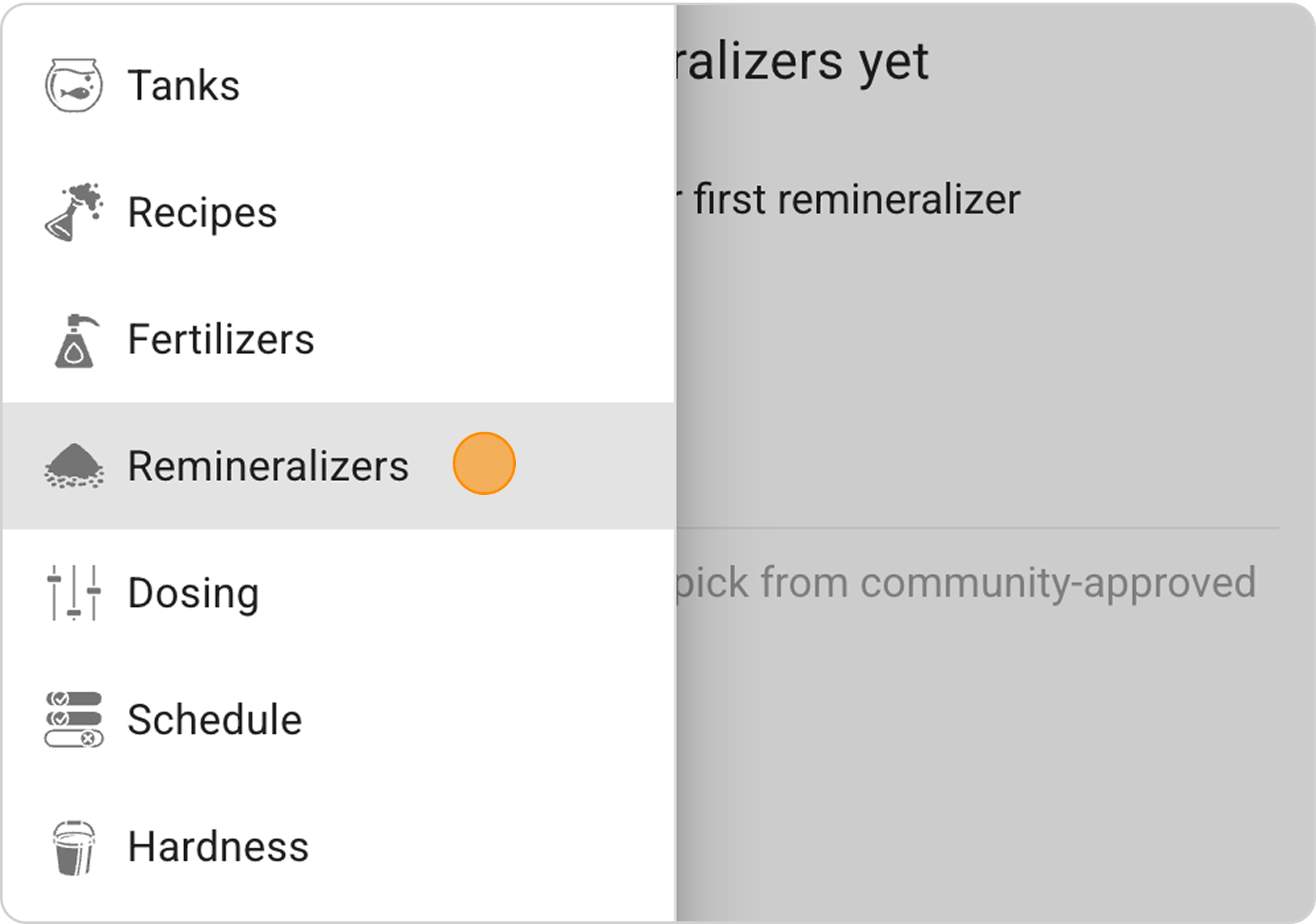
- In the Samomes main menu, select the "Remineralizers" section
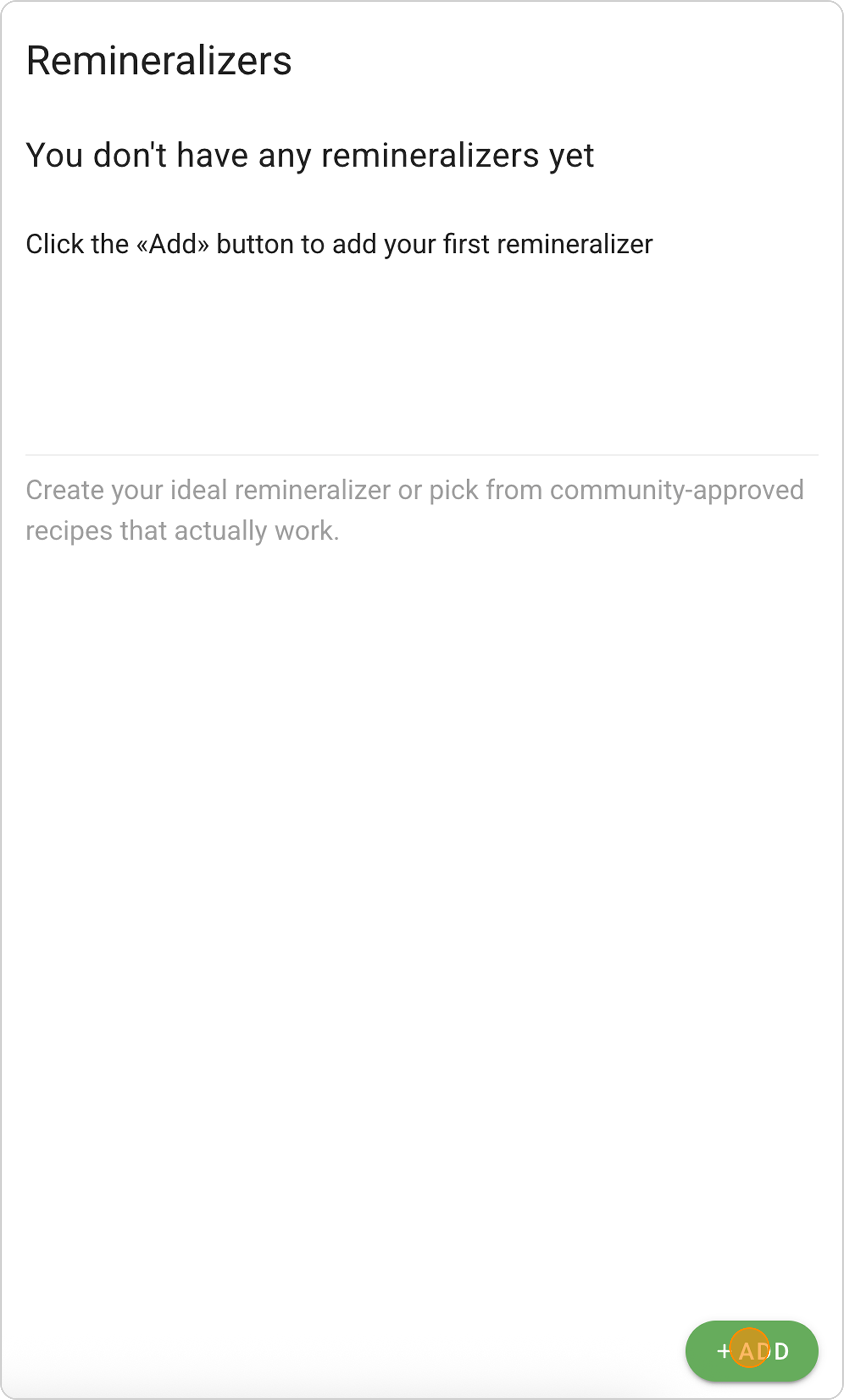
- Click the "+ ADD" button in the lower right corner
Step 2: Select a Remineralizer
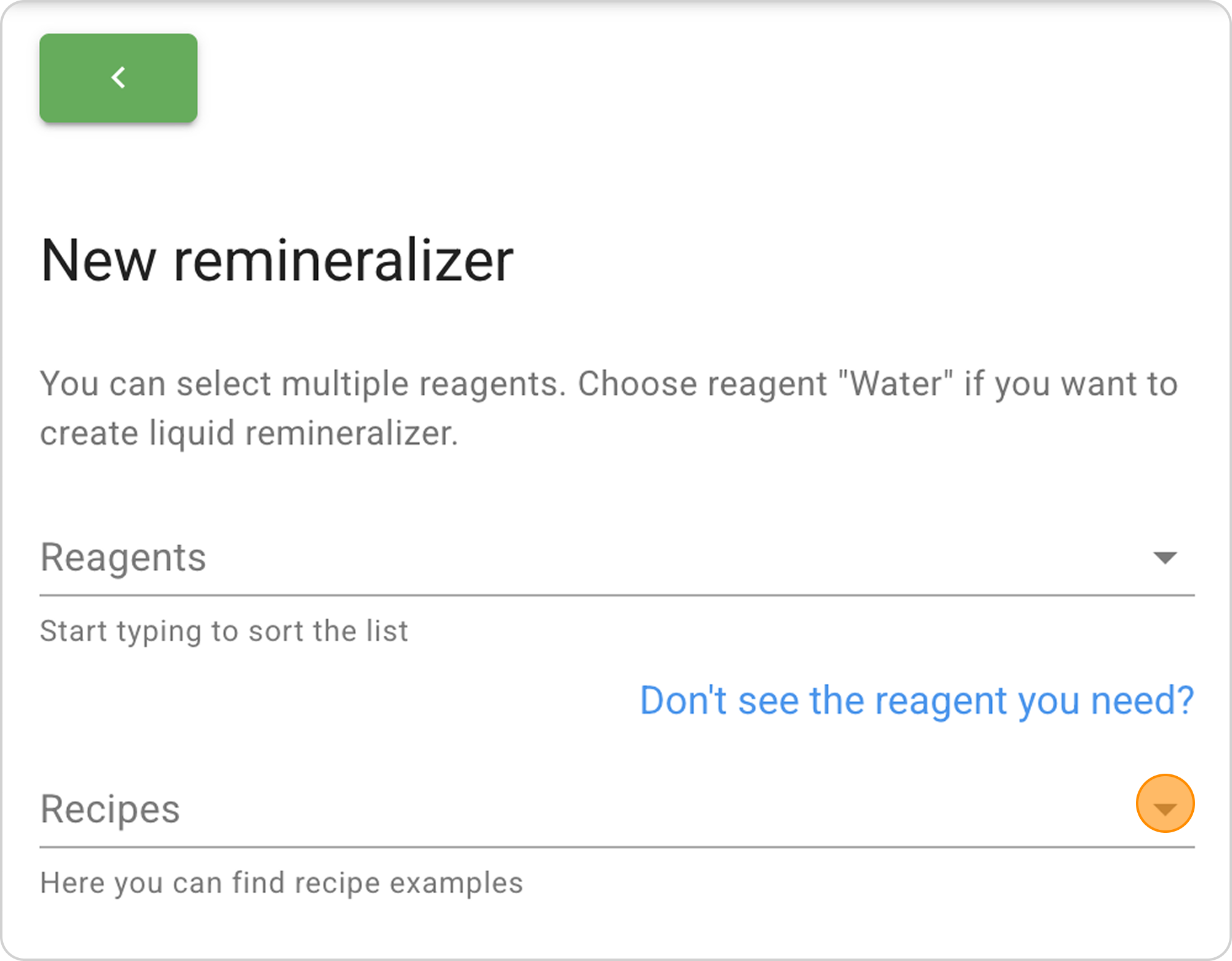
- Click on the arrow to the right in the "Recipes" field
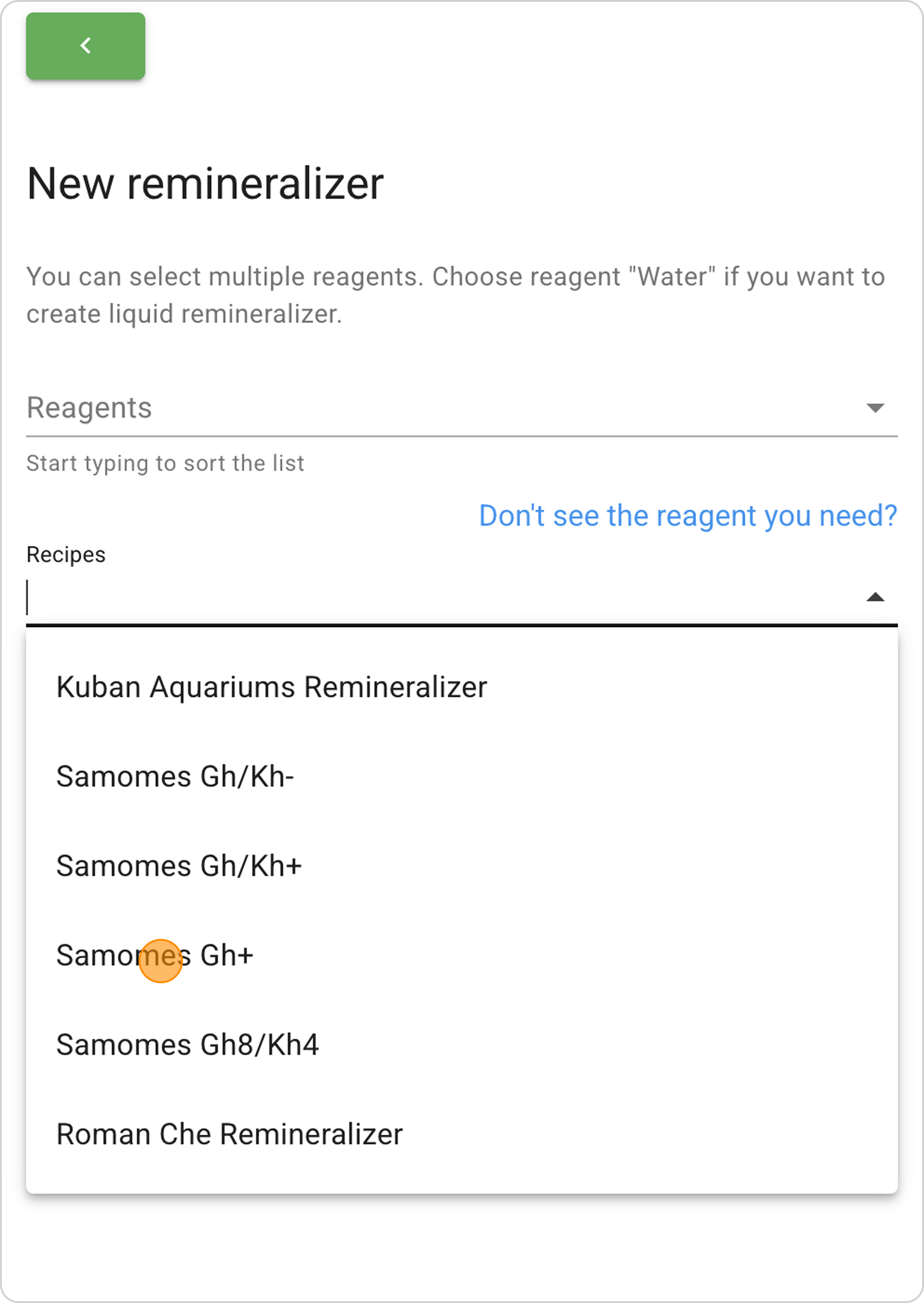
- From the dropdown list, select Samomes Gh+ (sulfates)
Step 3: Study the Remineralizer Composition
- In the "Reagents" table, study the list of reagents with exact masses.
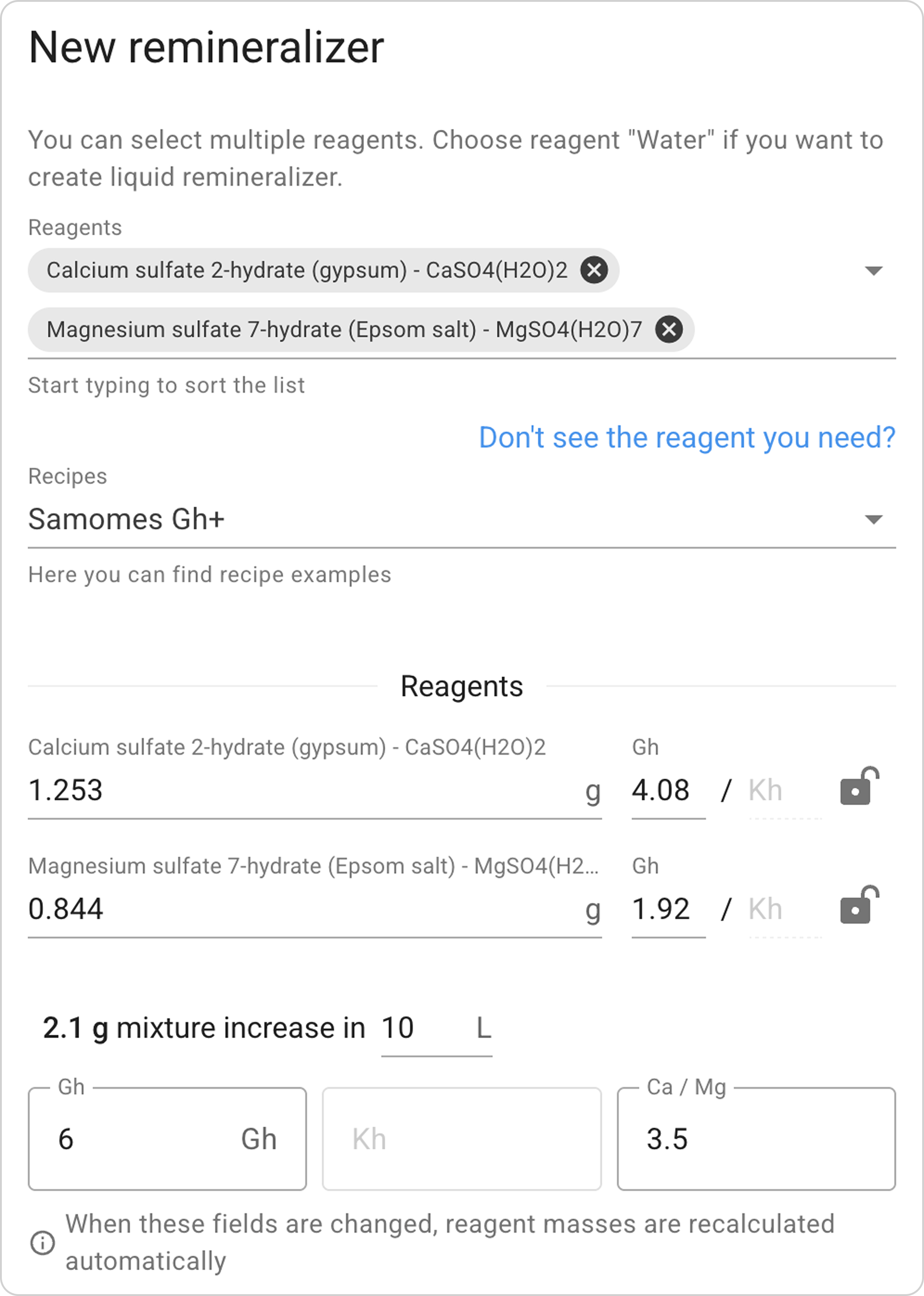
- Study the water change concentration — charts show the distribution of calcium, magnesium, and anions.

- Review the dosage table for different dosages.
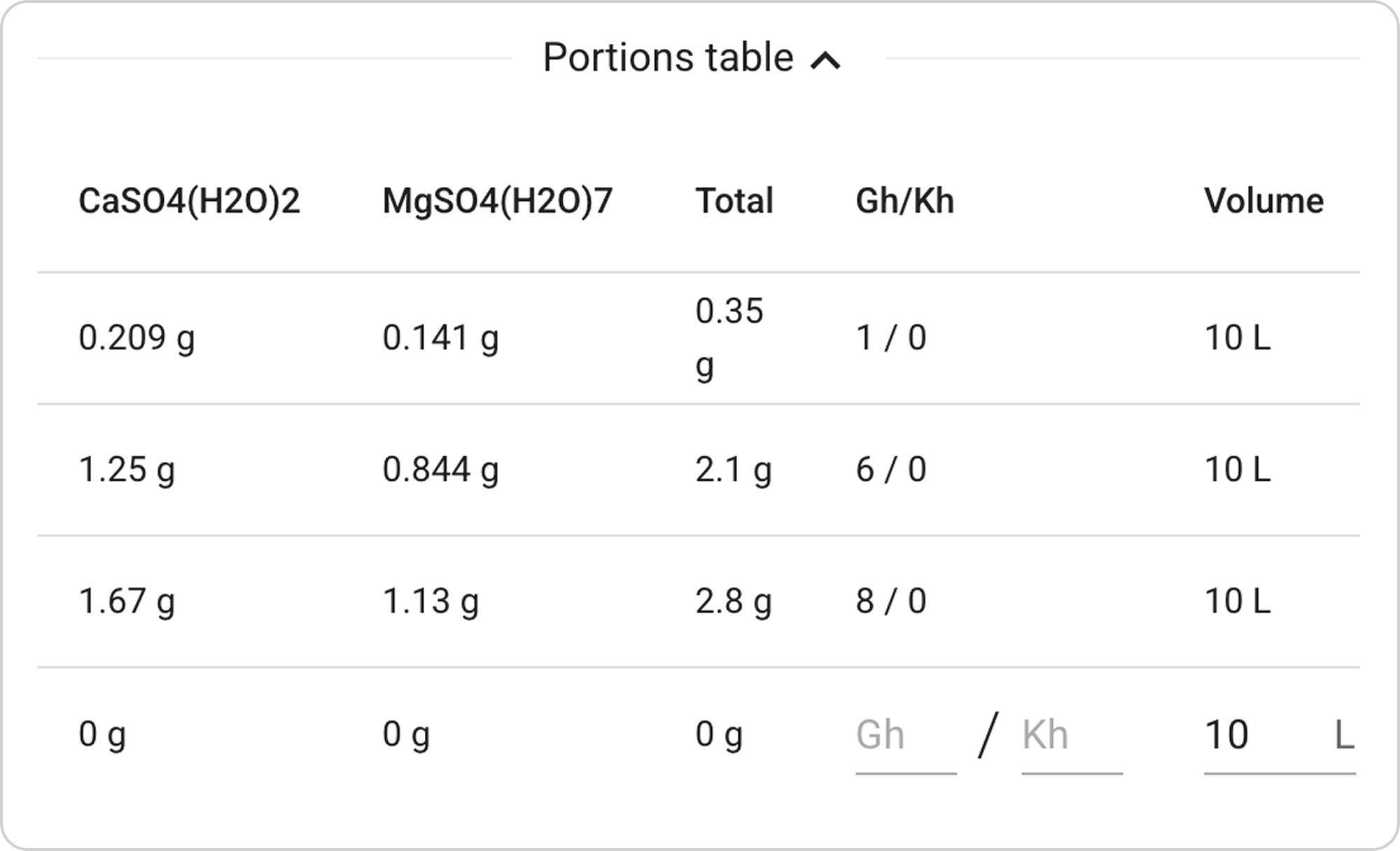
- View mixture parameters — TDS, Ca/Mg ratio, and element concentrations.
Step 4: Save the Remineralizer
- You can change the name and description of the remineralizer
- Click the "SAVE" button in the lower right corner
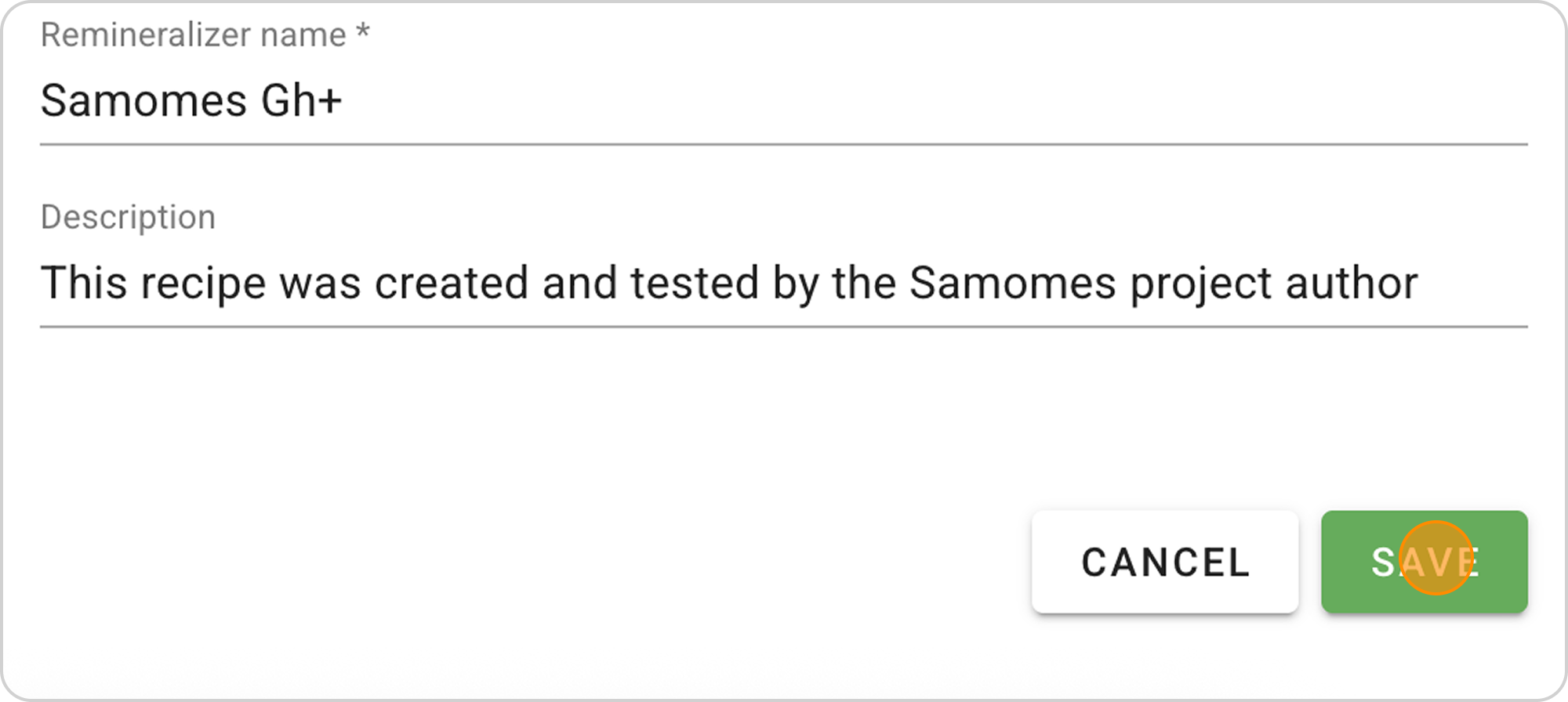
- The remineralizer will be saved in the "Remineralizers" section and will also be automatically available in the "Dosing" and "Hardness" sections
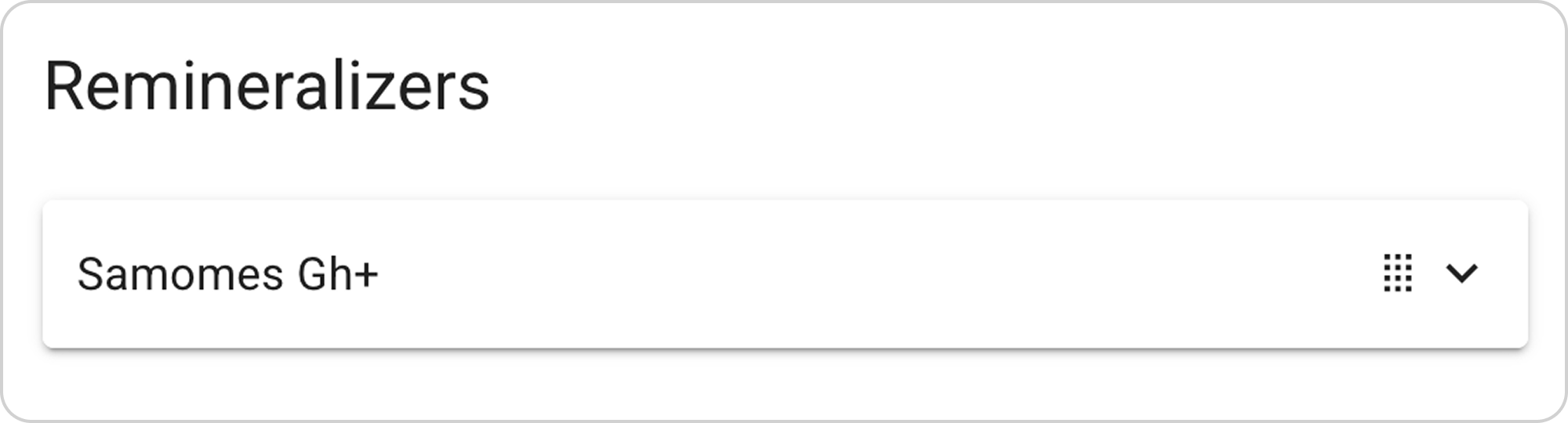
Managing the Saved Remineralizer
After saving the ready-made remineralizer, you can:
View parameters:
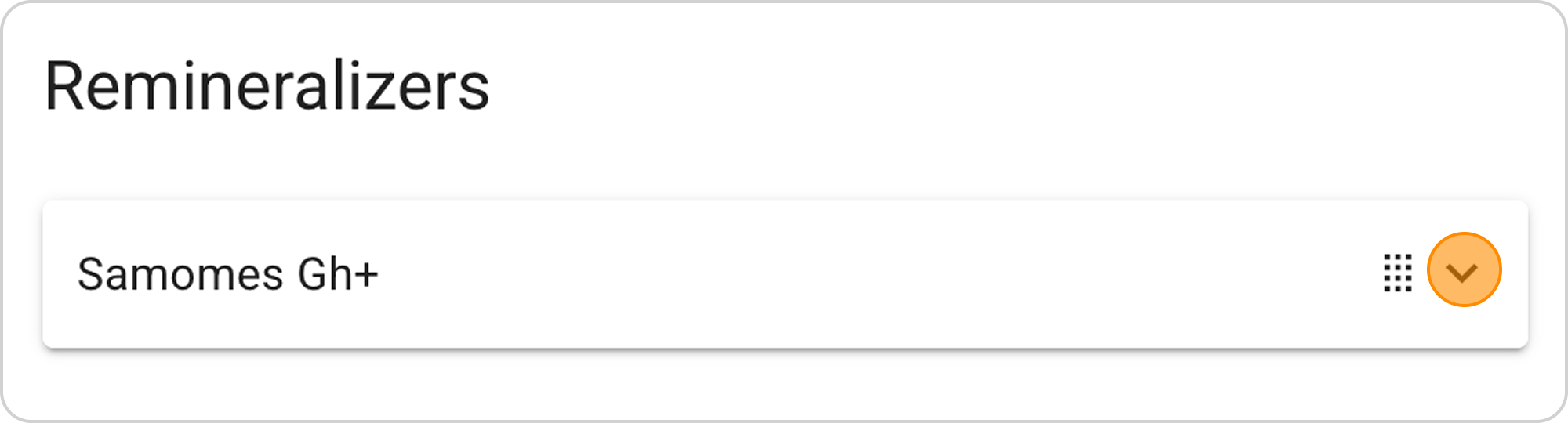
- Click on the arrow to the right of the remineralizer name
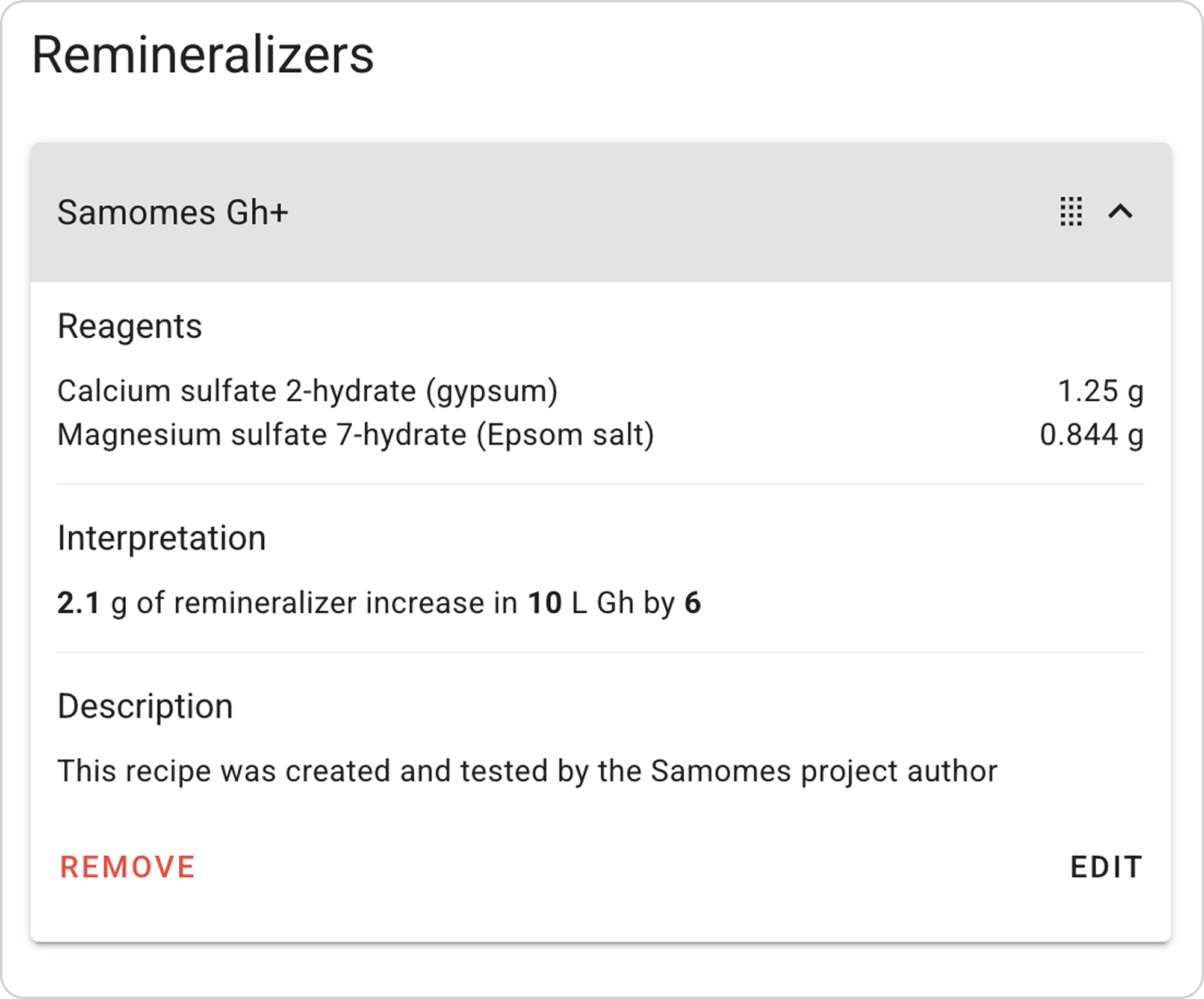
- View composition — exact reagent masses
- Study the breakdown — impact on water parameters
Change parameters:
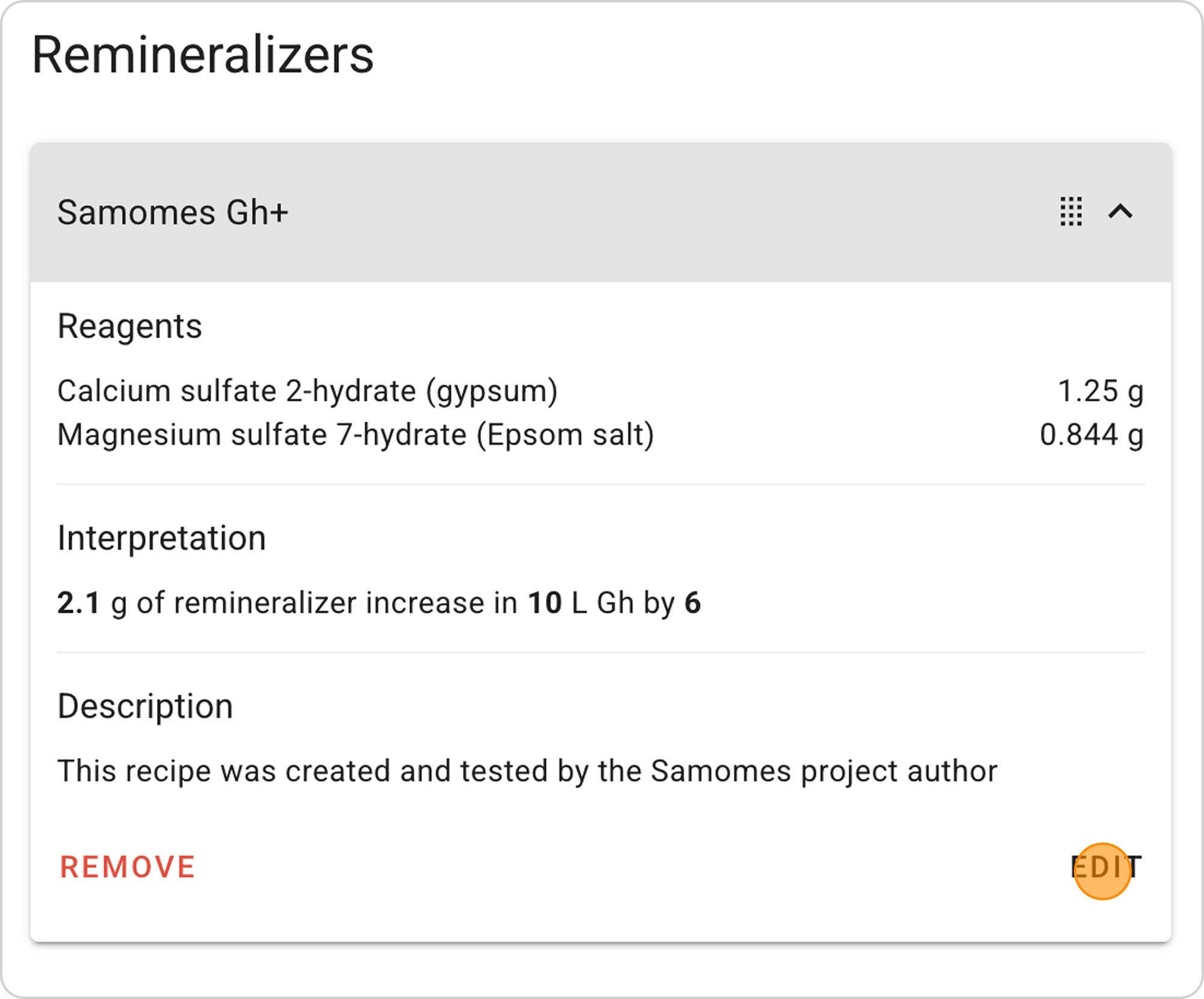
- Click the "EDIT" button in the expanded list
- Adapt to your needs — change Gh, Ca/Mg ratio, or volumes
Delete remineralizer:
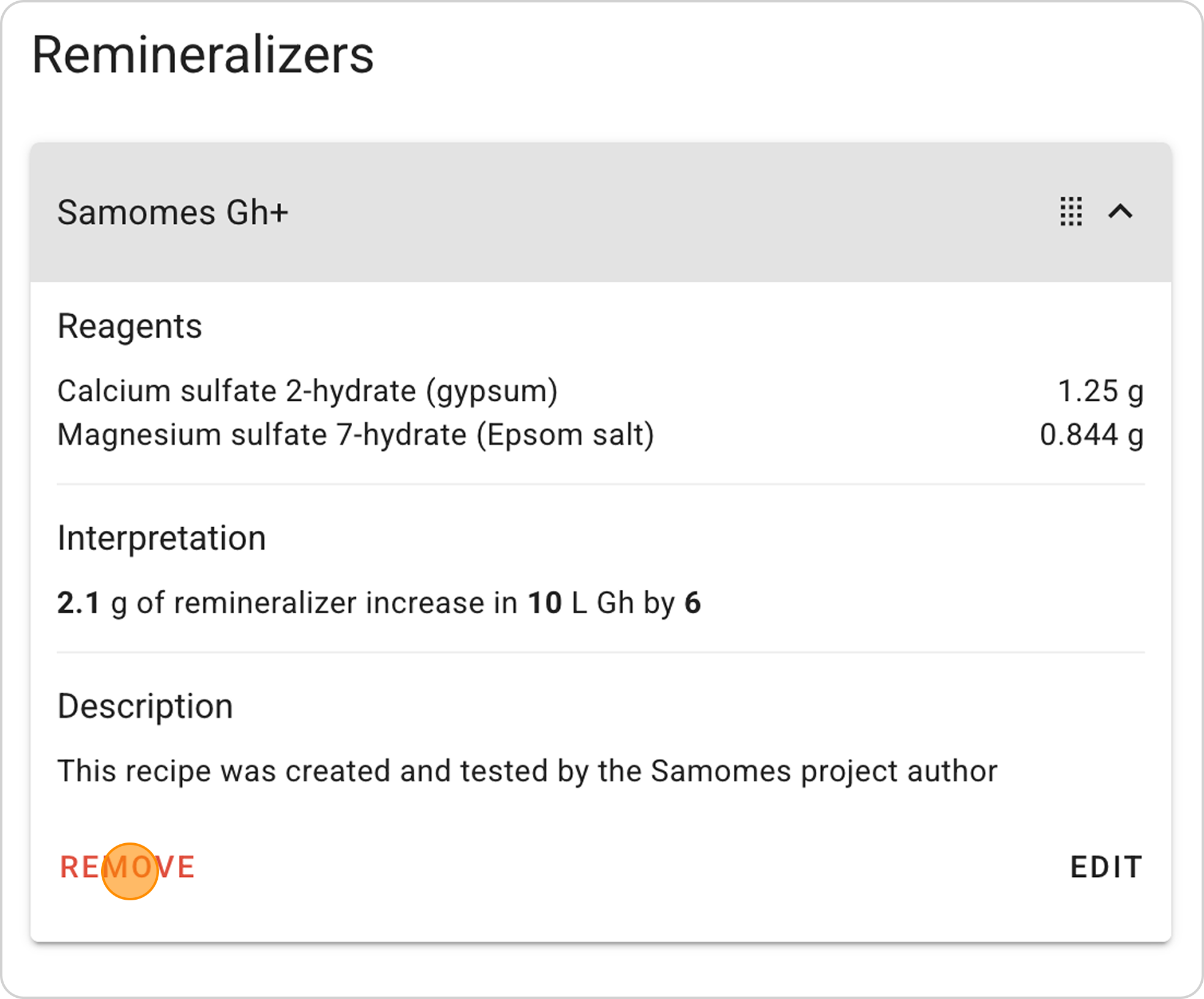
- Click the "REMOVE" button in the expanded list
Related Materials
- Basic Information About Remineralizers in Samomes
- How to Adapt a Ready-Made Remineralizer Recipe?
- How to Create a Three-Component Remineralizer with Different GH and KH Ratios?
- How to Create a Liquid Remineralizer?
- What are Recipes in Samomes?
- How to Use Ready-Made Recipes?
- How to Use the Fertilizer Dosing Schedule in Samomes?
- How to Monitor Element Accumulation in Your Aquarium?