How to Add a New Remineralizer to Fertilizers?
Remineralizers are special preparations for increasing water hardness and replenishing mineral composition. They contain mainly calcium, magnesium, and may also include potassium, sodium, and other minerals. This guide will help you properly add a remineralizer to the Samomes app.
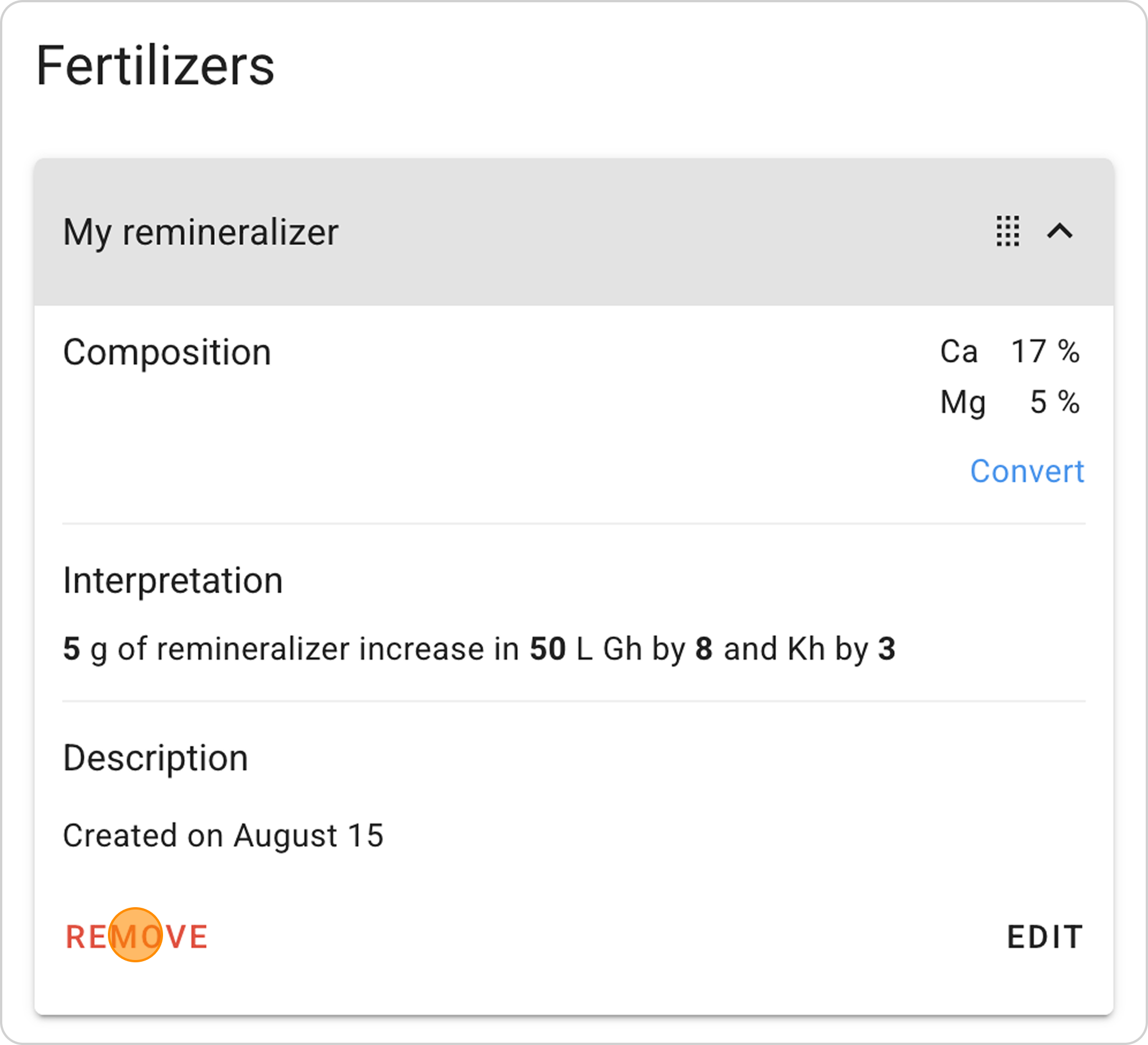
In this example, we'll look at creating a remineralizer in powder form. The label indicates elements Ca 17%, Mg 5% and provides instructions: 5 g of mixture per 100 L of water increases Gh by 8 and Kh by 3.
Step-by-Step Guide
Step 1: Open the Fertilizer Form
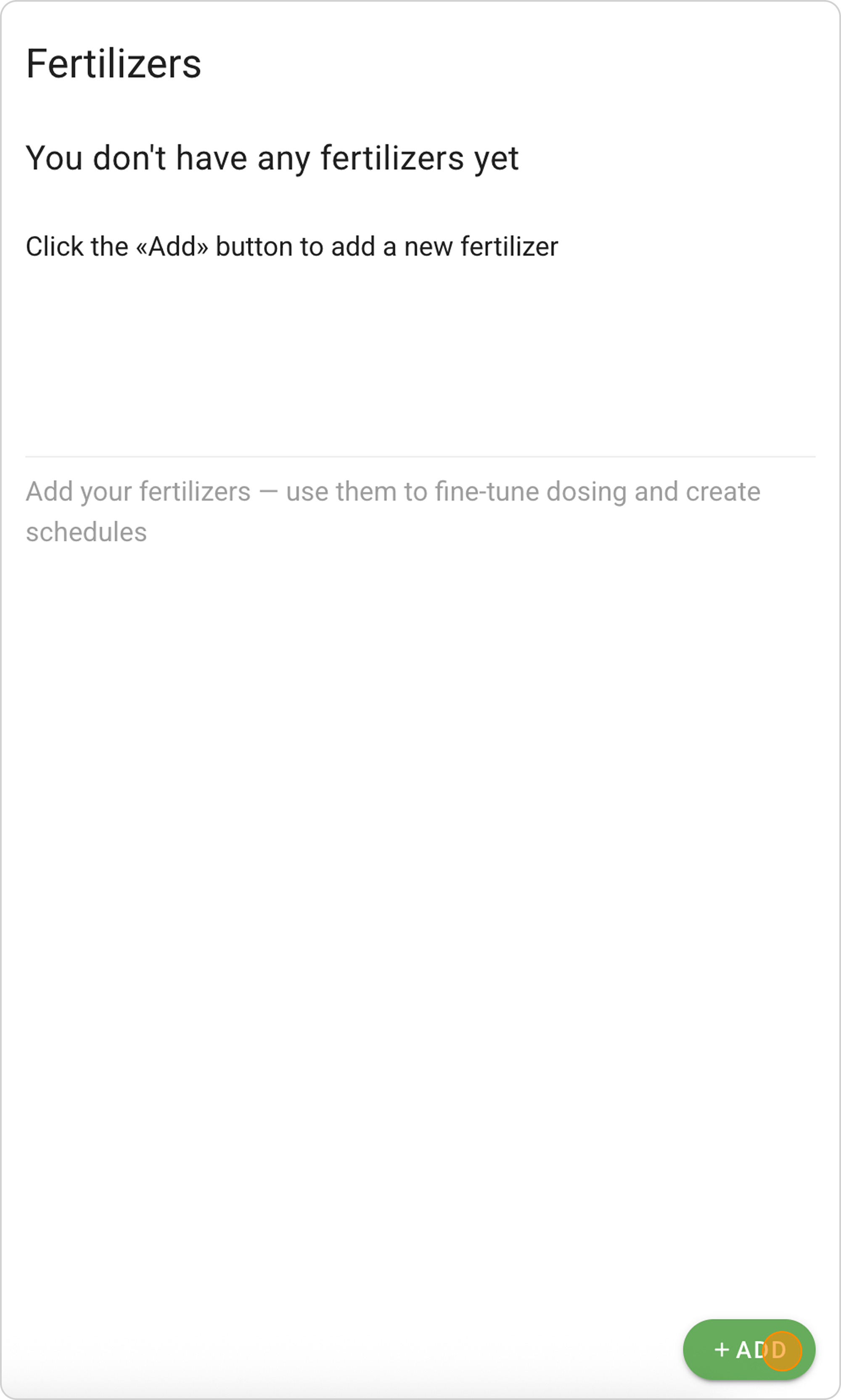
- Go to the "Fertilizers" section
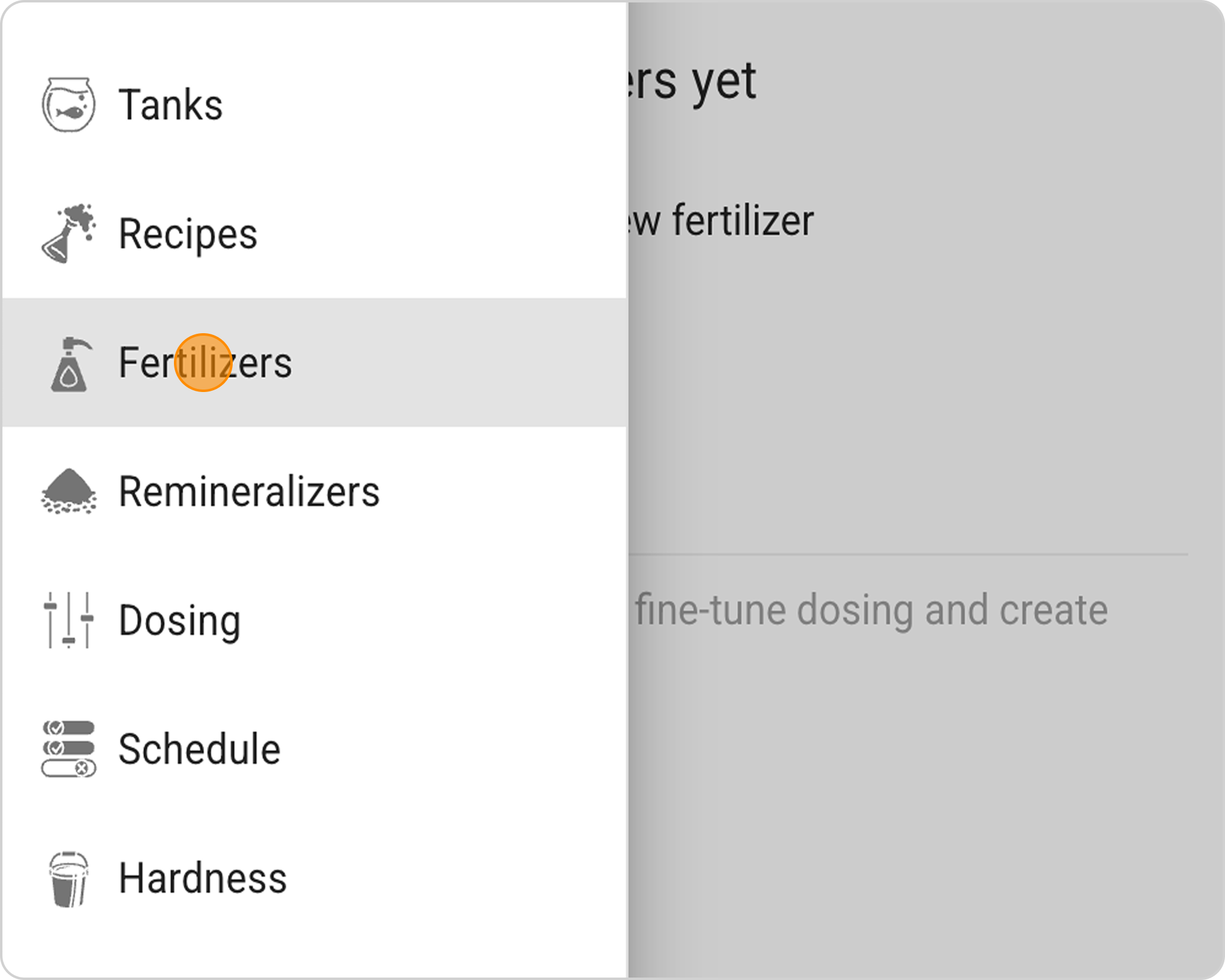
- Click "+ ADD"
Step 2: Specify State Type
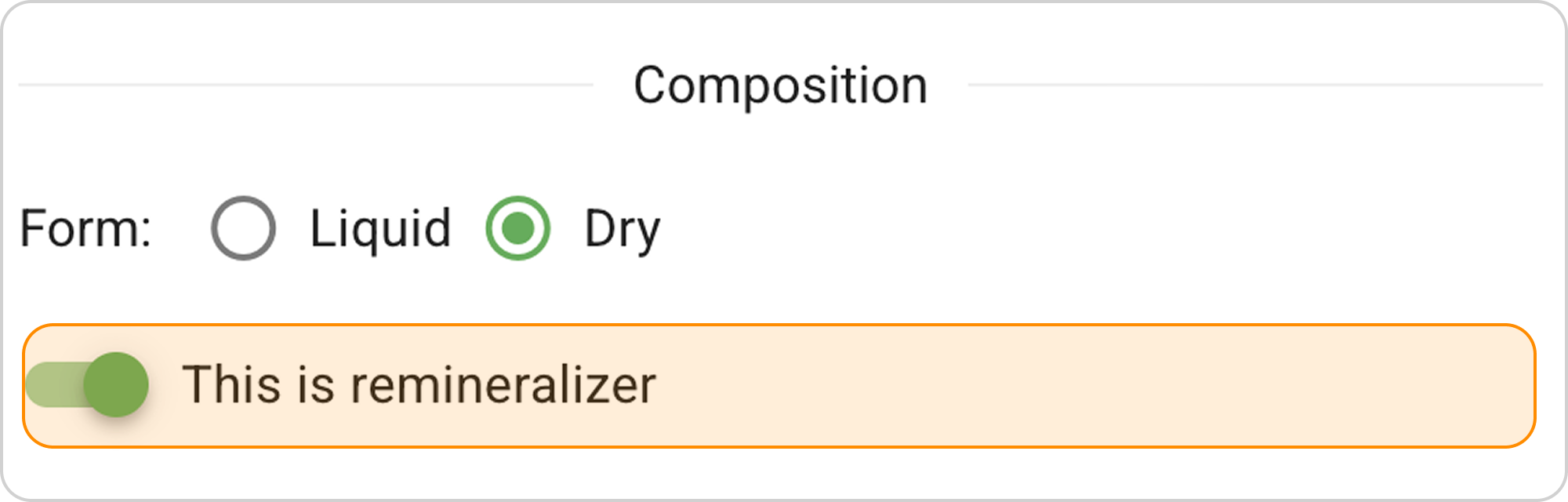
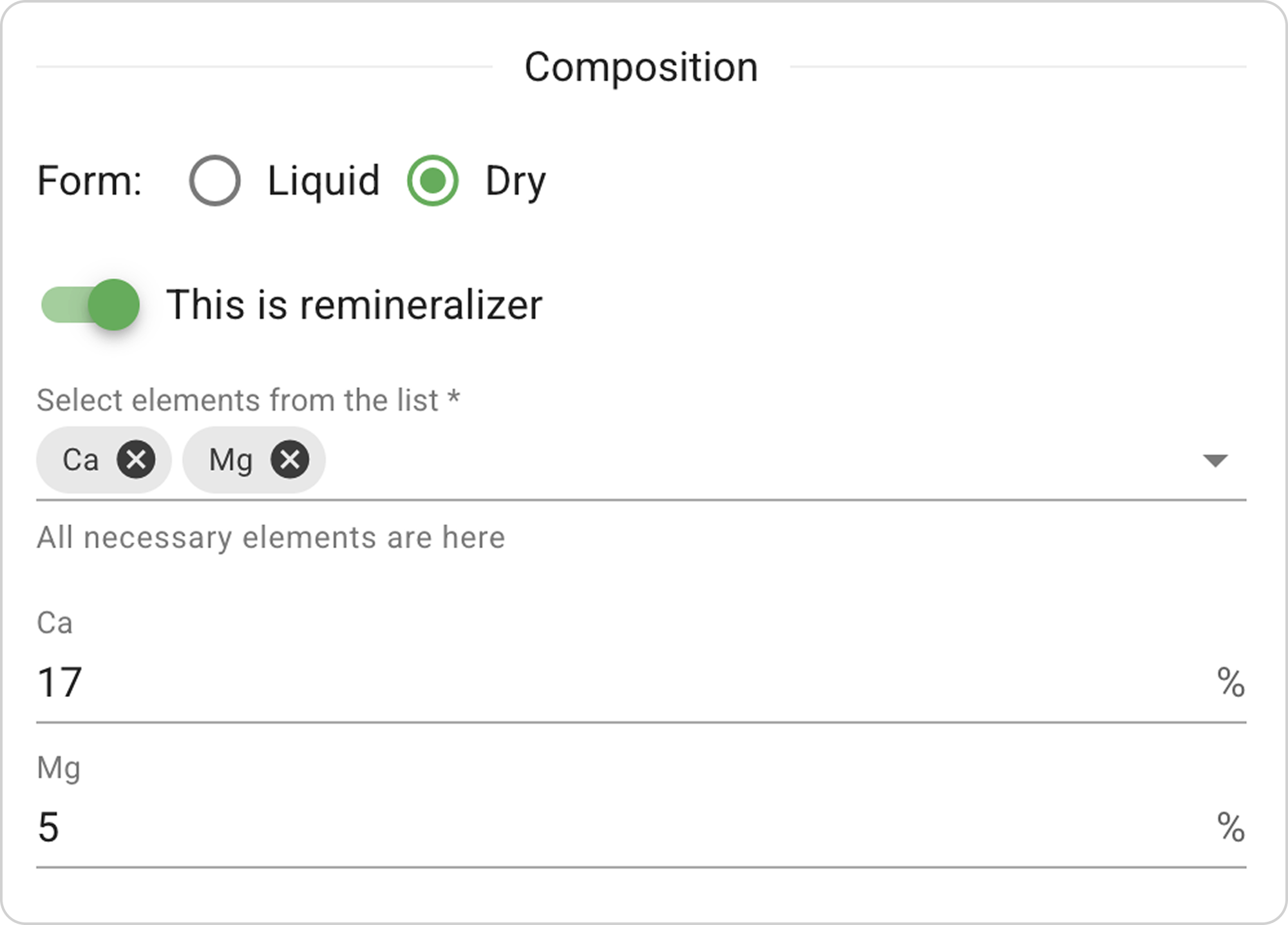
- On the New fertilizer page, select the "Powder" state.
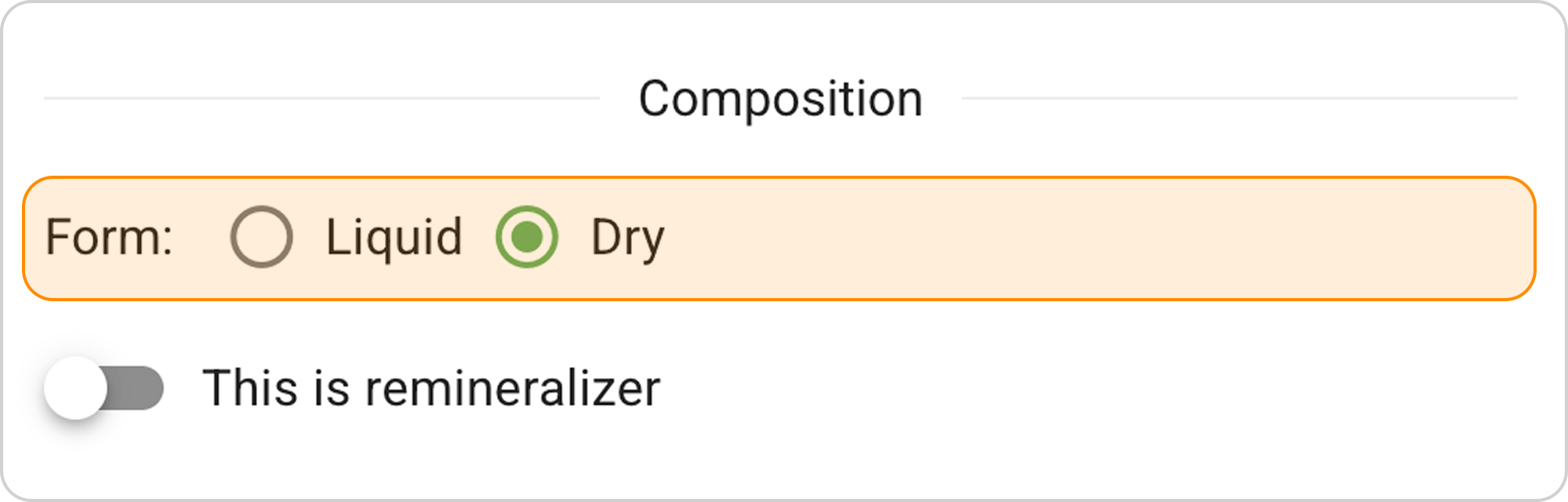
- For powder, the system will automatically select concentration measurement units "%".
- Enable the "This is a remineralizer" toggle
Step 3: Add Elements and Concentrations
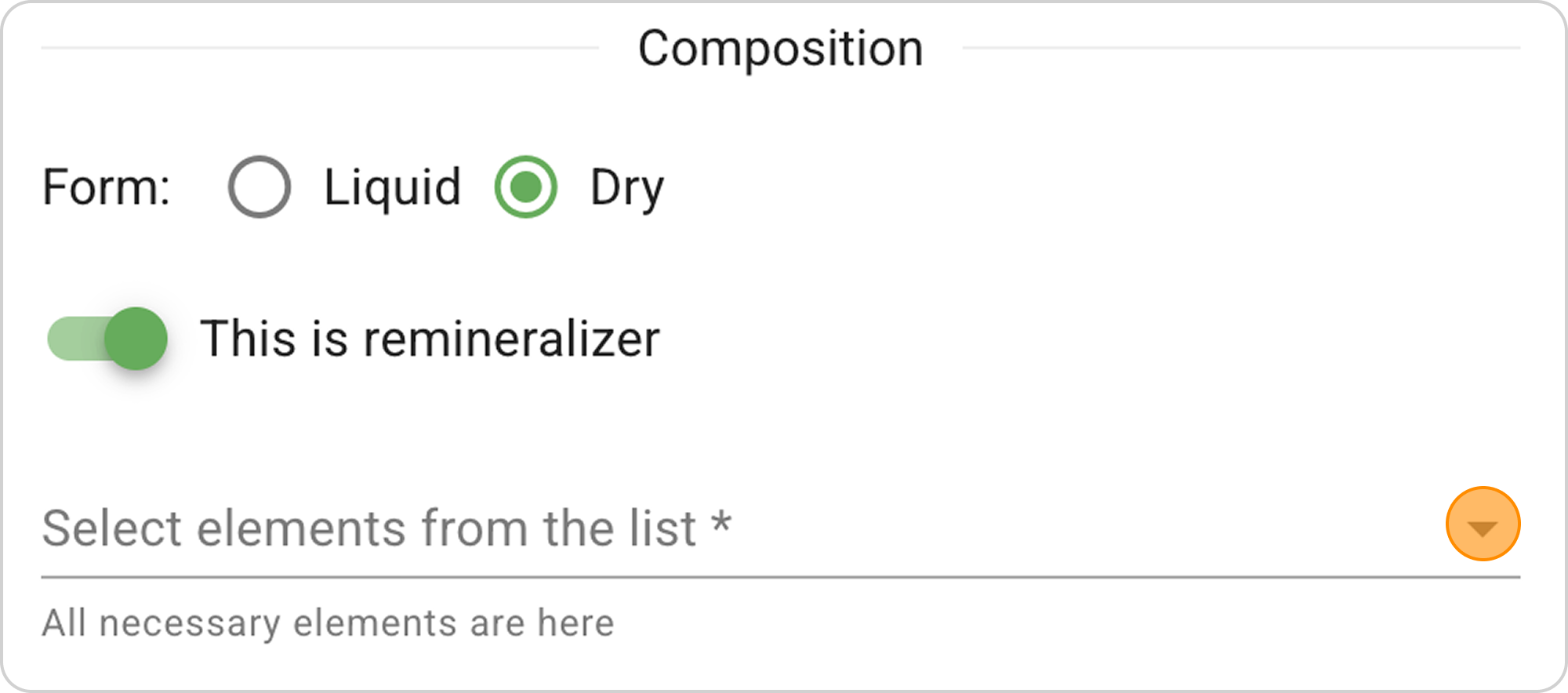
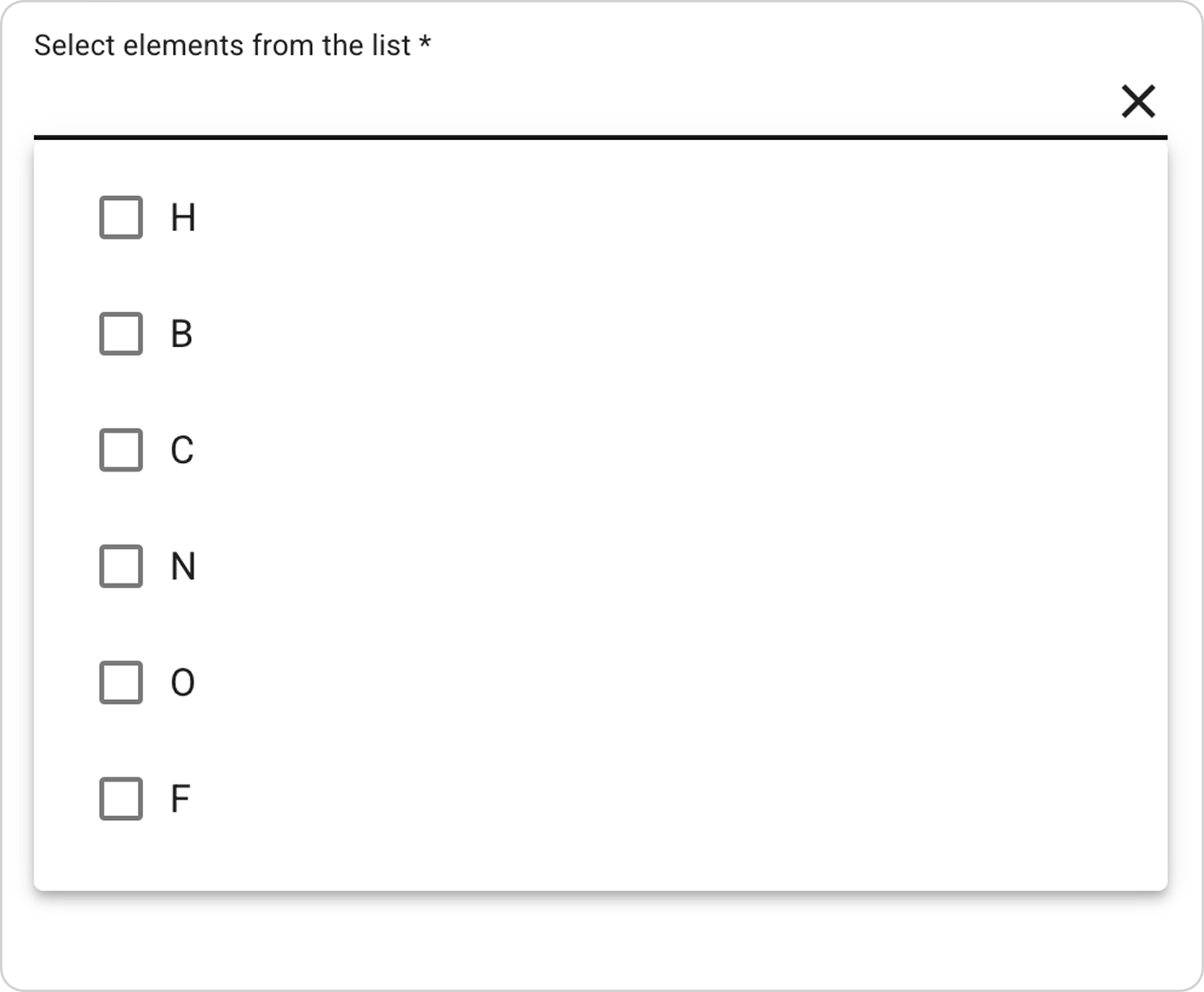
- From the dropdown list, select elements Ca, Mg.
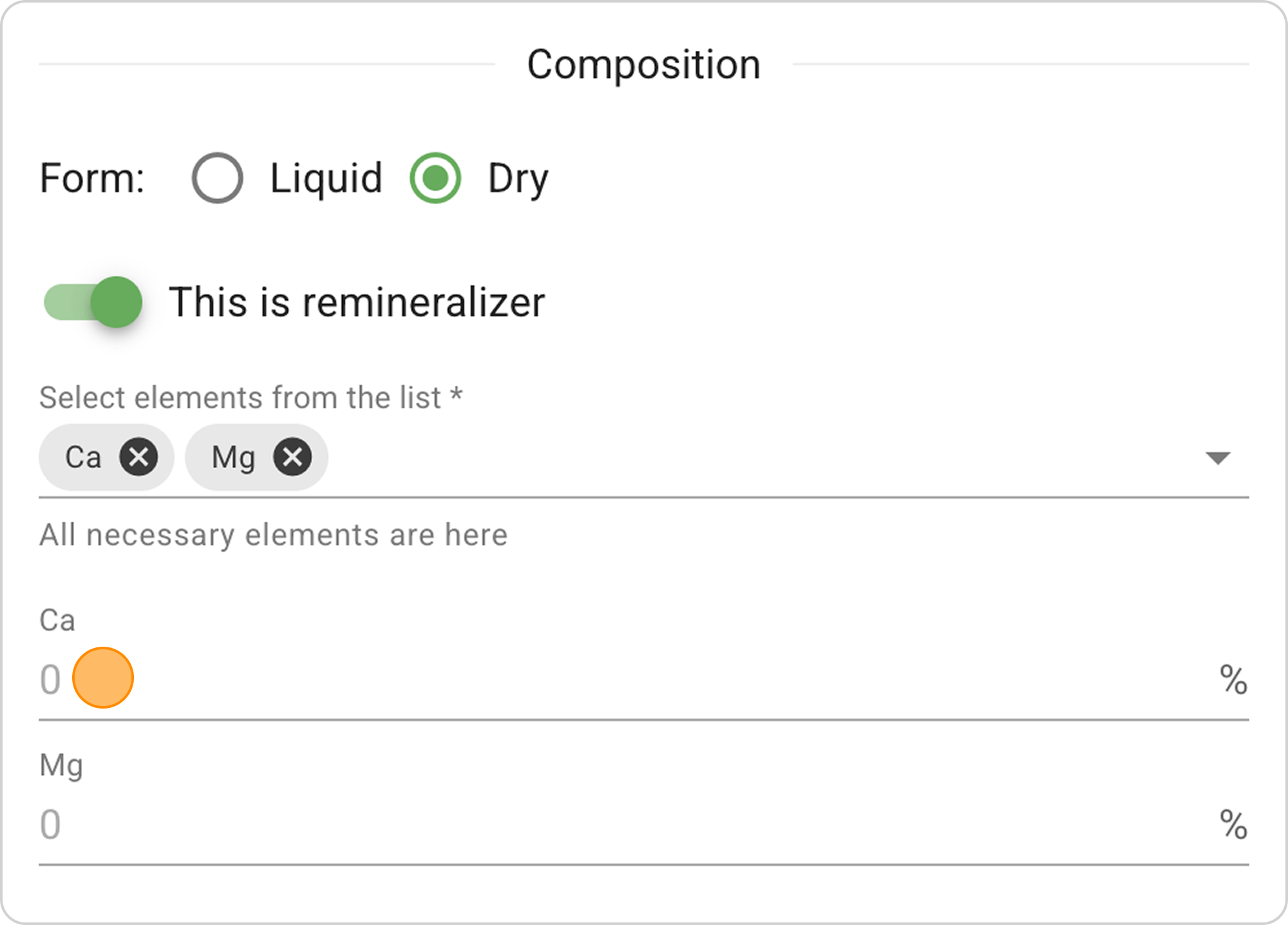
- In the field for each element, enter the concentration. In our example: in the Ca field, enter "17", in the Mg field, enter "5".
Step 4: Enter Parameters from Instructions
- Fill in the fields following the instructions on your remineralizer label.
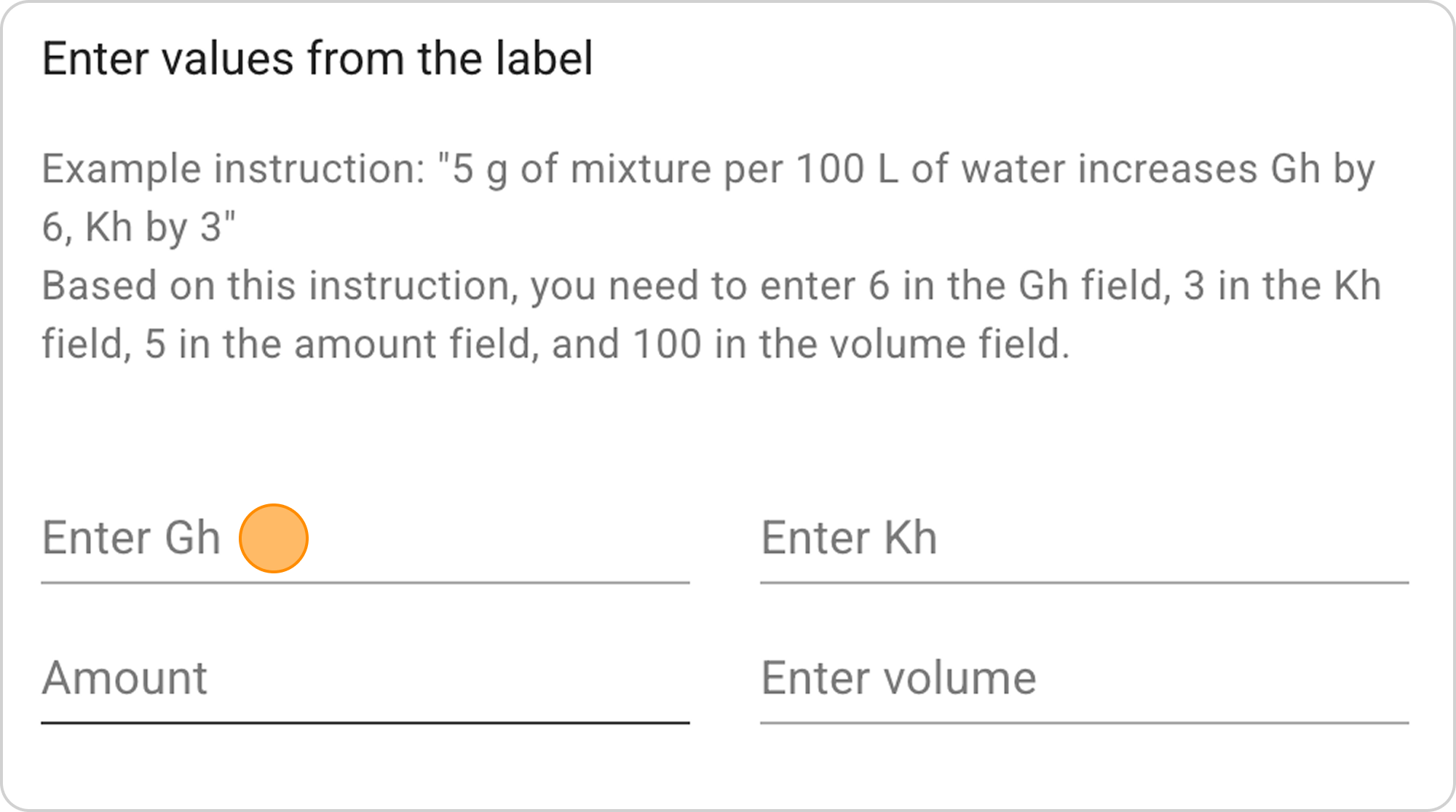
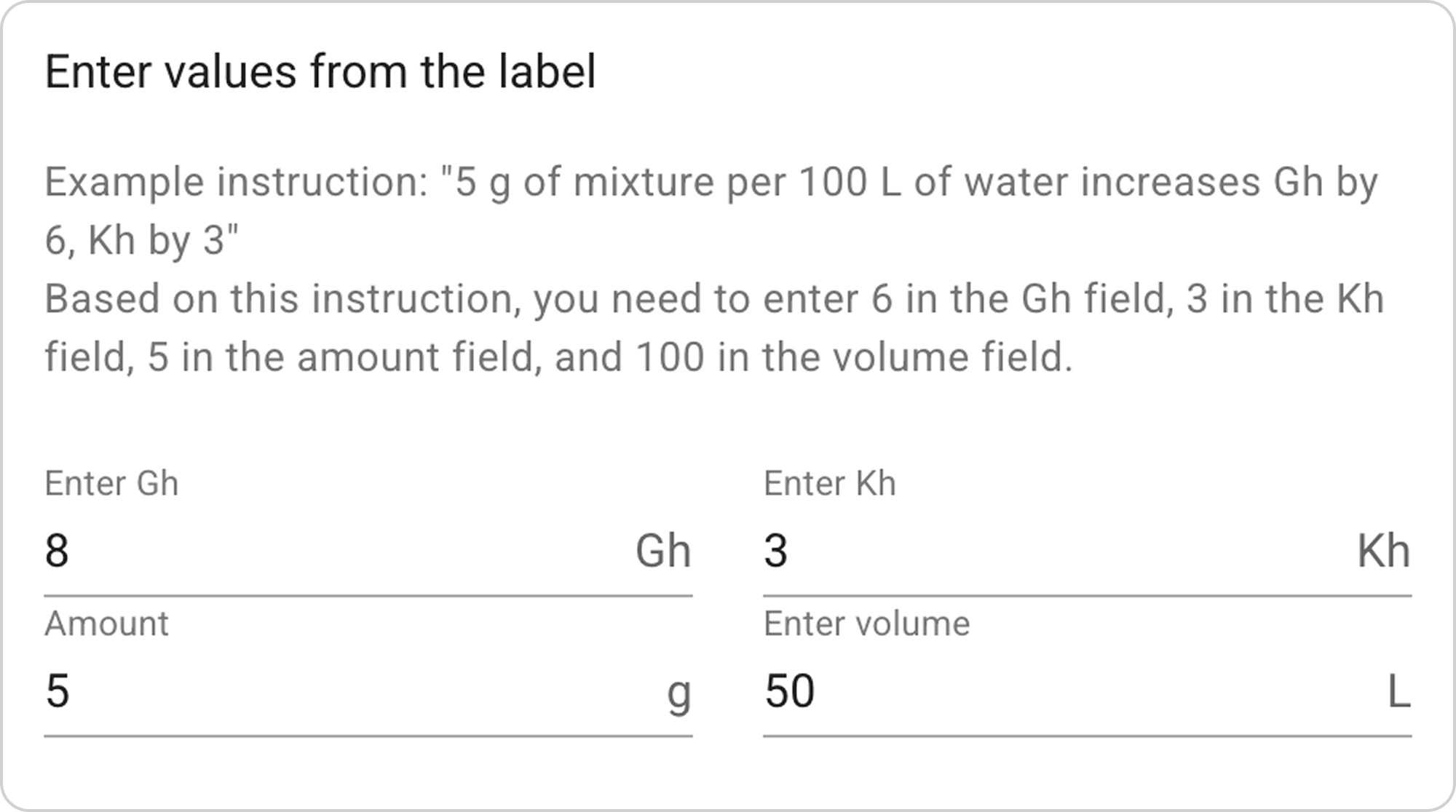
- In our example,
- enter the value "8" in the Gh field,
- in the Kh field - the value "3",
- in the Amount field - the value "5",
- in the Volume field - "50".
Step 5: Fill in Remineralizer Information
- Enter the new remineralizer name in the "Name" field. In our example, enter "My remineralizer".
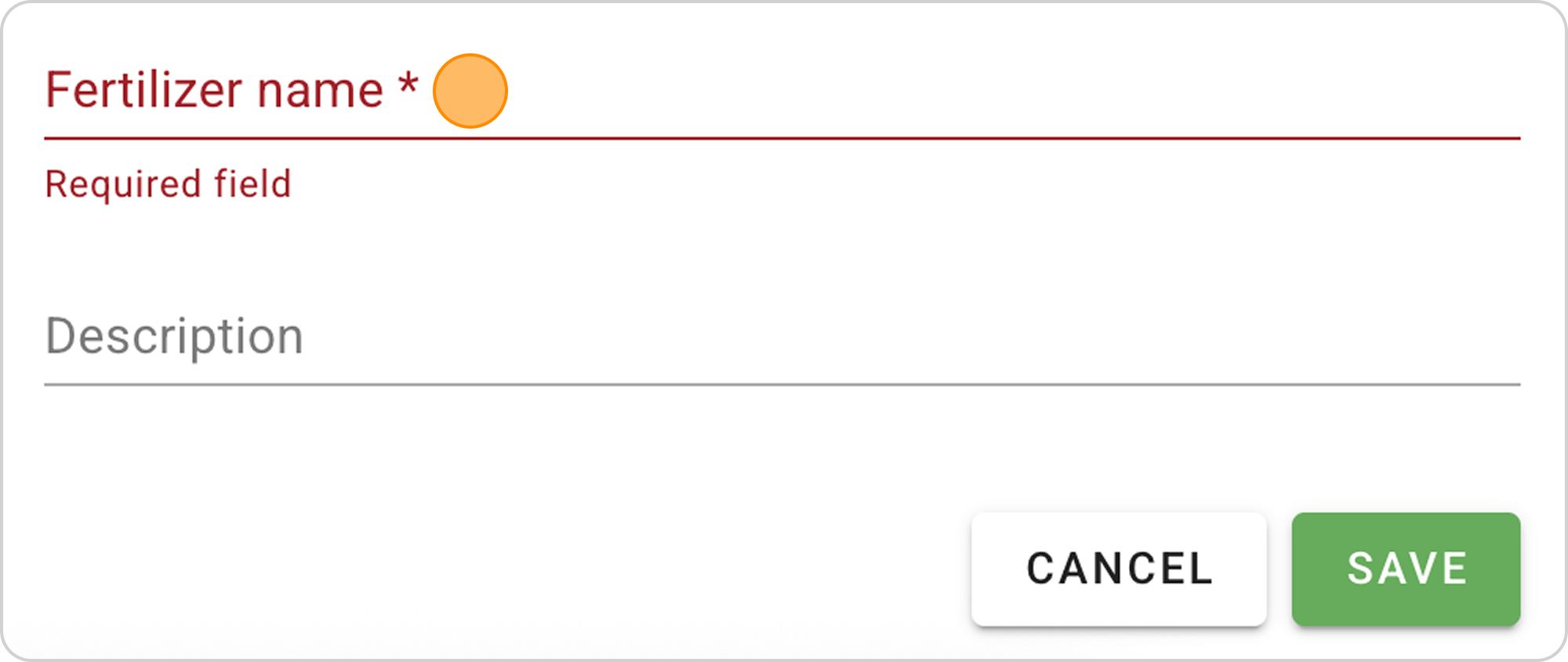
- Optionally, you can add a description in the "Description" field. In our example, enter: "Created on August 15".
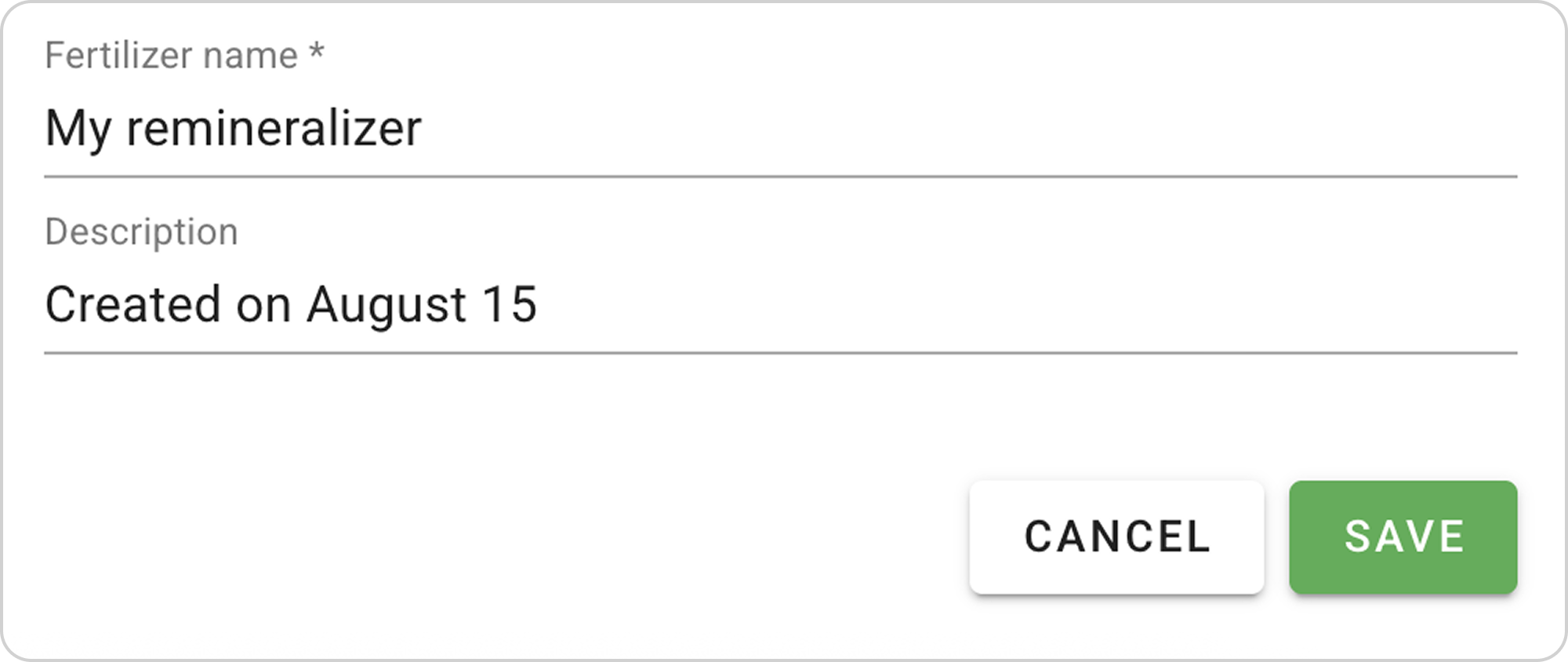
Step 6: Save the Recipe
- Check the correctness of all data and click the "SAVE" button
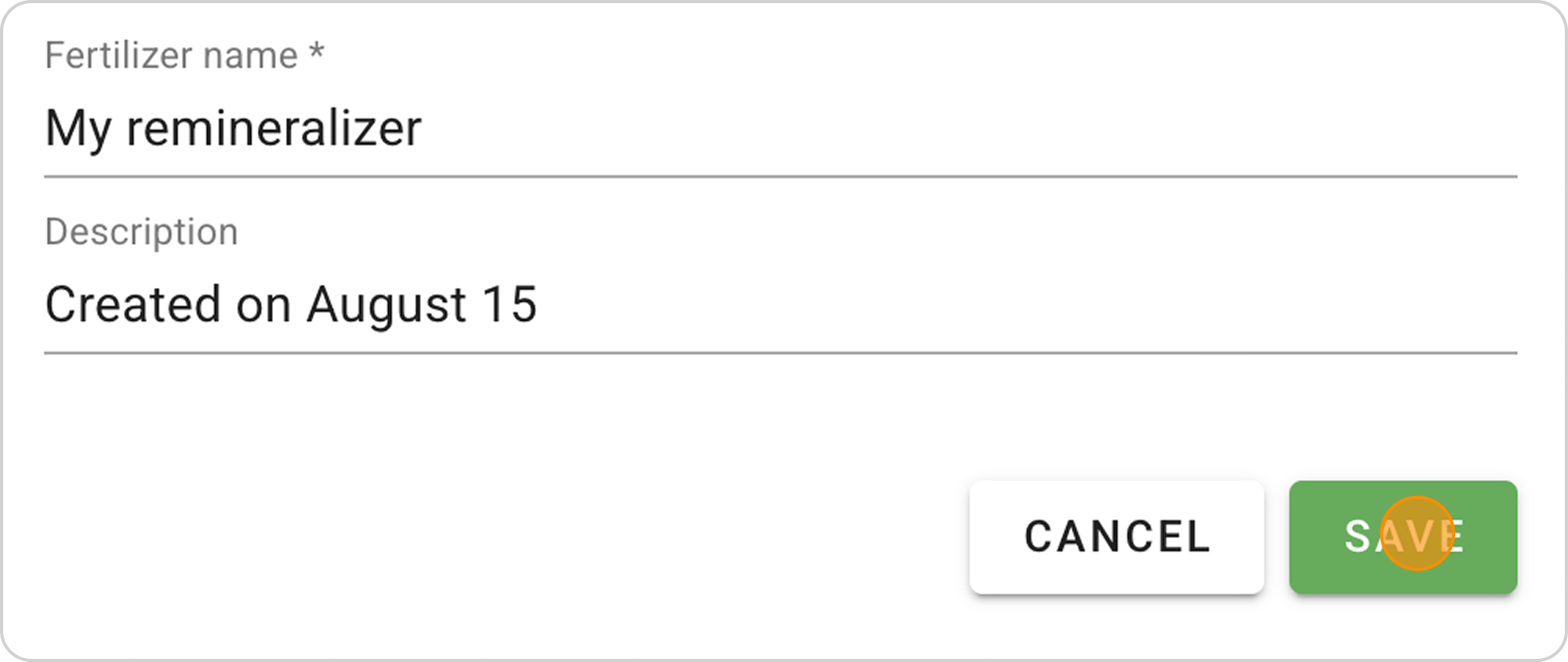
- The system will save the remineralizer recipe to your fertilizers list.
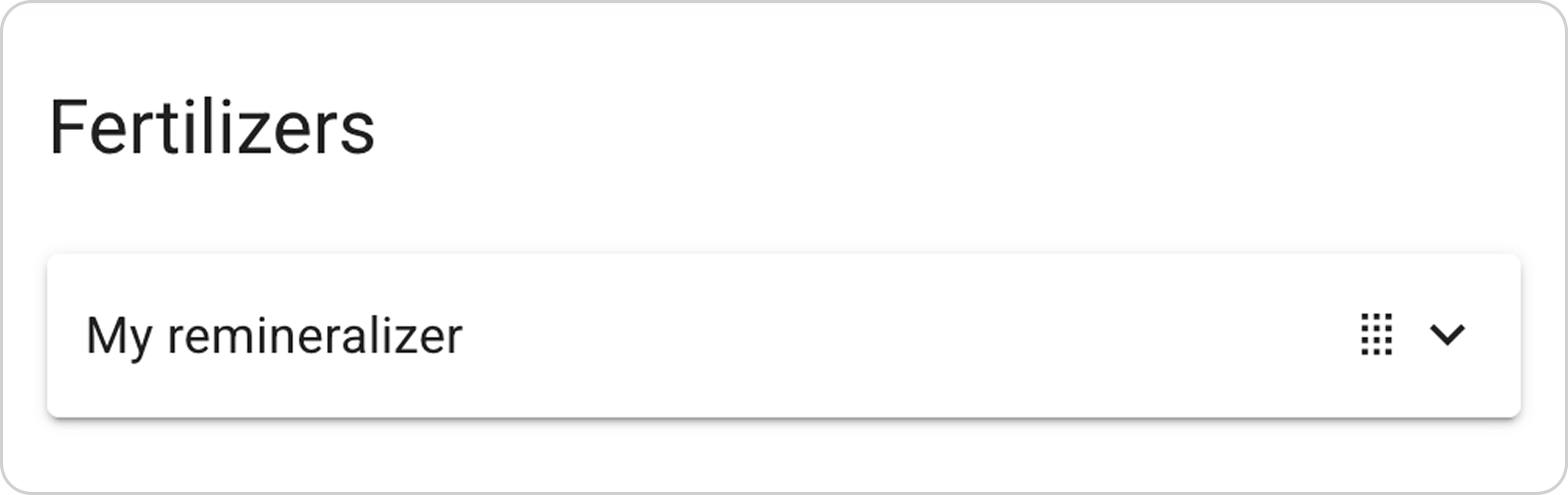
Managing the Saved Recipe
After saving the recipe, you can:
View parameters:
- Click on the arrow to the right of "My remineralizer"
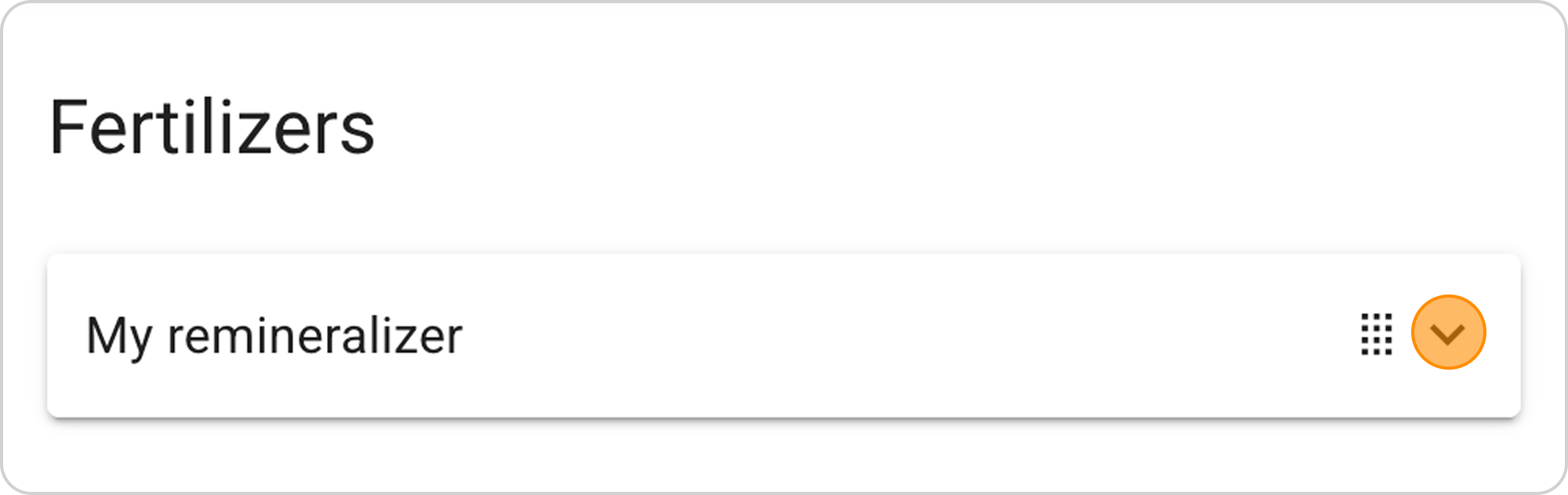
Change parameters:
- Click the "EDIT" button in the expanded list
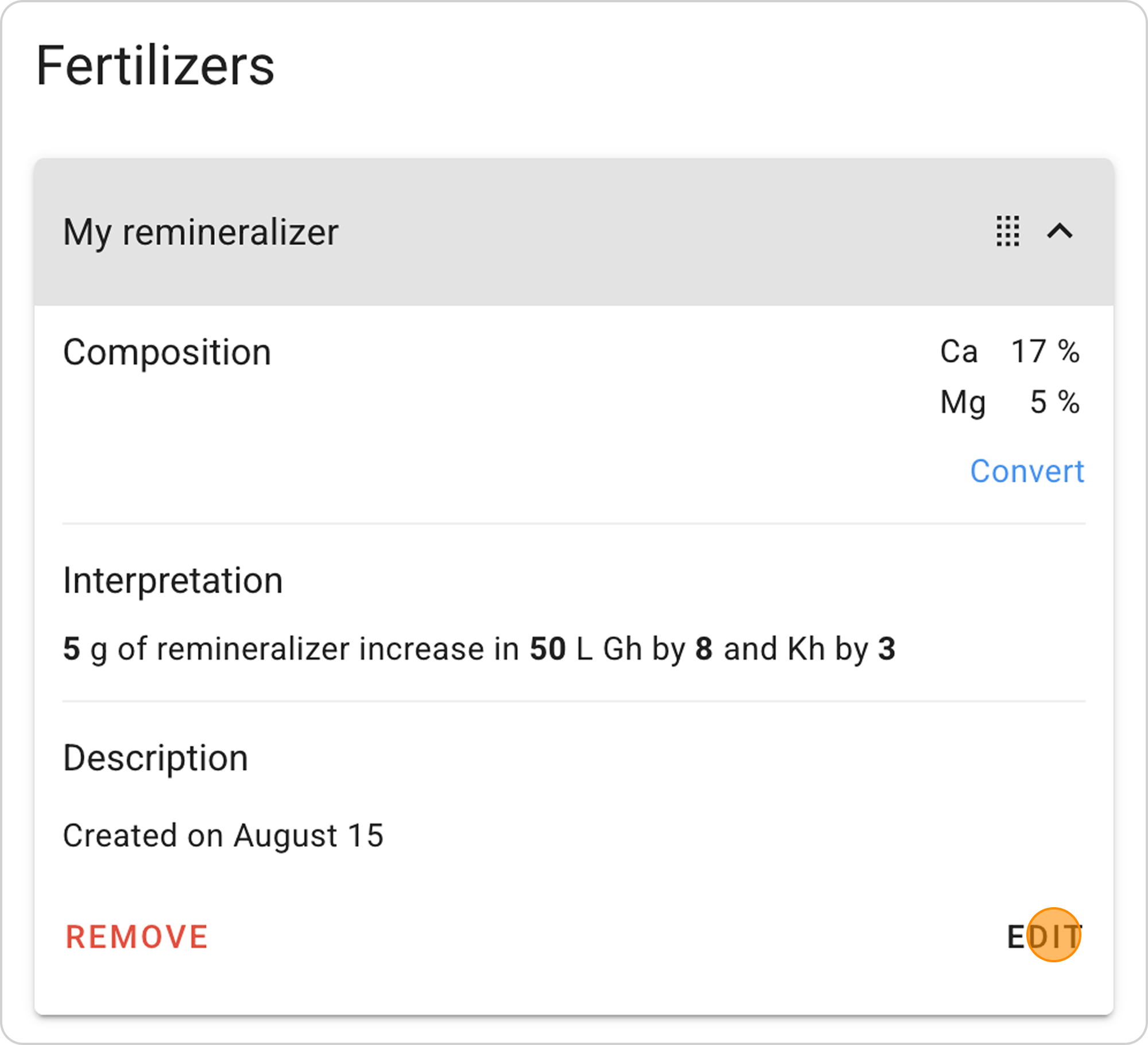
Delete recipe:
- Click the "REMOVE" button in the expanded list