How to Create a Two-Reagent Fertilizer Recipe in Samomes?
This guide will show you how to create your own two-component fertilizer recipe with a volume of 500 ml for a 120 L aquarium, using potassium nitrate and potassium monophosphate.
We will configure concentrations so that 1 ml of finished fertilizer increases nitrate content in the aquarium by 1 mg/L, and phosphate — by 0.1 mg/L. This ratio will provide optimal macroelement balance for healthy plant growth.
Step-by-Step Guide
Step 1: Open the Recipe Creation Form
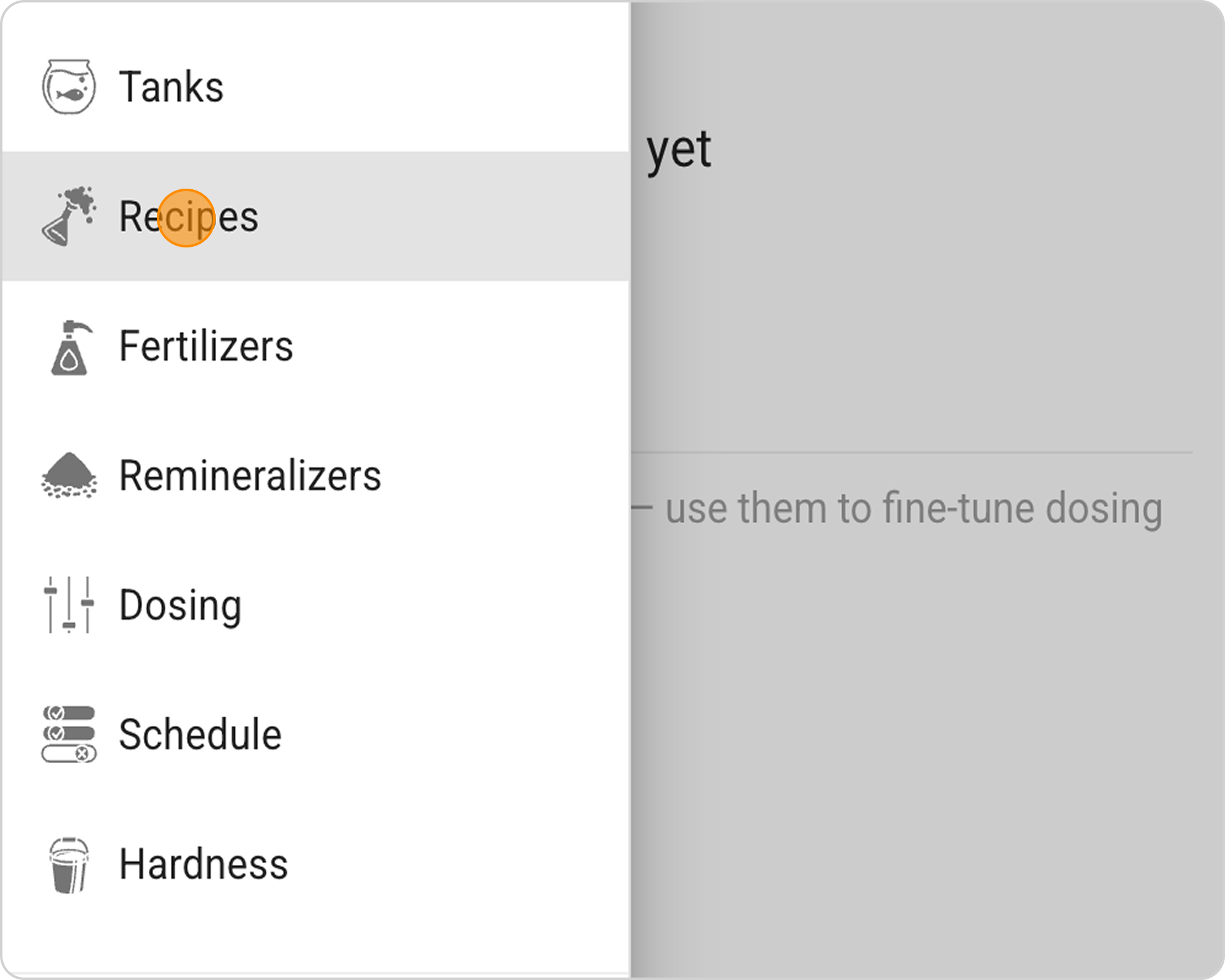
- In the Samomes main menu, select the "Recipes" section.
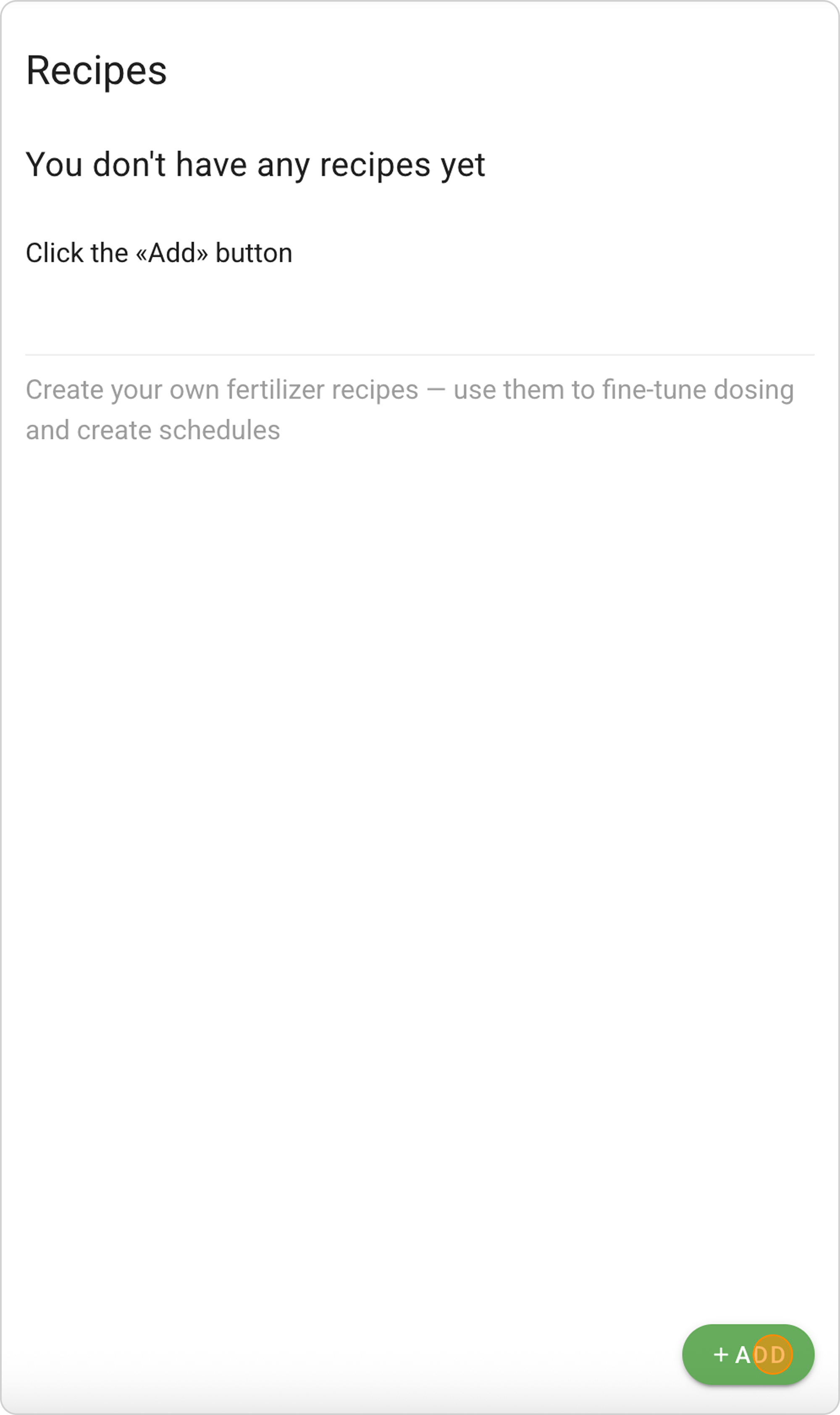
- Click the "ADD" button and the New Recipe creation form will open.
Step 2: Select Reagents
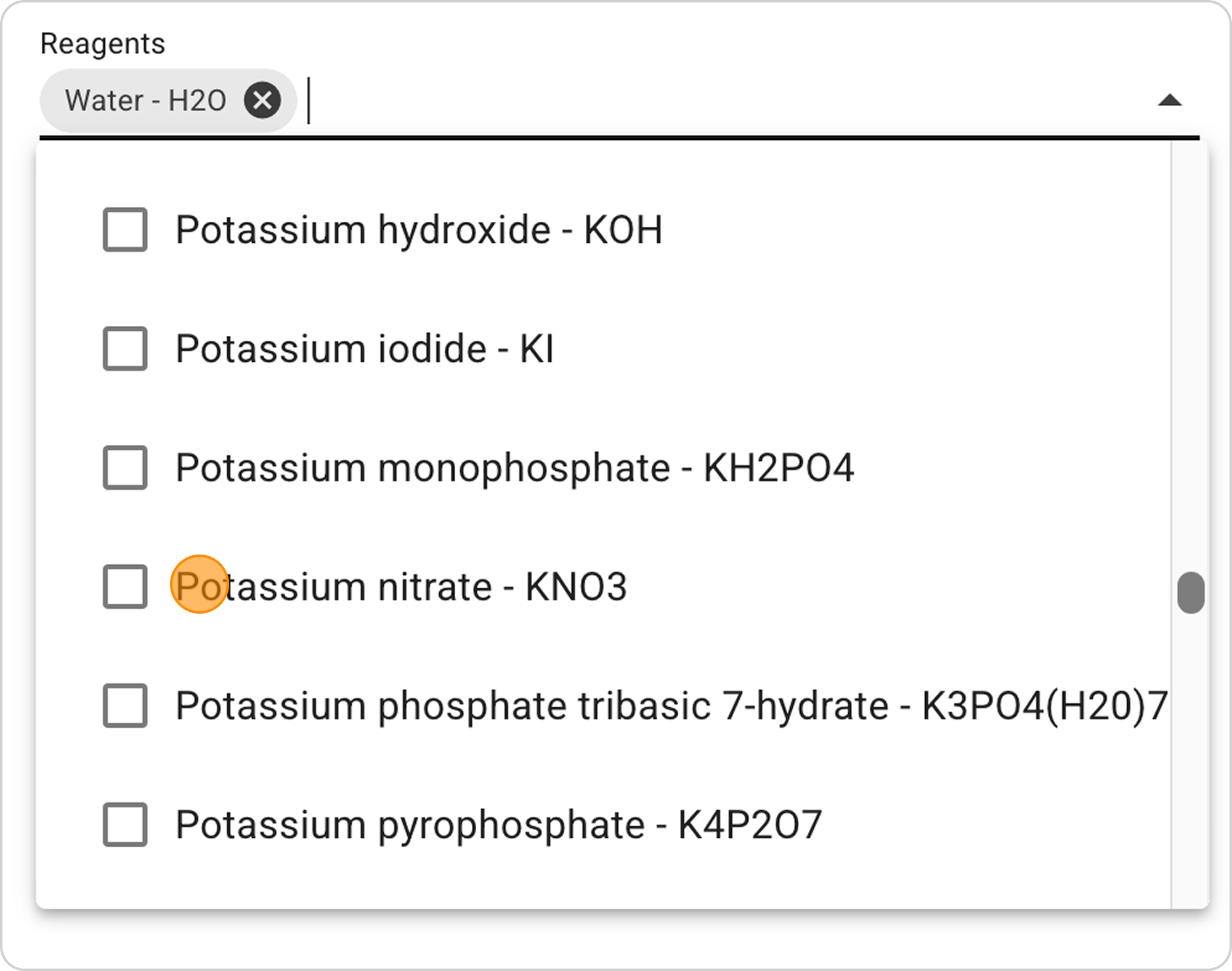
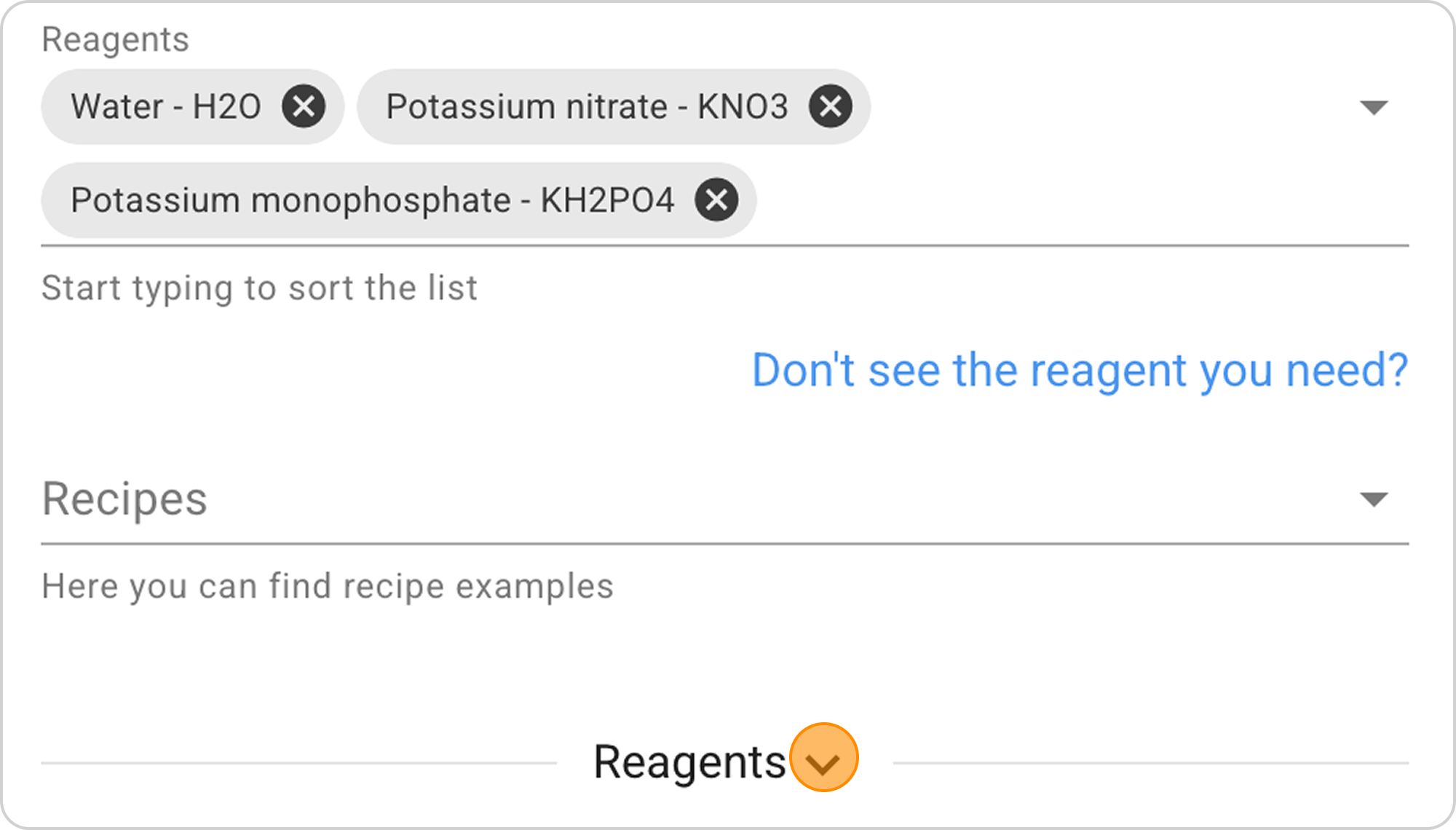
- In the "Reagents" field in the dropdown list, select two main reagents "Potassium nitrate" (potassium saltpeter) and
"Potassium monophosphate".
- Water - H2O is automatically selected as the solvent, since most fertilizers are made in liquid form.
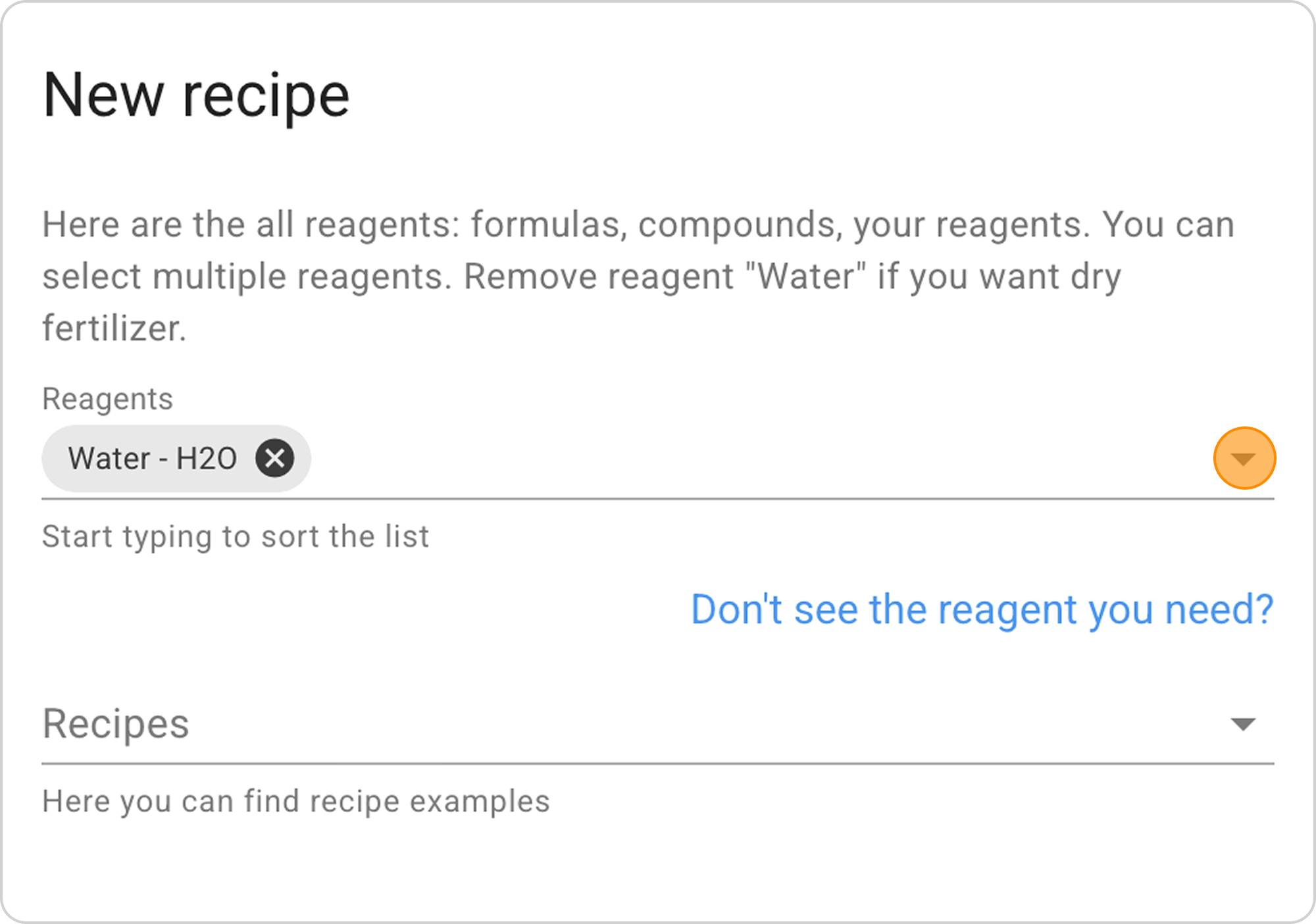
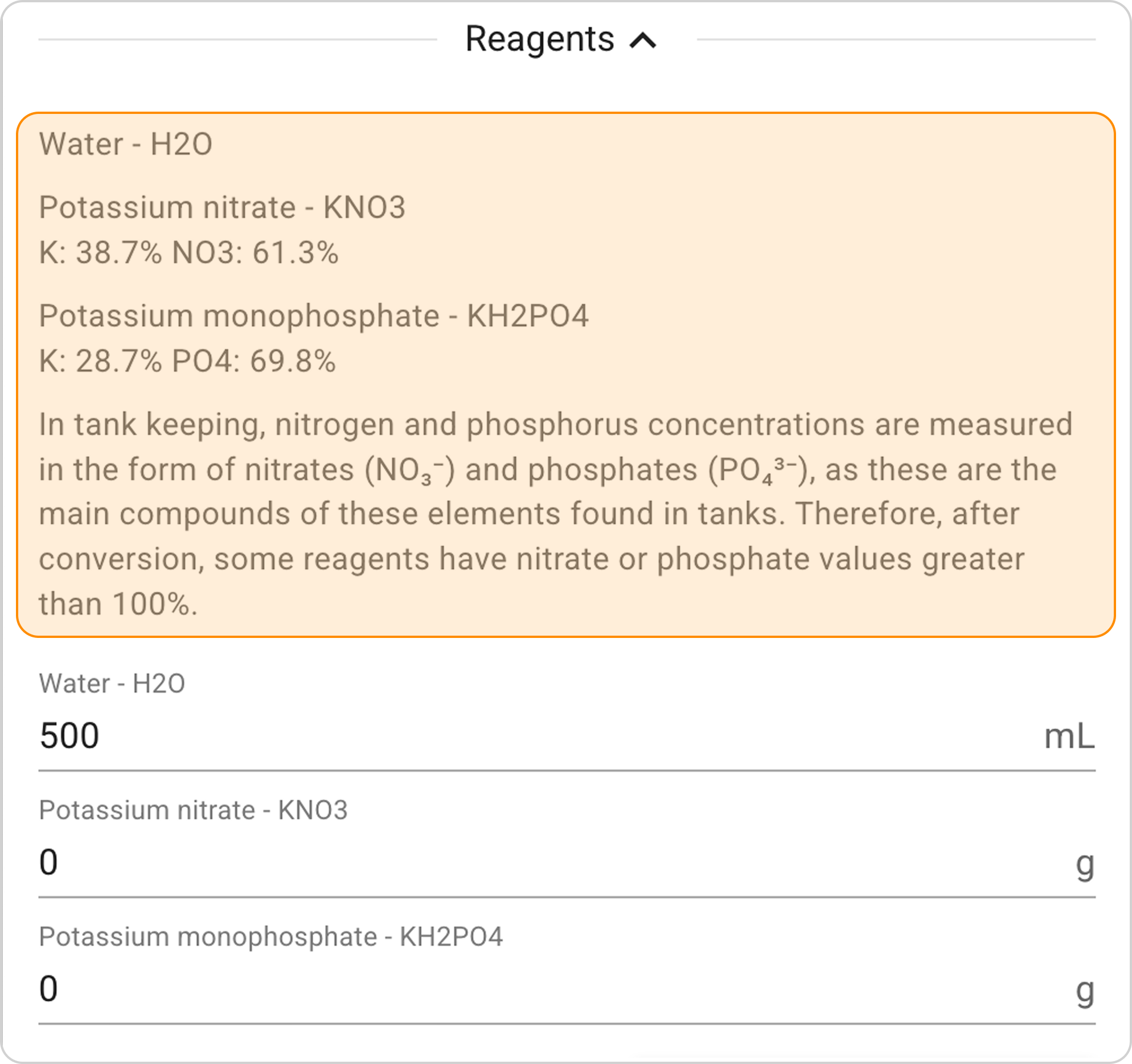
- Click on the information icon next to the reagent to view its composition. Make sure the selected reagents contain the elements you need.
Step 3: Calculate Reagent Masses
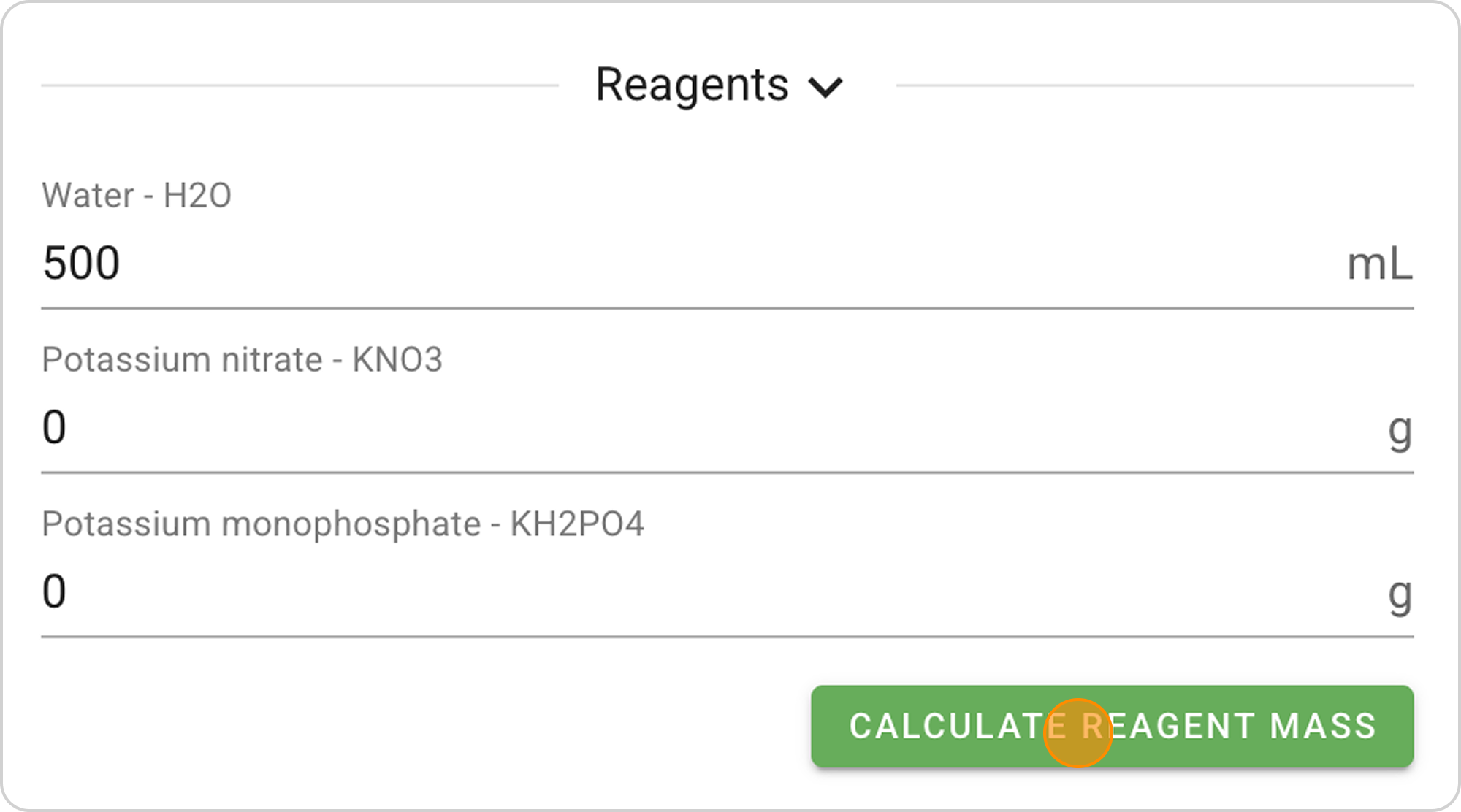
- Click on the "Calculate reagent masses" button.
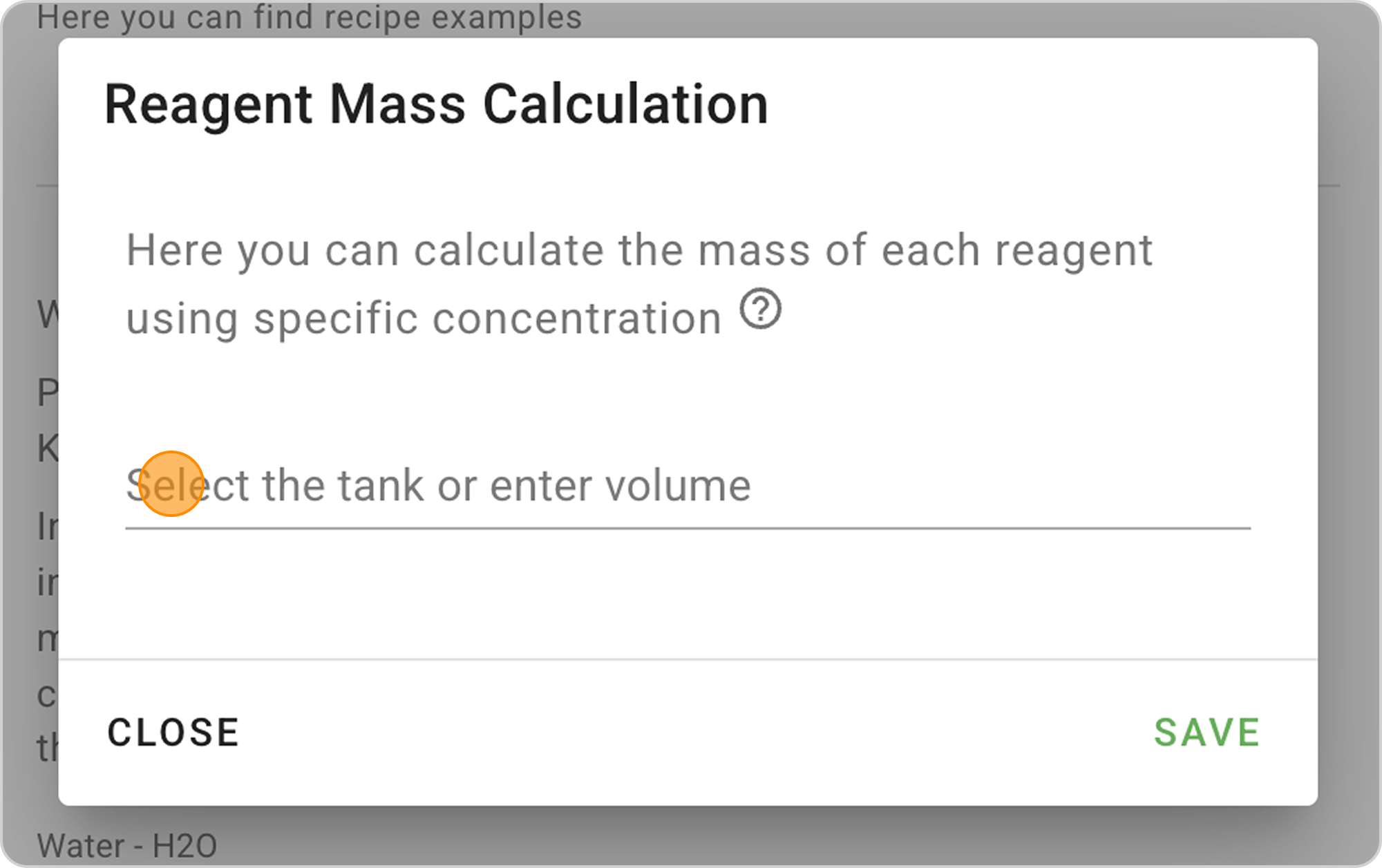
- Select aquarium:
- If you've already created an aquarium in the system, select it from the list
- If not, enter the water volume manually - 120 L.
- Enter specific concentration:
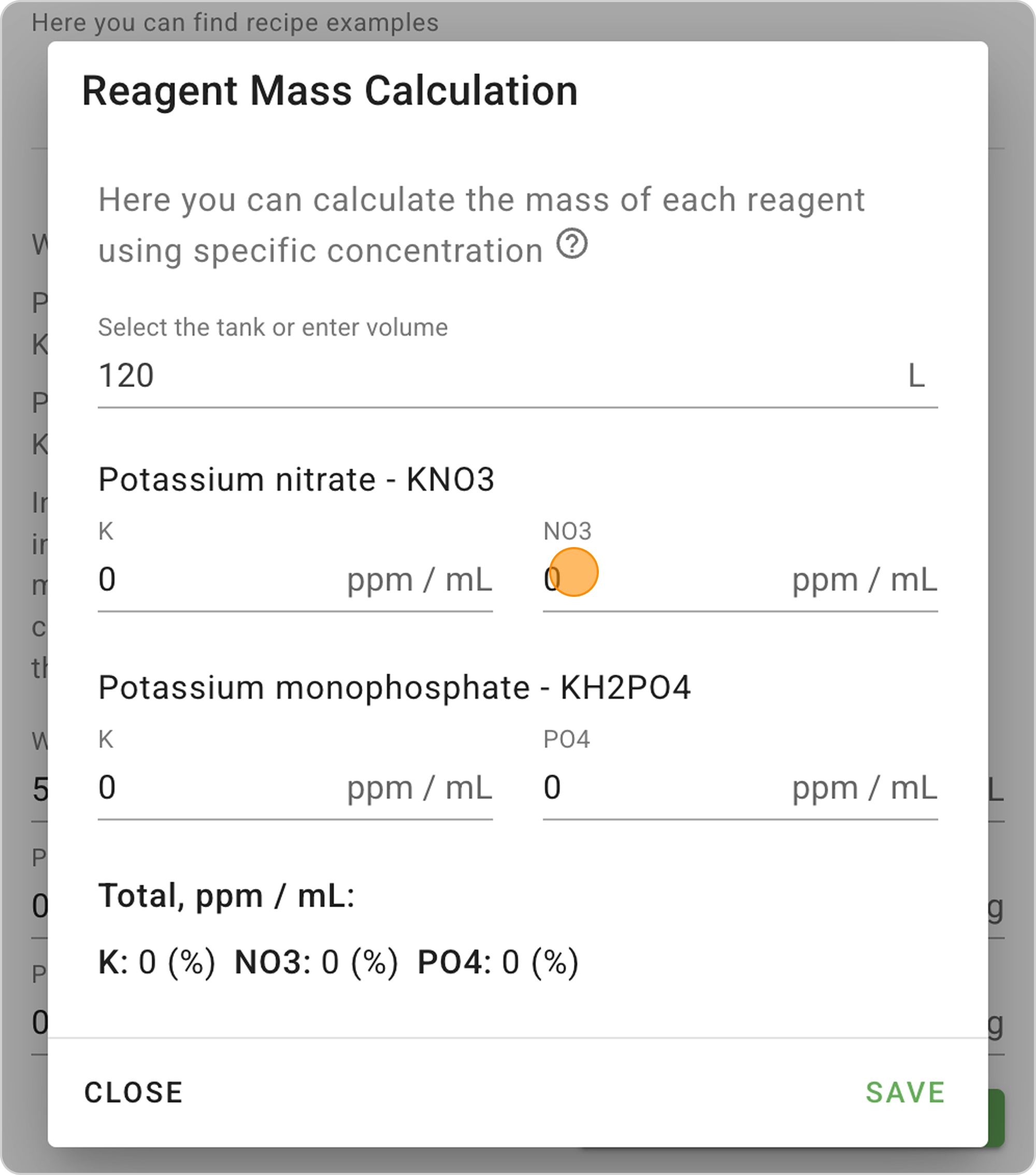
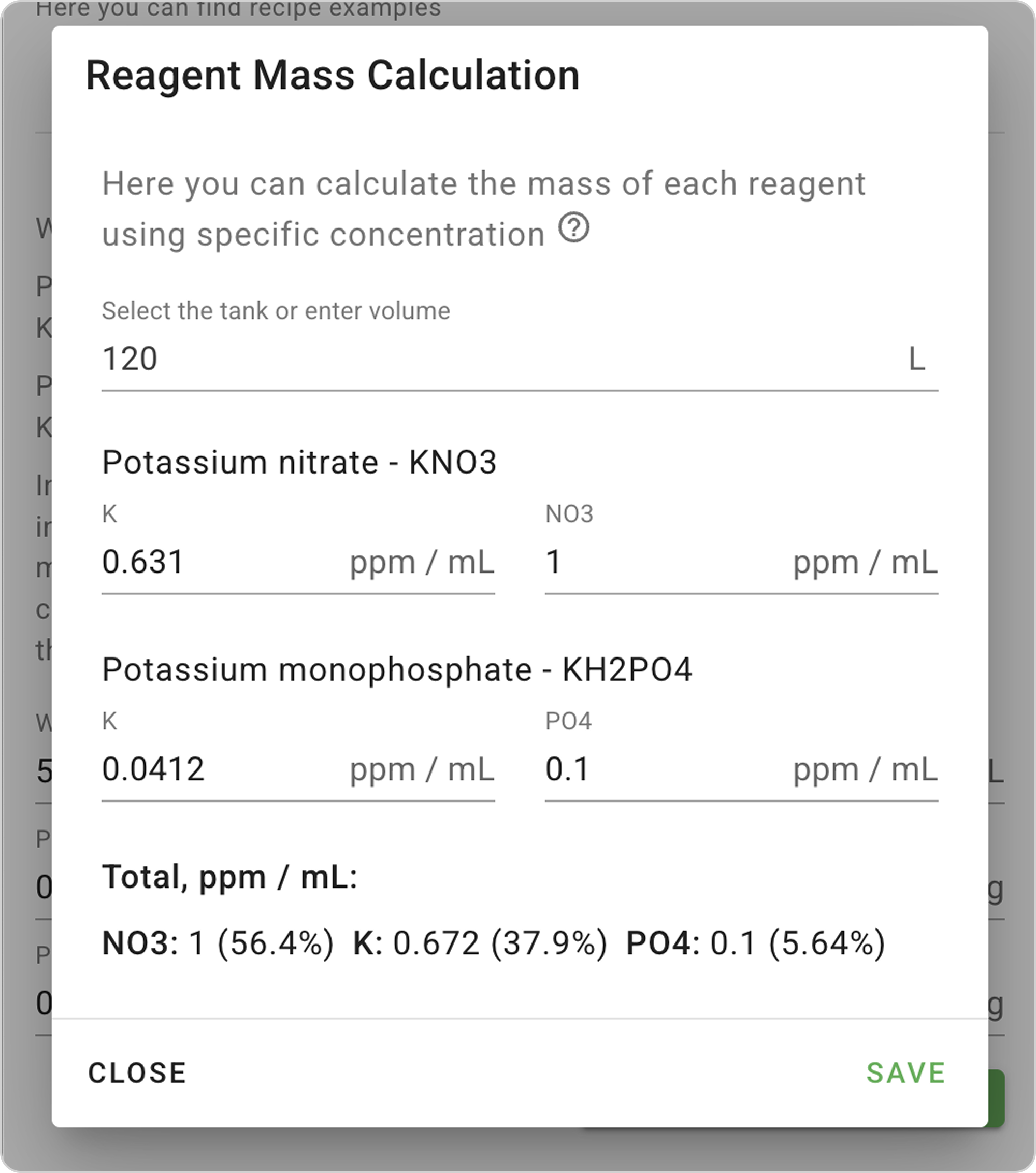
- In the NO3 field, enter "1" so that 1 ml of fertilizer increases nitrate concentration by 1 mg/L in a 120L aquarium.
- In the PO4 field, enter "0.1" so that 1 ml of fertilizer increases phosphate concentration by 0.1 mg/L in a 120L aquarium.
- Click the "Save" button, and the window will close.
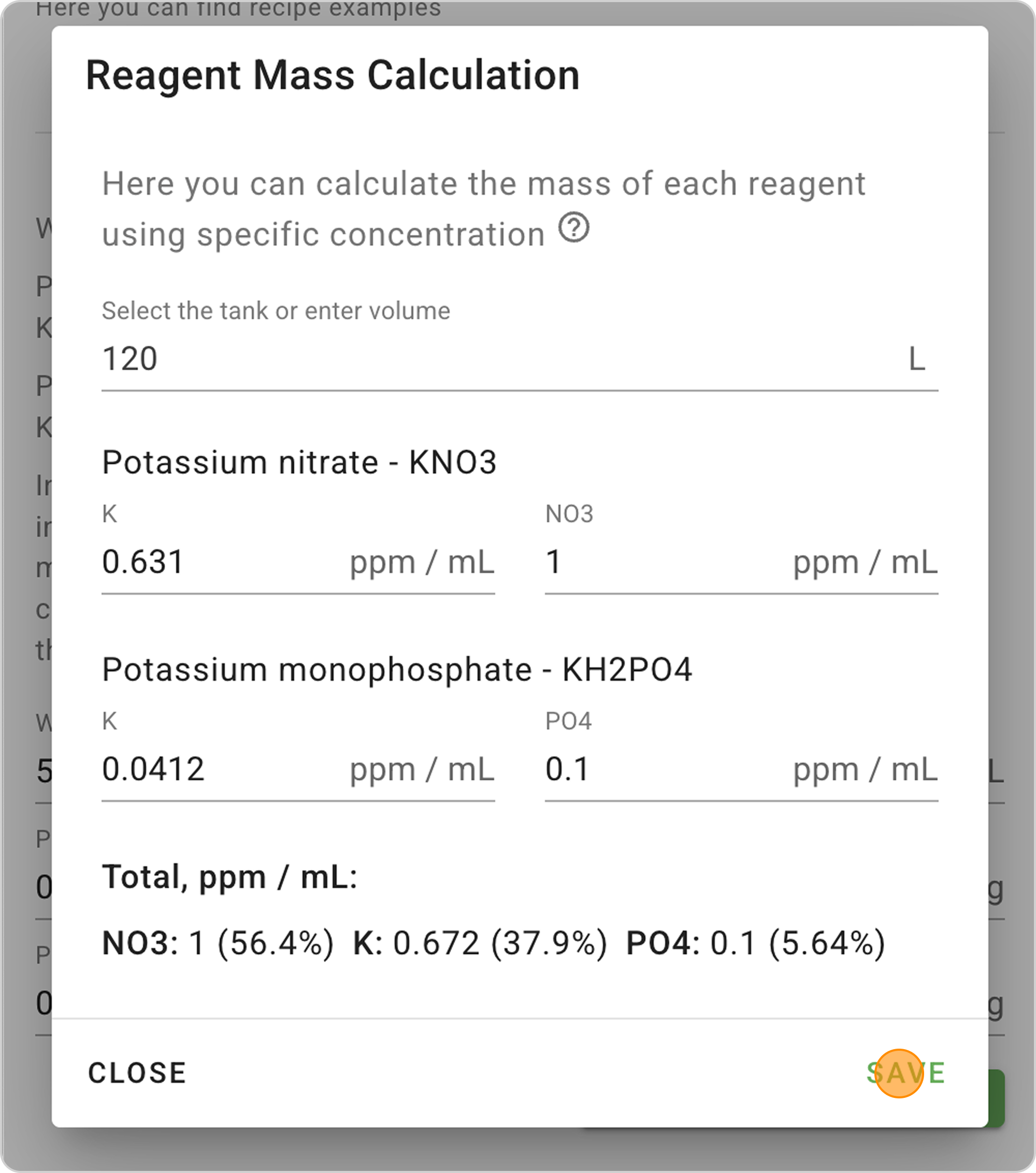
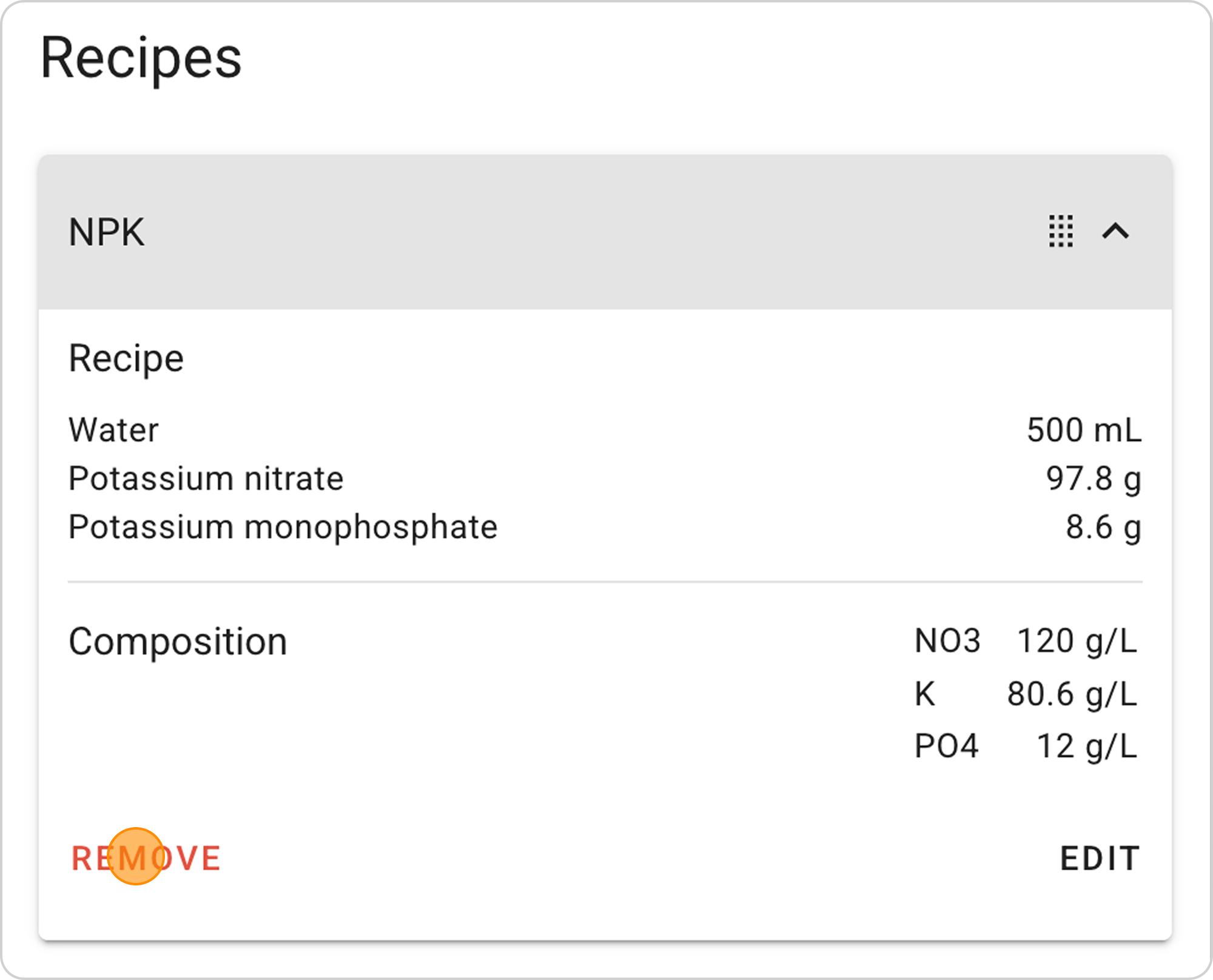
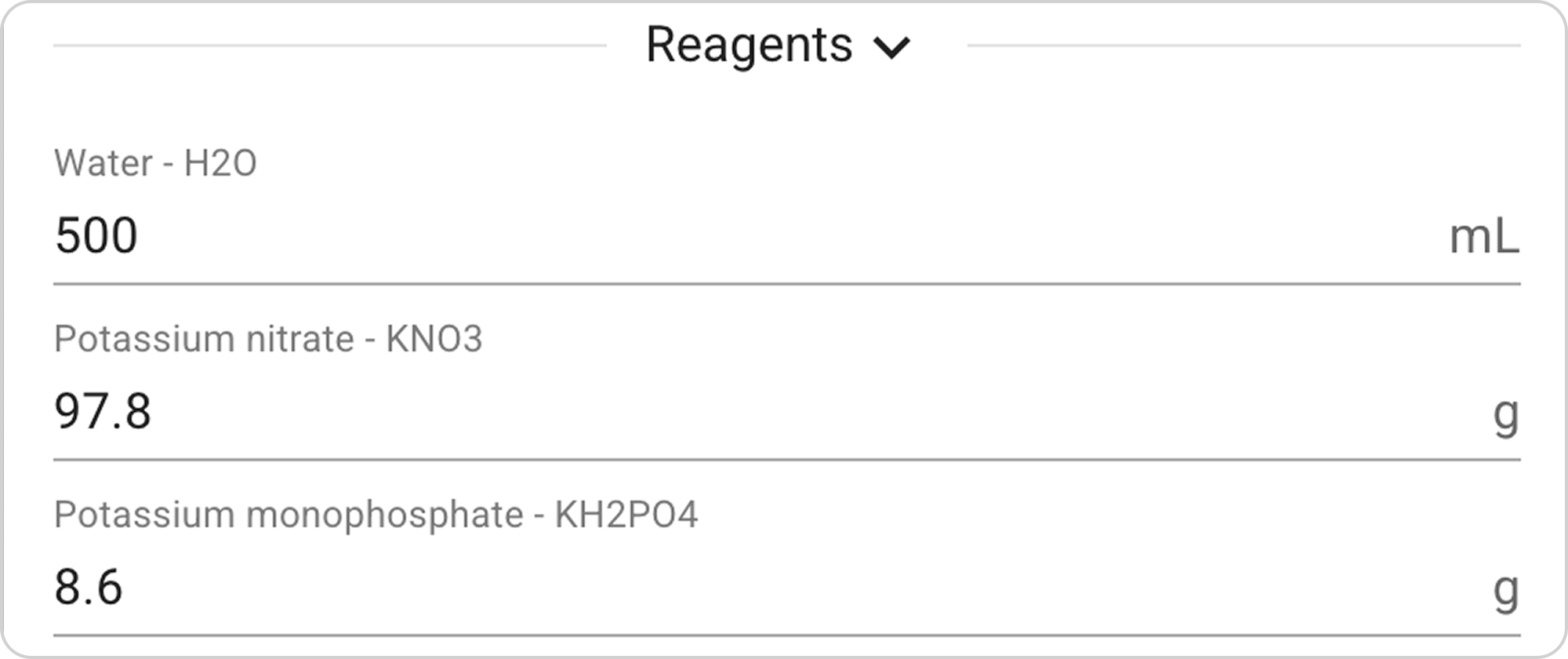
- The system will automatically calculate the required reagent mass:
- KNO3 mass - 97.8 g.
- KH2PO4 mass - 8.6 g.
Step 4: Save the Recipe
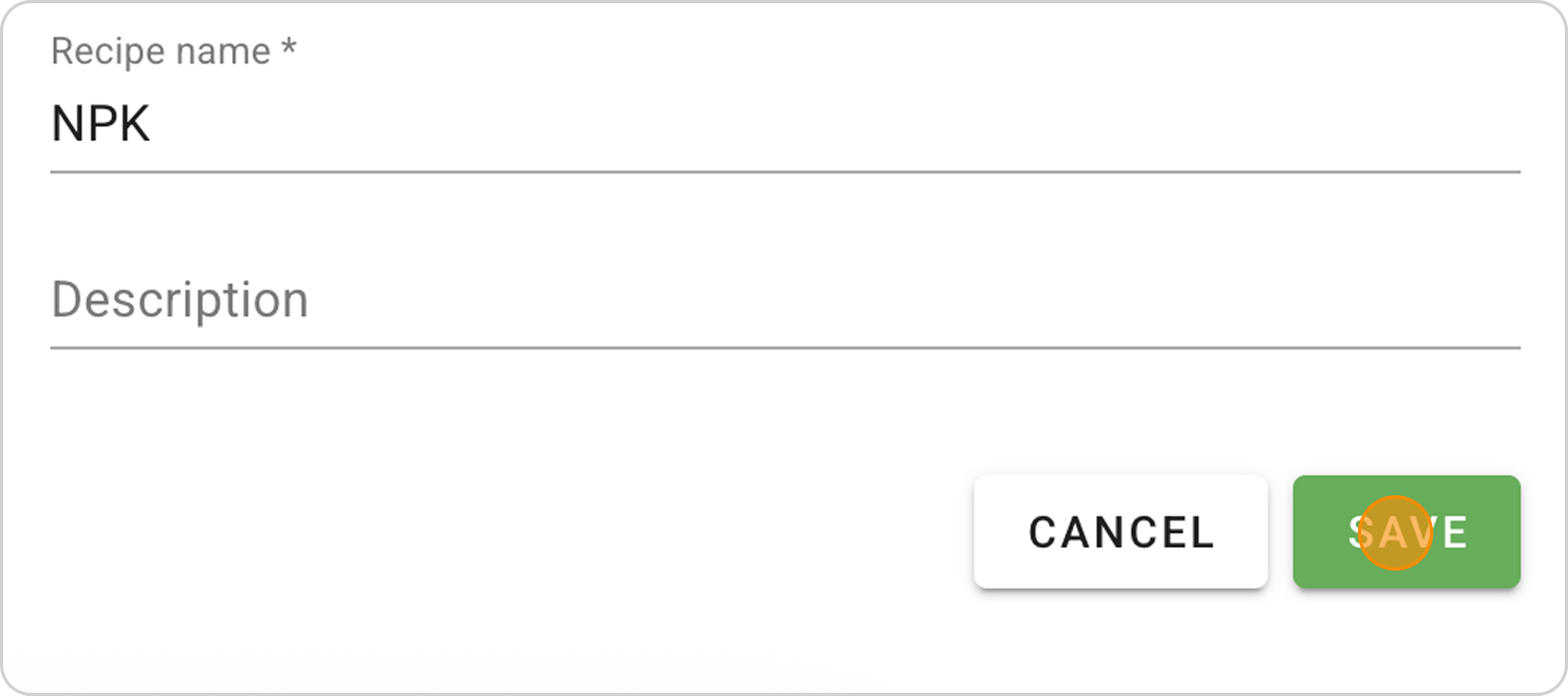
- Optionally, you can change the name and add a description. In our example, enter "NPK" in the Name field.
- Click the "SAVE" button. Your Recipe will appear in the Recipes list and in the Dosing section.
Managing the Saved Recipe
After saving the finished recipe, you can:
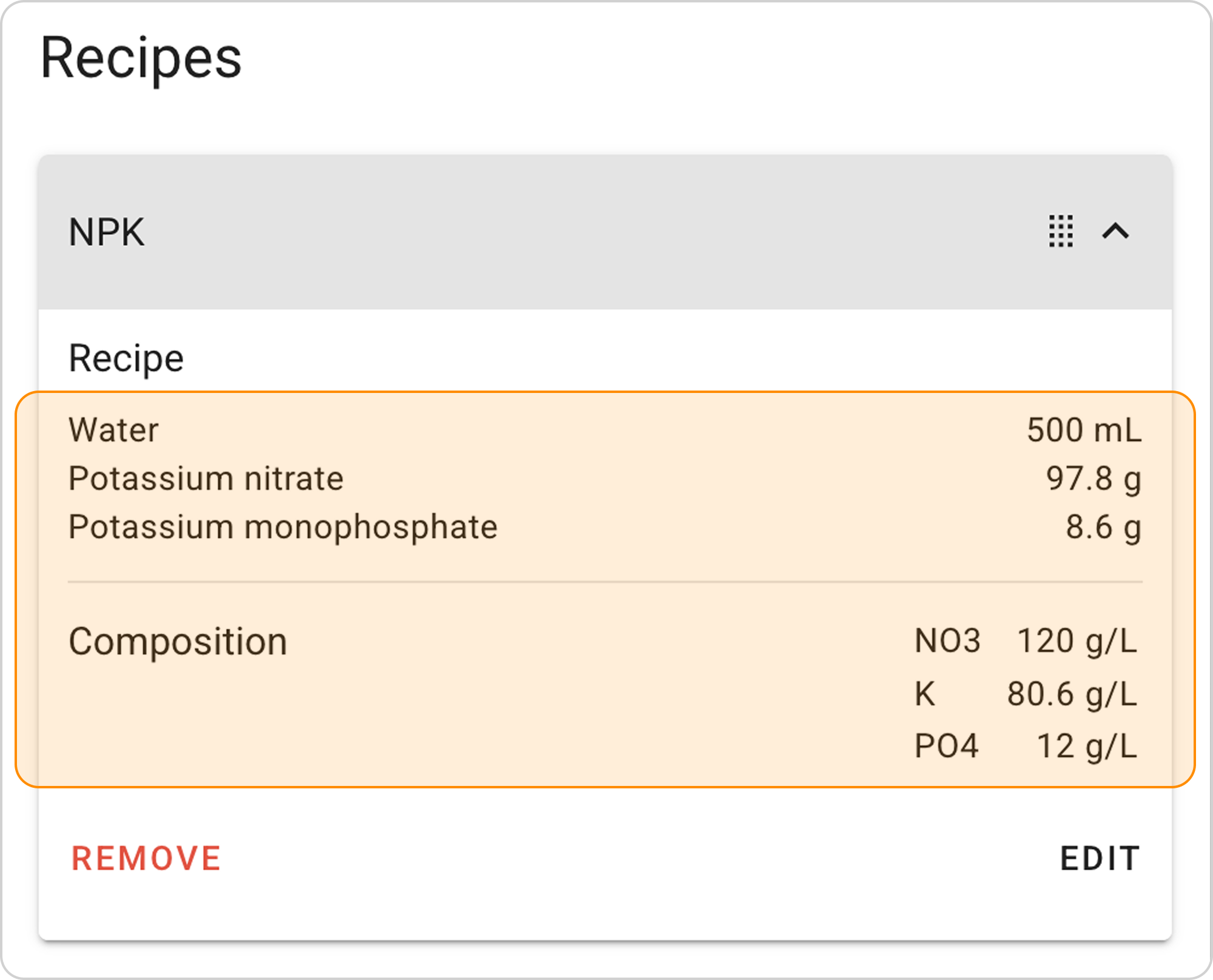
View parameters:
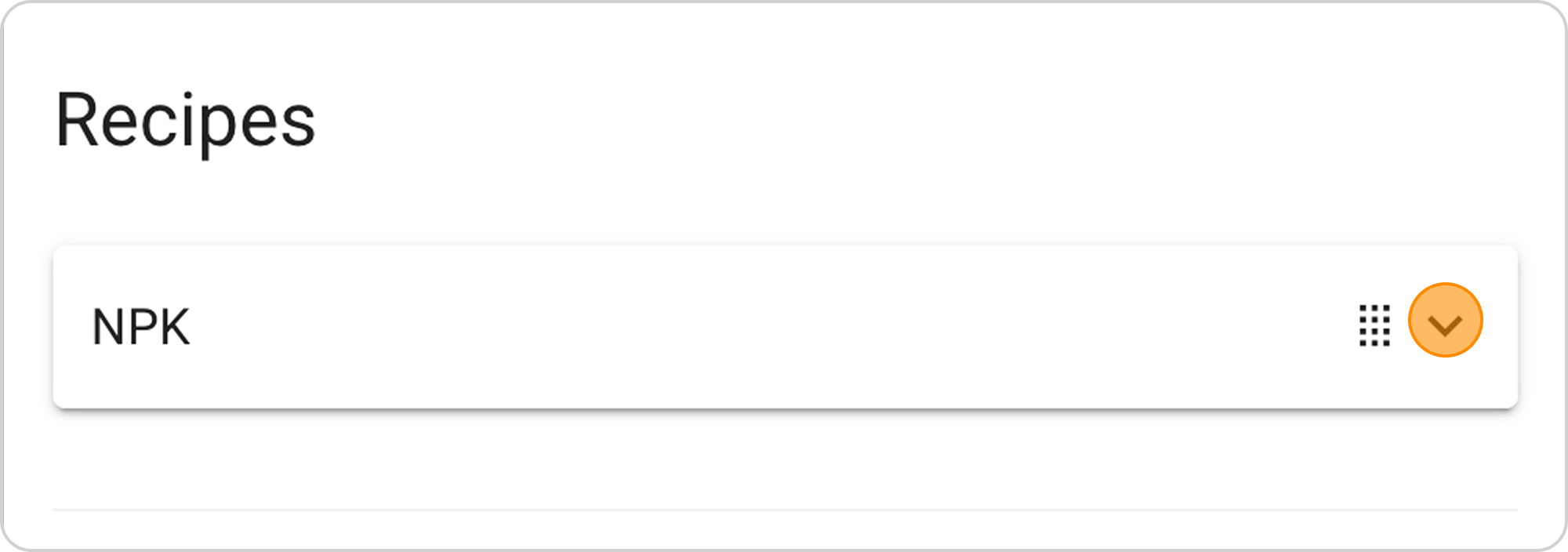
- Click on the arrow to the right of "NPK"
Change parameters:
- Click the "EDIT" button in the expanded list
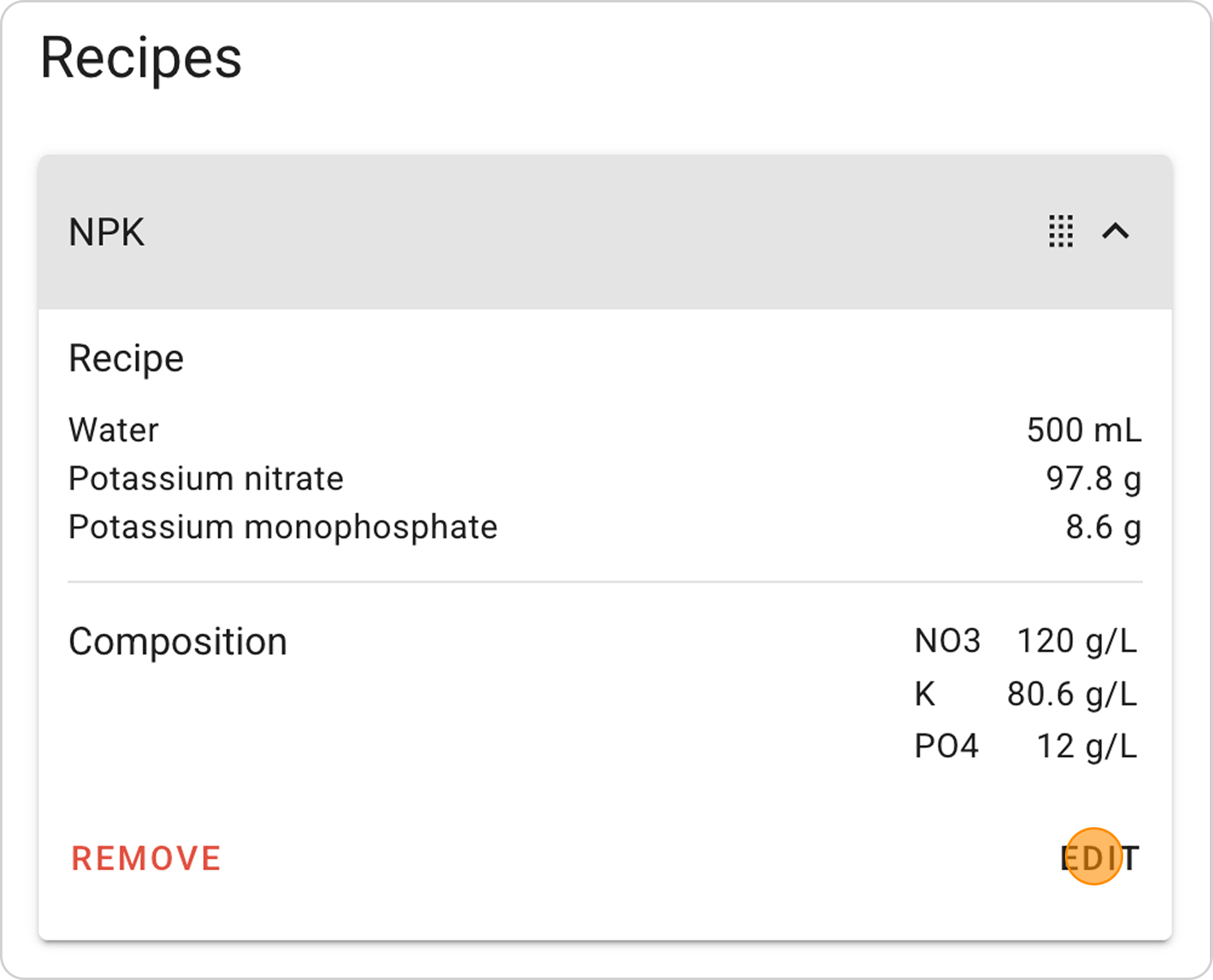
Delete recipe:
- Click the "REMOVE" button in the expanded list