
How to Create a Kh+ Remineralizer to Increase Carbonate Hardness?
This guide will show how to create a Kh+ remineralizer to regulate only the carbonate hardness indicator.
Step-by-Step Guide
Step 1: Open the Remineralizers Section
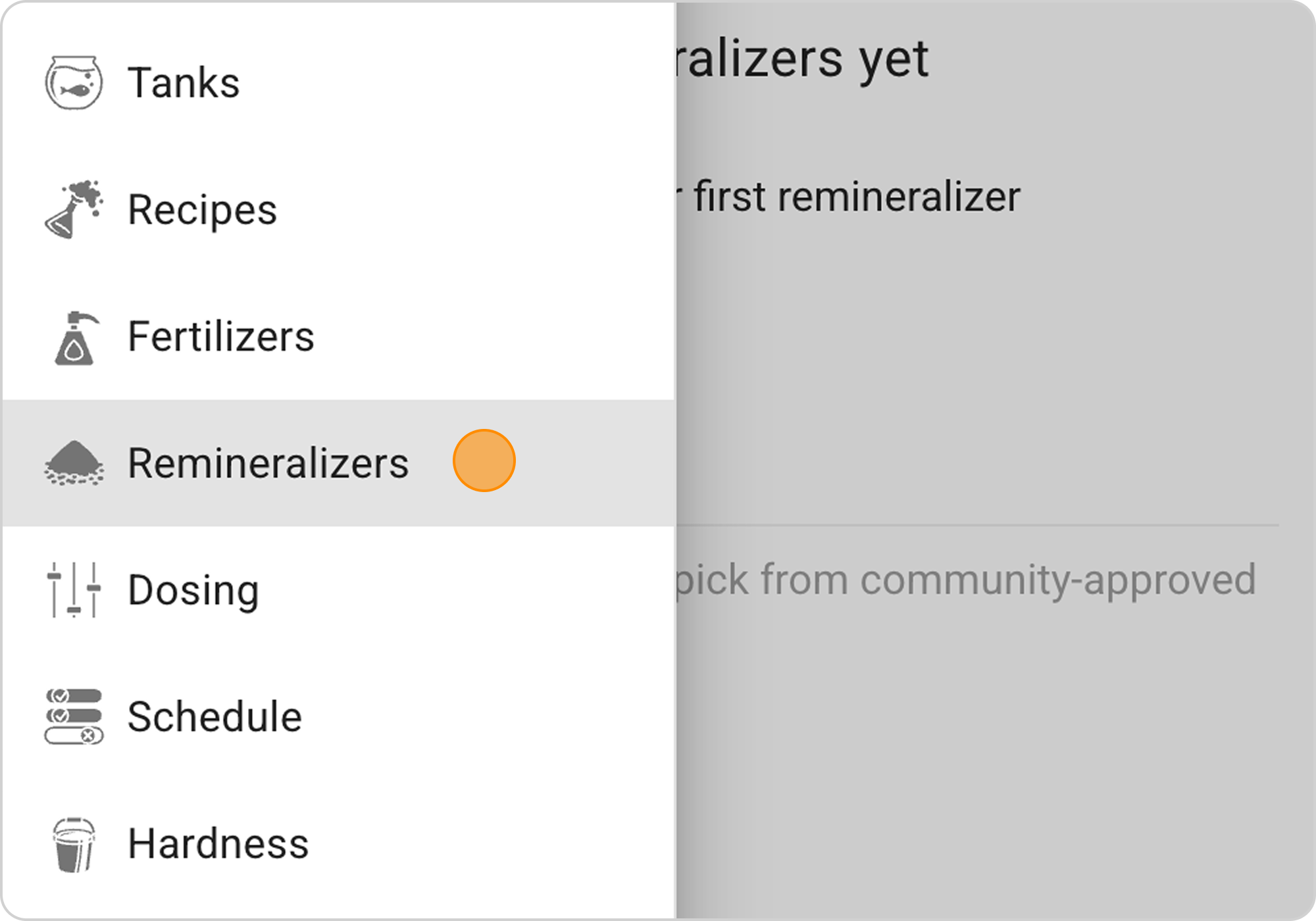
- In the Samomes main menu, select the "Remineralizers" section
- Click the "+ ADD" button in the lower right corner of the screen

Step 2: Select Reagents
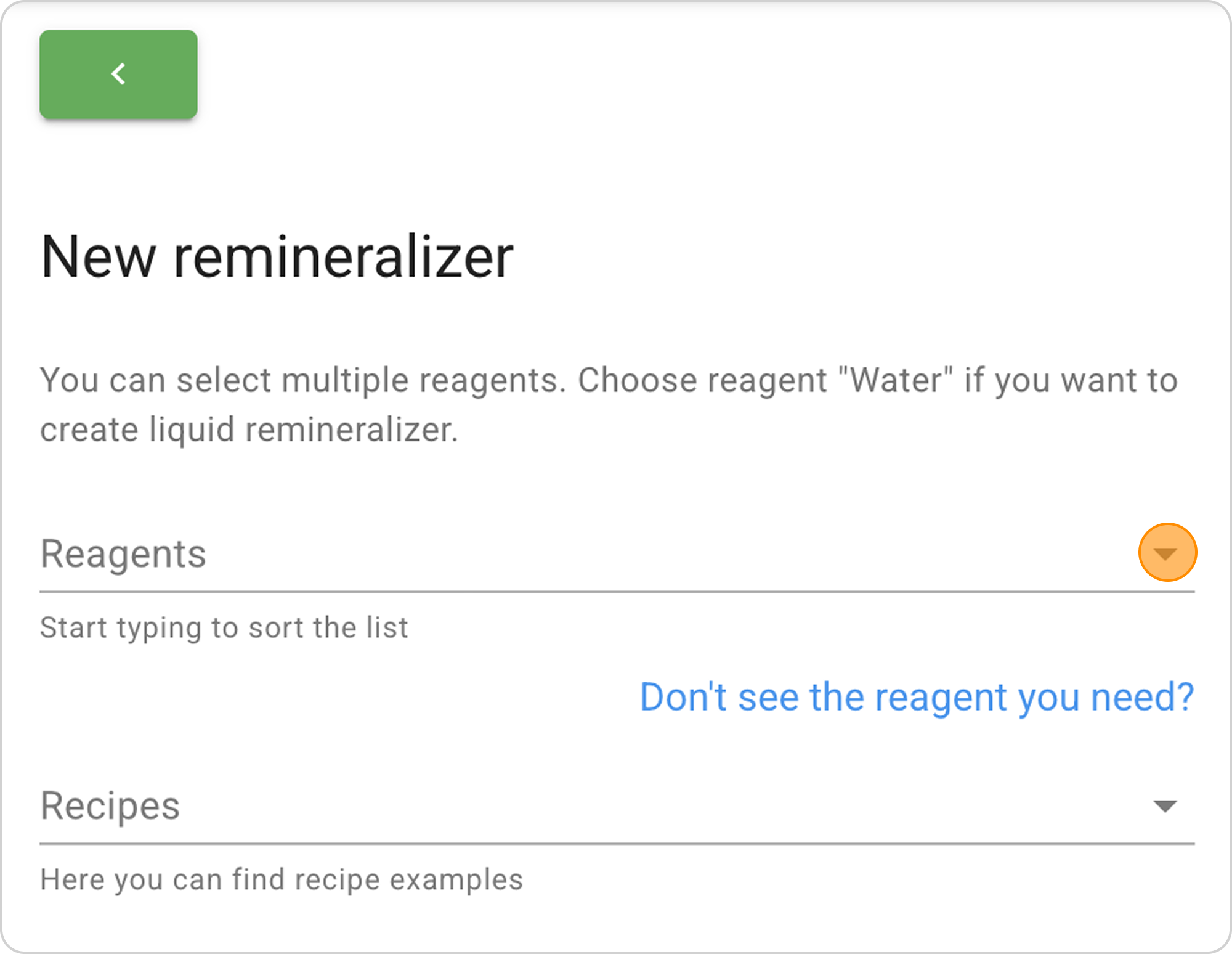
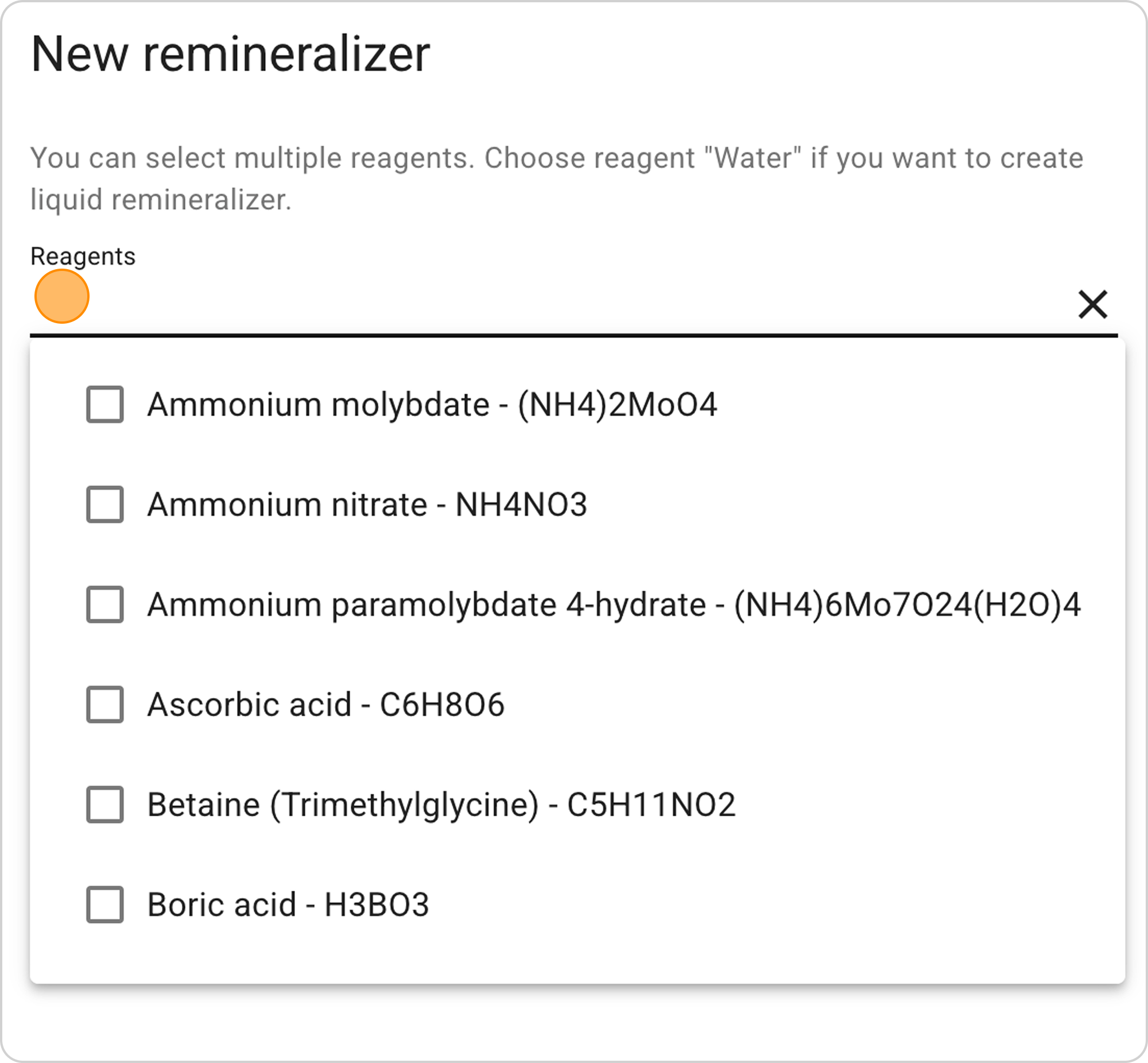
- In the "Reagents" field, select from the dropdown list:
- Potassium carbonate - K2CO3
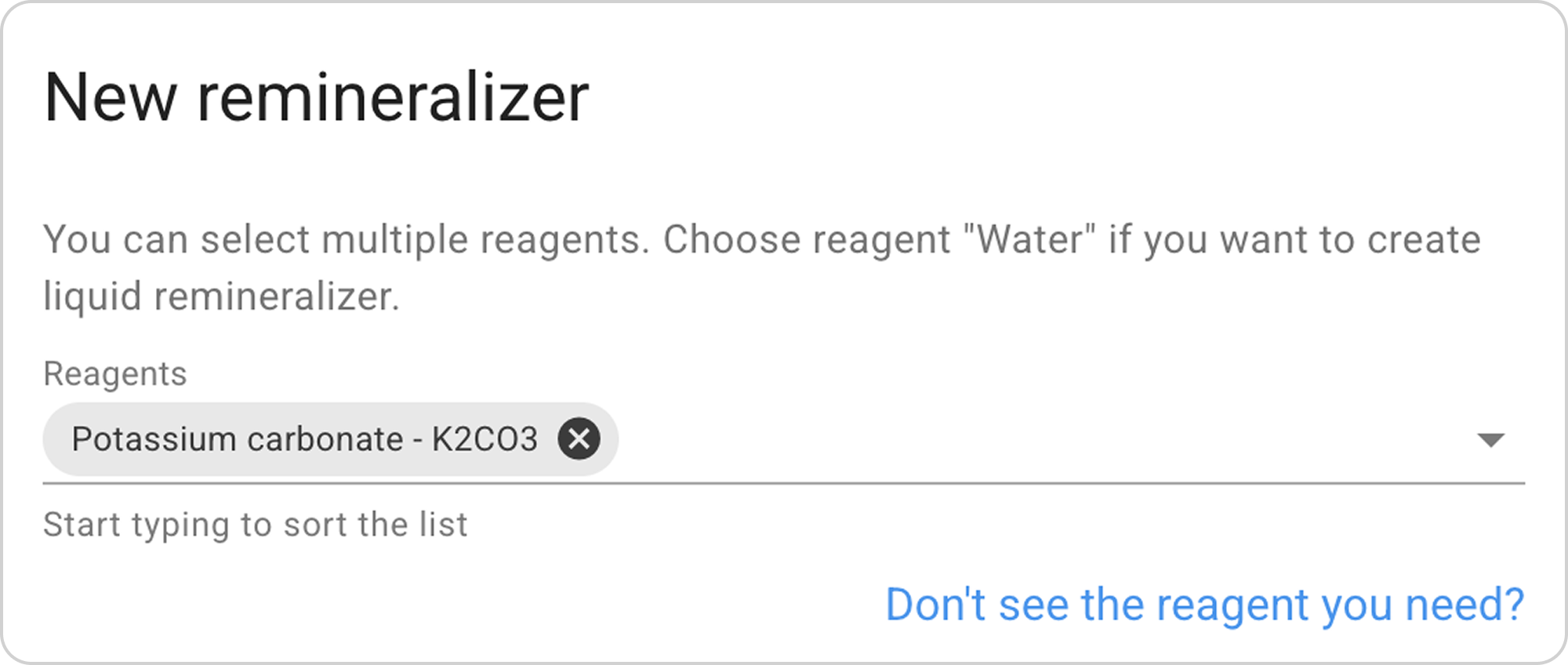
Important: Water (H2O) is not selected automatically, since most remineralizers are made as dry powder.
Step 3: Enter Desired Kh Indicator
- In the Kh field, enter the value "1".
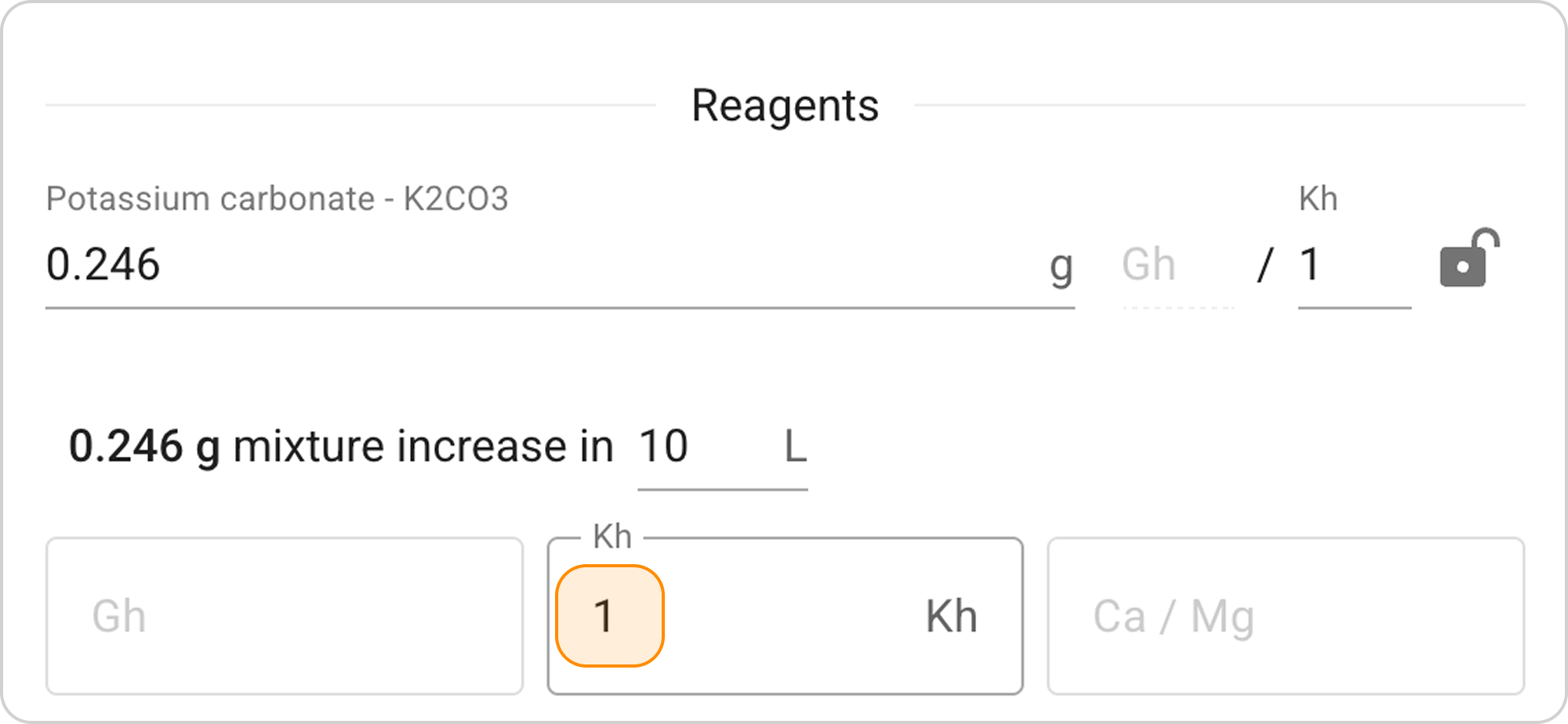
- The system will automatically calculate the required mass of potassium carbonate: ~0.25 g
Thus, when adding 0.25g of potassium carbonate to 10 L of water, carbonate hardness will increase by 1.
Step 4: Save the Remineralizer
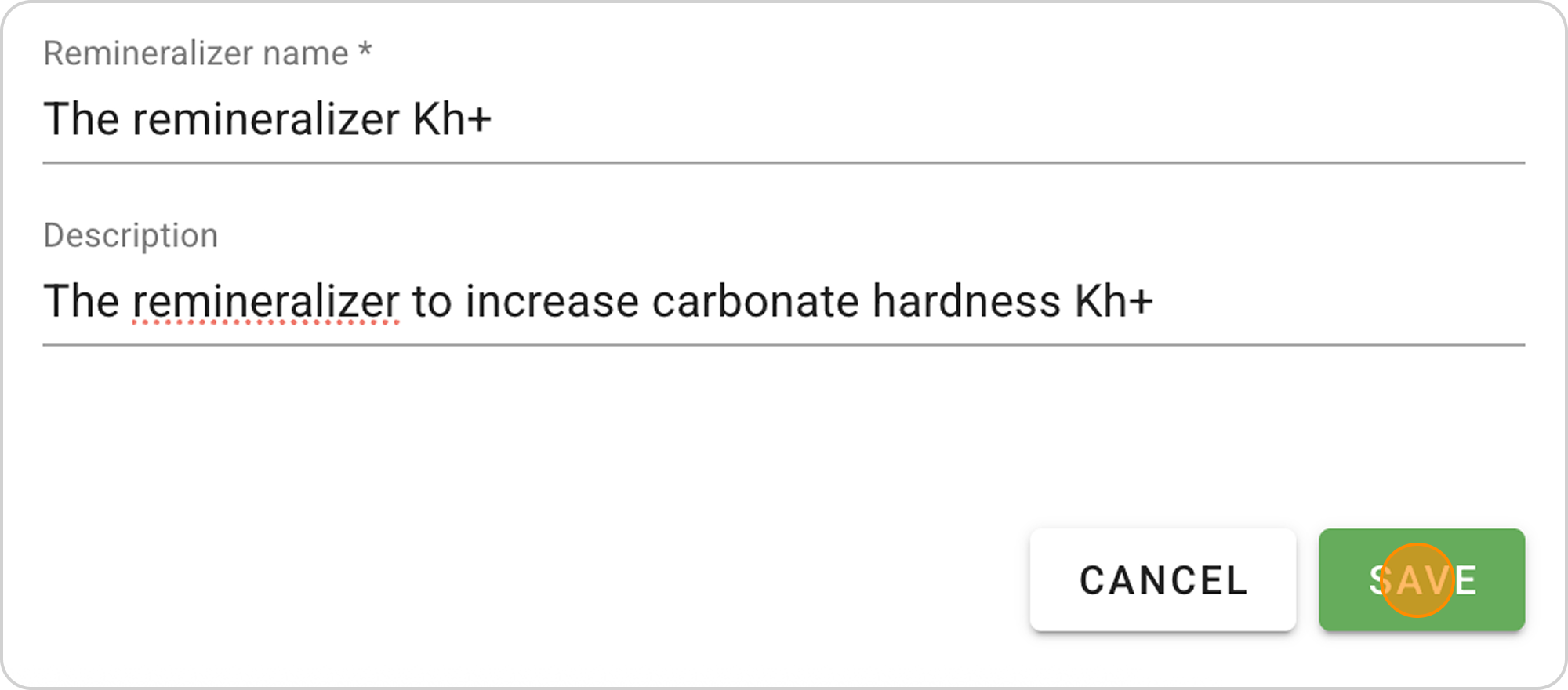
- Enter a name, for example: "Kh+".
- Add a description: "Remineralizer for increasing carbonate hardness".
- Click "SAVE".

Managing the Saved Recipe
After saving the remineralizer recipe, you can:
View parameters:
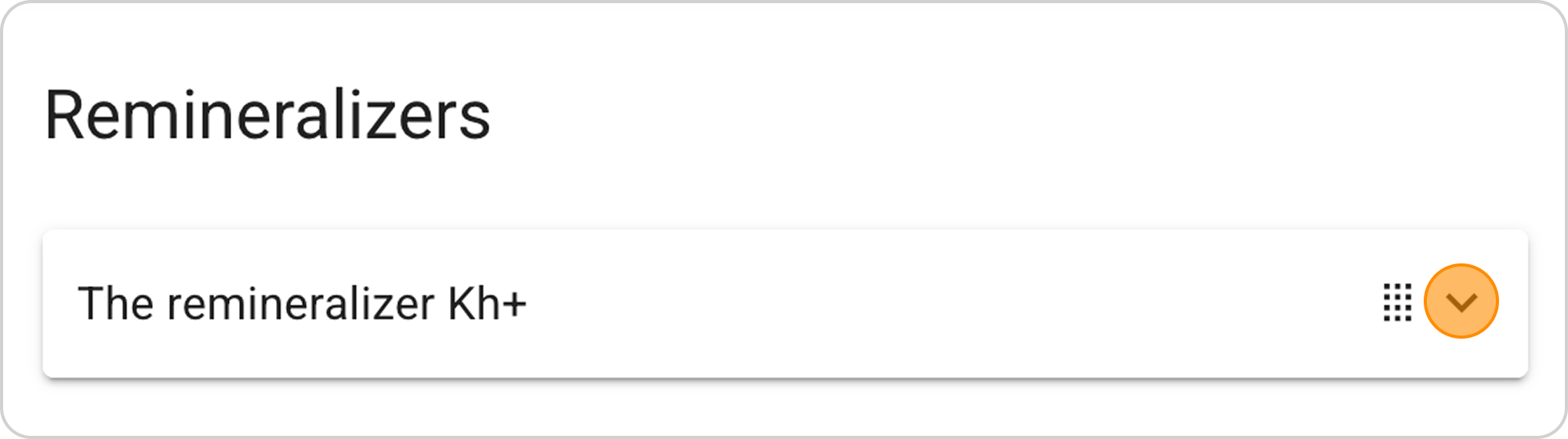
- Click on the arrow to the right of "Kh+"
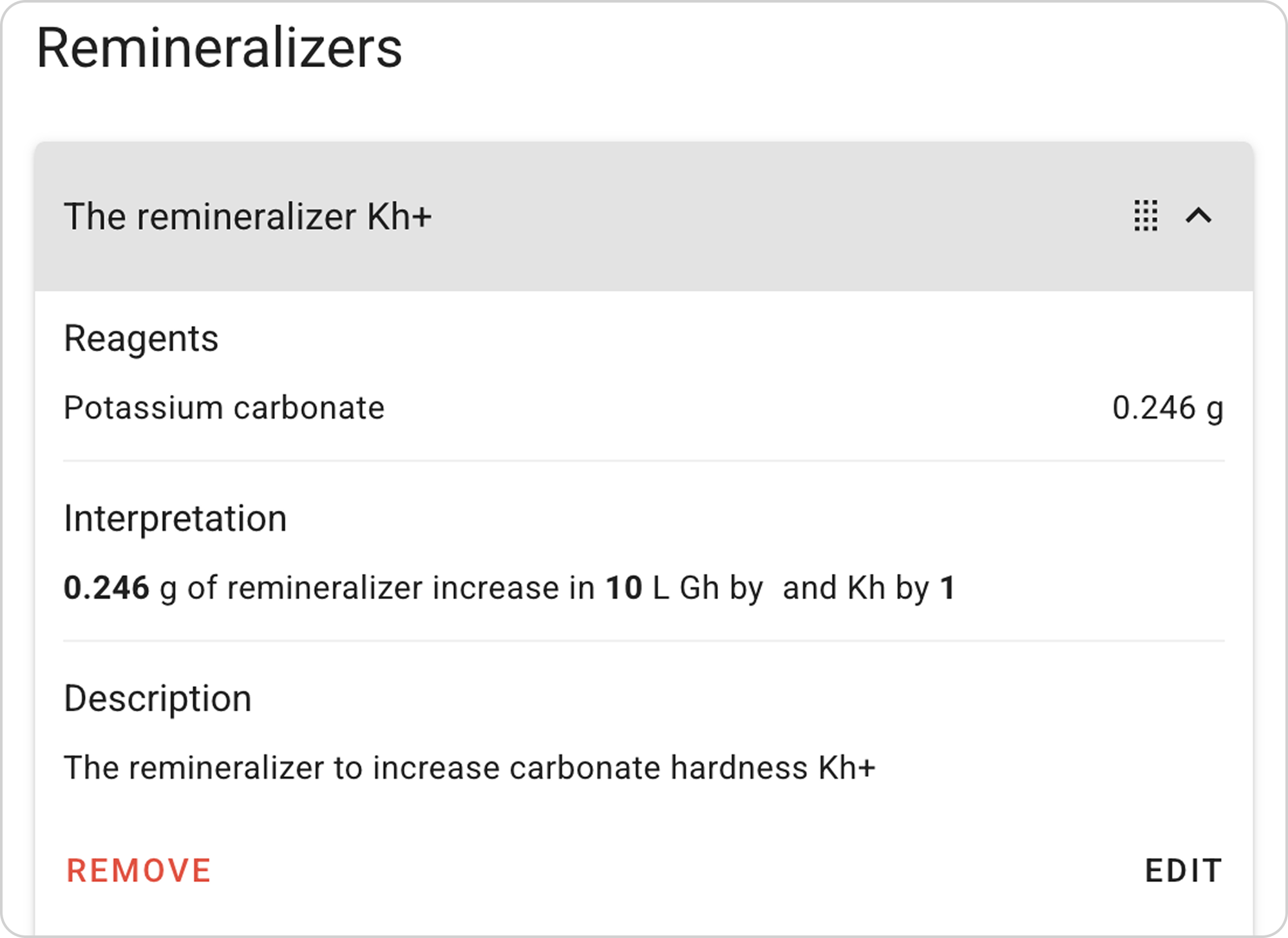
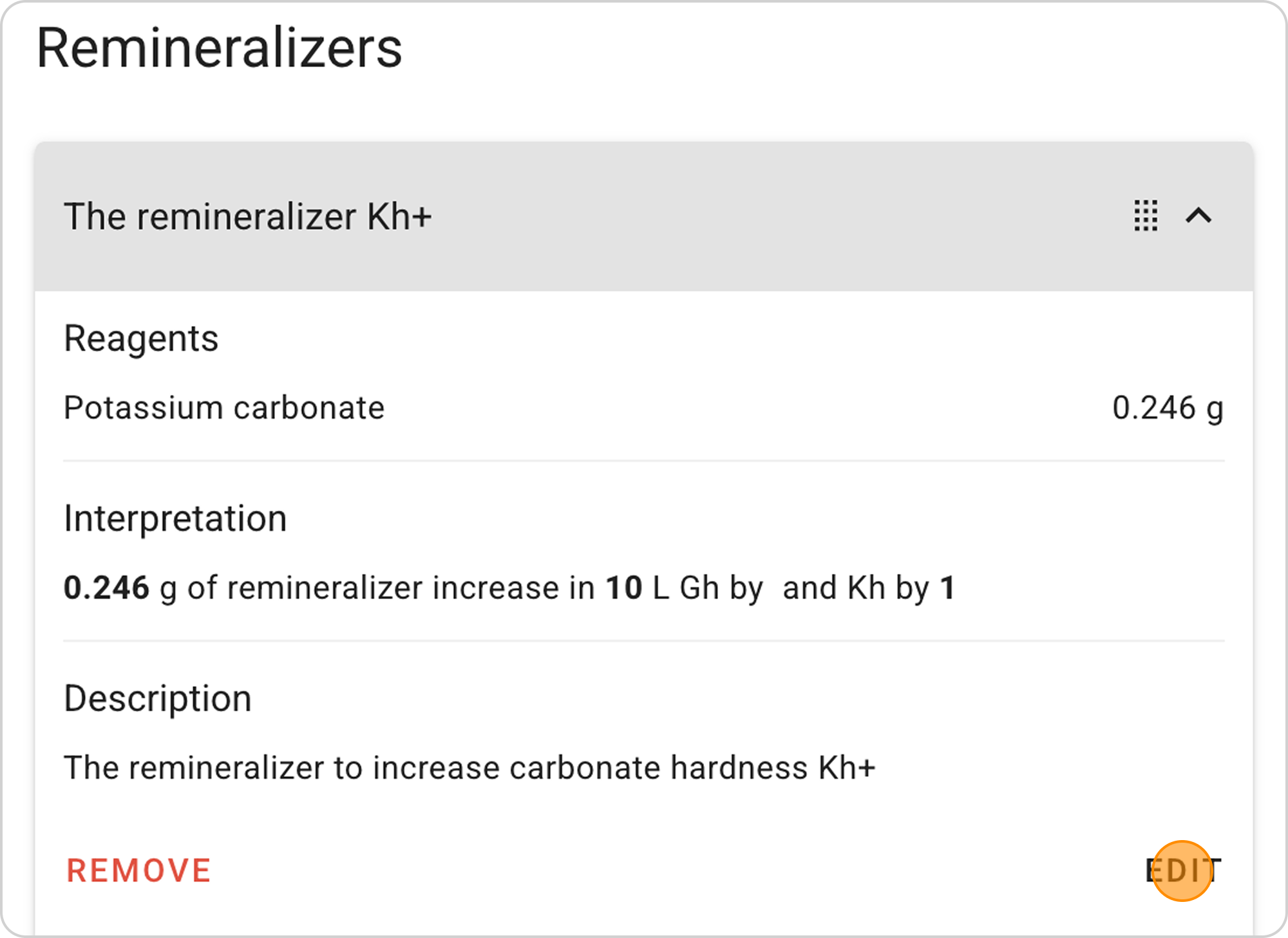
Change parameters:
- Click the "EDIT" button in the expanded list
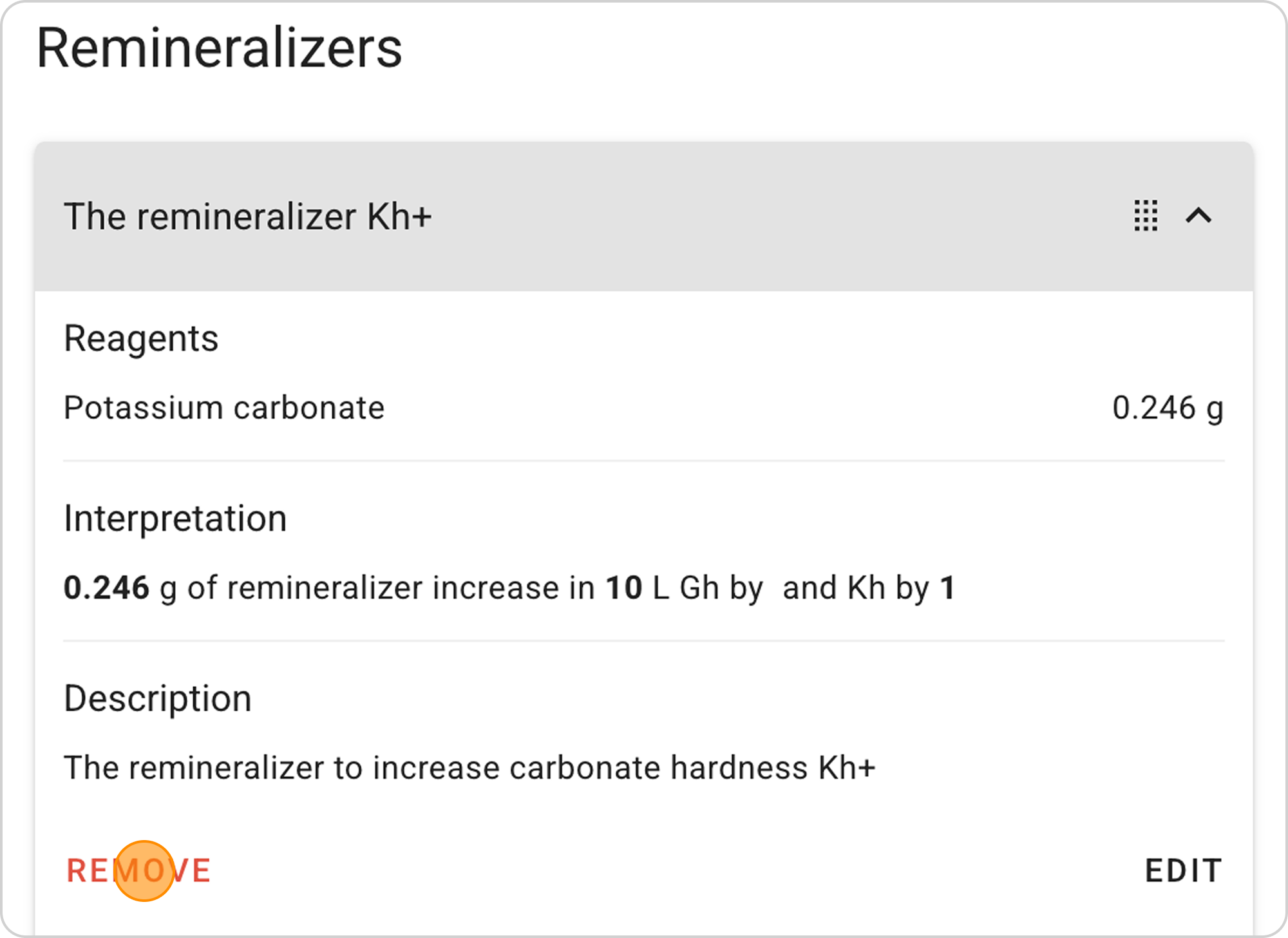
Delete recipe:
- Click the "REMOVE" button in the expanded list
Practical Recommendations
- Mixing: In home conditions it's difficult to evenly mix powders, so separate dosing is often used
- Storage: Store dry reagents in airtight containers
- Control: Periodically check water TDS to control dosing correctness