
Calculating Remineralizer Dosage: Step-by-Step Guide for RO Water
In this guide, we'll show how to calculate the required amount of remineralizer to obtain water hardness Gh=6 in an aquarium with the following parameters
- aquarium volume 32 L
- water change volume 10 L
- water change type: RO + remineralizer
- remineralizer "2Hr Aquarist APT SKY".
Step-by-Step Guide
Step 1: Open the Hardness Form
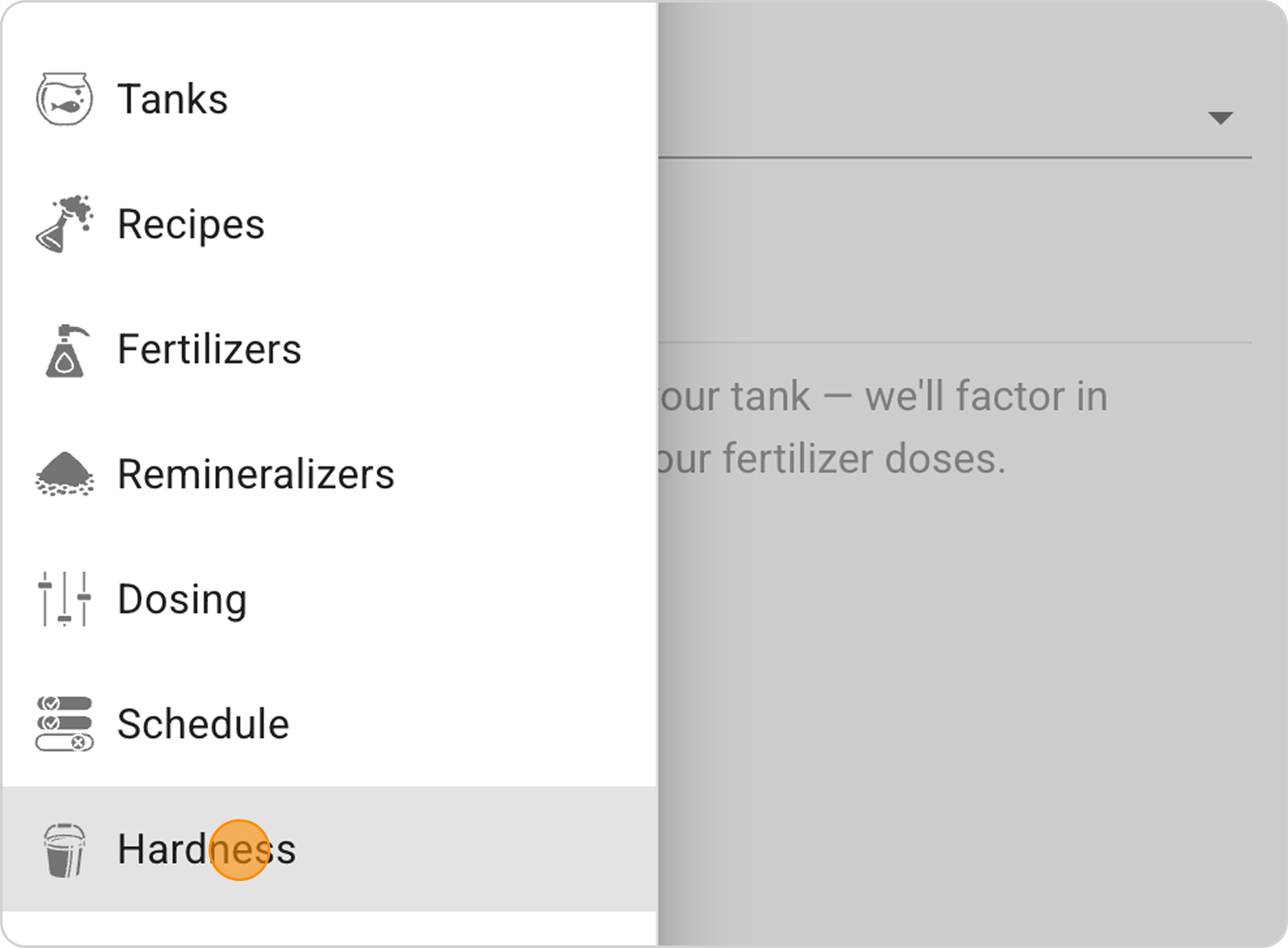
- In the Samomes main menu, select the "Hardness" section.
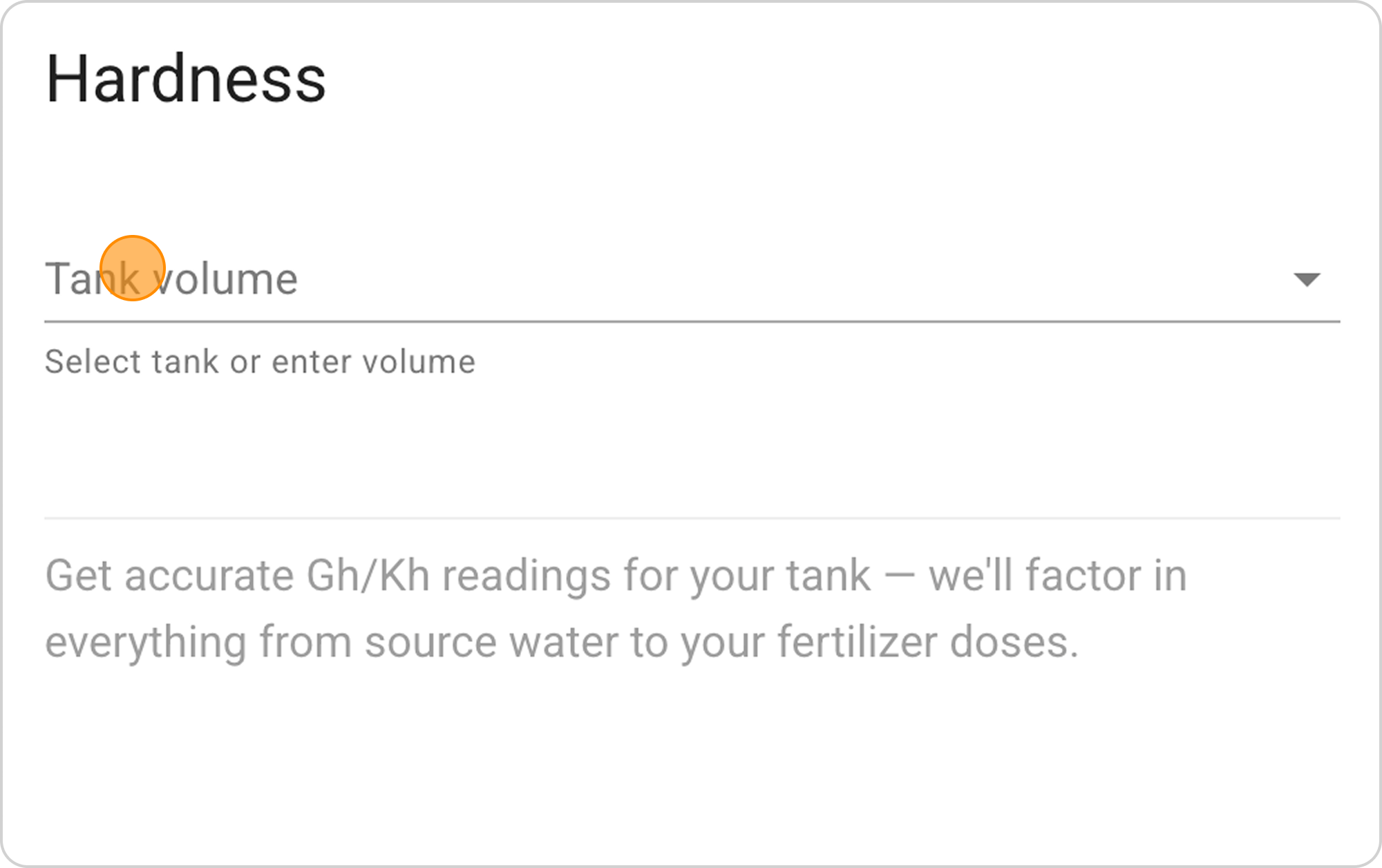
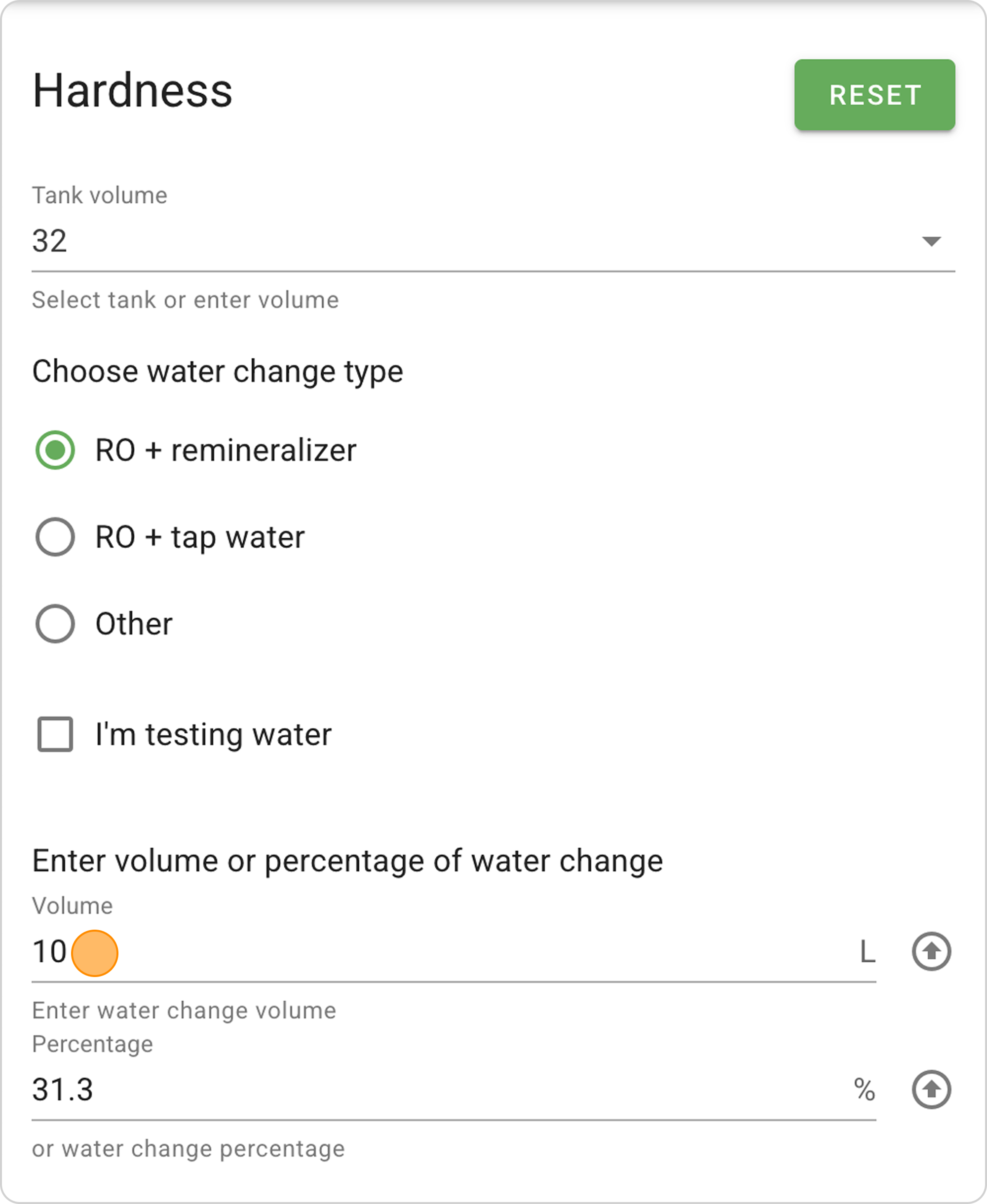
- In the opened form in the "Tank volume" field, enter the value "32" L.
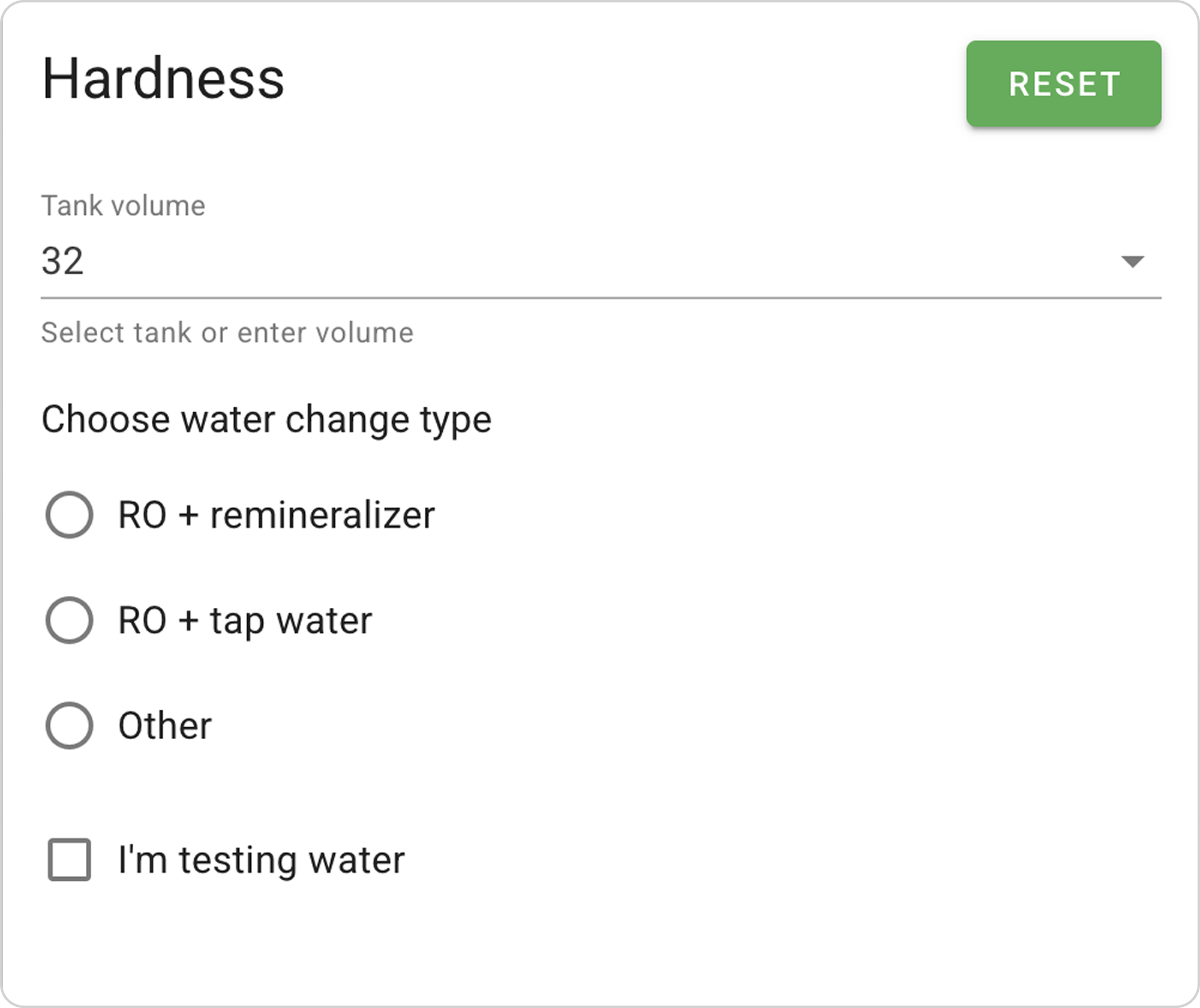
Step 2: Enter Water Parameters
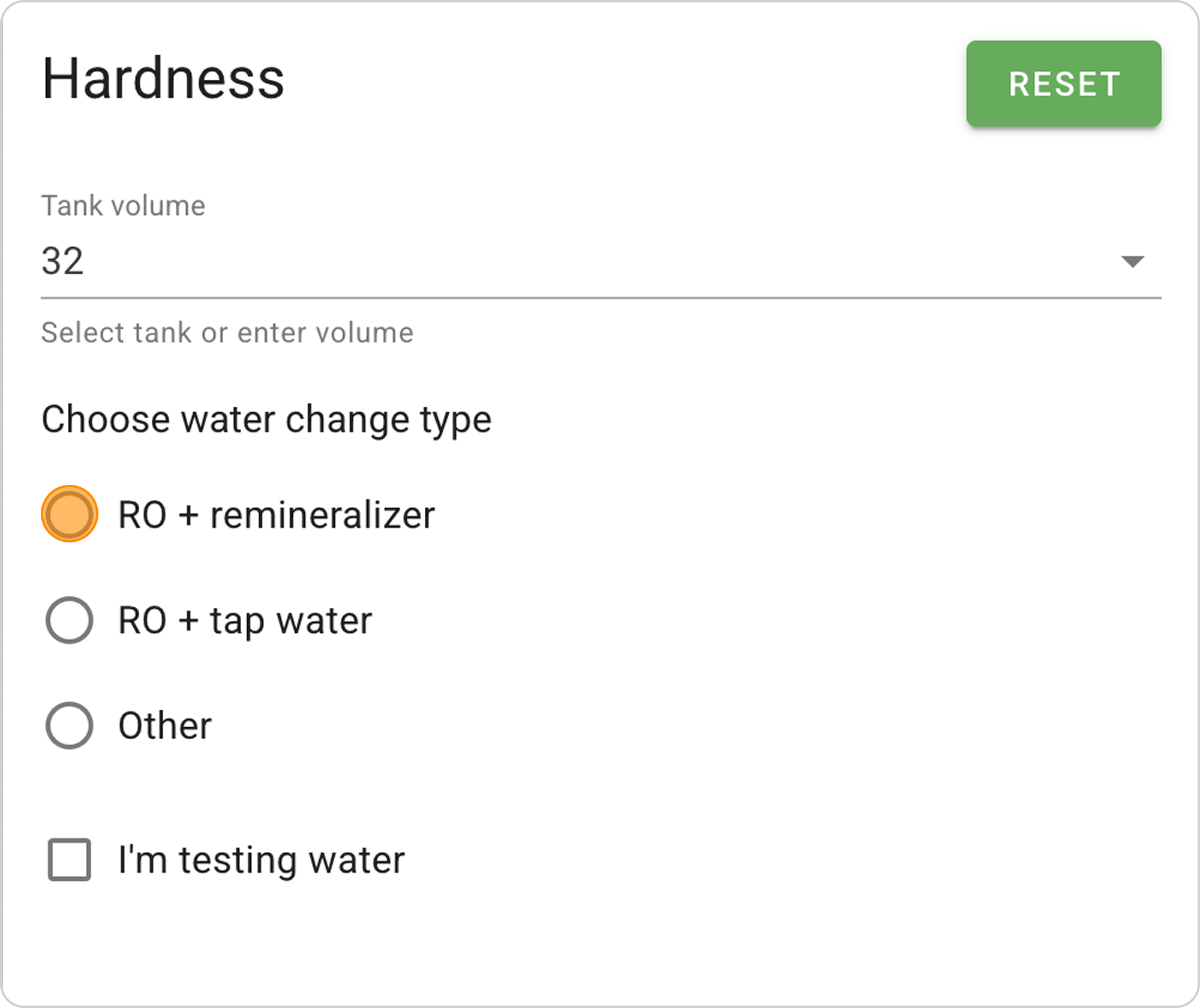
- Select the "RO + remineralizer" water change type.
- In the "Enter volume or water change percentage" section:
- Select "Volume" and enter the number of liters "10", the system will automatically calculate the water change percentage (in our case, it's 31.3%)
- Or select "Percentage" and specify the fraction of the aquarium volume (for example, ~ 30%), then the system will calculate the water change volume in liters.
Step 3: Select Remineralizer
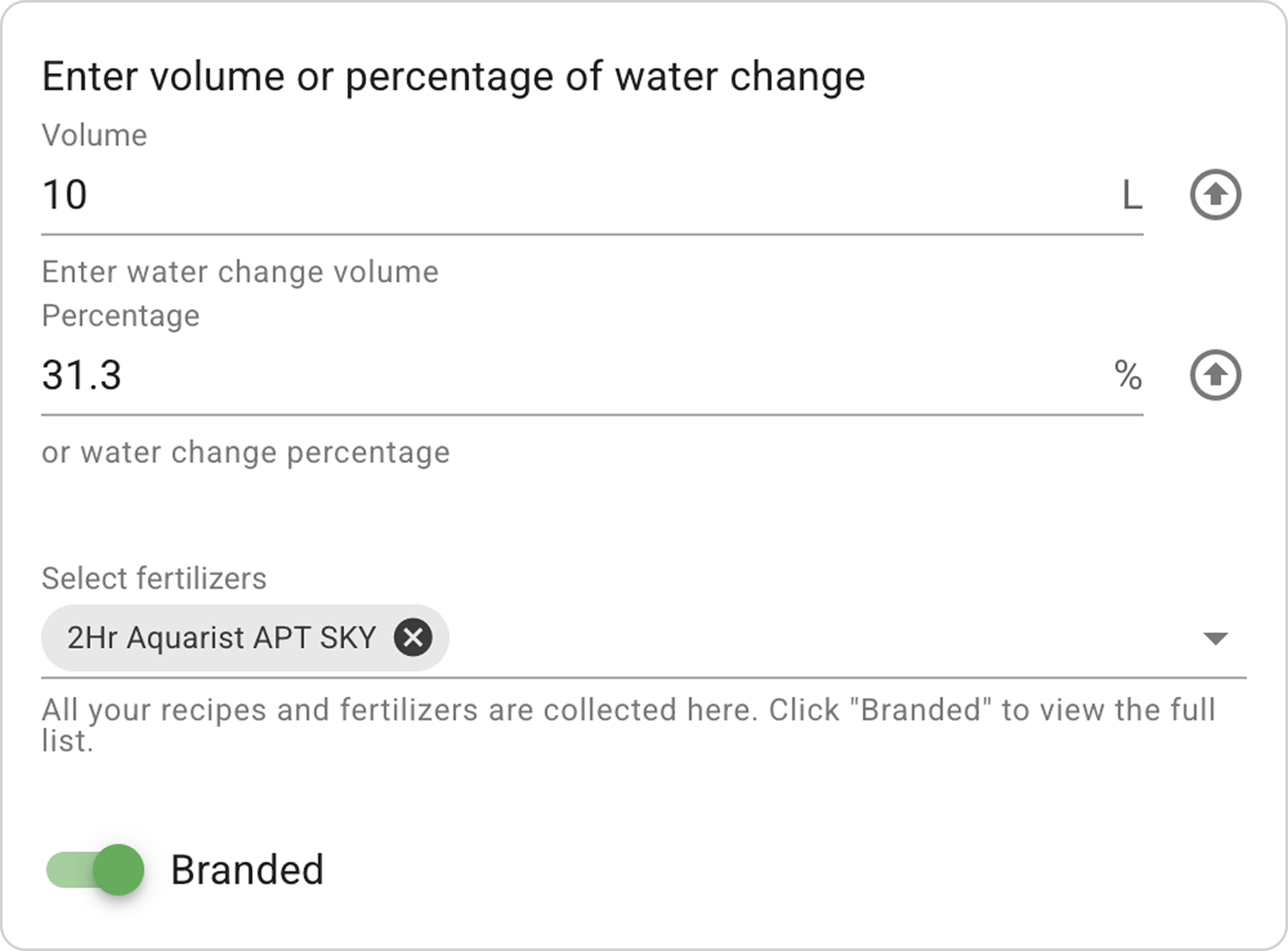
- Switch the toggle to "Branded" to display ready-made products (will be highlighted in green).
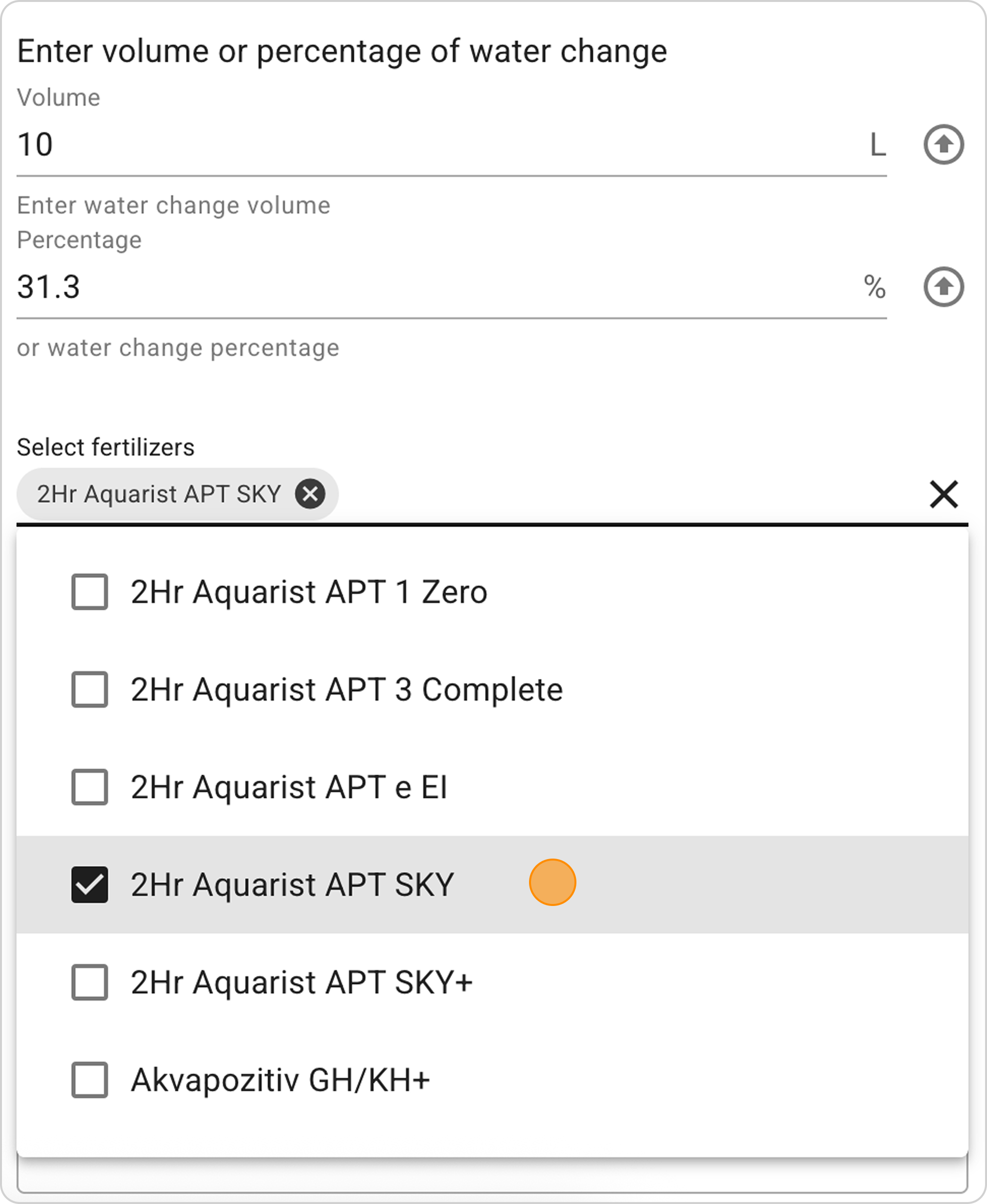
- Click on the "Select fertilizers" dropdown menu
- Find and select the "2Hr Aquarist APT SKY" remineralizer.
Step 4: Configure Dosage
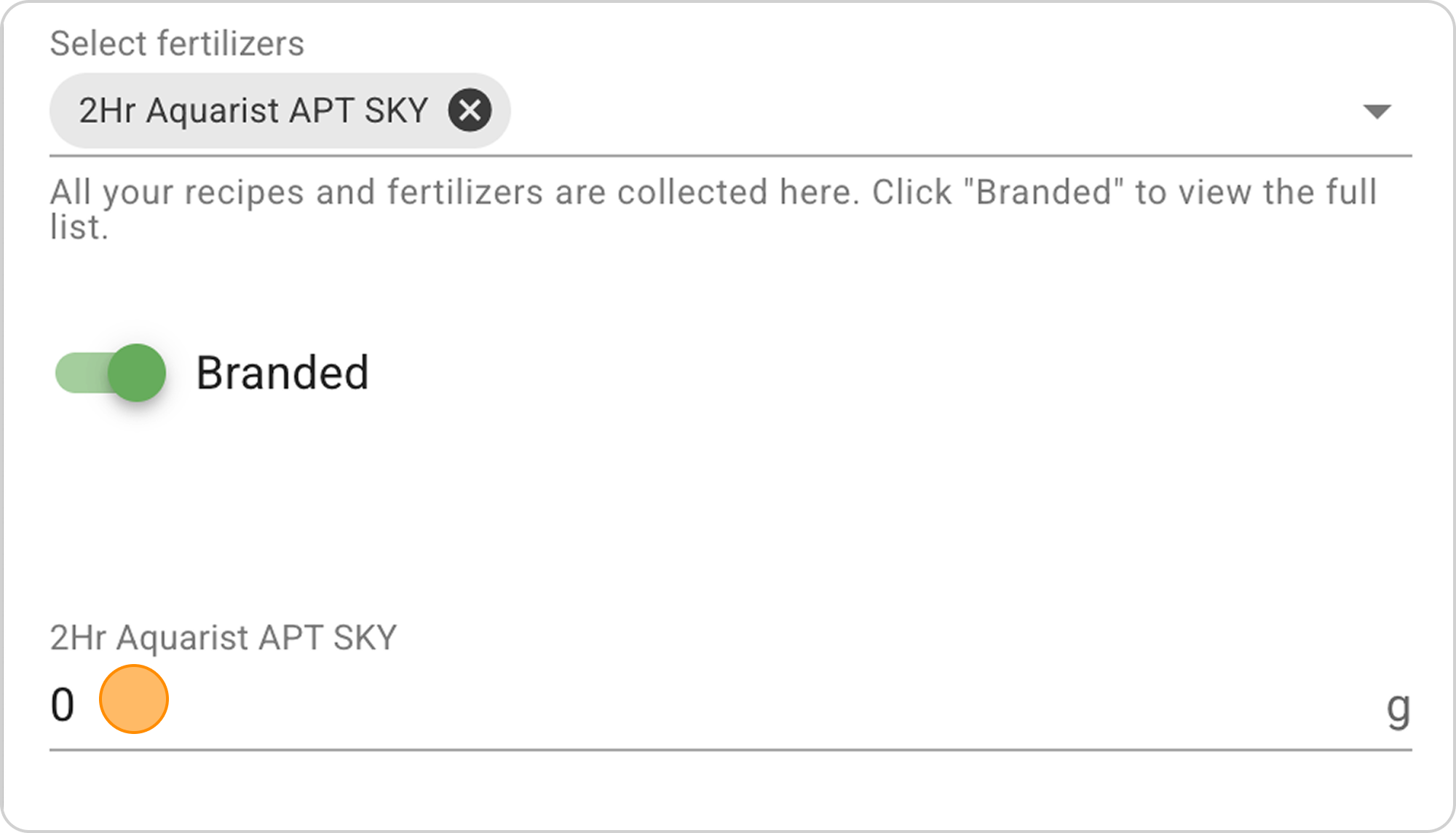
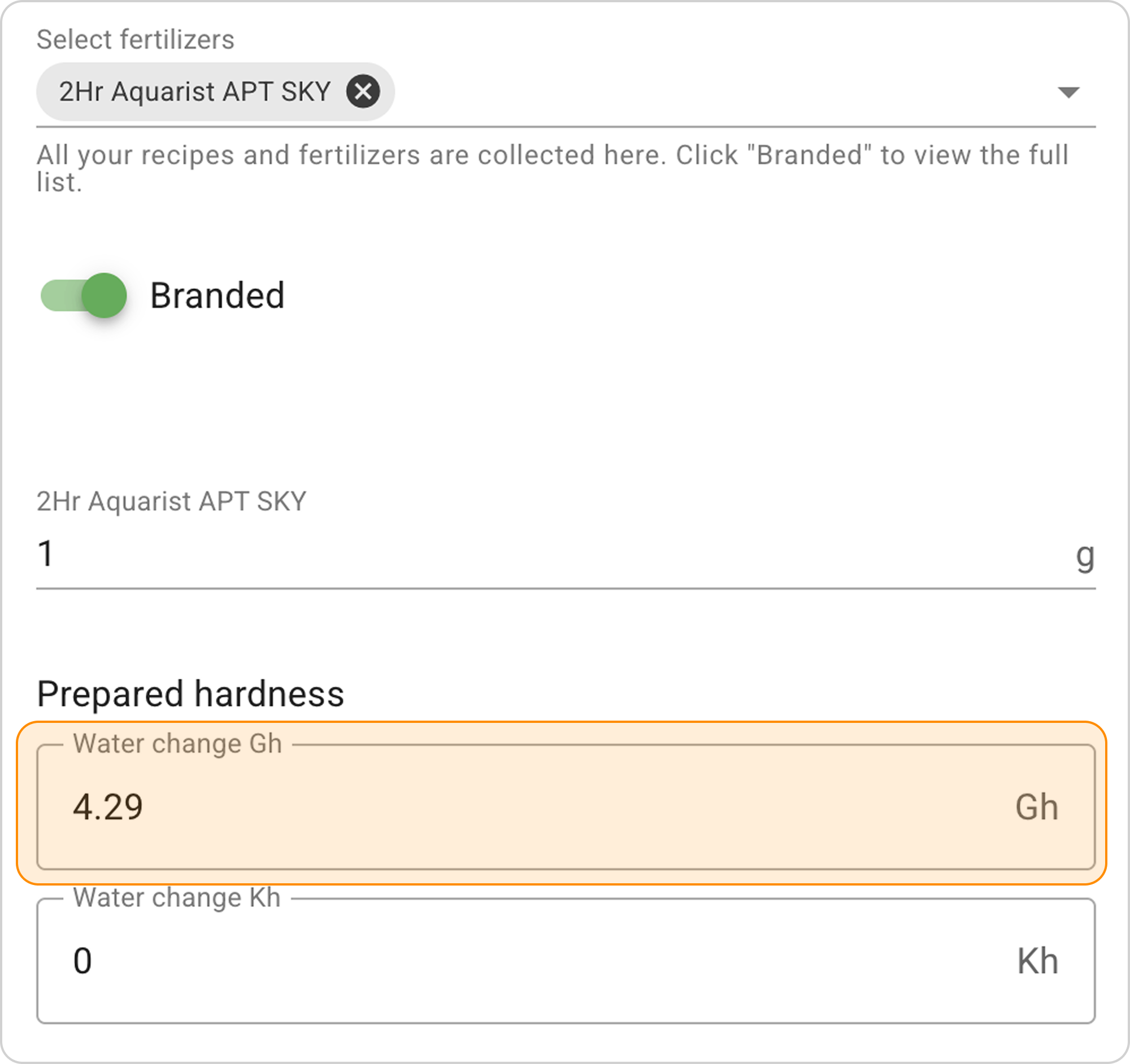
- In the field under the selected remineralizer name "2Hr Aquarist APT SKY", enter the number of grams "1", then "1.4" and observe how the indicators change in the "Prepared hardness" section in the "Gh in water change" window:
- 1 g will give Gh = 4.29.
- 1.4 g will give Gh = 6.
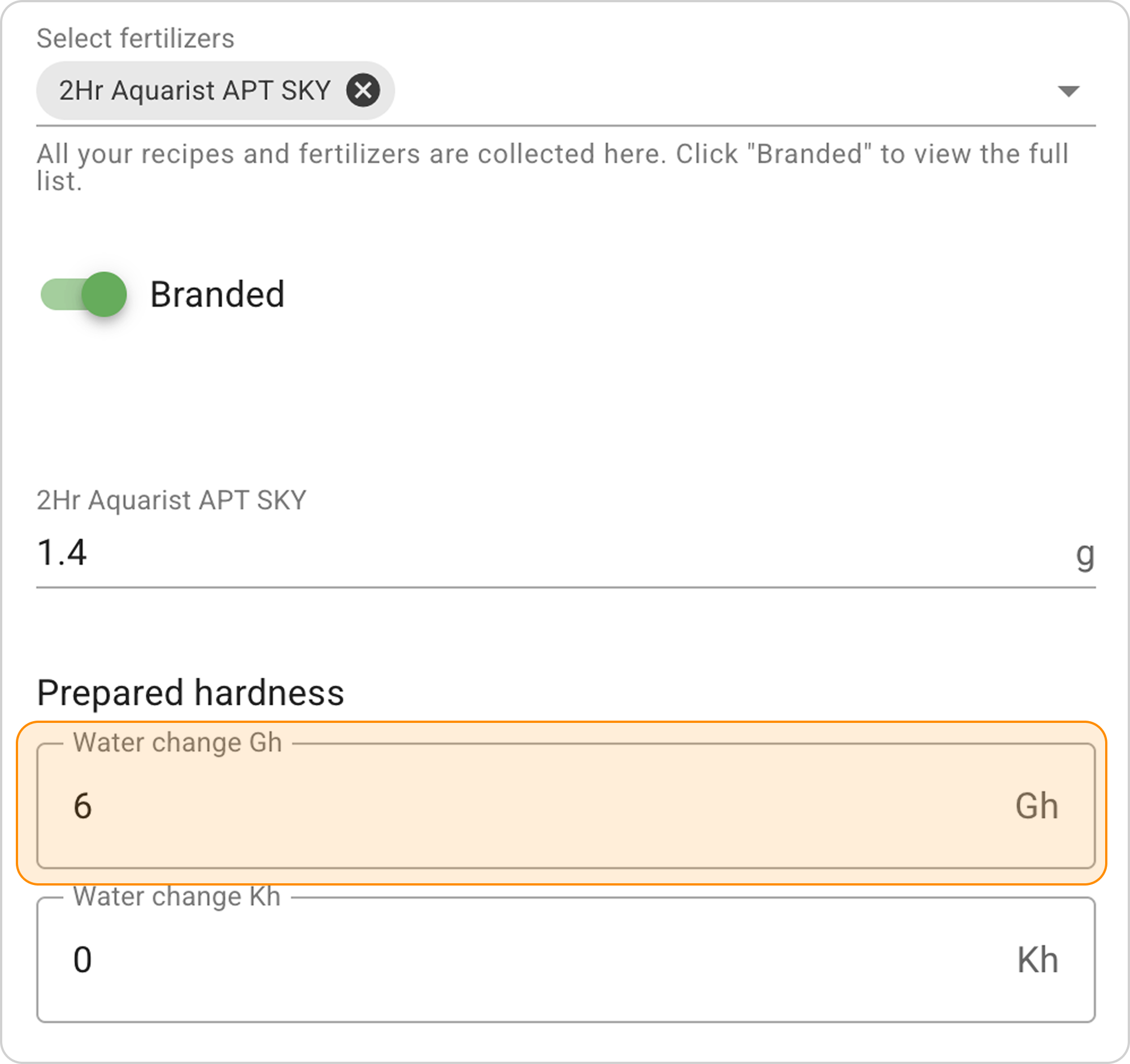
- Select the remineralizer dosage to obtain the desired hardness values Gh in the aquarium. In this case, 1.4 g of remineralizer gives the desired result Gh=6.
Result Interpretation:
For a 32 L aquarium with a 10 L water change (more than 30%), adding 1.4 g of "2Hr Aquarist APT SKY" remineralizer will give hardness Gh = 6 in the prepared water.
"I'm testing water" Option
When to use:
- Know current water parameters in the aquarium
- Need to calculate the exact amount of remineralizer to achieve target indicators in the aquarium
Step-by-Step Guide
Initial parameters:
- Current aquarium parameters: Gh=10, Kh=5
- Desired hardness indicators after water change: Gh=8.2.
Step 1: Activating the "I'm testing water" Option
- In the "Hardness" section, check the box next to "I'm testing water"
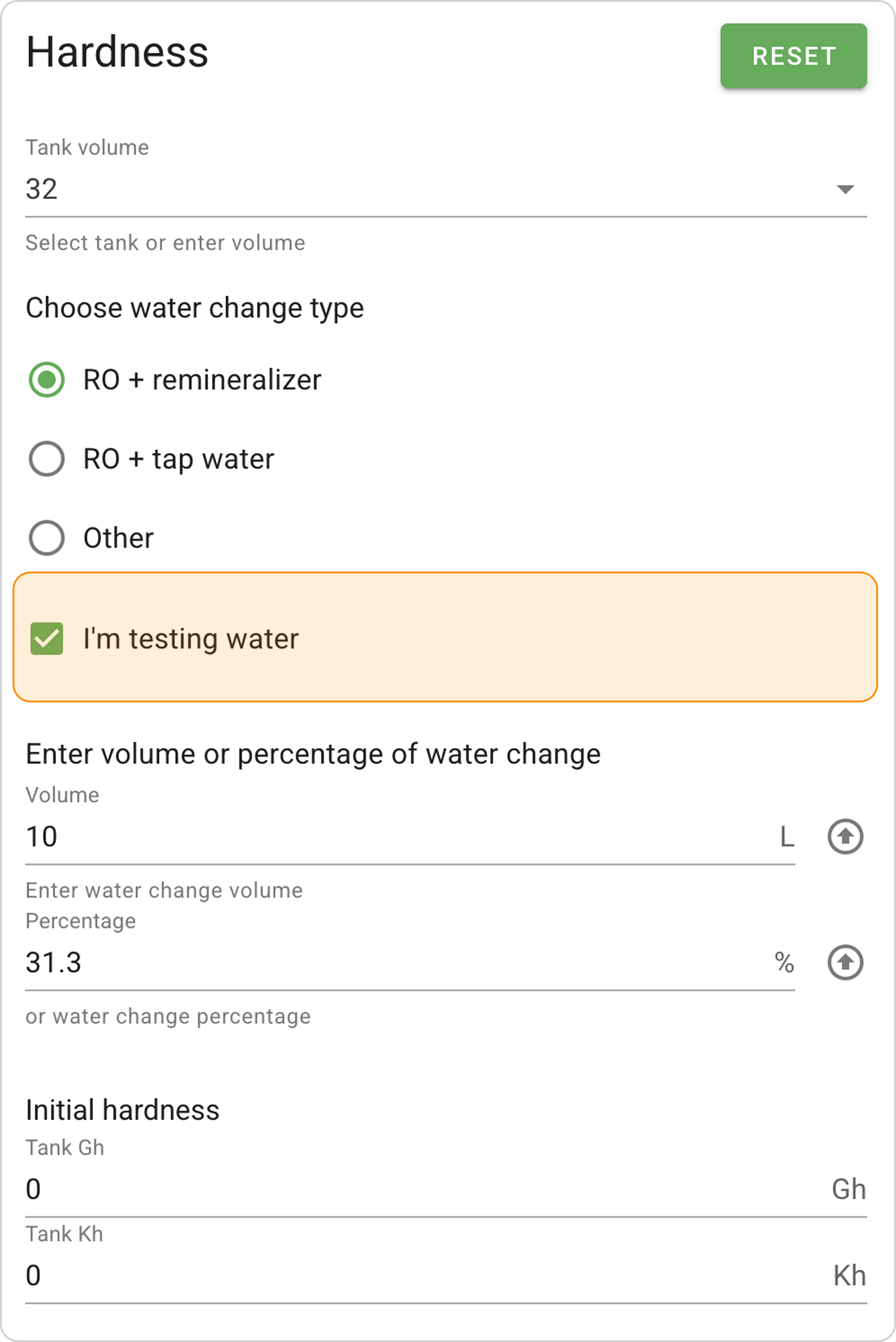
- Additional fields for entering parameters will appear
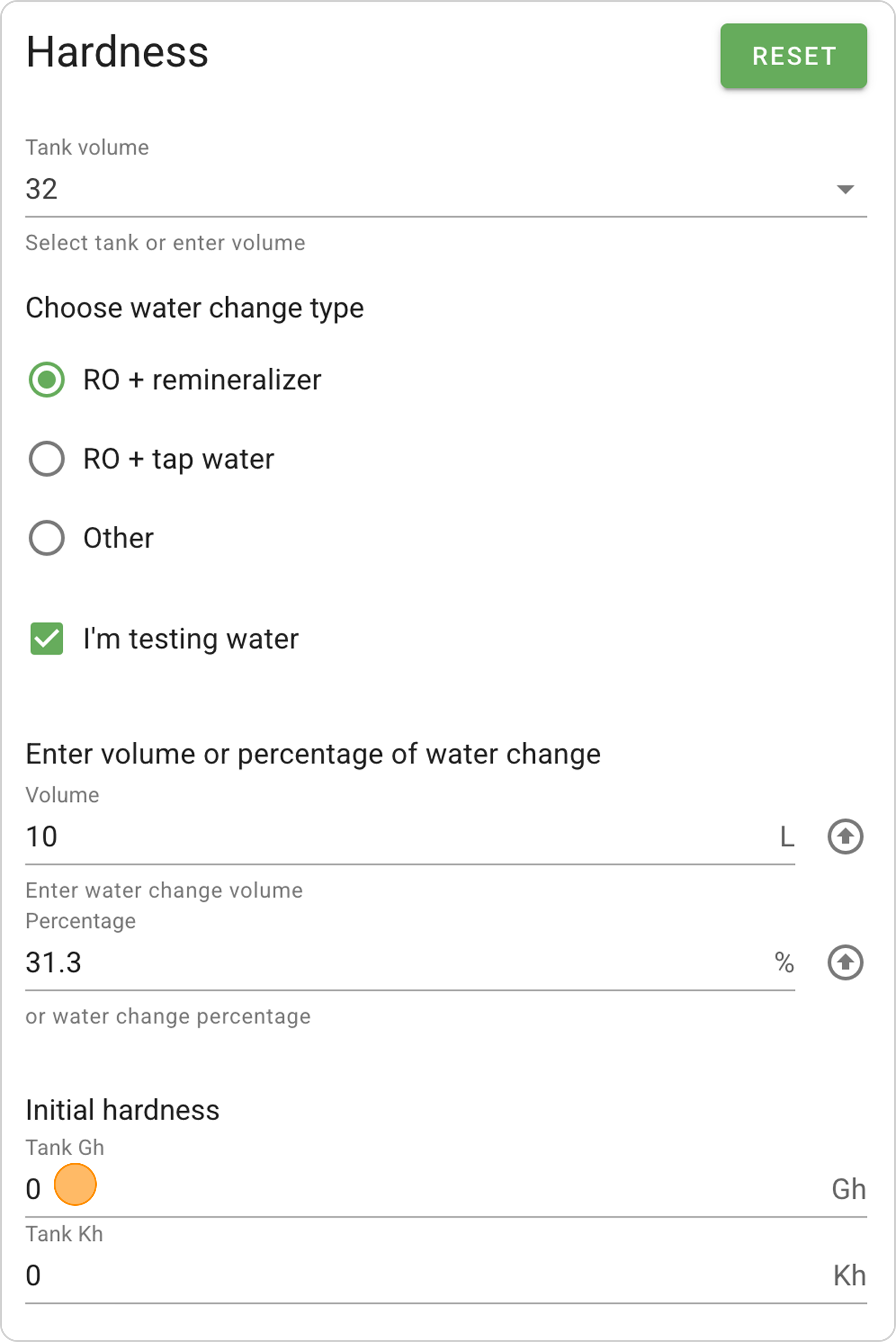
Step 2: Entering Current Aquarium Parameters
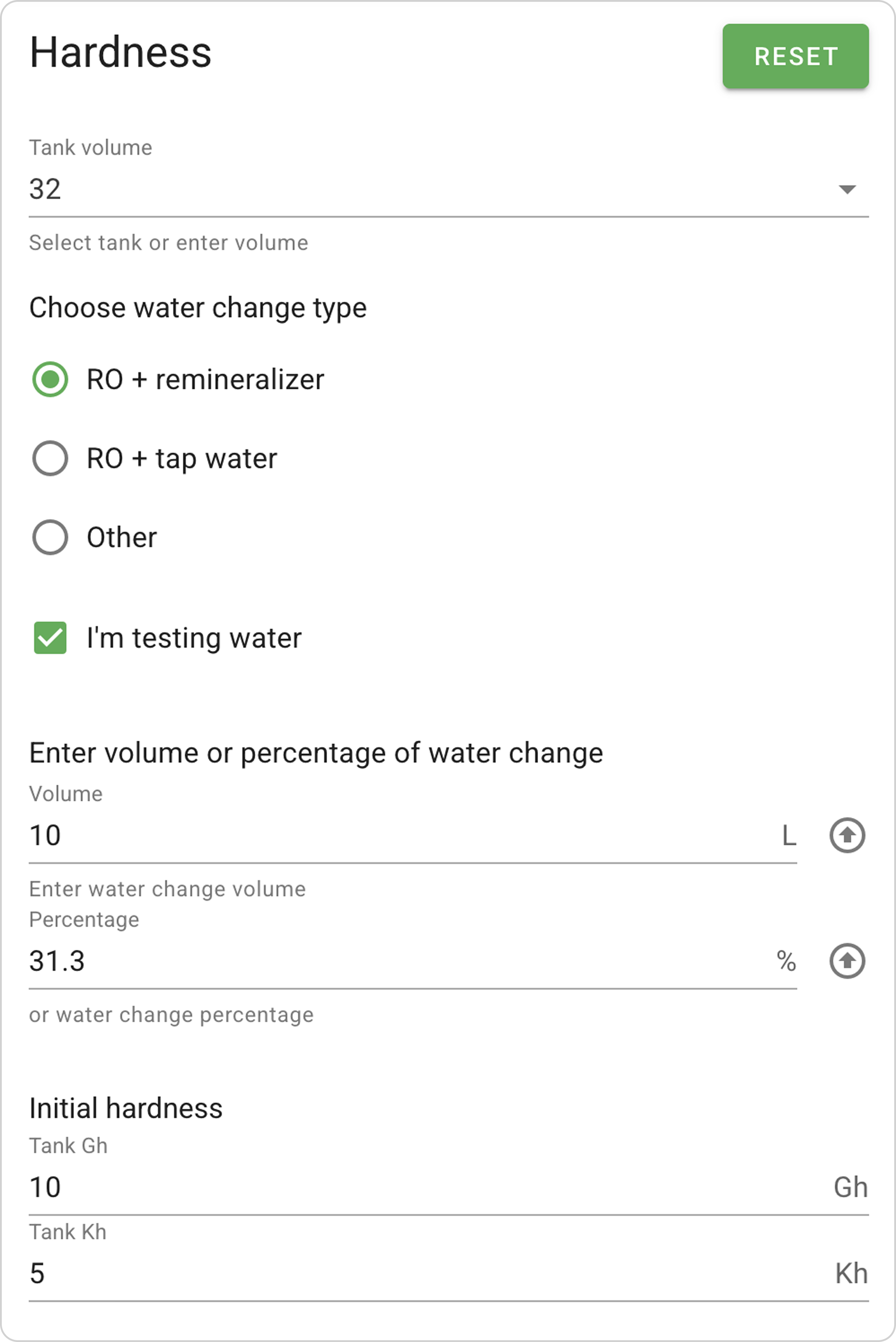
- In the "Tank Gh" field, enter the current general hardness "10".
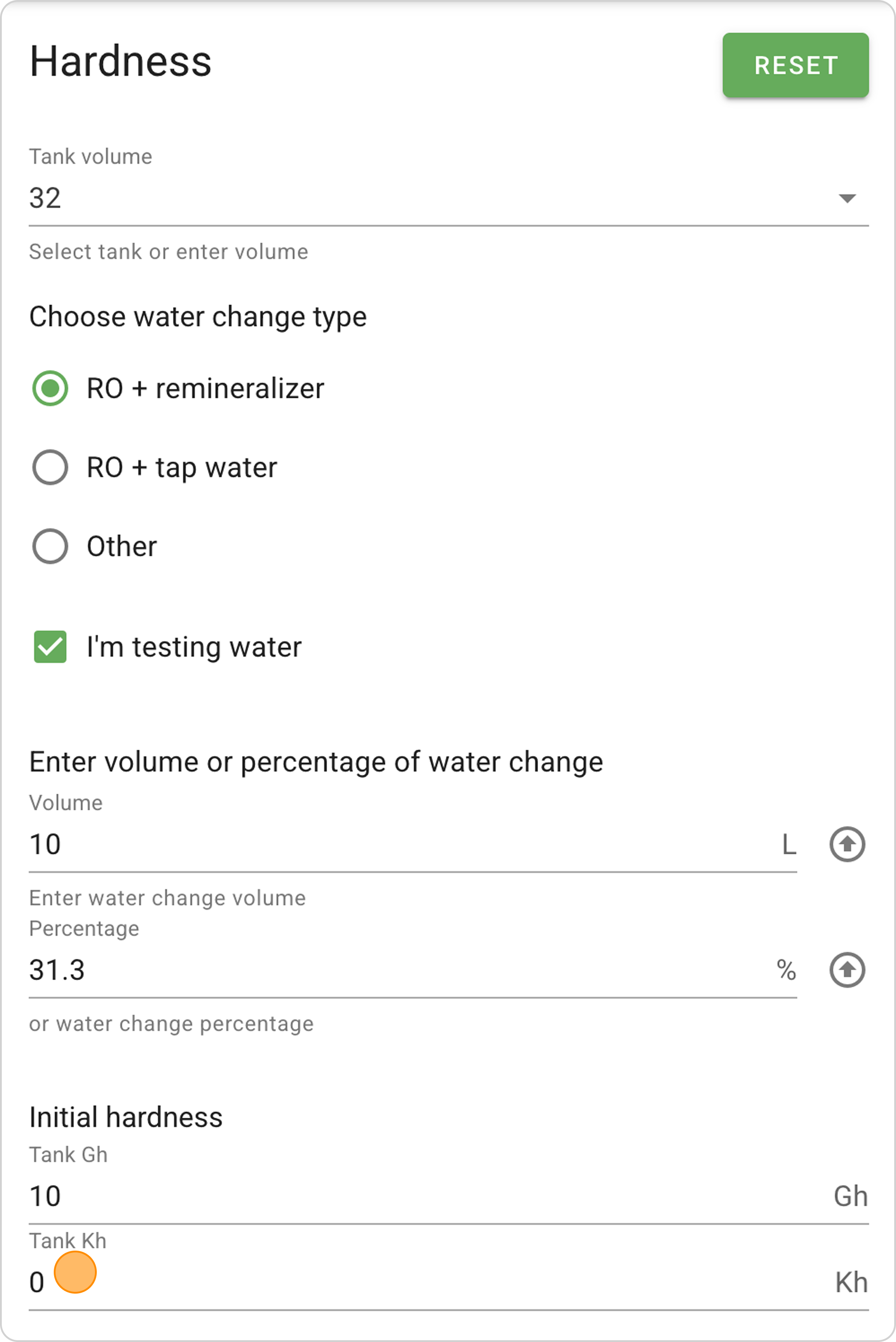
- In the "Tank Kh" field, enter the current carbonate hardness "5".
Step 3: Configuring Remineralizer
- We selected the remineralizer earlier, "2Hr Aquarist APT SKY".
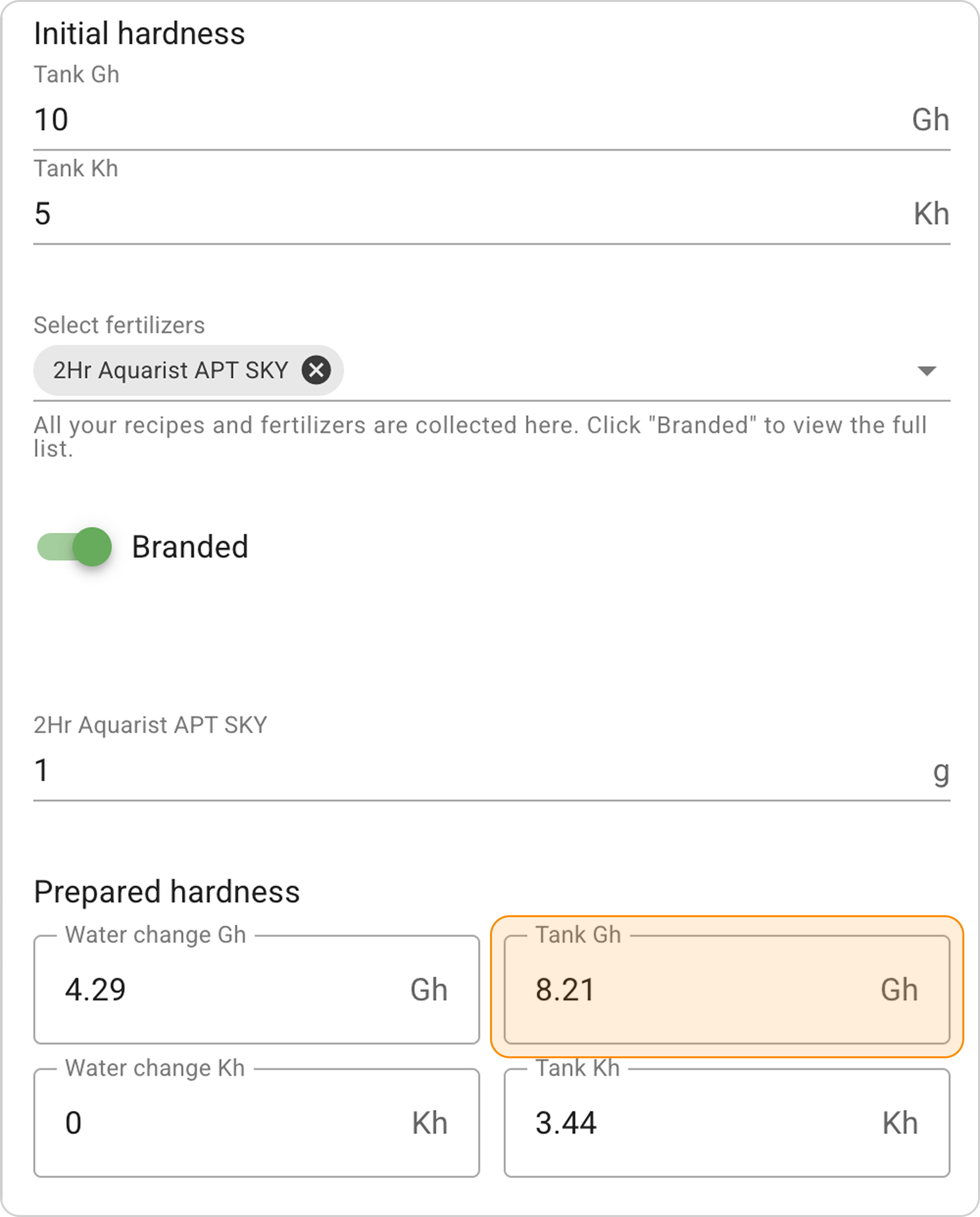
- In the field under the selected remineralizer name "2Hr Aquarist APT SKY", enter the number of grams "1", then "1.5" and observe how the indicators change in the "Prepared hardness" section in the "Aquarium Gh" window:
- 1 g will give Gh = 8.21.
- 1.5 g will give Gh = 8.88.
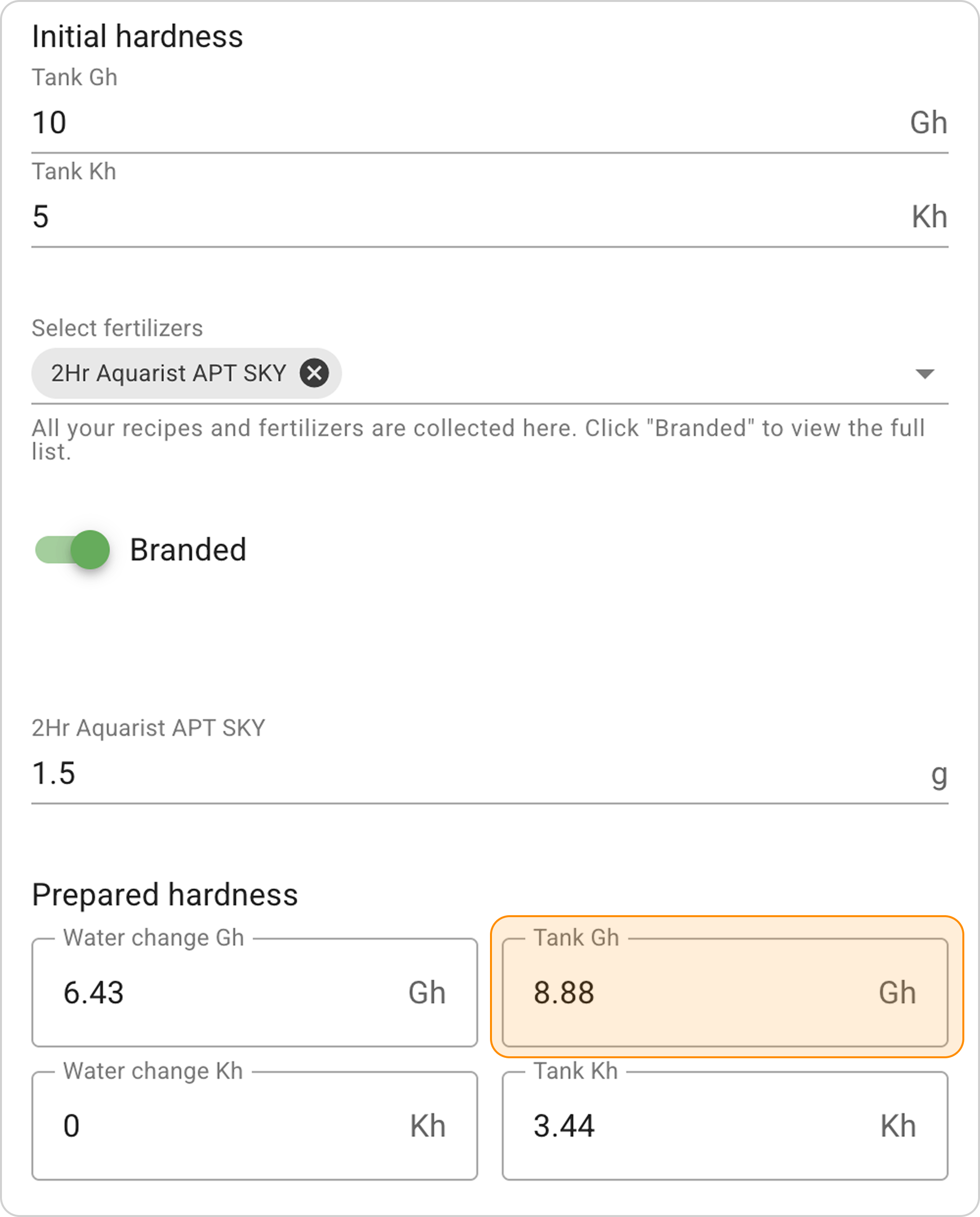
- Select the remineralizer dosage to obtain the desired hardness values Gh in the aquarium. In this case, 1g of remineralizer gives the desired result Gh = 8.21.
Result Interpretation:
- In the water change: 1 g of remineralizer is dissolved in 10 L of water, creating hardness of 4.29 Gh
- In the aquarium: this "soft" water mixes with the remaining "hard" water
- Final result: the target value of 8.21 Gh is obtained.
The "I'm testing water" option allows you to see the change in aquarium water hardness parameters before and after the water change.