
In this guide, we'll show how to calculate the correct proportions of mixing RO and tap water to obtain hardness Gh=8 and Kh=4 in an aquarium with the following parameters
- aquarium volume 32 L
- water change volume 10 L
- tap water hardness indicators: Gh=10 and Kh=5
- desired water hardness indicators in the water change: Gh=8 and Kh=4.
Step-by-Step Guide
Step 1: Open the Hardness Form
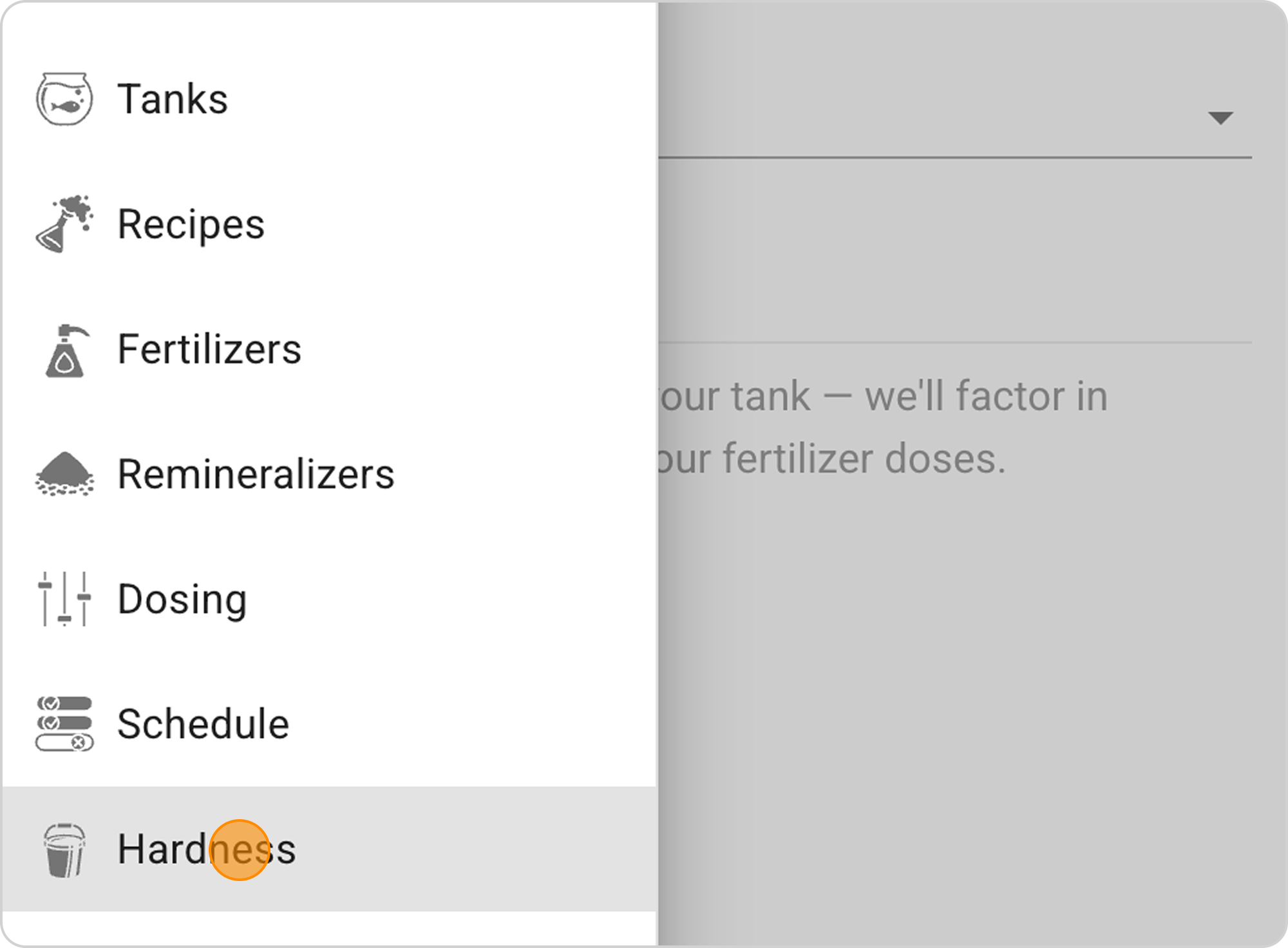
- In the Samomes main menu, select the "Hardness" section
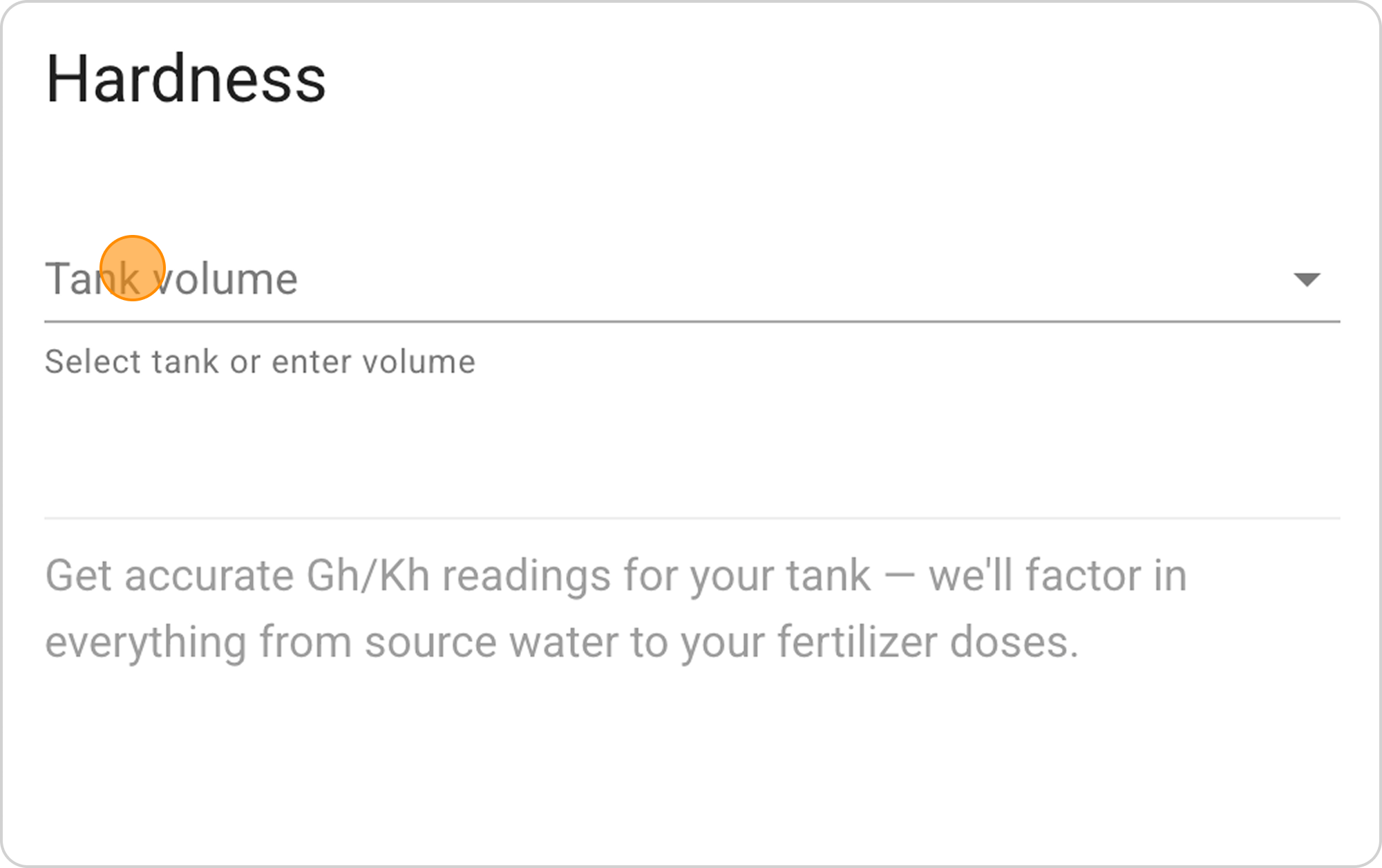
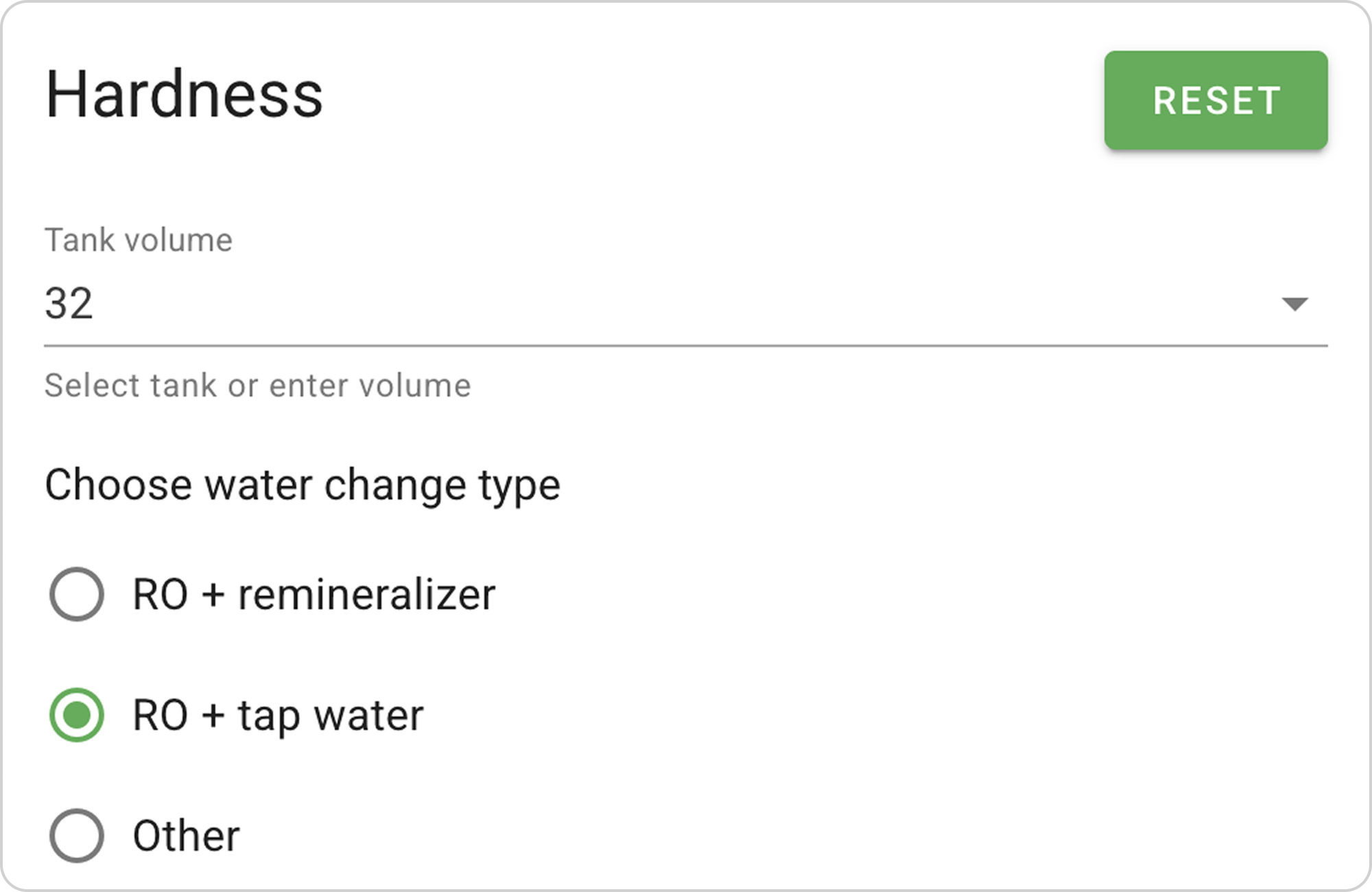
- In the opened form in the "Tank volume" field, enter the value "32" L
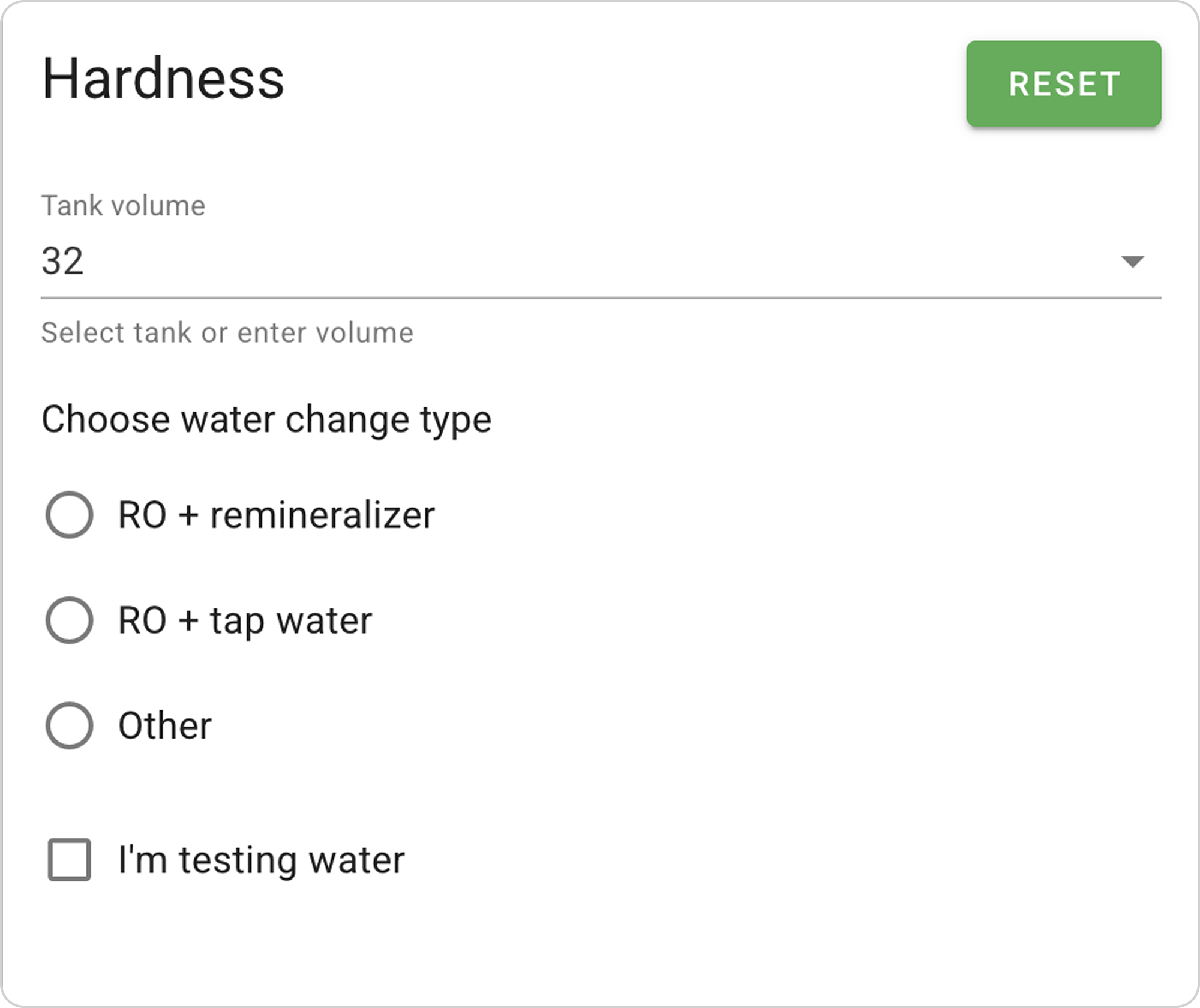
Step 2: Configure Water Change Type
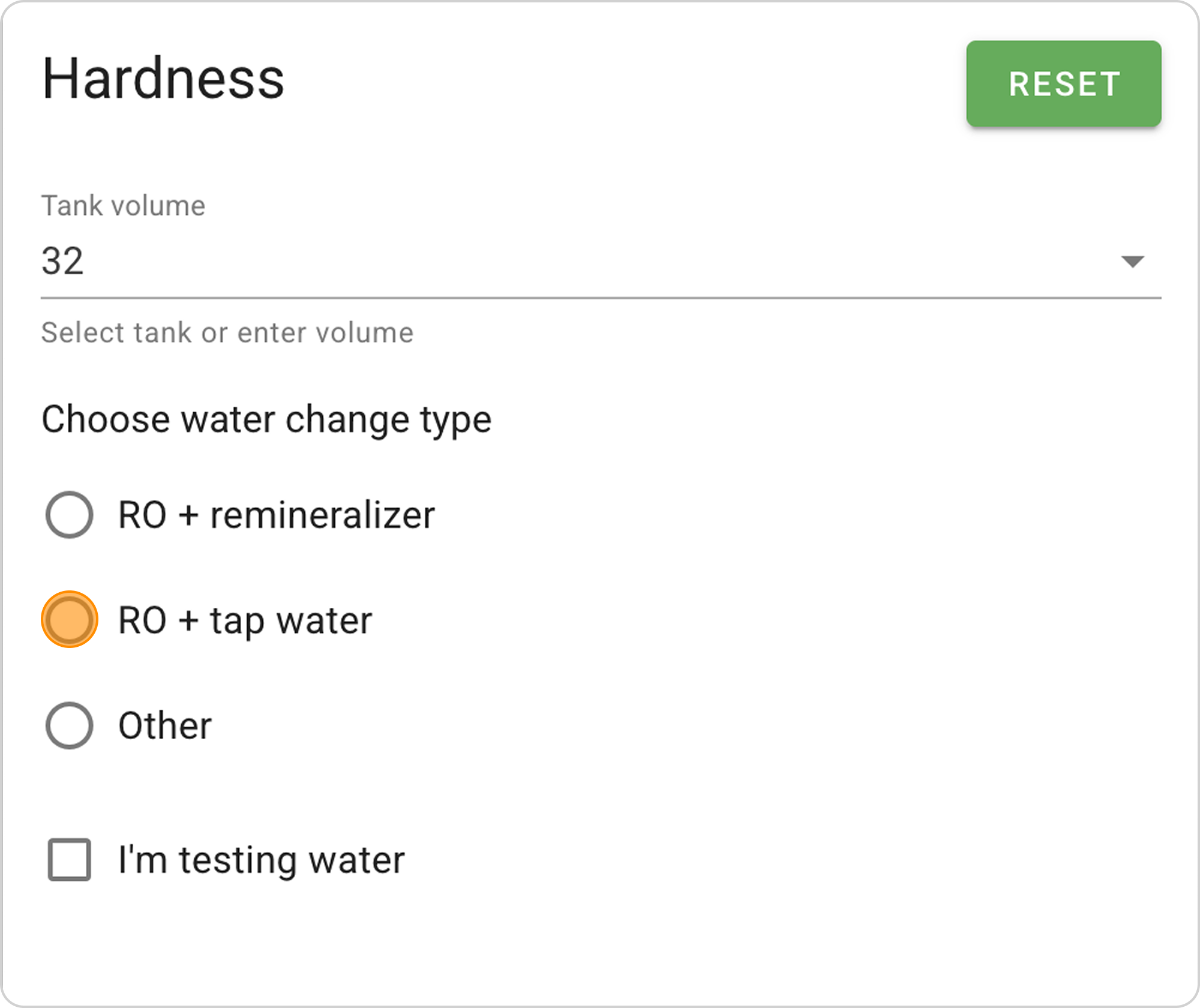
- Select the "RO + tap water" water change type.
Step 3: Enter Water Change Volume
- In the "Enter volume or water change percentage" section:
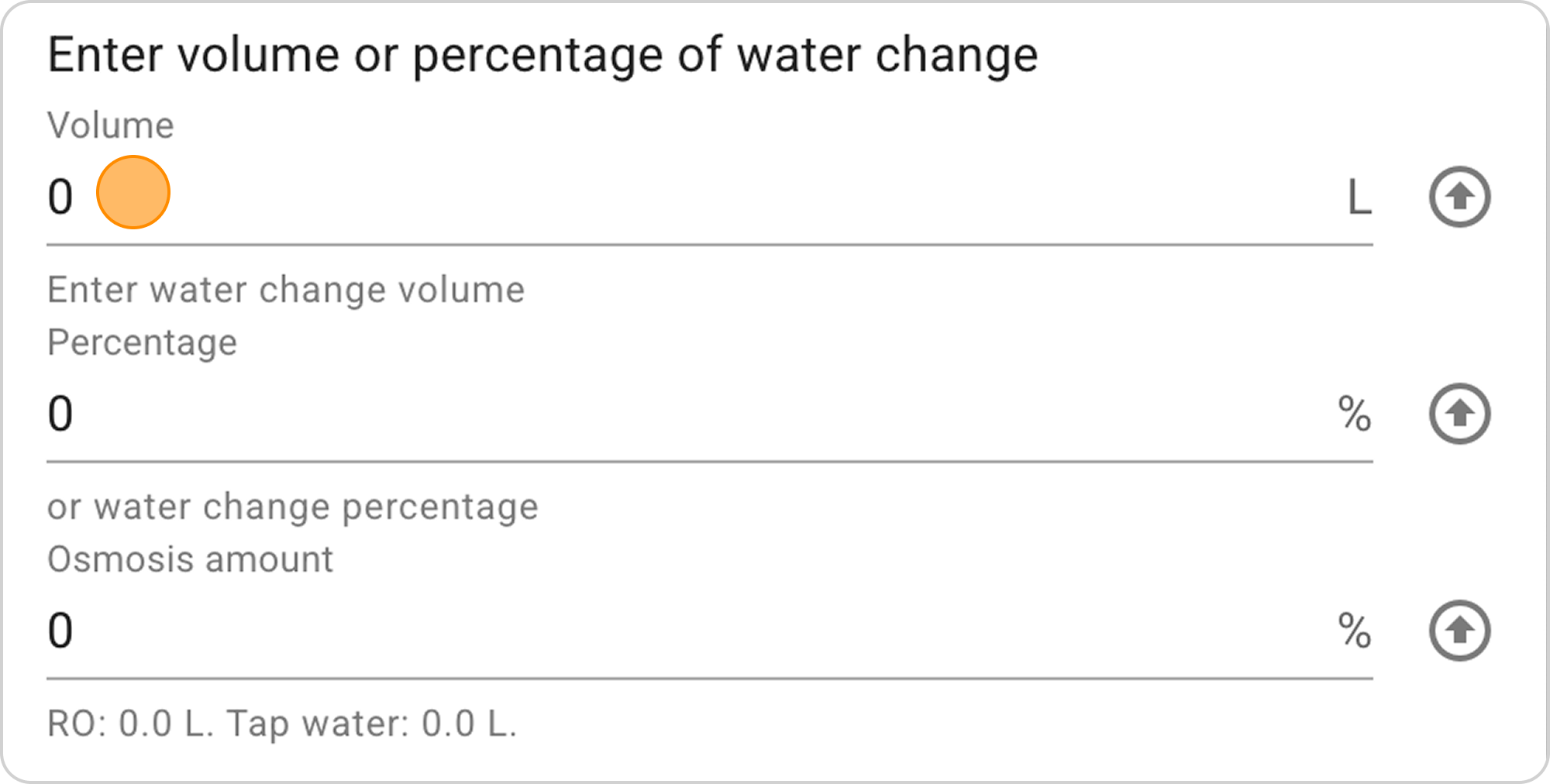
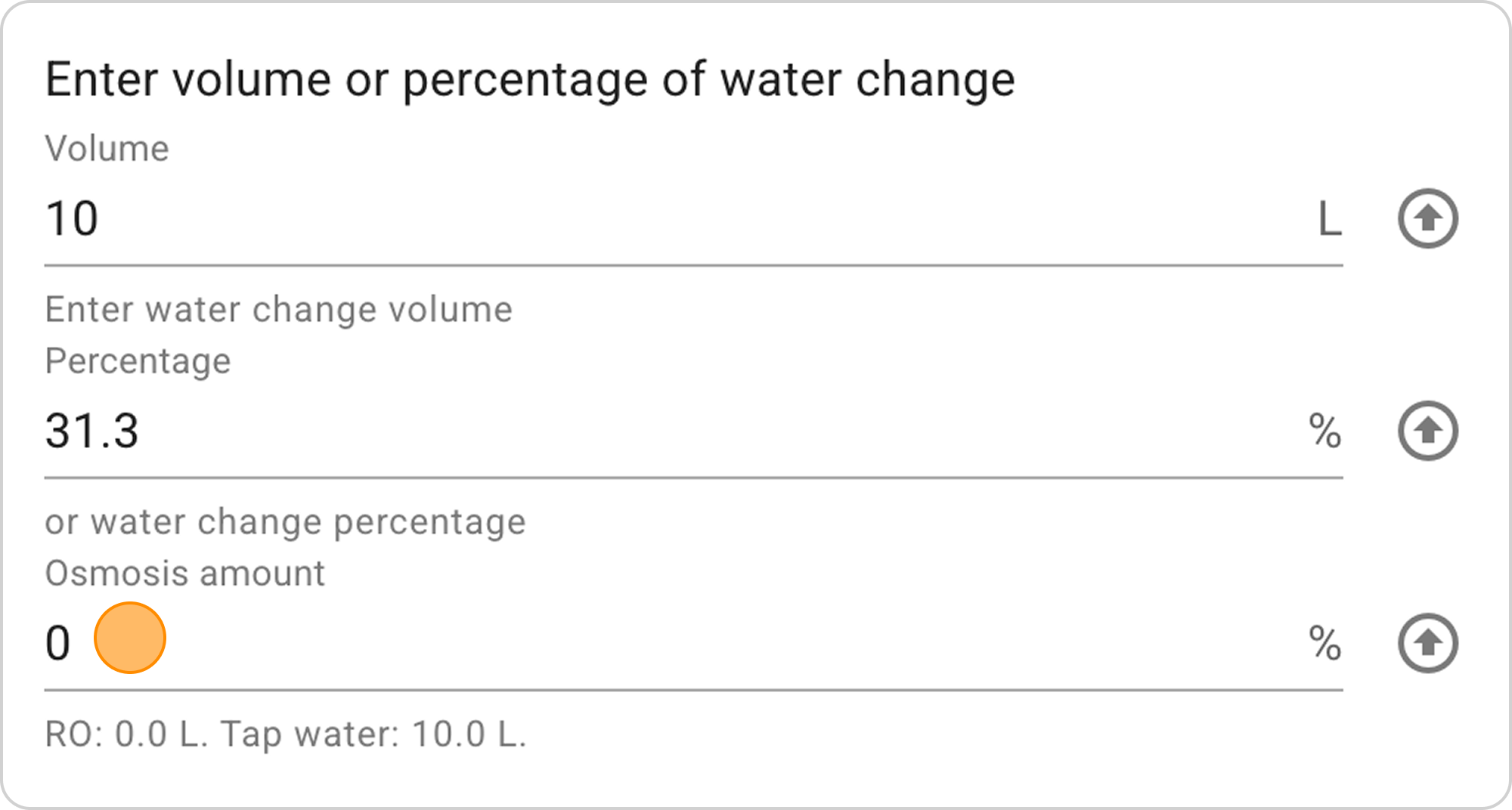
- In the "Volume" field enter "10" L
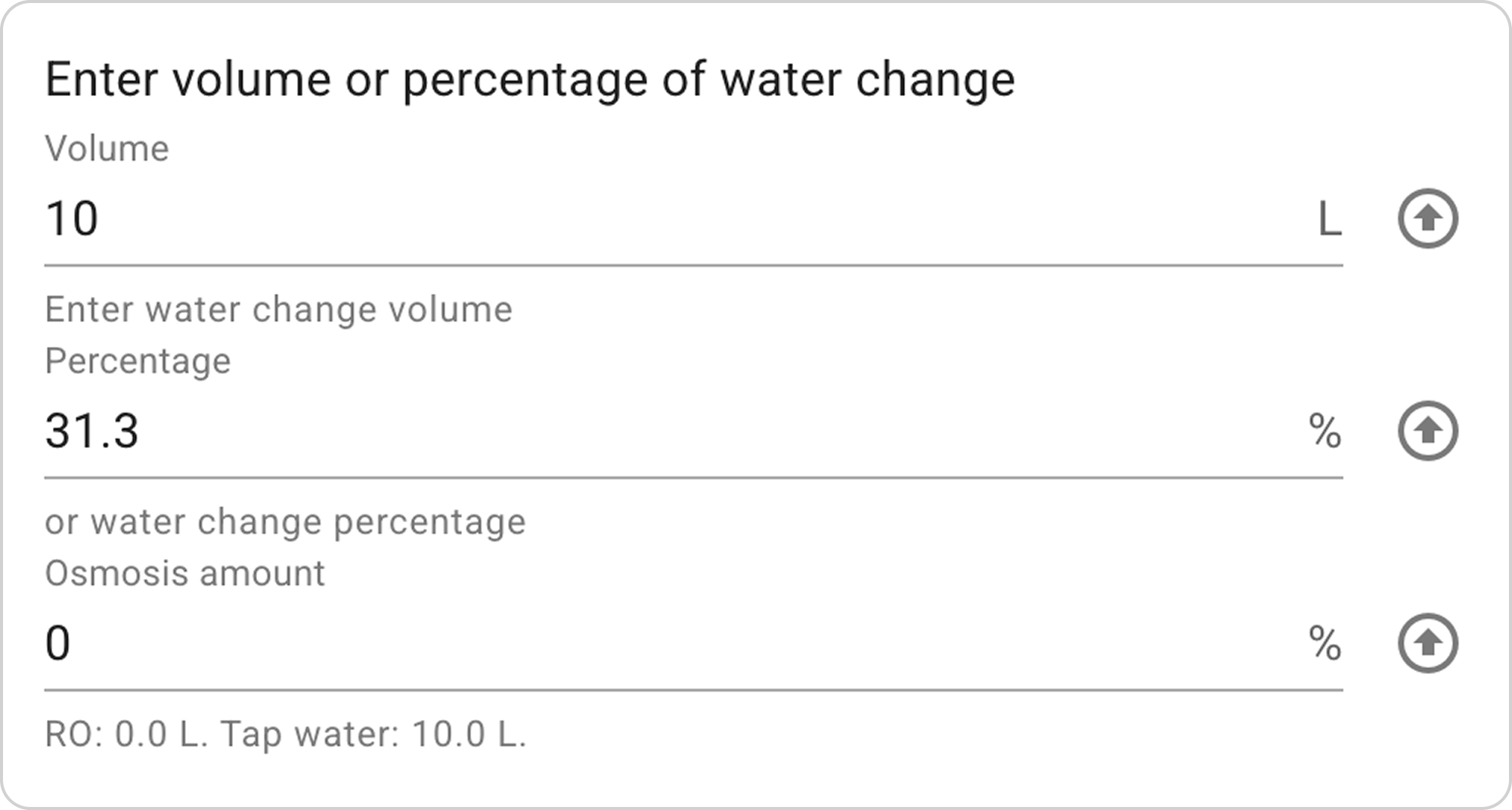
- The system will automatically calculate "Percentage".
Step 4: Enter Tap Water Parameters
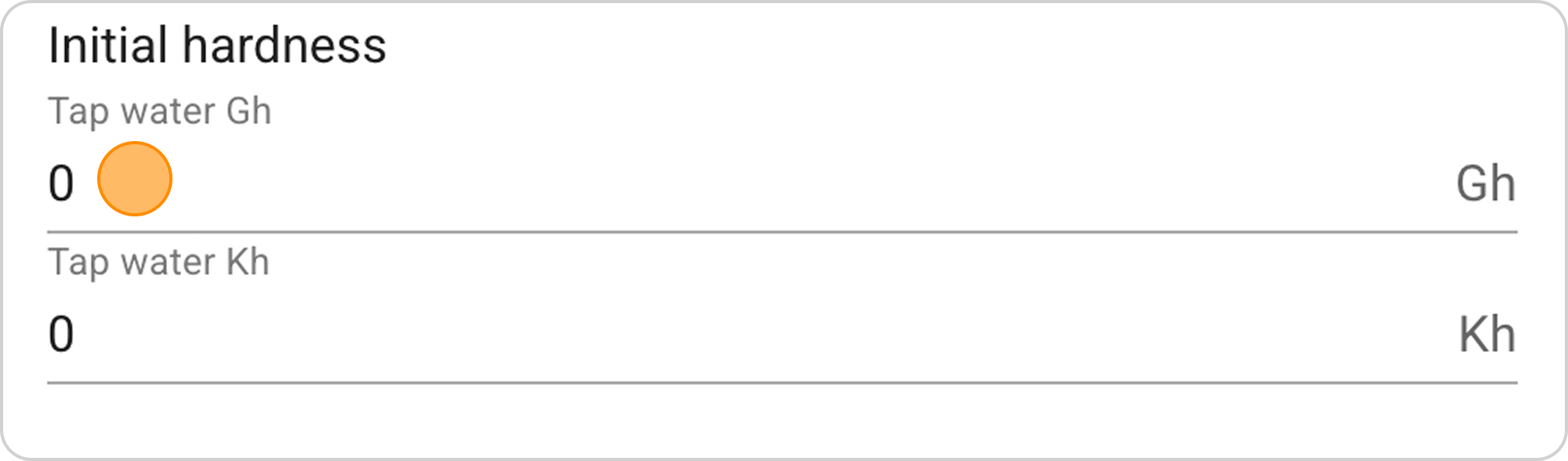
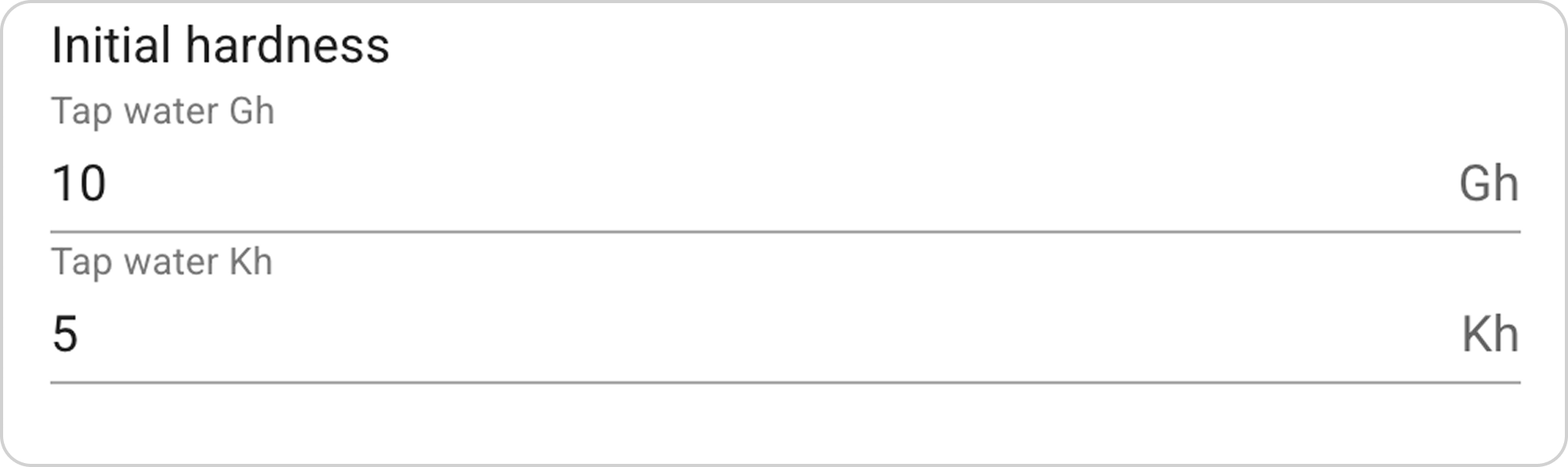
- In the "Tap water Gh" field, enter the value "10"
- In the "Tap water Kh" field, enter the value "5".
Step 5: Select Mixing Proportions
Now begins the process of selecting the correct proportion of diluting tap water with RO. Specify the RO percentage, and the system automatically calculates hardness in the aquarium.
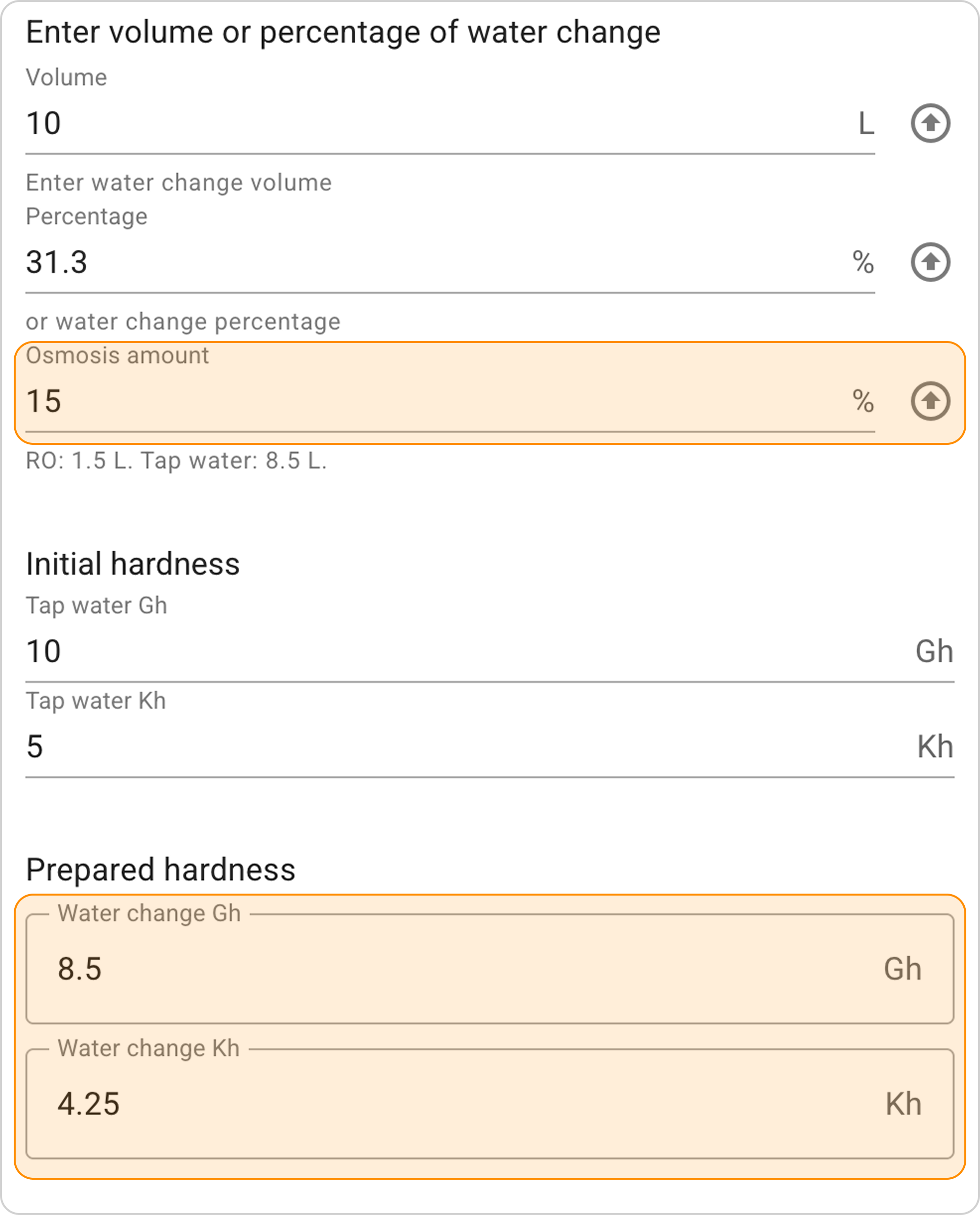
- In the "Osmosis amount" field, enter "15" % - the system will calculate hardness indicators Gh=8.5, Kh=4.25.
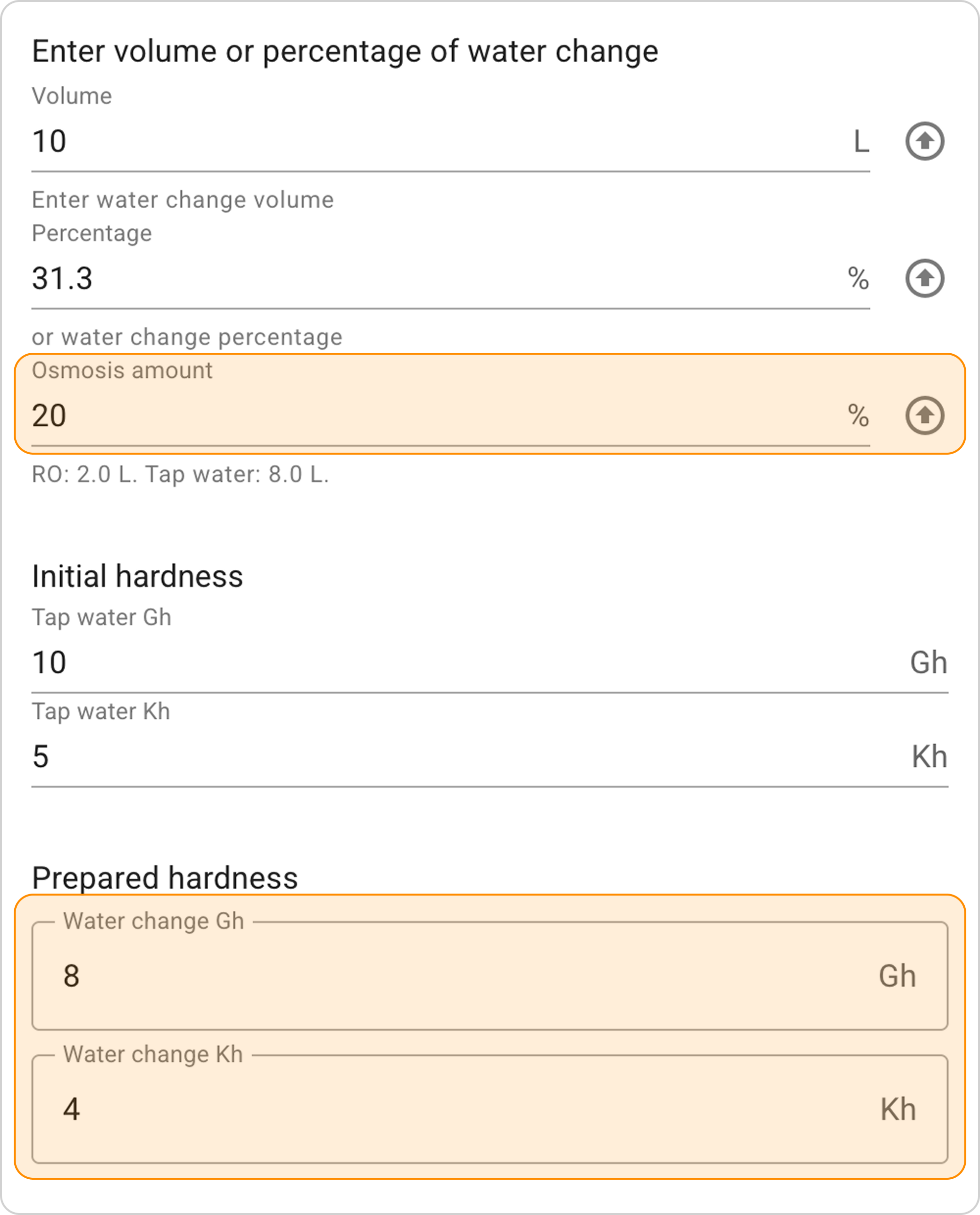
- Increase the entered value and enter "20" %** in the "Osmosis amount" field. The system will calculate hardness indicators Gh=8, Kh=4.
Result Interpretation
With the setting 20% RO + 80% tap water, we get the following results:
Mixing volumes:
- 2 L of RO water (20% of 10 L)
- 8 L of tap water (80% of 10 L)
Prepared water parameters:
- In 10 L of water change, we get hardness indicators Gh=8 and Kh=4.
"I'm testing water" Option
When to use:
- Want to change hardness in the aquarium in one water change
- Know current water parameters in the aquarium
Step-by-Step Guide
Initial parameters:
- Tap water hardness indicators: Gh=12, Kh=6
- Current aquarium hardness indicators: Gh=10, Kh=5
- Desired hardness indicators after water change: Gh=8, Kh=4.
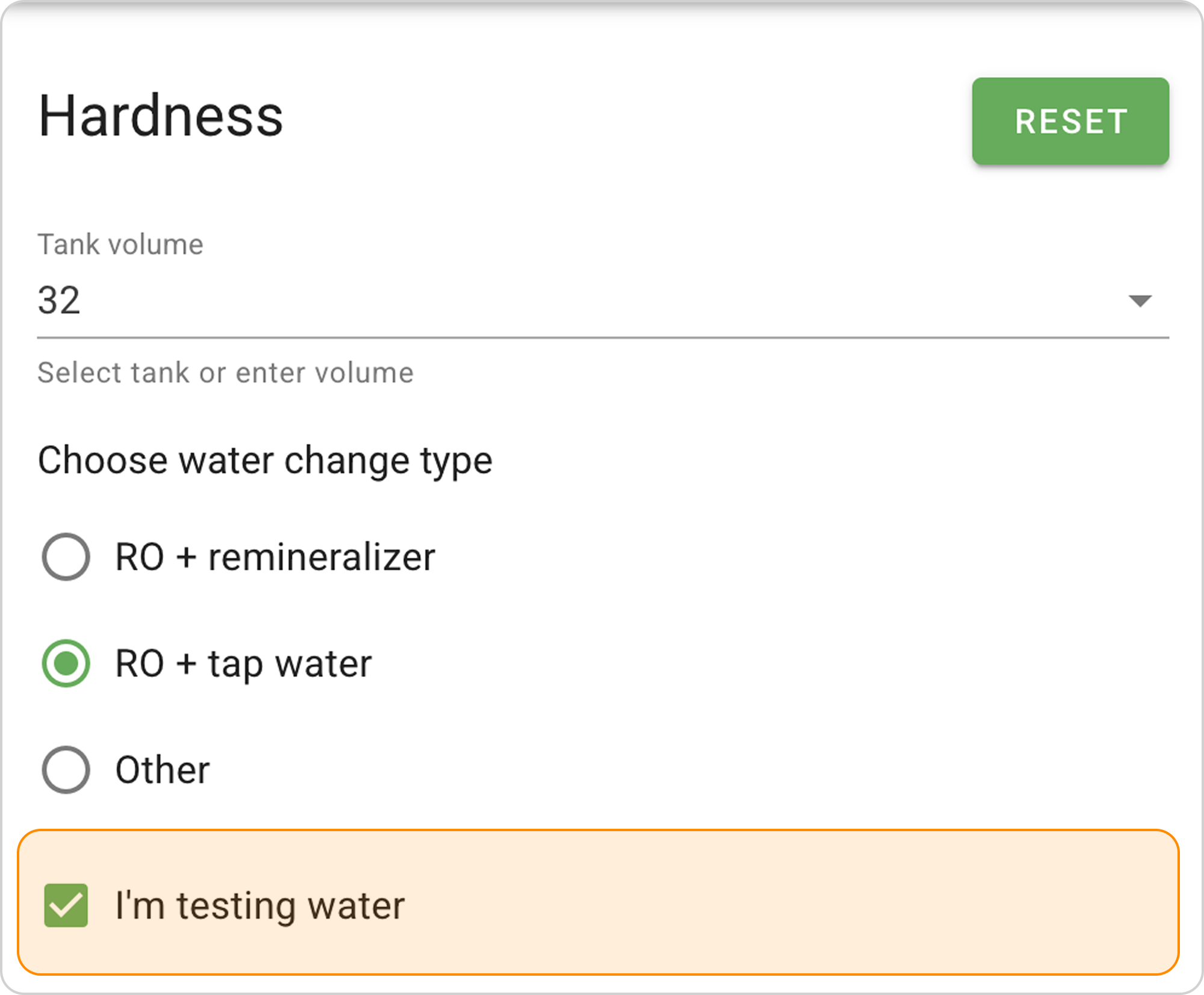
Step 1: Activate the "I Test Water" Option
- Check the box next to "I'm testing water"
Step 2: Enter Water Change Volume
- In the "Enter volume or water change percentage" section:
- In the "Volume" field enter "10" L
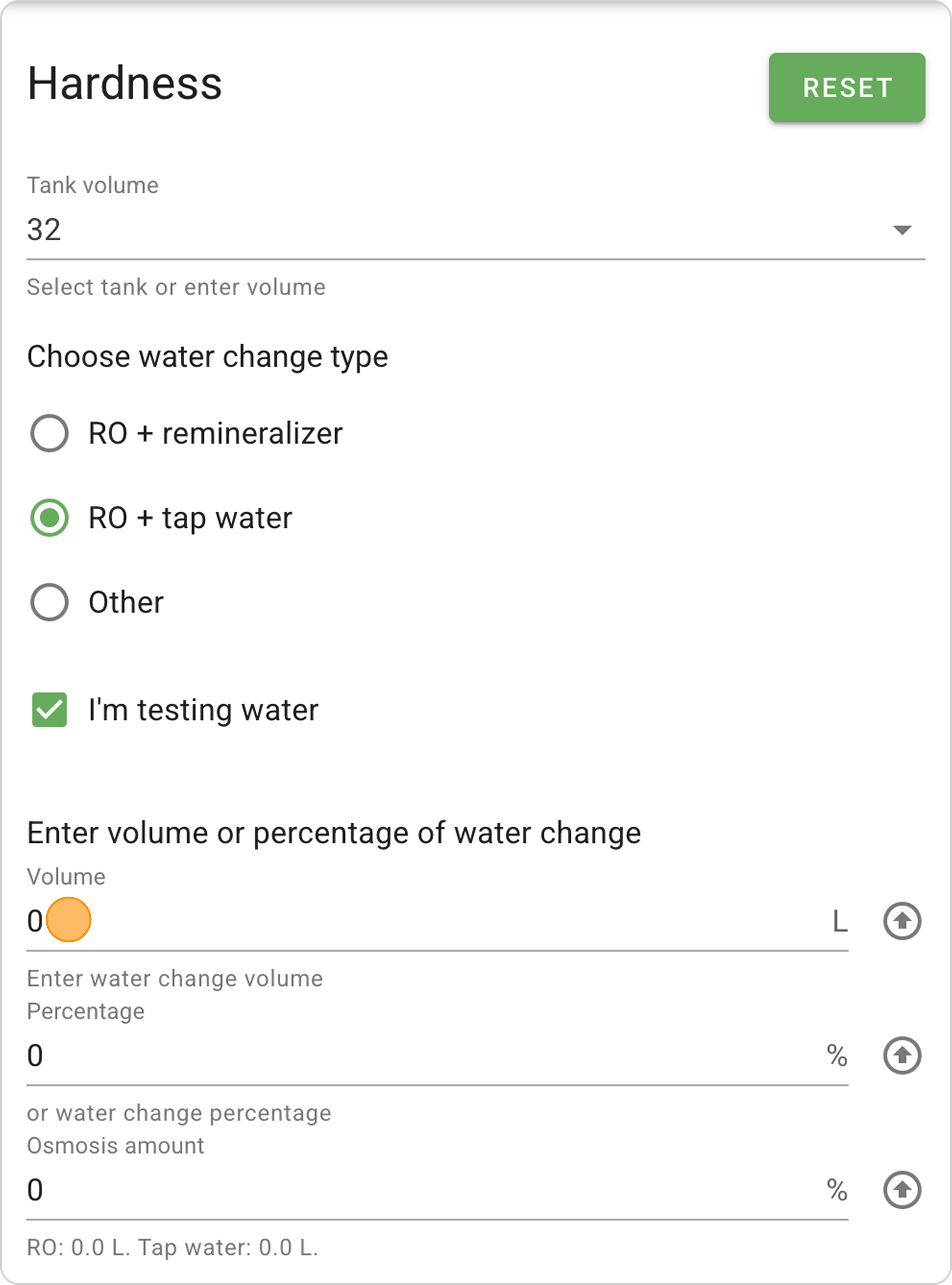
- The system will automatically calculate "Percentage".
Step 3: Enter Initial Water Hardness Indicators
- In the "Initial hardness" section fields, enter corresponding values:
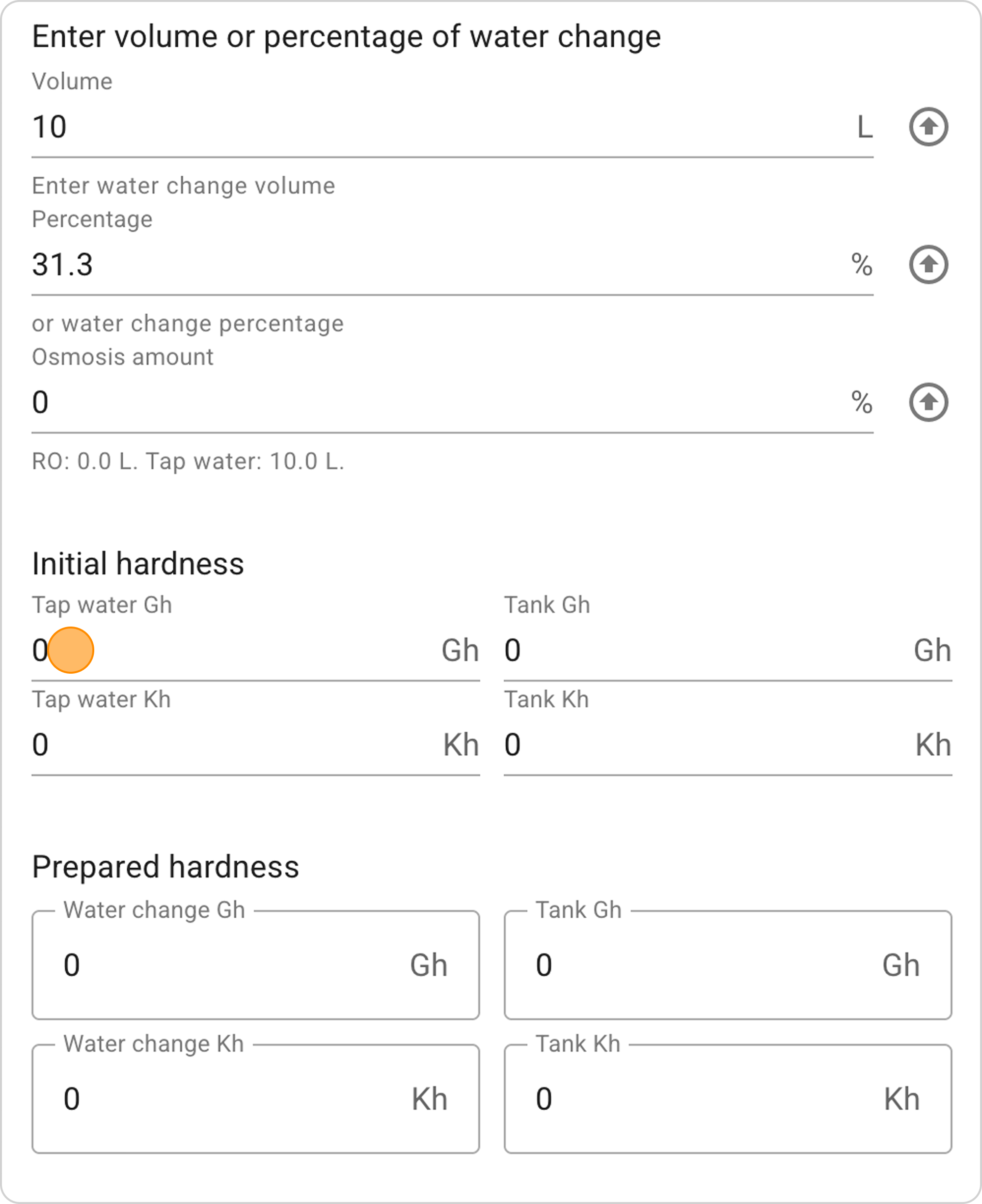
- "Tap water Gh": 12
- "Tap water Kh": 6
- "Tank Gh": 10
- "Tank Kh": 5
Step 4: Select Mixing Proportions
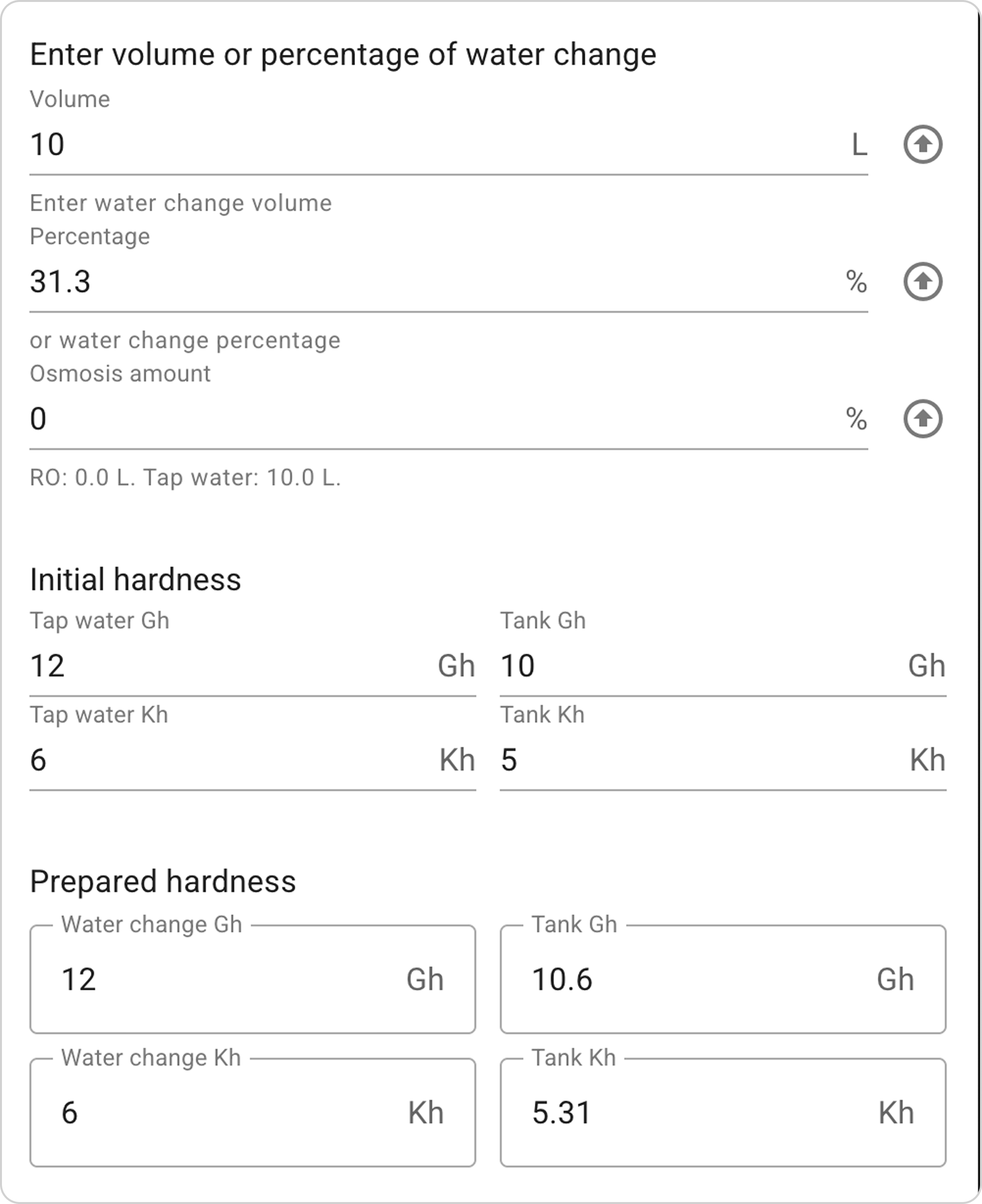
Now begins the process of selecting the correct proportion of diluting tap water with RO. Specify the RO percentage, and the system automatically calculates hardness in the aquarium.
- In the "Osmosis amount" field, enter "50" % - the system will calculate hardness indicators, by which you can judge which direction to change the RO percentage. In this example, 50% is insufficient, meaning this value needs to be increased.
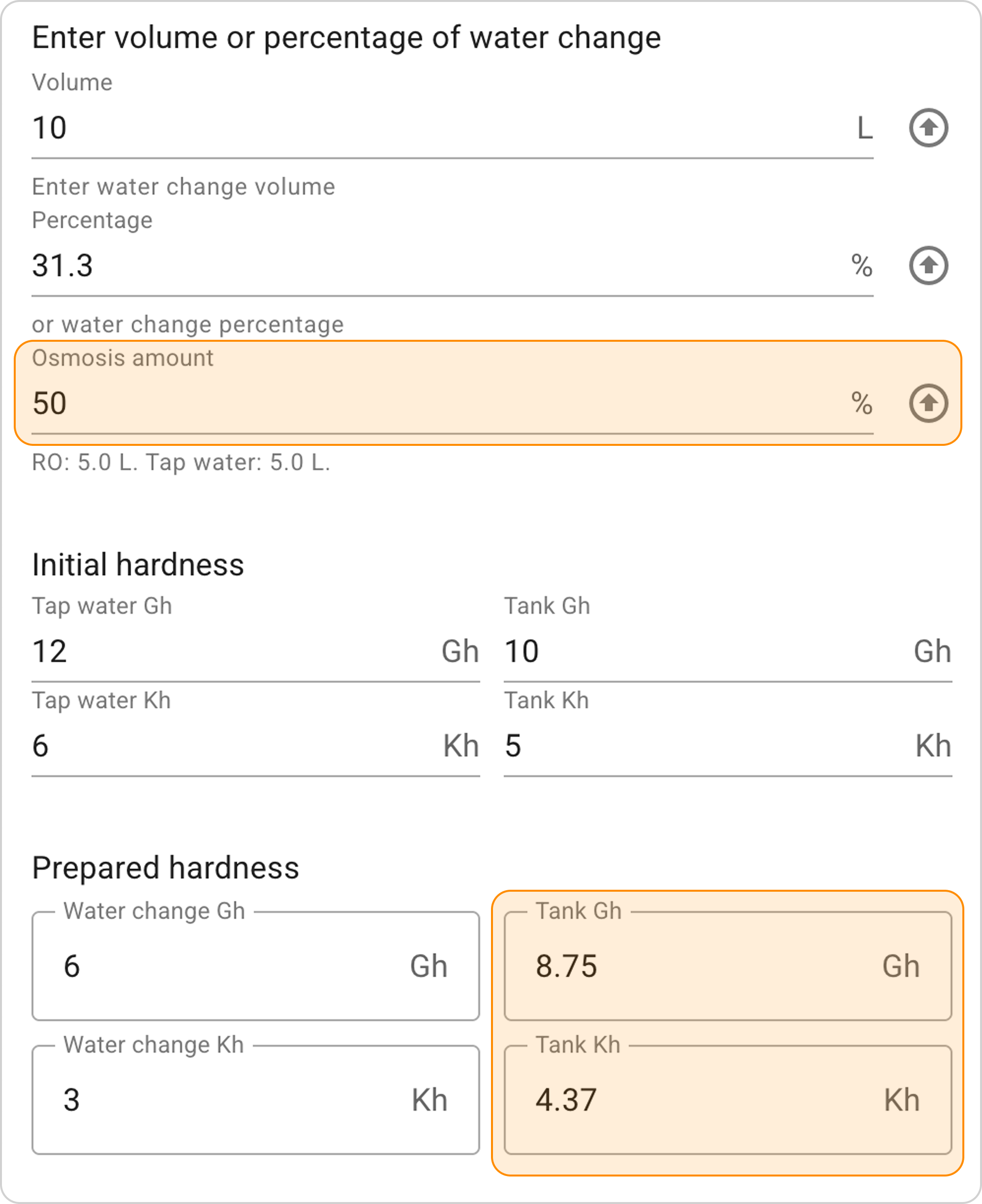
- Increase the entered value and enter "70" %** in the "Osmosis amount" field. The system will calculate hardness indicators Gh=8, Kh=4.
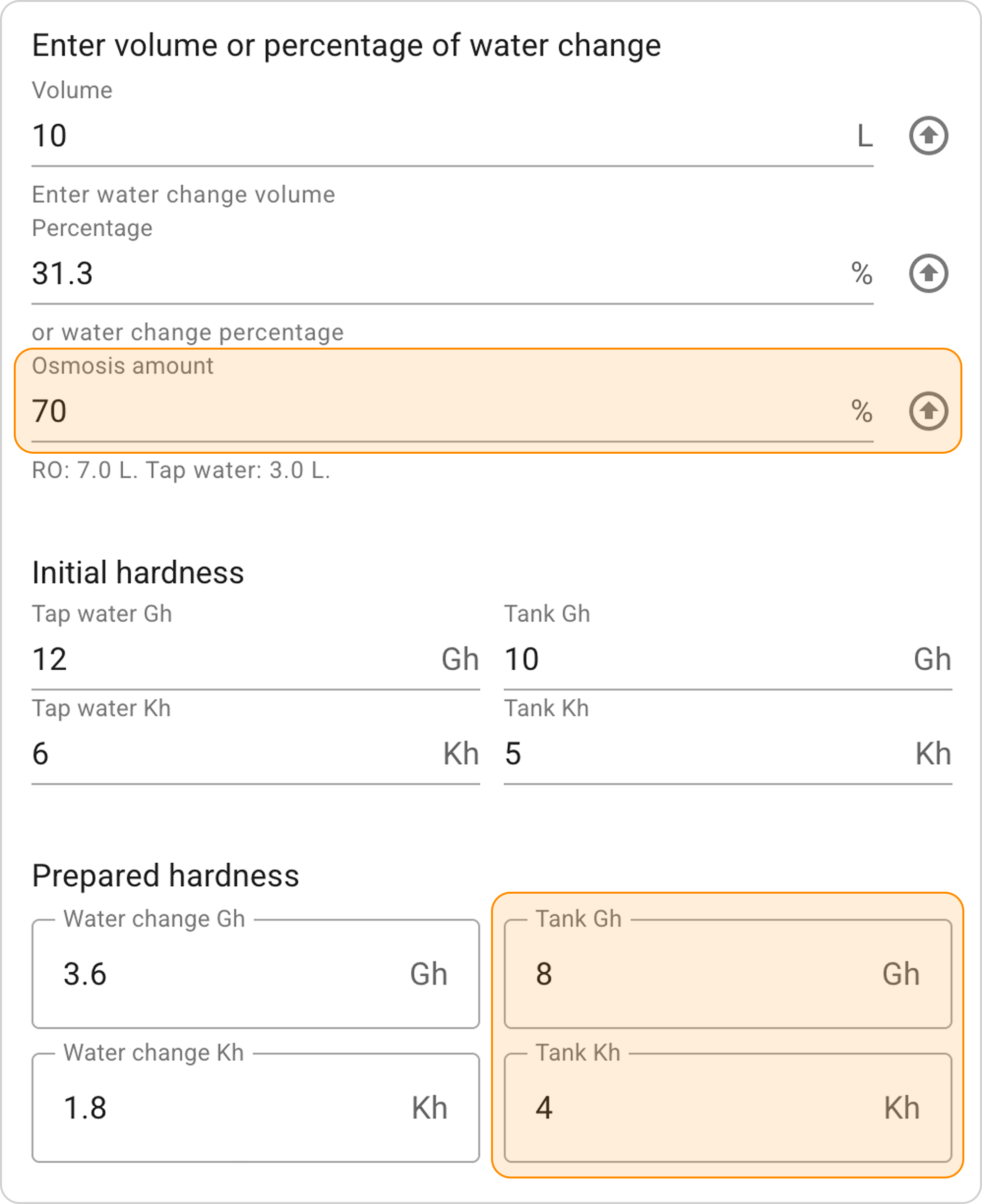
Result Interpretation
With the setting 70% RO + 30% tap water, we get the following results:
Mixing volumes:
- 7 L of RO water (70% of 10 L)
- 3 L of tap water (30% of 10 L)
Prepared water parameters:
- In 10 L of water change, we get hardness indicators Gh=3.6 and Kh=1.8.
Final result in the aquarium:
After replacing 10 L of water, the aquarium water hardness indicators will change as follows:
- Gh will decrease from 10 to 8
- Kh will decrease from 5 to 4.
Practical Tips
💡 Process Optimization:
- Start selection with 50/50 proportion, then adjust
- To quickly reduce hardness, increase the RO share
- To save RO water, use the minimum necessary percentage